
Best Bags for 17 Inch Laptops: Everything to Know Before Your First Purchase for 2026
Disclosure: We may earn a commission when you buy through links on this page, at no extra cost to you. As an Amazon Associate I earn from qualifying purchases. Learn more

Learn how to choose a bag for a 17 inch laptop by measuring first, then checking padding, charger space, and straps.
Buying your first bag for a large laptop is harder than it looks, because most bags are built for smaller machines and the size labels can mislead you. This friendly guide walks you from the basic terms to a confident choice of the best bags for 17 inch laptops for your needs. You will learn how to measure your computer, what padding really does, and which mistakes send many first time buyers back to the returns desk.
Nothing here requires experience. Keep your laptop measurements beside you, check options in the comparison table below as you read, and by the final section you will know exactly which questions to ask of any bag.

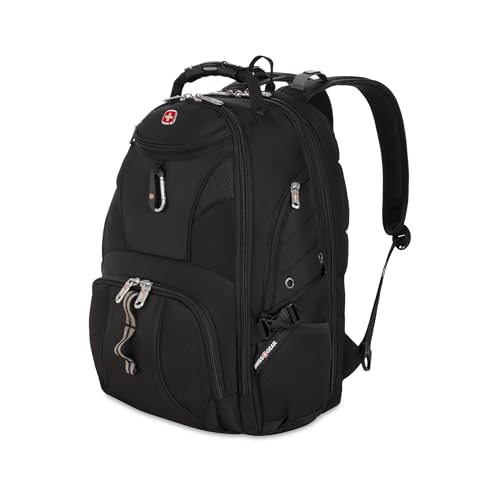

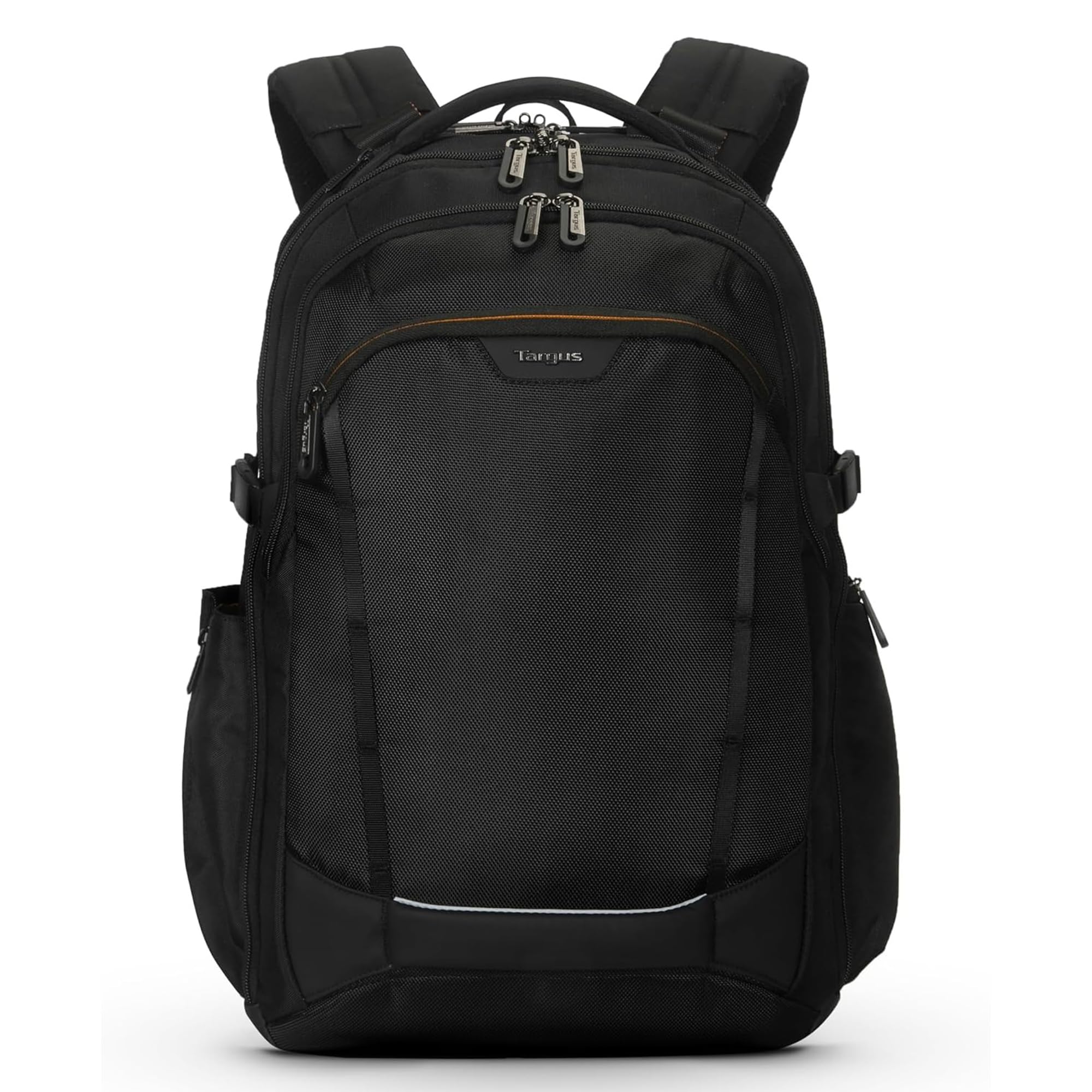

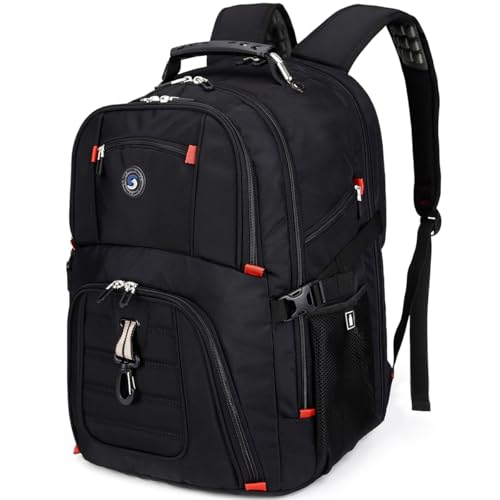
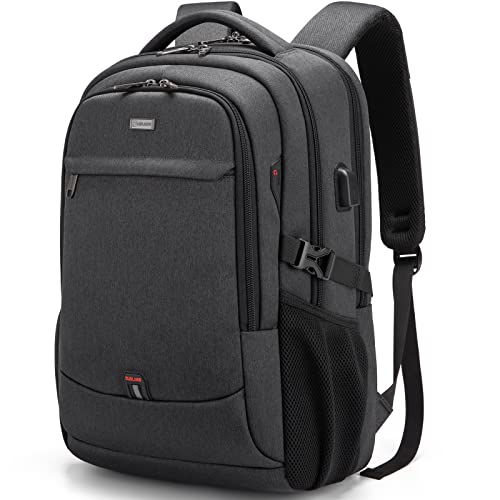
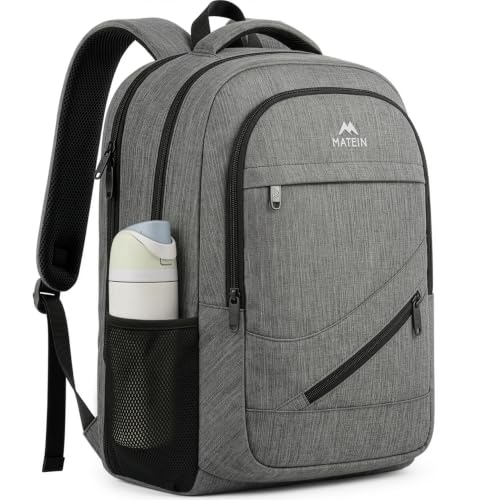


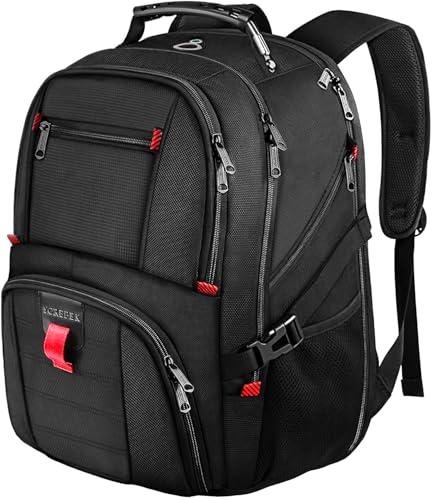
Bags 101: The Basics
A laptop bag is a protective carrier with a padded section sized for a computer, plus space for the charger and daily items. The main styles are backpacks, which spread weight across both shoulders, messenger bags, which hang from one shoulder for quick access, and totes or briefcase styles, which carry by hand or shoulder in formal settings. Key terms are simple: the laptop compartment is the padded section, a sleeve is a thin padded case, and a false bottom means the computer sits above the base of the bag so a drop does not strike it directly.
Capacity is often listed in liters, and large laptop bags usually need more room than standard school or office packs. A bigger screen means a wider and taller body, so the bag must be wider too, not just deeper. That is why a bag that fits smaller machines cannot simply stretch to fit yours.
Key Specs Explained in Plain English
Features That Matter for 17 Inch Laptops
Machines in this class are wide, tall, and often heavy, so the bag needs internal dimensions that exceed your laptop size on every side with room for padding. Measure your computer length, width, and thickness with the lid closed and write the numbers down. Then compare them with the internal size of the laptop section, not the outer size of the whole bag. Look for corner padding, a secure hold inside the compartment, and a base that will not sag under four to six pounds of computer plus a large charger.
Charger Size and Total Weight
Large laptops, especially gaming and workstation models, are thicker and heavier than ultraportables, and their chargers can be twice the size of a basic one. The laptop alone often weighs four to six pounds, and the charger, mouse, and a few books push the load well past ten pounds. Plan a separate charger pocket so the brick does not press on the screen, and choose straps and a back panel built for a heavy load rather than a slim fashion carrier.
Backpack, Briefcase, or Shoulder Bag?
For a laptop this size, a backpack is usually the most comfortable choice because it spreads the weight across both shoulders. Briefcases and shoulder bags look more formal and give quick access, but a heavy 17 inch machine on one shoulder gets tiring on anything longer than a short walk. Rolling bags suit frequent air travel. Whatever style you choose, make sure the laptop section is padded on all sides and that the zipper opens wide enough to slide the machine in without forcing it.
How to Measure Your Laptop
Measure the length, width, and thickness of your laptop with the lid closed, then compare them with the internal dimensions of the bag's laptop section. Add about half an inch to each measurement for padding and for the charger sleeve, and remember that a few "17 inch" laptops are 17.3 inches or larger. Bags marked for 15.6 inch laptops will not work, and a bag that is just barely large enough will wear the zipper out quickly.
If a backpack is your likely style, see our guide to the best backpacks for 17 inch laptops for how strap design and back padding handle the extra weight of this size class.
Rookie Mistakes to Avoid
- Trusting the screen size label alone. Two laptops with the same screen size can differ by an inch in body width, so always compare internal measurements.
- Forgetting the charger. Large laptops use large chargers, and a bag with no room for the brick will bulge and press on the screen.
- Choosing style over straps. A heavy laptop in a thin strapped tote will hurt your shoulder within one block of walking.
- Ignoring the base. Setting a bag down is the most common drop, so thin bottom padding is a real risk, not a minor detail.
- Overloading the main space. Books pressed hard against the lid can damage a screen, so use a divider or a separate book section.
Getting Started: Setup and First Use
When your bag arrives, test the fit at home before you remove every tag. Slide the laptop in and out several times, close every zip, and confirm nothing strains or catches. Load the charger, mouse, and one book, then walk around your home for ten minutes and adjust the straps until the weight sits close to your back and the bag does not swing. Place sharp or hard items in pockets away from the laptop section, and put the computer in last when you pack each morning so it stays against the padded side.
Two habits protect the laptop itself on day one. Use a padded sleeve inside the bag for extra corner safety if your commute involves crowded trains, and keep your system software updated at home rather than running updates on public networks. Small routines like these prevent most early damage.
FAQs
What features matter most in bags for 17 inch laptops?
Verified internal fit, thick corner and bottom padding, and straps built for a heavy load matter most. This size class punishes weak design because the computer is heavier and wider than average. After those basics, look for a separate charger pocket and a divider that keeps books off the screen. If a listing hides internal dimensions, treat that silence as a reason to choose a different bag.
How long should a bag last?
A solid bag in daily use should last about three to five years. The zips, strap stitching, and bottom corners wear first, so check those areas for strong construction when you shop. A budget bag carrying a heavy large laptop may last only a year or two. You can stretch the life of any bag by not overloading it, drying it fully after rain, and lifting it by both handles rather than one strap.
Wrapping Up
Start with your measurements, demand real padding at the corners and base, and choose straps that match the true weight of your setup. Those three steps prevent nearly every first time buying mistake. Check your shortlist in the product table above against them, and you will find the best bags for 17 inch laptops for your routine without guesswork. If your machine turns out smaller than you thought, our guide to the best bags for 15 inch laptops covers the next size down.

