Best Backlit Gaming Keyboards: A First Time Buyer's Guide for 2026
Disclosure: We may earn a commission when you buy through links on this page, at no extra cost to you. As an Amazon Associate I earn from qualifying purchases. Learn more

Shopping for the best backlit gaming keyboards for the first time? Learn the terms, compare options, and avoid rookie mistakes with this easy guide.
Shopping for your first gaming keyboard is confusing because every listing shouts about switches, lighting zones, and polling rates at once. The best backlit gaming keyboards share a simpler set of traits: keys you can read in a dark room, switches that suit your hands, and a connection that never lets a press go missing. This guide explains each term in plain English before you spend anything.
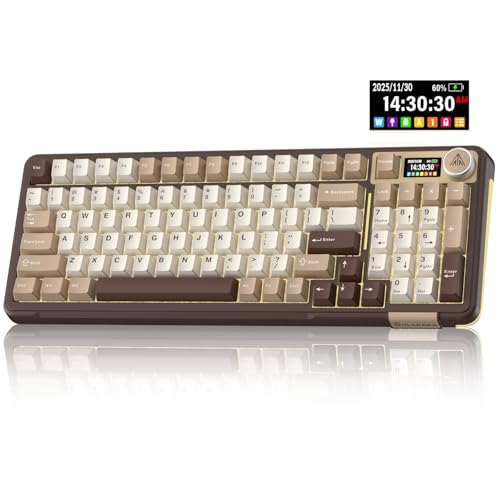
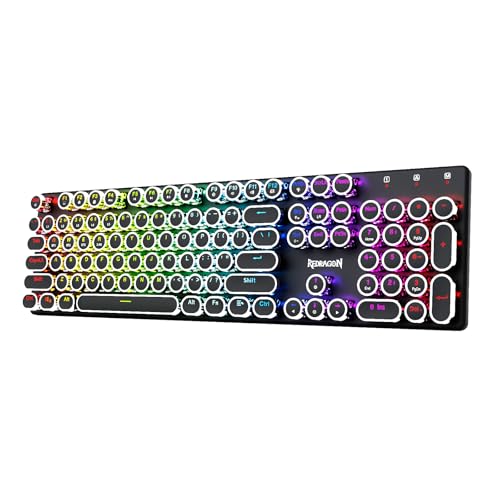
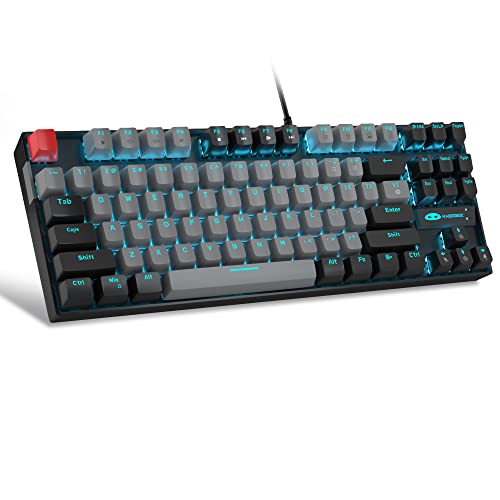
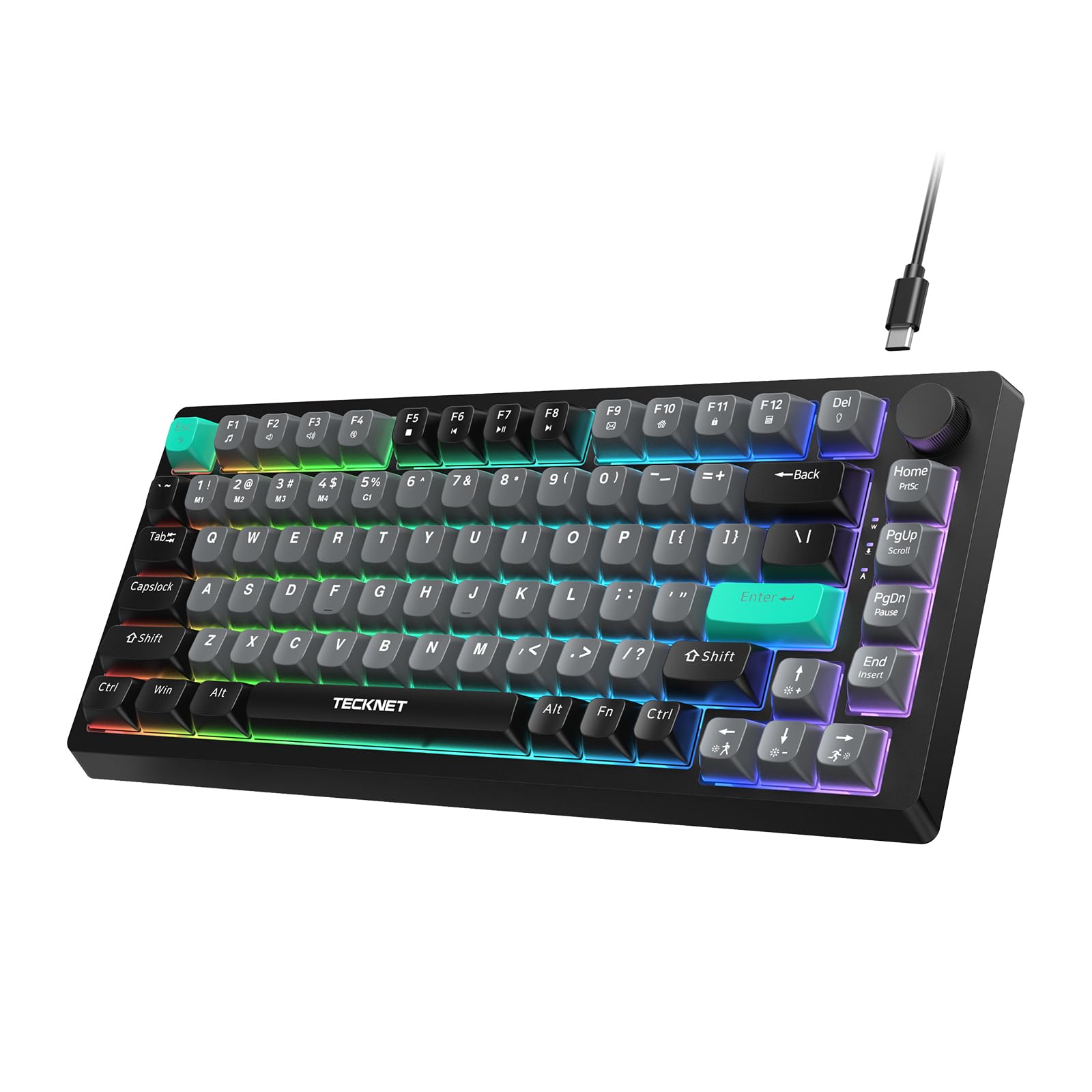
Backlighting is not just decoration. It helps you find keys during night sessions, shows which keys belong to a game profile, and makes a shared desk easier for everyone who types on it. Work through the specs below, check the comparison table below, and you will know exactly which features deserve your money.



Backlit Gaming Keyboards 101: The Basics
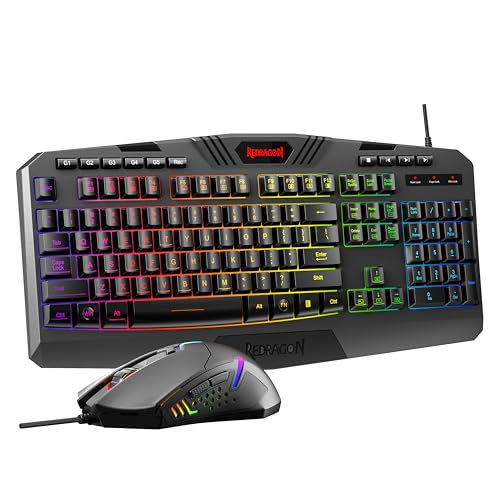
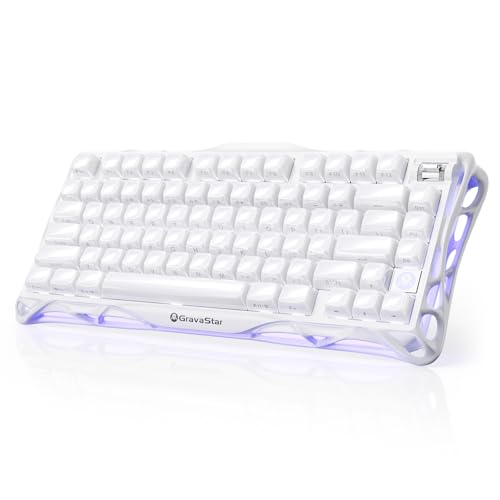
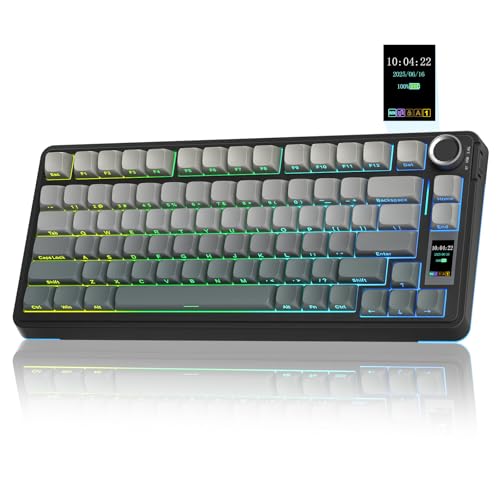
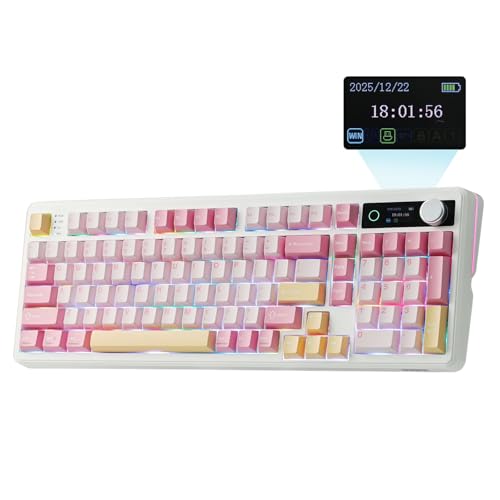
A backlit gaming keyboard has small lights under or around its keys so the legends stay visible in low light. Basic models light the whole board in one color with a few brightness levels. Better models light each key on its own, which lets you color a movement cluster one shade, ability keys another, and everything else a dim neutral.
The lighting style has names worth knowing. Single zone means one color everywhere, zone lighting splits the board into a few areas, and per key lighting controls every switch separately. Per key control looks impressive, but steady single color light already solves the main job, which is reading keys in the dark.
Two other terms appear everywhere. A switch is the mechanism under each keycap that registers a press, and a keycap is the plastic cap your finger touches. Switch feel decides how the board plays, while keycap material decides how long the legends survive before they fade.
Key Specs Explained in Plain English
Wired vs Wireless (2.4GHz, Bluetooth)
A wired keyboard sends every press through its cable with no delay worth worrying about and never needs charging. It is the safest choice for competitive play and the simplest choice for a desk that never moves. The trade off is a cable across your desk and one port used at all times.
Wireless models connect through a 2.4GHz dongle or through Bluetooth. A good dongle connection feels as fast as a cable for gaming, while Bluetooth suits office devices and tablets but can add a small delay. Many boards offer all three modes, so you can game through the dongle and type on a second device through Bluetooth.
Battery Life and Charging
Backlighting is the biggest drain on a wireless keyboard battery. A board that lasts weeks with the lights off may last only a few days with brightness at full and effects running. Look for honest battery figures stated with lighting on, and treat figures stated with lighting off as best case marketing.
Charging through USB C is now the standard to expect, since one cable can charge your keyboard, mouse, and headset. A board that works in wired mode while it charges saves you mid game. If you plan long sessions, our guide to the best gaming keyboards and mice covers matched wireless sets that share charging habits.
Compatibility (PC, Mac, Console)
Most gaming keyboards work on Windows the moment you plug them in. Mac support needs a check, because some boards lack Mac legends and some software for lighting and macros runs only on Windows. If you switch between systems, look for a physical Mac and Windows toggle or a second set of keycaps in the box.
Console support is narrower. Many consoles accept a keyboard for typing and for certain games, but support changes by title, and some boards need wired mode to register at all. Check the game you actually play rather than trusting a console logo on the box, and keep expectations modest for lighting control on console.
Weight and Build Quality
A solid frame keeps the board planted during fast play and stops the hollow flex that makes a keyboard feel cheap. Metal top plates add weight and stiffness, while full plastic builds keep the price and the carrying weight down for travel. Neither is wrong, but a heavy board belongs on a settled desk.
Keycaps deserve as much attention as the frame. PBT keycaps resist the shiny, slippery surface that oily fingers create on cheaper caps, and their legends are usually molded or printed in ways that survive years of use. Since backlight must shine through the legends, confirm the caps are made for backlit boards before buying spares.
Sensor/Switch Type and Performance
Keyboards do not have sensors, but they do have switches, and switch type shapes every press. Linear switches move straight down with smooth, even force and suit fast repeated presses. Tactile switches add a small bump you can feel as the press registers, which many typists love. Clicky switches add sound to that bump and annoy everyone in earshot.
Polling rate is the performance figure to know. It describes how often the keyboard reports to the computer, with 1000Hz meaning one thousand reports each second. Standard boards at 1000Hz are plenty for nearly all players. Membrane boards cost less and feel softer, while mechanical and optical switches respond faster and last far longer.
Ergonomics, Size, and Grip Style
Keyboard size is listed as full size, tenkeyless, or a percentage such as 75 percent or 60 percent. Full size boards include the number pad, tenkeyless boards drop it for more mouse room, and compact boards fold the function row and arrows into layered keys. Smaller boards free desk space and bring the mouse closer, which many players find kinder to the shoulder.
Grip style language belongs to mice, but hand position matters here too. Keep wrists floating or resting lightly, set the board flat or with a slight tilt, and consider a wrist rest if you type for hours. If your desk setup is still growing, our guide to the best gaming monitors helps you plan screen and desk space together.
Choosing a Keyboard for Specific Needs
Best Wireless Backlit Gaming Keyboards
Shoppers comparing best wireless backlit gaming keyboards should judge three things first: a 2.4GHz dongle for play, honest battery figures with the lights on, and a wired fallback for charging during a session. Wireless freedom is worth the most on clean desks and in living rooms, and worth the least if the board never leaves one spot.
Best Quiet Backlit Gaming Keyboards
Anyone hunting for best quiet backlit gaming keyboards should look at switch choice before anything else, since the switch makes most of the noise. Linear switches, foam inside the case, and softer keycaps all cut sound without hurting speed. For more options in this lane, read our guide to the best quiet gaming keyboards after this one.
Best Backlit Gaming Keyboards Under $35
Budget hunters should expect single zone lighting, membrane or entry mechanical switches, and a plastic frame, and that set can still play well. Spend on switch feel and a wired connection, and skip fancy effects. Our guide to the best affordable gaming keyboards explains where cheap boards cut corners safely.
Rookie Mistakes to Avoid
- Buying lighting effects instead of switch feel. You touch the switches for hours and admire the light show for minutes, so order your priorities that way.
- Ignoring board size until it arrives. A full size board can crowd your mouse space, while a tiny board can hide keys you use daily behind layers.
- Trusting battery claims with the lights off. Backlighting drains power fast, so judge wireless boards by figures measured with lighting on.
- Forgetting Mac or console limits. Software, legends, and game support differ by platform, and a quick check beats a return.
- Skipping the return policy on switch choice. Switch feel is personal, and a seller with easy returns is worth a few dollars more.
Getting Started: Setup and First Use
Unbox the board, connect it in wired mode first, and let any companion app update the firmware before you customize anything. Updates often fix lighting bugs and battery reporting, and doing them first avoids setting up profiles twice. Then set one steady brightness level you can live with at night instead of a cycling effect.
Clean the board regularly, since dust and crumbs are the main cause of missed presses and scratchy keys. A soft brush and short blasts of canned air once a month keep most boards happy. Save one profile with plain white light for work, because colored layouts that help in a game can slow you down in a spreadsheet. For a broader shortlist of boards beyond backlit models, see our guide to the best gaming keyboard options next.
FAQs
Does a backlit gaming keyboard work with Mac and console?
Yes, most boards type on Mac and console right away, but the extras vary. Lighting and macro software often runs only on Windows, Mac users may miss printed Mac legends, and consoles accept keyboards only in supported games. Wired mode gives the widest console compatibility, so test your main game before relying on a wireless connection.
Wired or wireless: which is better for a gaming keyboard?
For pure performance, a cable is still the simplest answer, with no charging and no interference. A quality 2.4GHz dongle connection is close enough that most players cannot feel a difference, and it keeps the desk clear. Choose based on your desk habits: settled and competitive points to wired, flexible and tidy points to wireless.
Are mechanical gaming keyboards worth it?
For most players, yes, because mechanical switches register presses consistently, survive far more presses than membrane switches, and come in feels you can match to your hands. The worth fades if you play rarely or need near silence on a tight budget. A single board with switches you enjoy beats a drawer of boards you tolerate.
What DPI do I need for gaming?
DPI is a mouse setting, not a keyboard setting, so no keyboard choice changes it. Most players settle between 800 and 1600 DPI and adjust sensitivity inside each game. The keyboard figure that plays a similar role is polling rate, and 1000Hz is the sensible target. Judge keyboards on switches and size, and set DPI on your mouse instead.
Final Thoughts
Pick your switch feel first, your board size second, and your lighting style third, and most other decisions fall into place. Keep the product table above in view while you compare, favor honest battery claims and easy returns, and your first board can serve you for years. Chosen with those rules, the best backlit gaming keyboards stop being a confusing category and become an easy, confident buy.