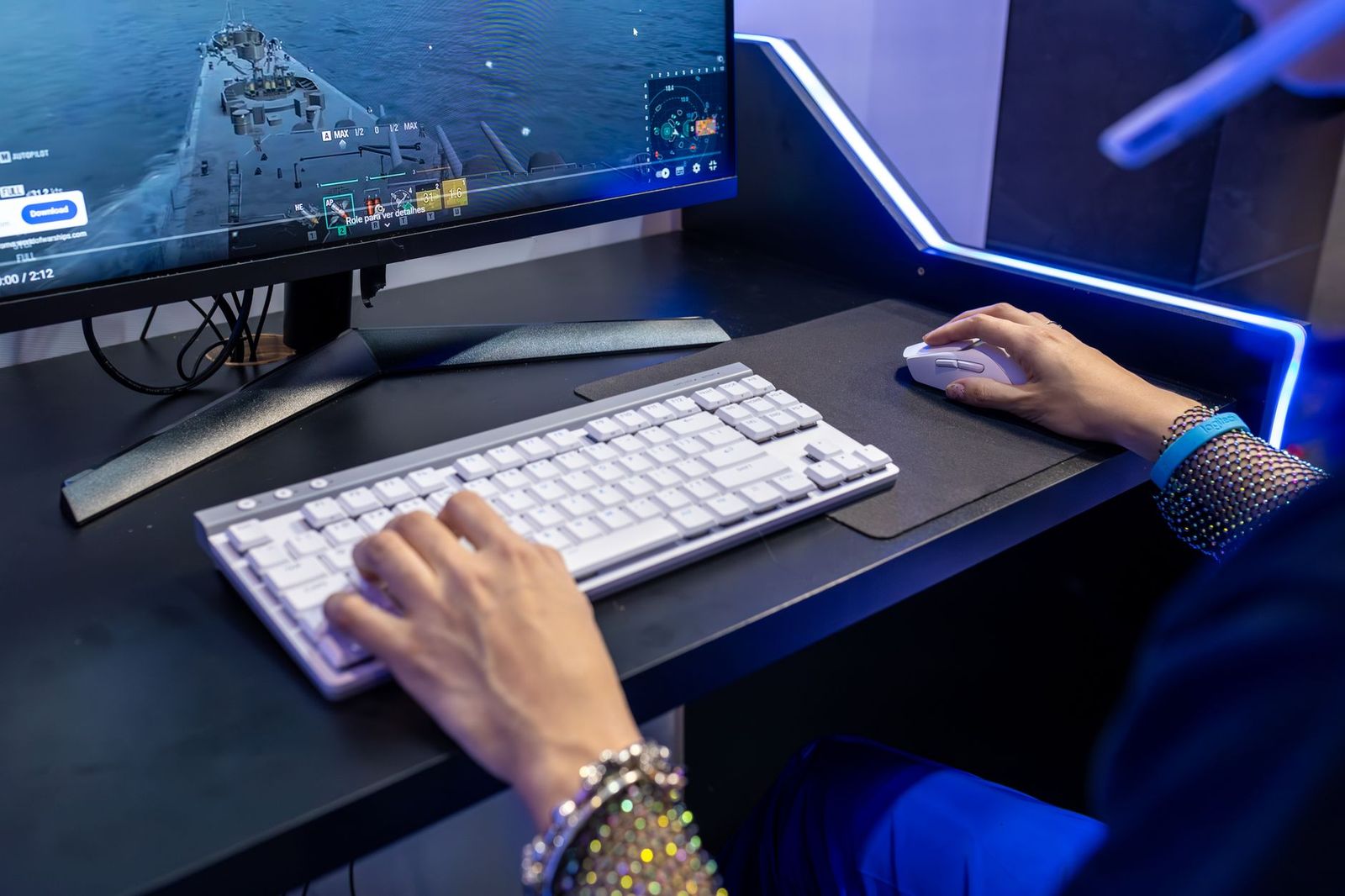
Best Affordable Gaming Keyboards: Buying Guide for 2026
Disclosure: We may earn a commission when you buy through links on this page, at no extra cost to you. As an Amazon Associate I earn from qualifying purchases. Learn more

A plain guide to the best affordable gaming keyboards: switch type, layout, build quality, and connection.
Gaming keyboards range from a few dollars to well over $200, and the extra money does not always buy a better experience. This guide to best affordable gaming keyboards explains which features change how a keyboard feels in games, which ones are mostly marketing, and how to use the comparison table below. It is written for players who want a fast, reliable board without paying for extras they will not use.
At affordable prices you can now find mechanical switches, wireless connections, and hot swappable sockets, which were once premium features. The trick is knowing which of them matter for your style of play.


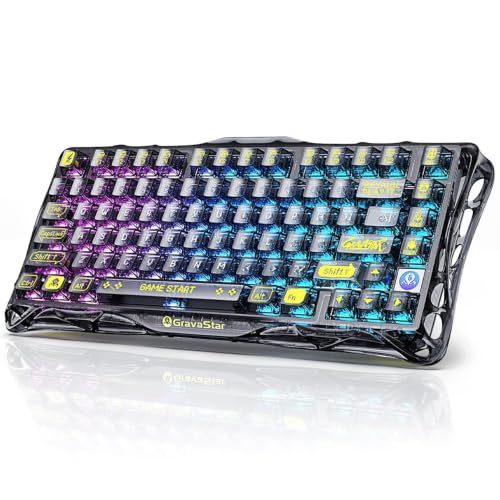

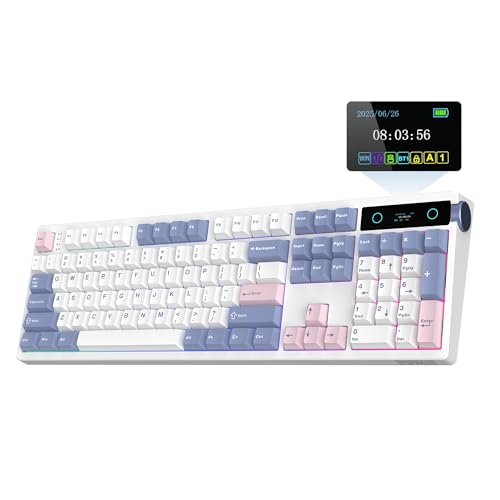

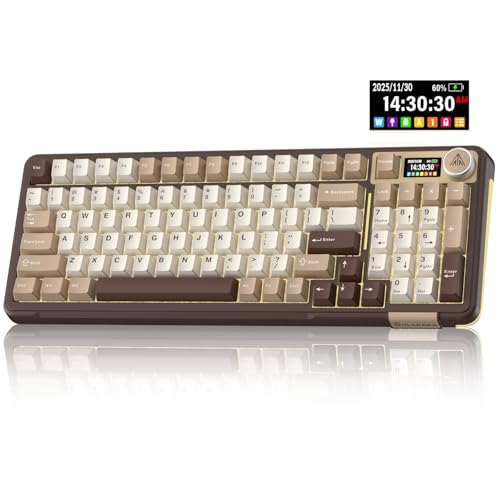
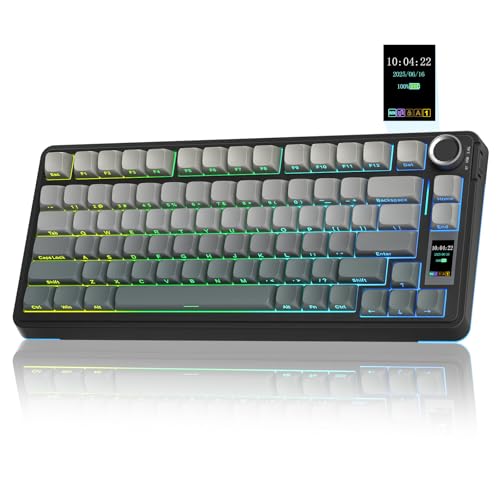
Switch Types Explained
Switches decide how a keyboard feels and sounds, so this is the most important choice.
Membrane Keyboards
Membrane boards use a rubber dome under each key. They are quiet, cheap, and fine for casual play, but the feel is soft and they usually wear out sooner. They suit shared rooms and tight budgets.
Mechanical Keyboards
Mechanical boards use a separate switch under each key. They respond more crisply, last longer, and come in three main feels. Linear switches are smooth and fast, which many players prefer for games. Tactile switches have a small bump that tells you the key has registered. Clicky switches add a loud click and suit typing more than shared rooms.
Optical and Magnetic Switches
Some newer boards use light or magnets to detect key presses, which allows very fast response and adjustable actuation. They cost more and mainly matter to competitive players.
Key Features to Compare
Size and Layout
Full size boards include a number pad. Tenkeyless boards drop it and leave more room for the mouse. Compact 75 percent and 60 percent boards save even more desk space but remove keys such as the arrows or function row. Choose the layout you will use daily, because a smaller board takes time to get used to. If you want a deeper look at the category, see our guide to the best gaming keyboard.
Wired or Wireless
Wired boards have no delay and never need charging. Modern wireless boards using a 2.4 GHz dongle are nearly as fast, and Bluetooth is fine for casual use. Check battery life if you choose wireless.
Rollover and Anti Ghosting
Anti ghosting lets the board register several keys at once, which matters in fast games. Most gaming keyboards handle common combinations, and full n key rollover is a useful extra.
Build and Extras
A sturdy frame with little flex feels better and lasts longer. Hot swappable sockets let you change switches without soldering. Lighting, a volume knob, and a wrist rest are nice but secondary. For a combined purchase, our guide to the best affordable gaming keyboard and mouse covers bundles.
What You Can Realistically Get on a Budget
Between about $60 and $110 you can find a good mechanical keyboard with a solid frame, per key lighting, and a choice of switches. At $110 to $200 you start to see wireless tri mode boards, gasket mounting, and premium keycaps. Under $50 expect membrane or entry level mechanical boards with plastic cases. Choose switches and layout first, and treat the rest as a bonus.
How to Choose by Play Style
Fast shooter and competitive players usually prefer linear or optical switches, a tenkeyless or compact layout that leaves room for wide mouse swings, and a wired or 2.4 GHz wireless connection for the lowest delay. Players of strategy and role playing games often use many keys, so a full size or 75 percent layout with extra function keys or a number pad can help. If you also type a lot, a tactile switch gives useful feedback without the noise of a clicky one.
Consider sound too. Mechanical boards are louder than membrane boards, and linear switches are usually quieter than clicky ones. Foam inside the case and thicker keycaps reduce noise, which matters if you share a room or stream with a microphone.
Keycaps, Mounting, and Build Details
Keycap material affects feel and lifespan. Double shot ABS keycaps are common and affordable, while thicker PBT keycaps resist shine and wear better. The way the plate is mounted changes the typing feel as well. A gasket mounted board feels softer, while a rigid tray mount feels firmer and snappier. None of this changes how well you can play, but it explains why two boards at similar prices can feel quite different. Try to read how owners describe the feel before you decide.
Common Mistakes to Avoid
- Buying a clicky board for a shared room, then regretting the noise.
- Choosing a compact layout without checking that you can live without the missing keys.
- Paying for lighting effects instead of a better switch or frame.
- Ignoring the cable or dongle, which can matter on a crowded desk.
- Assuming a higher price always means faster response in games.
Gaming Keyboard or Regular Keyboard
A regular office keyboard works for games, but a gaming keyboard usually adds faster key response, better anti ghosting, a sturdier frame, and extras such as macro keys or a volume knob. If you play only now and then, a decent regular board is enough. If you play often, the better response and durability of a gaming board is worth the modest price difference.
Wireless Boards and Battery Life
Wireless gaming keyboards have improved a great deal. A board with a 2.4 GHz receiver gives response close to a cable, and many models last weeks on a single charge with lighting off. Lighting is the biggest battery drain, so turning it down extends the time between charges. Bluetooth is convenient for switching between a laptop and a tablet but adds a little delay, so keep a cable or receiver for serious play.
Care and Setup
Clean the keyboard every few weeks by turning it upside down and brushing out dust, and pull off keycaps for a deeper clean when needed. Keep drinks away from the desk, since a spill can ruin the board. If your keyboard has software, install it to adjust lighting and macros, and save a profile so you can restore your settings quickly.
Frequently Asked Questions
Are mechanical keyboards worth the extra cost?
For most gamers, yes. They feel more precise, last longer, and let you choose the switch feel. Membrane boards are fine if you play rarely or share a quiet room.
What layout should I choose?
Tenkeyless is a good choice for most players because it frees mouse space. Pick full size if you use the number pad often, and compact if desk space is tight.
Does RGB lighting affect performance?
No. It only helps you see keys in a dark room. Choose a board where lighting can be dimmed or turned off.
What does anti ghosting mean?
It means the keyboard can register several keys pressed at the same time. Fast games often need this, and nearly all modern gaming keyboards handle it.
How do I keep a gaming keyboard clean?
Shake out dust, wipe the keys with a dry cloth, and remove keycaps now and then for a deeper clean. Keep drinks away from the desk.
Final Thoughts
Start with the switch feel and layout, then check connection type and build quality. Use the product table above to compare current models, and choose the board you will enjoy typing and playing on every day. For a wider look at everyday boards, see our guide to the best affordable keyboards. With those priorities in order, best affordable gaming keyboards give you a fast, comfortable setup without a premium price.