Best Baby Monitor Security Camera: A Complete Buying Guide
Disclosure: We may earn a commission when you buy through links on this page, at no extra cost to you. As an Amazon Associate we earn from qualifying purchases. Learn more
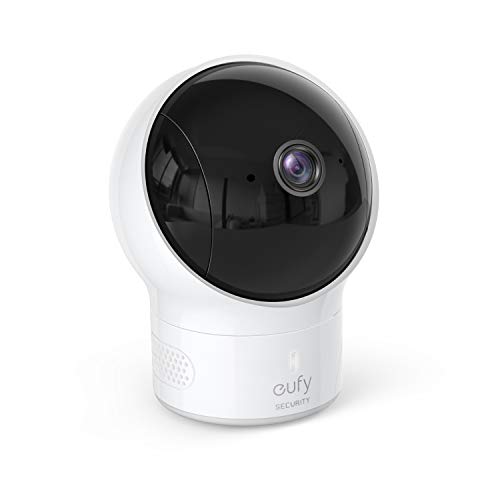
A buying guide to the best baby monitor security camera, covering the features that make a camera work for both a nursery and whole-home security, cloud vs local storage, scaling into a full security system, and where hybrid cameras fall short.
Setting up a nursery usually means buying a dedicated baby monitor, then a year or two later, once the crib gets folded up, buying a separate security camera to watch the front door or living room. It is two purchases, two apps, and two learning curves for something that could often be handled by one device. That is why more parents are looking for the best baby monitor security camera, a single camera built to watch over a sleeping newborn today and cover the whole house once that child is old enough to not need constant supervision.
These hybrid cameras borrow features from both worlds: the two-way audio and gentle night-light glow of a nursery monitor, plus the wide field of view, motion alerts, and app-based access of a proper security camera. In this guide, you will learn what actually makes a camera good at both jobs, how to think about cloud versus local storage in a child's room, how a nursery camera can grow into a full home security setup, and where these hybrid devices tend to fall short compared with a monitor built for babies only.
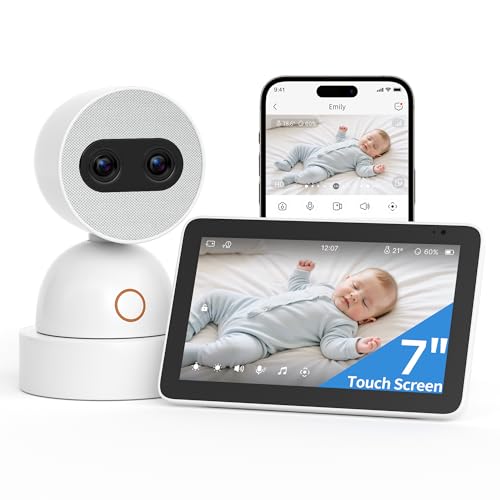
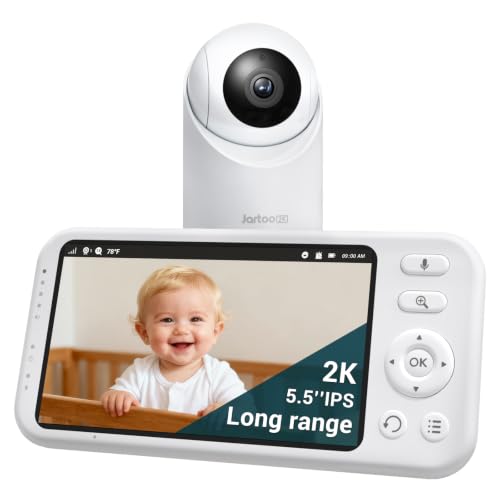
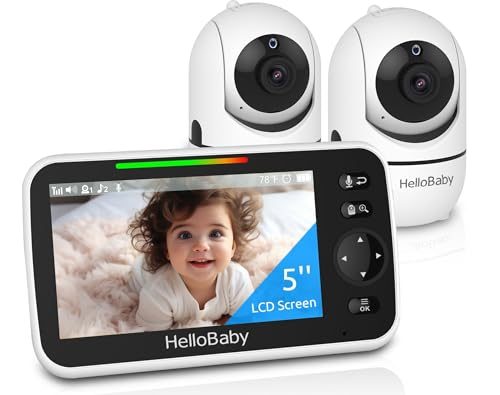
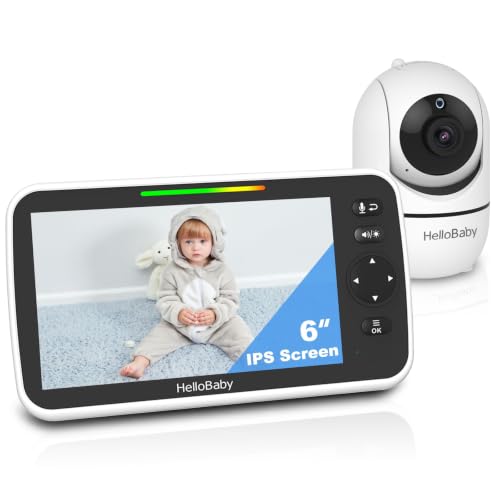
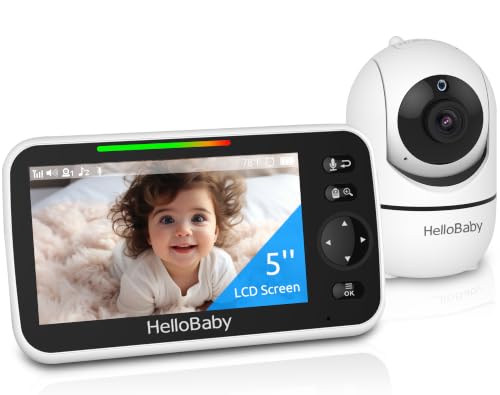
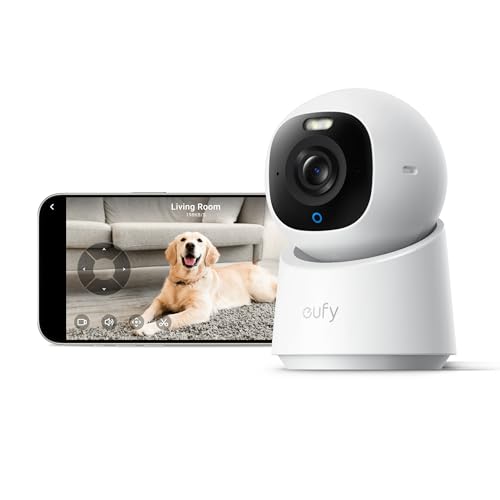
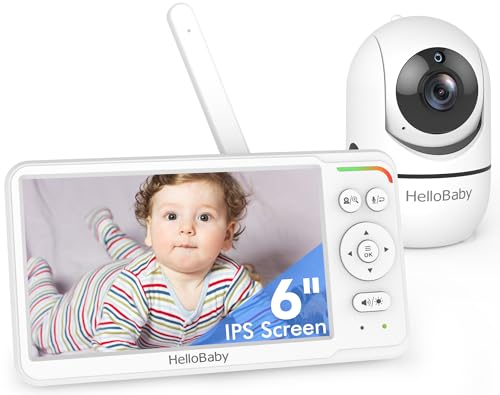
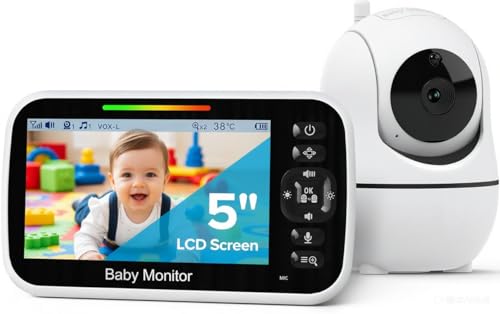

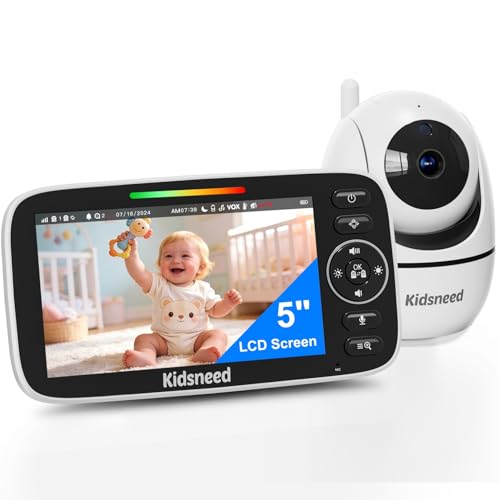
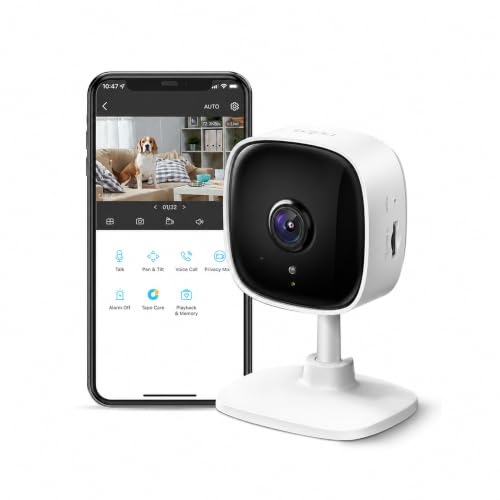
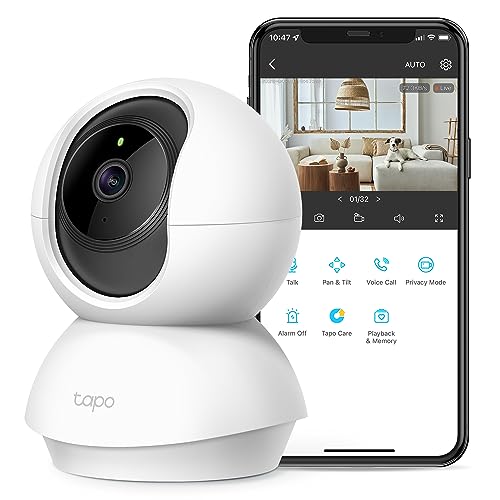
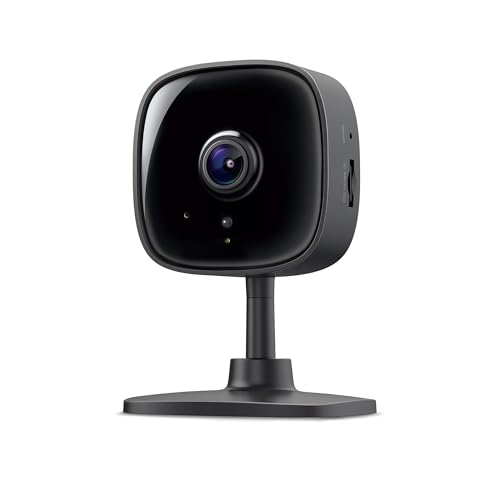
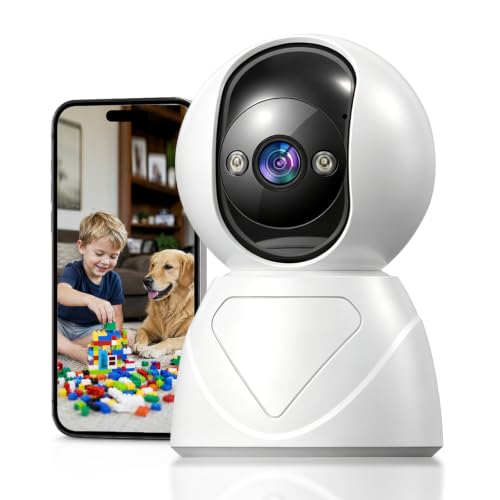
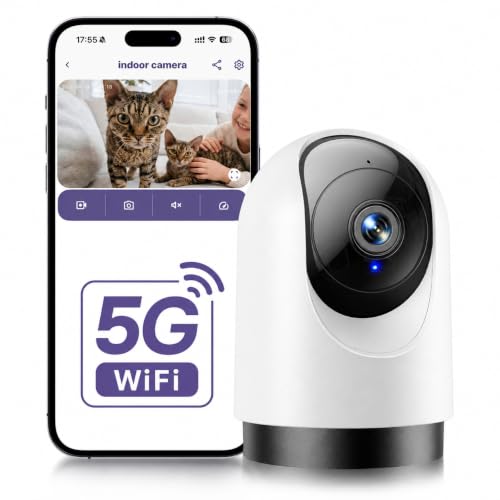
What Makes a Camera Work for Both a Nursery and Whole-Home Security
A camera that only excels at one job is not really a hybrid, it is just a monitor or a security camera wearing a different label. The models that qualify as the best baby monitor security camera option share a handful of traits, and understanding why each one matters helps you evaluate any model on its own merits rather than trusting marketing copy.
Field of View and Mounting Flexibility
A nursery only needs a narrow view pointed at a crib, but a hallway, front porch, or living room needs a much wider angle to be useful. Look for a camera with at least a 130-degree field of view and a mount that works on a shelf, a wall, or a ceiling. If the mounting hardware only supports a small tabletop stand, moving that same camera outdoors or into an entryway later will be awkward or impossible.
Two-Way Audio and Baby-Specific Alerts
This is where dedicated baby monitors still have an edge, and a good hybrid camera needs to close that gap. Two-way audio lets you soothe a baby from another room, and sound or cry detection sends a push notification the moment your baby starts fussing, not just when motion crosses the frame. When you are shopping, check whether the app can tell the difference between a baby crying and a door closing. Cheaper security-first cameras often cannot, which means more false alerts at 3 a.m.
Wifi Range and Connectivity
A camera that will eventually move from the nursery to a garage, backyard, or upstairs hallway needs to hold a stable wifi connection well beyond the router's line of sight. Dual-band wifi support and a strong signal indicator in the app are worth checking before you buy, since a camera that drops connection outside the nursery is not going to double as anything. Pairing it with a solid mesh wifi setup also helps if your home has more than one or two rooms between the router and where the camera ends up.
Cloud Storage or Local Storage: What Makes Sense for a Child's Room
Every hybrid camera gives you a choice, or sometimes forces a default, between saving footage to the cloud or to a local SD card or hub. This decision matters more in a child's bedroom than almost anywhere else in the house, and it is worth understanding both sides before you commit.
Cloud storage is convenient. Footage is backed up automatically, viewable from anywhere, and usually searchable by date or event. The tradeoff is that your baby's video and audio live on a company's servers, which means you are trusting that company's security practices and usually paying a monthly subscription once the free tier runs out. Look for cameras that offer end-to-end encryption on cloud footage, not just password-protected accounts, and check whether two-factor authentication is available for the app.
Local storage keeps footage on a physical SD card or a hub that lives in your own home, with no ongoing subscription and no third-party server involved. The downside is that if the card fails or the hub is stolen along with the camera, that footage is gone, and remote access when you are away from home may be more limited. Many hybrid baby monitor cameras now support both, letting you keep a rolling local backup while paying for cloud only if you actually want the convenience.
From Nursery Camera to Whole-Home Security System
One of the biggest advantages of choosing a dual-purpose security camera over a baby-only monitor is what happens after the baby stage ends. A dedicated nursery monitor with a proprietary screen and short-range signal usually becomes a drawer item once your child moves to a big kid room. A hybrid camera built on a real smart home platform does not have that problem.
Before buying, check whether the camera's app supports adding more cameras to the same account. Most systems built for this dual role let you start with one unit in the nursery and add units later for the front door, garage, or backyard, all viewable from a single app instead of juggling separate accounts. This is also where compatibility with a broader smart home setup pays off. If your camera can connect to a smart home hub, you gain the option to trigger lights or alarms from a motion event, not just get a notification.
It is also worth thinking about power. A camera that will eventually move outdoors needs either a weatherproof housing and outdoor-rated power adapter, or a battery pack rated for outdoor temperature swings. A camera designed only for an indoor nursery outlet will not survive long mounted under an eave.
Where a Hybrid Camera Can Fall Short
Buying one camera to do two jobs is appealing, but it is fair to go in with realistic expectations before you shop for the best baby monitor security camera for your home. A device built primarily as a wifi camera for nursery and home security use is still, at its core, a general-purpose smart camera, and a few gaps show up in practice.
Some hybrid cameras skip health-adjacent features that dedicated baby monitors specialize in, like room temperature readings, breathing motion tracking, or lullaby playback. If those features matter to your household, compare the spec sheet against options built specifically for the nursery, such as a baby monitor with wifi, rather than assuming a camera labeled for baby use includes them. Battery life can also be shorter on hybrid cameras that run more processing for motion detection and AI-based alerts, which matters if you plan to use one battery-powered unit both indoors and out. Finally, a security-first camera mounted in a nursery can feel a little clinical compared with a monitor designed to look and sound like it belongs in a baby's room, which is a real consideration for some parents even if it does not affect performance.
None of these are dealbreakers, but they are the tradeoffs you are making in exchange for not buying two separate devices.
Frequently Asked Questions
Can I use a security camera as a baby monitor?
Yes, as long as it has two-way audio, reliable night vision, and fast motion or sound alerts. Not every security camera includes cry detection, so check the app's alert settings before relying on it overnight.
What is the difference between a baby monitor and a security camera?
A baby monitor is built around caregiving, with features like temperature readings and lullabies, while a security camera is built around surveillance, with wider fields of view and outdoor durability. Hybrid models try to combine both sets of features into one device.
Is it safe to use a wifi camera as a baby monitor?
It can be, provided the camera supports encrypted storage, two-factor authentication on the app, and regular firmware updates. Changing the default password immediately after setup is one of the simplest ways to reduce risk.
Do baby monitor cameras work outside the house?
Only if the unit is rated for outdoor temperatures and moisture, or paired with a weatherproof housing. A camera built strictly for indoor nursery use will not hold up long-term mounted outdoors.
Can multiple people view the camera app at once?
Most hybrid cameras support multiple linked accounts or shared access, letting both parents or other caregivers view the live feed on separate phones at the same time. Check the app's sharing settings before assuming this is included.
What happens to the camera once my child outgrows needing a monitor?
A camera built on a scalable smart home platform can simply be remounted at a door, hallway, or backyard, and added to a larger indoor or outdoor security setup. This is the main advantage over a single-purpose monitor, which usually has no second life once the nursery stage ends.
Making Your Decision
In short, the best baby monitor security camera is the one that grows with your family instead of becoming clutter in a year or two. Prioritize two-way audio and reliable alerts first, since those are what you will lean on daily in the early months, then confirm the camera can scale into a real whole-home security setup once you need it to. Get those fundamentals right, and the camera you buy for a nursery today can still be doing useful work for your home years from now.