Best Baby Monitor with WiFi: A Complete Buying Guide
A practical guide to choosing a wifi baby monitor, covering key features, app reliability, and how to keep your connection secure.
When you start comparing options for the best baby monitor with wifi connectivity, you are really weighing convenience against a different set of tradeoffs than a traditional nursery monitor offers. A Wi-Fi model streams video straight to your phone over the internet, so you can peek in on your baby from the next room, from your desk at work, or from a hotel room three states away. That remote access is the entire appeal, but it also means your video feed travels through your home network and often through a company's cloud servers before it reaches your app. Security, reliability, and app quality end up mattering just as much as picture quality. This guide walks through what actually separates a dependable Wi-Fi monitor from a frustrating one, so you can shop with a clearer sense of what to prioritize.
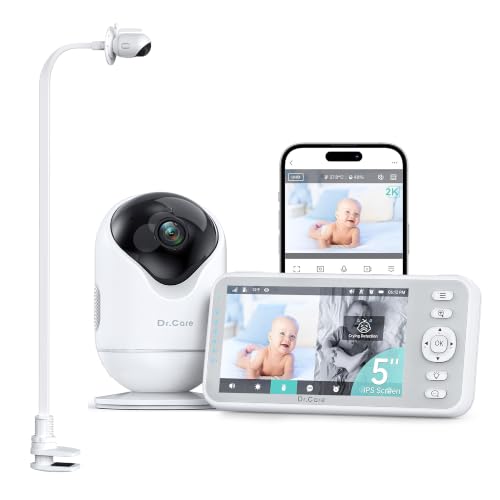
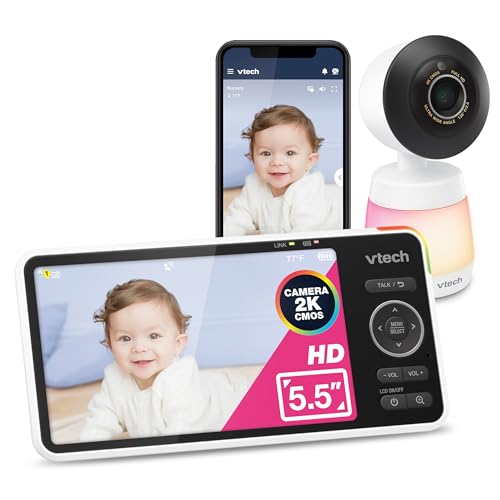

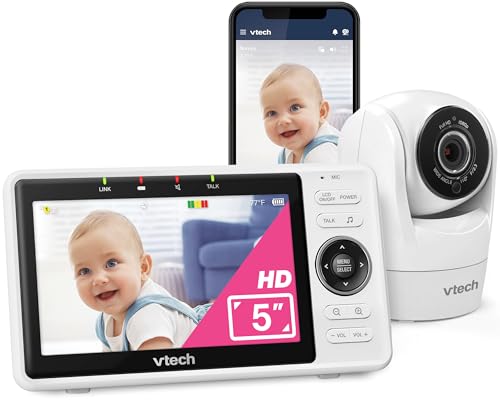
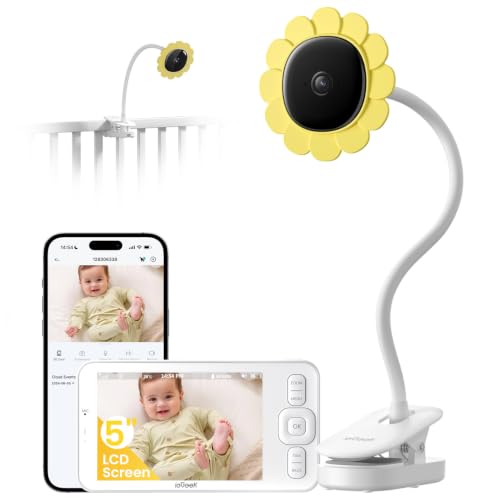
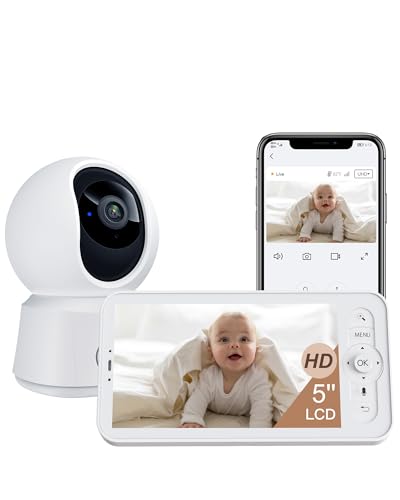
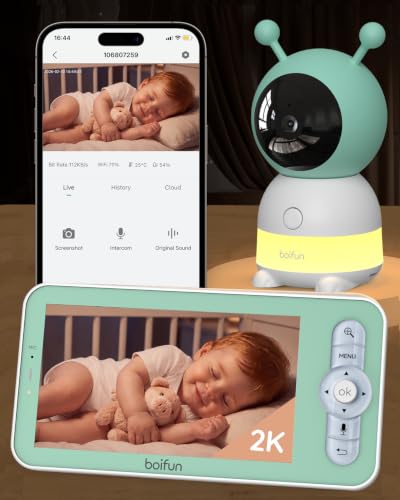

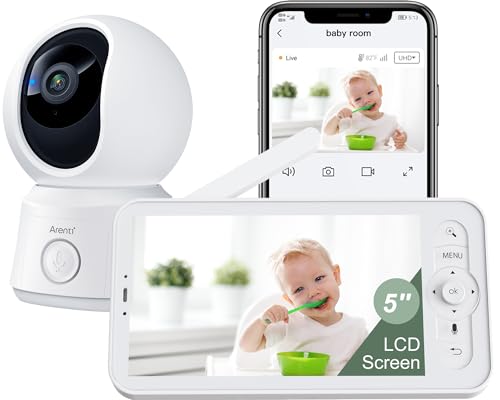
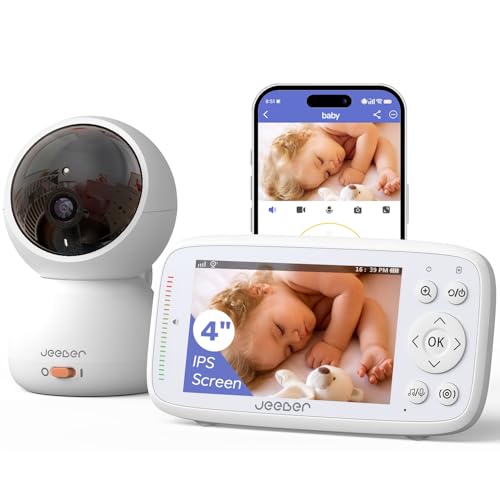
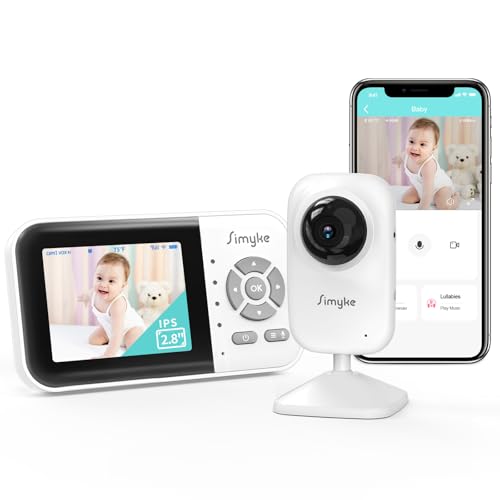
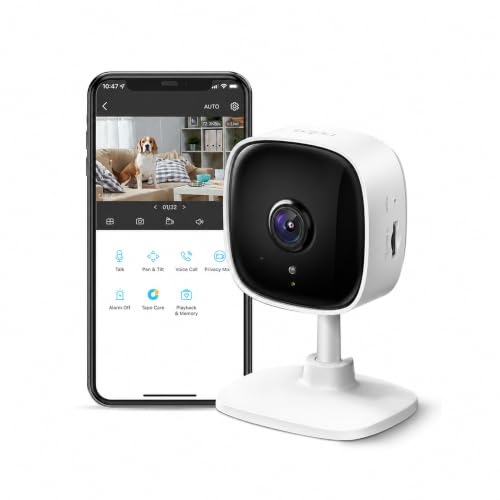
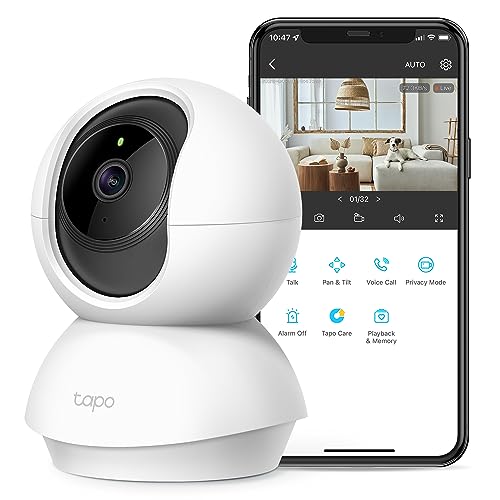
Video Quality and App Features That Actually Matter
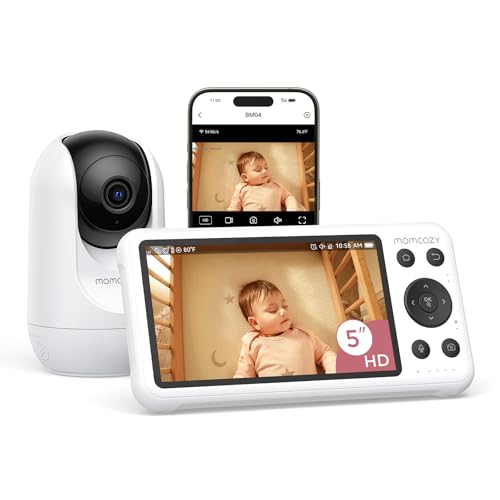
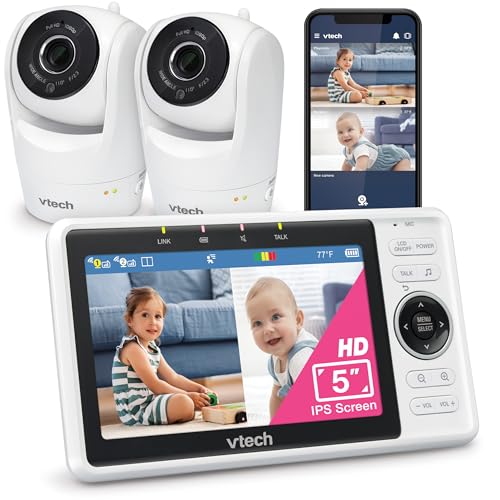
Resolution numbers on the box only tell part of the story. A monitor advertised at high resolution can still look grainy at night if its infrared sensor and lens are cheap, so pay closer attention to how the picture performs in low light than to the megapixel count. Look for a wide field of view, since a narrow lens forces you to point the camera at exactly one spot and misses everything else in the crib or play area.
Night Vision and Audio
Good night vision should render a soft, even glow rather than a harsh white blowout that washes out your baby's face. Two-way audio lets you speak through the camera to soothe your child without walking into the room, which is genuinely useful during naps or early bedtime routines. Test whether the app has noticeable lag between what you hear and what is happening live, since a half-second delay makes it hard to know if your baby is actually stirring or if you are watching a few seconds in the past.
App Reliability
The app itself deserves as much scrutiny as the camera hardware. Read recent reviews specifically about app crashes, slow loading, or notifications that arrive late, because a beautiful camera paired with a buggy app defeats the purpose of remote monitoring.
Keeping Your Home Network and Camera Feed Private
Because a Wi-Fi camera connects to the internet, it introduces a genuine privacy consideration that a closed-circuit monitor simply does not have. Look for a manufacturer that clearly states it uses end-to-end encryption for video streams, not just a vague mention of "secure connection" in the marketing copy. Two-factor authentication on the account login adds a meaningful layer of protection, since it stops someone from accessing your feed even if they guess or steal your password.
Check how often the manufacturer pushes firmware updates. A company that patches security holes regularly is treating your camera as an ongoing responsibility rather than a one-time sale. Before you set anything up, change the default password immediately, both for the camera account and for your home router, since default credentials are the single most common way these devices get compromised. It is also worth reading the privacy policy to see whether footage is stored on a company's servers indefinitely or automatically deleted after a set period.
What Happens When the Internet Goes Down
Every Wi-Fi monitor depends on a working internet connection, and that dependency is worth thinking through before you buy. If your home internet goes out during a storm, some monitors lose all functionality, including the ability to view locally, while others fall back to a direct connection between the camera and your phone over the same Wi-Fi network without needing outside internet access.
Storage matters here too. Some monitors save video to a microSD card inside the camera itself, so you keep a local recording even if the cloud service is briefly unavailable. Others rely entirely on cloud storage, which means a service outage on the company's end, not just your own internet, can leave you without any way to check the feed. If uninterrupted access matters to you, look specifically for a model that offers local storage as a backup rather than cloud-only recording.
Checking In From Work, Daycare Pickup, or a Night Out
The biggest reason people choose Wi-Fi over a closed-circuit monitor is the ability to check in from anywhere, not just from another room in the house. If you regularly work outside the home, travel, or want a grandparent or sitter to glance at the nursery too, a Wi-Fi connected model earns its keep here. Many apps support multiple user logins, so more than one caregiver can view the feed on their own phone at the same time, which is genuinely convenient for co-parents or extended family who help with childcare.
Push notifications for sound or motion are another practical feature for this use case, alerting you the moment your baby wakes up or starts crying instead of requiring you to keep the app open constantly. If your household compares monitor options often, an article like our video baby monitor buying guide covers the broader camera and display side of these decisions in more depth. Just be honest with yourself about whether remote access is a feature you will actually use daily or one that sounds nice in the store but rarely gets touched once the monitor is set up at home.
Cloud Storage Plans and What They Really Cost
Many Wi-Fi baby monitors offer a free tier that stores a short rolling window of recorded clips, then charge a recurring subscription for longer storage, higher resolution recordings, or advanced features like activity zones. Before you commit, check what the free plan actually includes, since some brands limit free storage to just a few hours of clips or a handful of days.
This is one of the least glamorous parts of shopping for the best baby monitor with wifi support, but it has the biggest impact on what you actually pay over time. Weigh a subscription model against a monitor that stores footage locally on a memory card with no ongoing fee. A local-storage model usually costs more upfront but nothing afterward, while a cloud-subscription model can be cheaper to buy initially and more expensive over a couple of years of monthly payments. Neither approach is wrong, but you should know which one you are signing up for before you unbox the camera, not after the first renewal notice arrives.
Frequently Asked Questions
Is a Wi-Fi baby monitor safe from hackers?
It can be, provided you change default passwords, enable two-factor authentication, and keep the firmware updated. Most reported hacking incidents trace back to weak or reused passwords rather than a flaw in the camera itself.
Do I need my own Wi-Fi network at home to use one?
Yes, a Wi-Fi monitor needs to connect to your home router during setup, and for remote viewing outside the house it also needs an internet connection at both ends. A poor router signal in the nursery can cause dropped video even with strong internet service.
Can other people see my camera feed?
Only if they have your login credentials or your account has been compromised. Choosing a monitor with encrypted streaming and enabling two-factor authentication significantly reduces this risk.
How much data does a Wi-Fi baby monitor use?
Continuous video streaming can use a meaningful amount of home internet bandwidth, though most modern routers handle it without issue. If you have a data cap on your home internet plan, check the manufacturer's estimated usage before relying on it around the clock.
What is the difference between local storage and cloud storage?
Local storage saves clips to a memory card in the camera, so footage stays on the device and does not require a subscription. Cloud storage saves clips to the manufacturer's servers, often with a recurring fee, but makes clips easier to access from anywhere.
Will a Wi-Fi monitor still work if my internet goes out?
Some models fall back to a local connection over your home network so you can still view the live feed on a phone connected to the same Wi-Fi. Others lose functionality entirely until service is restored, so it is worth checking this detail before buying.
Is a Wi-Fi monitor better than a non-Wi-Fi one?
Neither is universally better, since it depends on what you need. A non-Wi-Fi monitor avoids internet-related privacy concerns entirely but only works within a limited range of your home, while a Wi-Fi model trades some of that simplicity for the ability to check in from anywhere.
Matching the Monitor to How Your Family Actually Uses It
The best baby monitor with wifi connectivity for your household is the one that fits how you actually parent, not the one with the longest feature list. If remote access, multiple caregiver logins, and phone notifications genuinely solve a problem in your daily routine, the extra setup and attention to security are worth it. If you rarely leave your baby with another caregiver or mostly want a simple screen on the nightstand, a Wi-Fi connection may add complexity without adding much real benefit.