Best Automatic Blood Pressure Monitors: Every Type Explained Side by Side for 2026
Disclosure: We may earn a commission when you buy through links on this page, at no extra cost to you. As an Amazon Associate I earn from qualifying purchases. Learn more

Compare types, cuff fit, accuracy checks, and features to choose the best automatic blood pressure monitors for home use with confidence and ease.
Choosing best automatic blood pressure monitors can feel confusing, because upper arm, wrist, portable, and connected models all promise simple home readings. This guide compares each type side by side, so you can match the design to your arm size, your routine, and your comfort with apps and screens. Use the comparison table in the first section to weigh the main options before you buy.
A home monitor is a tool for tracking readings over time, not a device that diagnoses a condition on its own. Readings can vary with arm position, cuff fit, rest time, and time of day, so a consistent routine matters as much as the model you choose. Talk with your doctor about your readings and about any result that worries you, and seek care promptly for symptoms that feel urgent. The sections below focus on fit, accuracy checks, and everyday use, so you can choose with clear expectations.



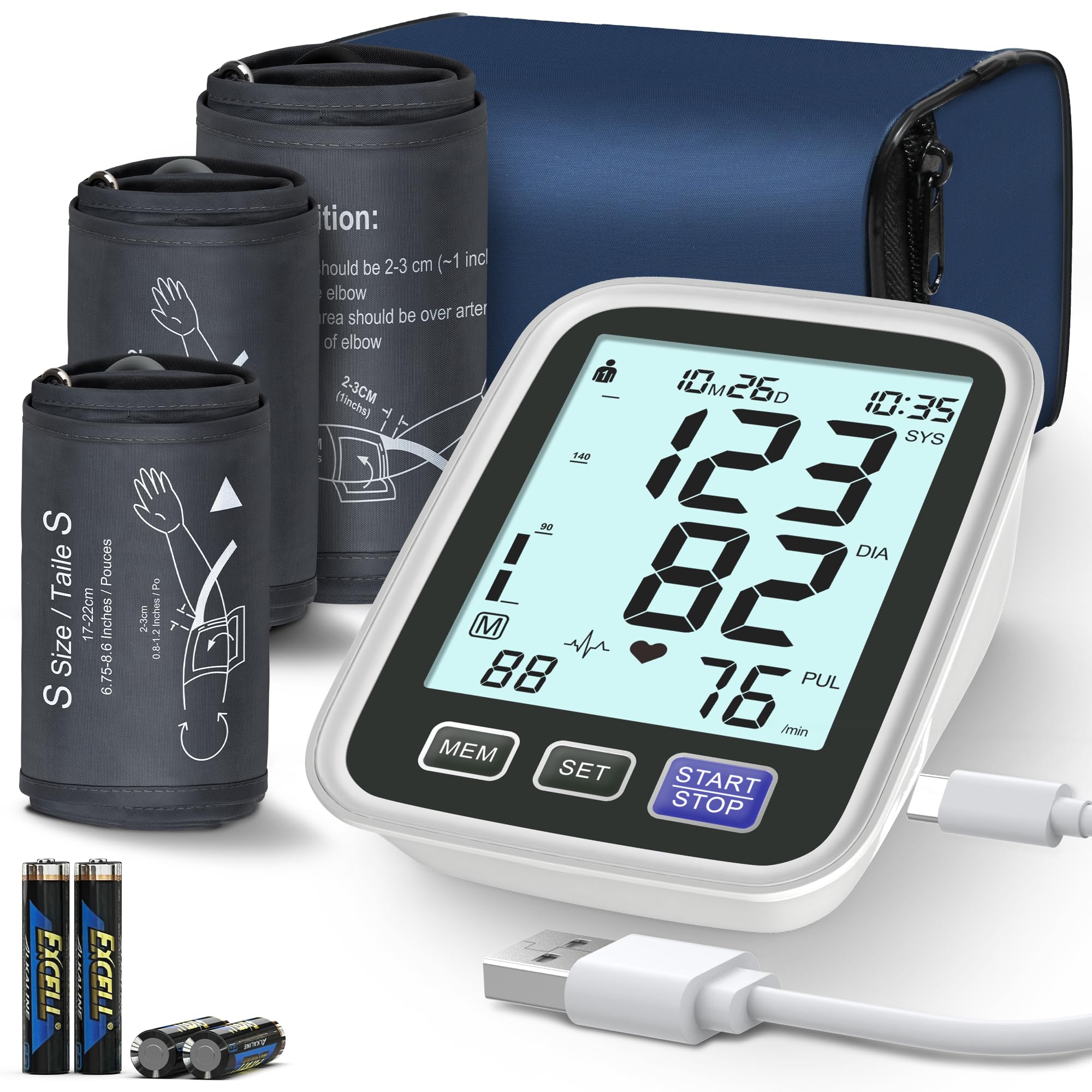
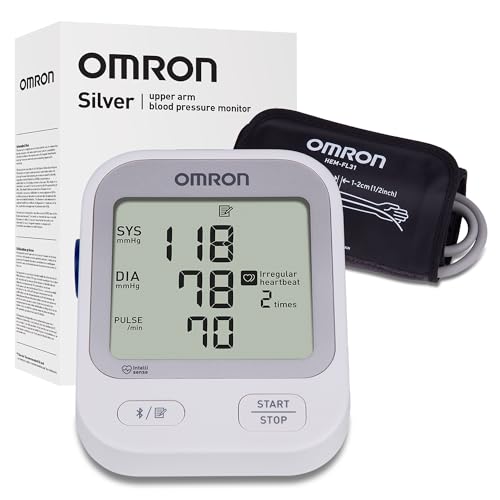
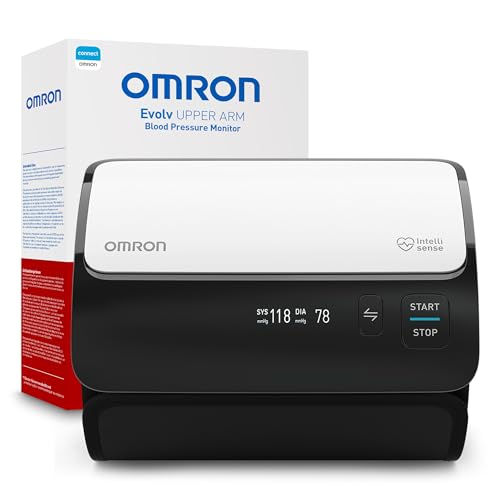
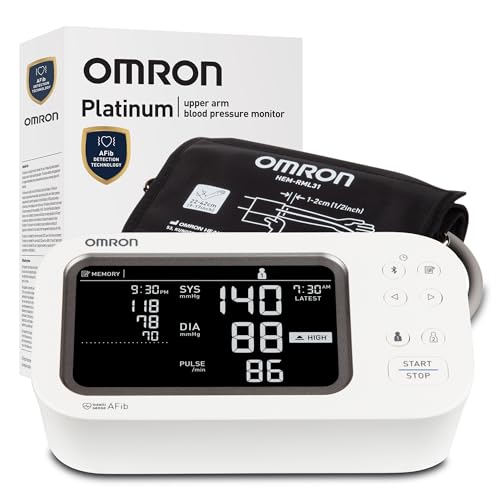
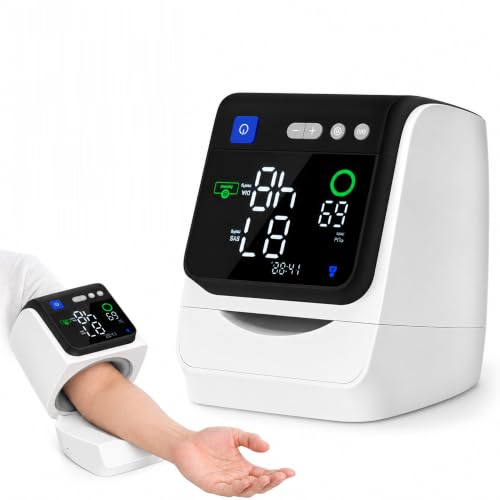
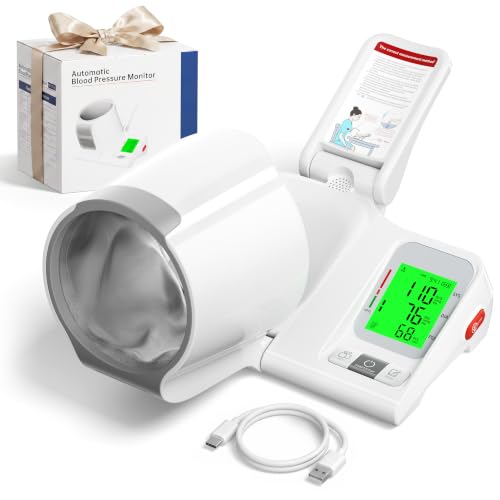
Best Automatic Blood Pressure Monitors Compared by Type
The table below gives a quick view of the main types. Read the detail under each type before you decide, because cuff fit and arm position can matter more than extra features.
| Type | Best For | Pros | Cons | Typical Price |
|---|---|---|---|---|
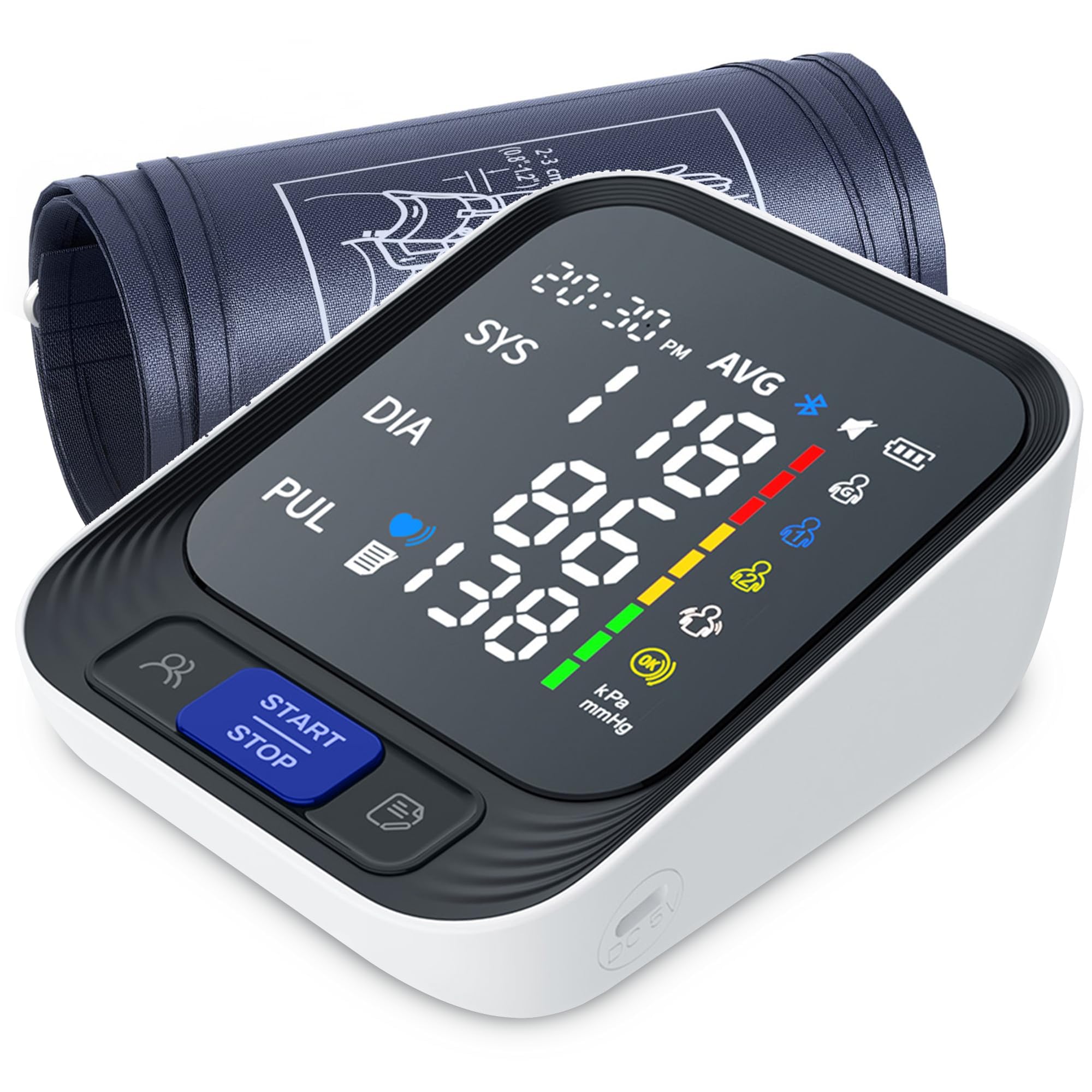
| Smart and connected models | Tracking trends in an app | Stored readings and charts | Needs a phone and setup | About $60 to $150 |
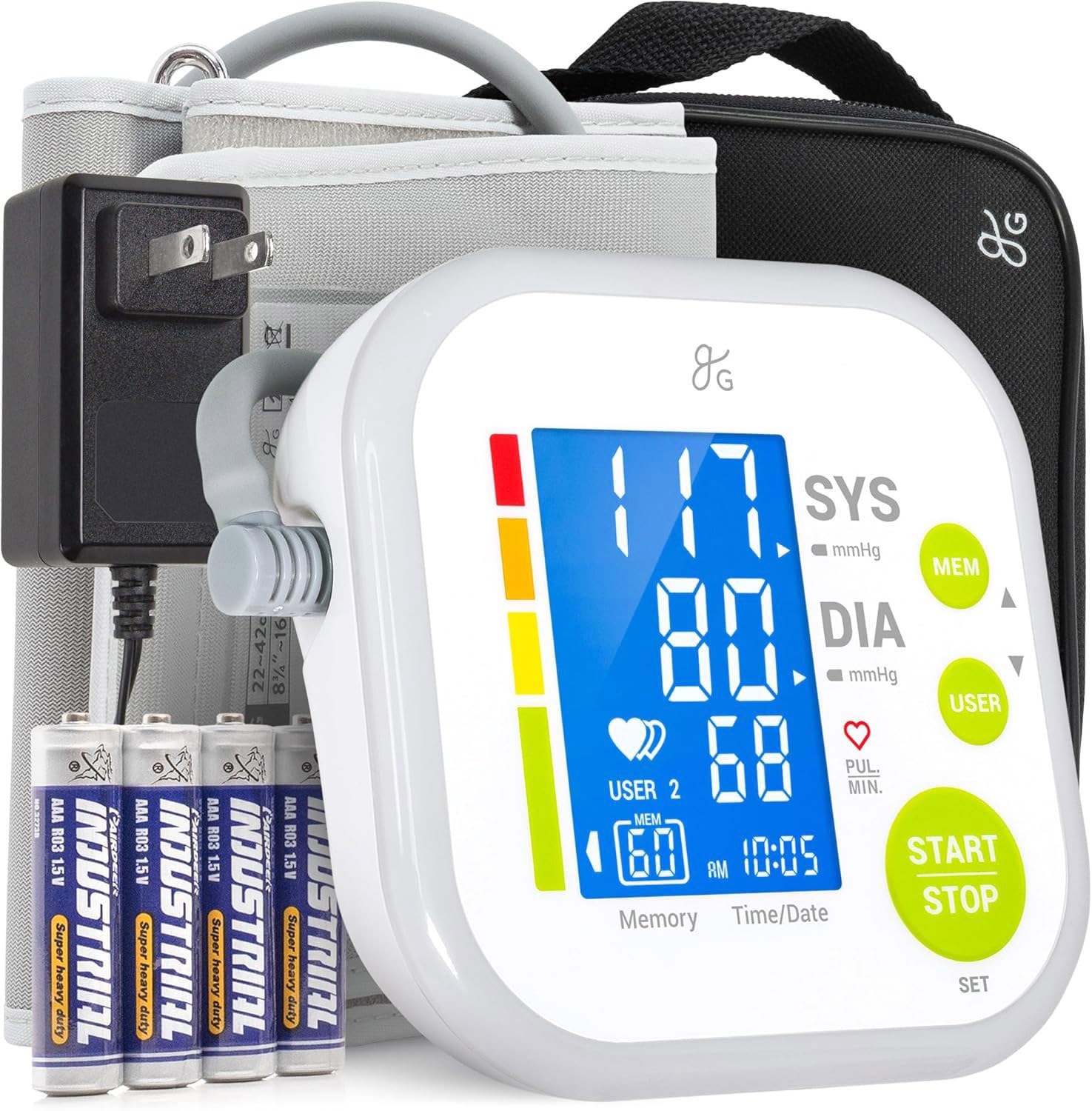
| Upper arm models | Steady home routine | Stable cuff position | Larger to store | About $40 to $120 |
| Portable models | Travel and small spaces | Light and easy to pack | Smaller screens in some cases | About $40 to $100 |
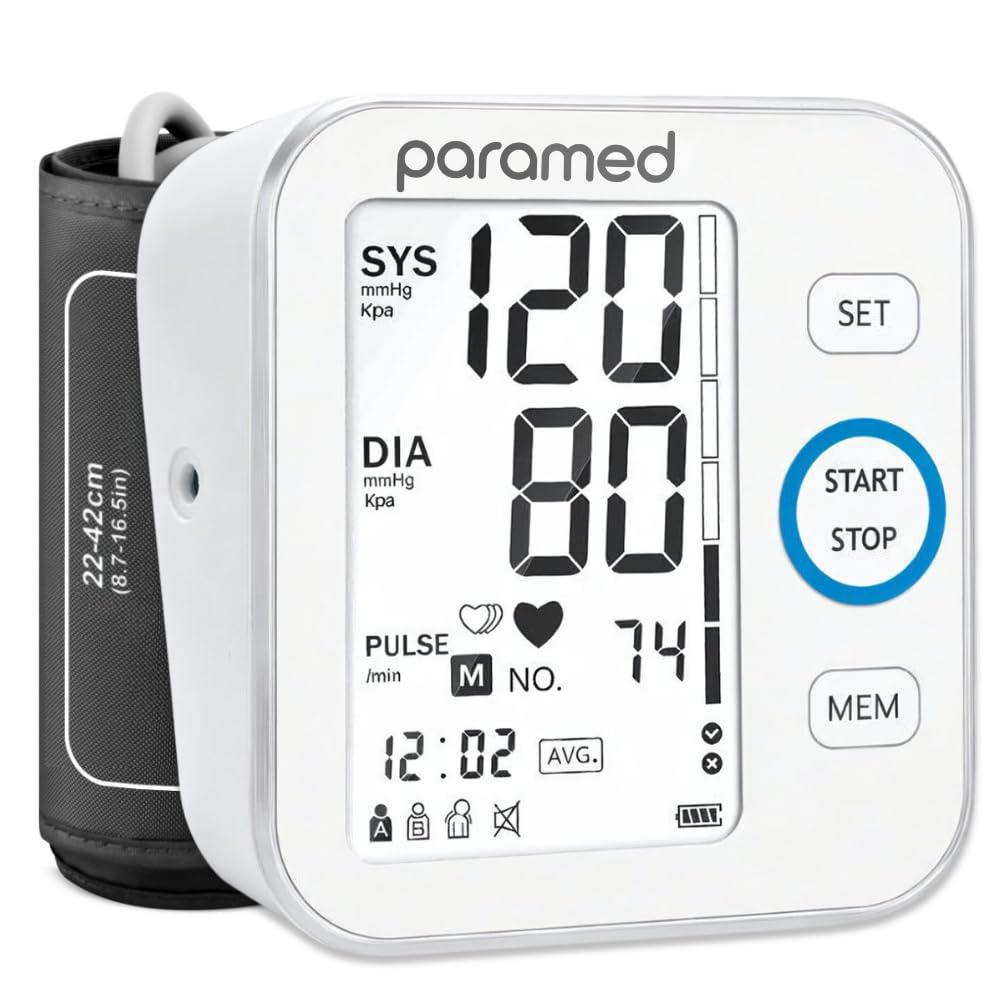
| Wrist models | Small arms and travel | Compact and quick to wear | Position errors are common | About $40 to $110 |
Smart and Connected Models
Smart and connected models send readings to a phone app, where you can see trends, averages, and notes over time. That record can help a conversation with your doctor, because a pattern across weeks tells more than a single reading. Setup takes more effort, since you must pair the device, create an account if required, and learn how the app stores and shares data. Check whether the app works with your phone, whether readings can be exported or printed, and whether more than one person can keep separate records.
If you prefer a simple screen and no phone, a connected model may add steps you do not need.
Upper Arm Models
Upper arm models wrap a cuff around the upper arm and rest the arm on a table during a reading. This position is easier to repeat, which helps readings stay comparable from day to day. These models suit a steady home routine, especially when the same person uses the device in the same chair and at the same time of day. The cuff must match your arm size, so measure the middle of the upper arm and check the cuff range in the maker guidance.
A cuff that is too small or too large can distort readings, even when the device itself works well.
Portable Models
Portable models focus on light weight, compact storage, and battery power for travel or small homes. They often use the upper arm or the wrist, so the same fit and position rules still apply. A portable model can suit a buyer who travels often or who wants to store the device in a drawer between readings. Check battery type, case size, and whether the screen stays easy to read in bright light.
A very small screen can be hard to read for older users, so balance portability against display clarity.
Wrist Models
Wrist models wrap around the wrist and can feel quicker to put on than an upper arm cuff. Position matters a great deal with this type, because the wrist must rest at heart height and stay still during the reading. Small movements, a bent wrist, or a wrist held too low can change the result. Wrist models can suit smaller arms or travel, but they demand more care with position. Our guide to wrist blood pressure monitors covers this type in more depth.
If you struggle to hold the wrist steady at heart height, an upper arm model may give more repeatable results.
Smart and Connected Models vs Upper Arm Models: Which Should You Choose?
Choose a smart and connected model when you want a stored history, trend charts, and a record you can share with your doctor. Choose a plain upper arm model when you want the simplest routine, with readings shown on the device and no phone setup. Both types can use an upper arm cuff, so fit and position matter in either case. Connected models add app steps, privacy choices, and phone compatibility checks, while plain models keep the focus on cuff fit and a steady routine.
If you already track other health notes on a phone, the app record may feel natural. If you prefer a device that works at the press of one button, simplicity may serve you better.
How to Choose the Right Automatic Blood Pressure Monitor
Work through the factors below in order. Start with cuff fit and accuracy checks, then weigh display, power, and support.
Power and Portability
Power options shape where and how often you can use the device. Battery power suits travel and rooms without a nearby outlet, while a plug in adapter suits a fixed spot on a table. Check whether the device uses standard batteries or a rechargeable cell, and how easy it is to replace or recharge the power source. A device that runs out of power at the wrong moment can break a steady routine, so keep spare batteries or a charged adapter ready if you travel.
Warranty and Customer Support
Warranty length and support access matter when a cuff wears out or a screen becomes hard to read. Check how long the warranty lasts, what it covers, and whether replacement cuffs are easy to buy in your size. Clear maker guidance for setup, cleaning, and cuff replacement can save time later. Keep the manual and the purchase record in one place, and try the device soon after purchase so any fault shows up while return or warranty options remain open.
Ease of Use and Display
Ease of use starts with a screen you can read without strain and buttons you can find without looking closely. Large digits help older users and anyone who checks readings in dim light. A simple start button beats a menu system if only one person uses the device for a daily routine. Check whether the device stores past readings on screen, whether the date and time stay correct, and whether error messages explain what went wrong in plain words.
A confusing display can lead to skipped readings, which weakens the trend record.
Cuff and Sensor Fit and Size
Cuff fit is the single most practical factor for many buyers. Measure the middle of the upper arm with a soft tape, with the arm relaxed at your side, and compare that number with the cuff range in the maker guidance. A cuff that fits too tightly can feel uncomfortable and distort a reading, while a loose cuff can slip during inflation. For wrist models, measure the wrist and check the same range, and confirm that the sensor sits flat against the skin.
If your arm falls near the edge of a range, choose the size that centers your measurement, and ask your doctor or pharmacist if you remain unsure.
Accuracy and Clinical Validation
Accuracy claims deserve careful reading. Look for independent validation listings and maker statements about clinical testing, and treat vague claims with caution. Home readings are estimates that support tracking over time, not medical measurements that diagnose a condition by themselves. Follow the maker routine for rest, arm support, and stillness, because technique affects the result as much as the device.
Bring the device to a clinic visit if your doctor agrees, so a professional can check your technique and compare a home reading with a clinic reading. Talk with your doctor about any pattern that worries you, and seek prompt care for urgent symptoms.
Tips to Get the Most From Your Automatic Blood Pressure Monitor
Follow the manual measurement routine each time. Sit with back supported, feet flat on the floor, and the arm supported at heart height, and rest for a few minutes before you start. Measure at the same time each day when possible, and avoid talking or moving during the reading. Record the reading with the date and time, and share the record with your healthcare provider at visits.
Keep the cuff clean and stored flat, and replace a worn cuff through maker guidance rather than stretching an old cuff to fit.
For a wider comparison, see our guide to the best recommended blood pressure monitors when you want general selection advice. If travel matters most, our guide to the best portable blood pressure monitors covers pack size and power. For a focus on arm fit, see our guide to the best arm blood pressure monitors. And for wrist designs, our guide to the best blood pressure monitor watches explains position care in more detail.
Frequently Asked Questions
Wrist or upper arm: which is better?
Upper arm models are usually easier to repeat, because the cuff position stays stable on a table supported arm. Wrist models can work well when position stays correct, with the wrist at heart height and held still. Many wrist errors come from a wrist held too low, a bent wrist, or movement during the reading. If you can hold the wrist steady and follow the maker routine, a wrist model can suit travel or a smaller arm.
If steady position feels hard, an upper arm model may give more consistent results.
Do I need a prescription?
No prescription is usually needed to buy a home monitor for personal tracking, but local rules and store policies can vary. A prescription is not the same as medical guidance, so talk with your doctor about how often to measure and what patterns to report. Your doctor can also check your cuff size and technique at a visit. If you take medicine, follow your doctor's instructions and ask before making any change based on a home reading.
How accurate are home devices?
Home devices can give useful trend data when cuff fit, position, and rest time follow maker guidance. Accuracy drops when the cuff size is wrong, the arm moves, or the reading follows activity, caffeine, or a rushed start. A single reading tells less than a pattern across days at the same time. Bring the device to a clinic visit if your doctor agrees, so technique can be checked.
Home readings are estimates for tracking, not a diagnosis, so report worrying patterns to your doctor.
How often should I check readings?
Frequency depends on your health plan, so follow your doctor guidance rather than a fixed rule from a buying guide. Many people check once or twice a day at consistent times when starting a tracking routine, then less often once a pattern is clear. Checking too often can create stress and noisy data, especially after activity or meals. Keep a simple log with date, time, and notes about rest and position, and share that log at visits so your doctor can see the pattern.
Final Thoughts
Match the type to your routine first, then check cuff fit, display clarity, and accuracy listings before you compare extra features. A steady routine with a well fitting cuff will serve you better than a complex app you rarely use. Review the product table above, talk with your doctor about your plan, and choose best automatic blood pressure monitors that fit your arm, your home, and your daily routine.