Best Auto Dash Cameras Made Simple: A Clear Buying Guide for 2026
Disclosure: We may earn a commission when you buy through links on this page, at no extra cost to you. As an Amazon Associate I earn from qualifying purchases. Learn more

New to dash cameras? This plain English guide to the best auto dash cameras covers channels, resolution classes, parking power, cards and simple setup.
A dash camera is a small camera that mounts on your windshield and records the road while you drive. If you are comparing the best auto dash cameras for the first time, the honest starting point is simple: the camera records what happens in front of your car, and that recording can help show what happened after a crash or a close call. A recording is evidence, and evidence helps, but a camera never decides fault by itself.
This guide walks from the basics to a confident purchase in plain English. You will learn what the channels mean, why makers quote resolution the way they do, what parking recording really costs in power, and why the memory card matters more than most first time buyers expect. The product table gathers current options side by side, so you can match each class explained here against real listings as you read.
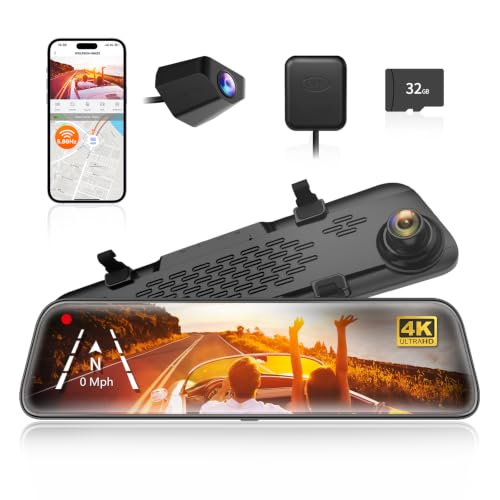

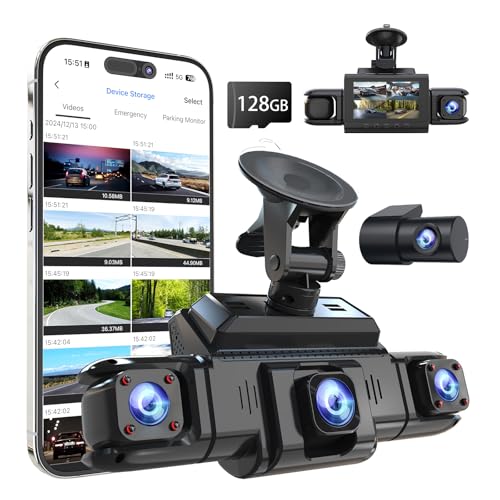
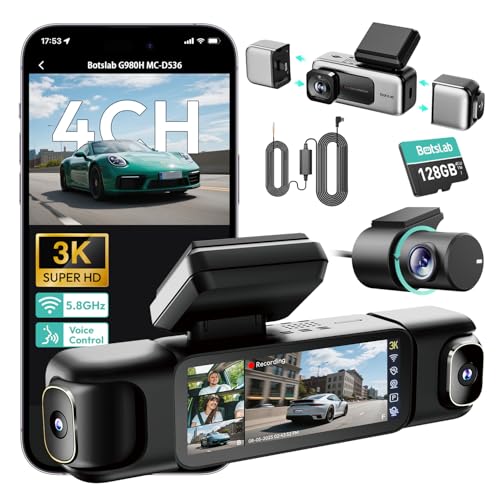

Best Auto Dash Cameras 101: The Basics
A dash camera starts recording when the car starts and writes video in short repeating segments, usually a few minutes each. When the card fills up, the camera writes over the oldest segments, so the newest driving is always stored. Most units also carry a gravity sensor that locks the current segment when it feels a sharp impact, which keeps that clip from being overwritten later.
The family is wider than this one product. Our guide to best auto cameras covers the broader set of cameras built for cars, while this page stays on the windshield recorder itself. A dash camera is also a different tool from a handheld camera: guides to best digital cameras cover cameras you carry and aim by hand, while a dash camera is fixed in place, powered by the car, and aimed at the road full time.
One legal note belongs at the start. Rules on where a camera may sit on a windshield, and on recording audio inside a car, differ by place. Some regions restrict anything mounted in the driver view, and some treat cabin audio recording strictly. Check the local rule for your area before you mount a camera or turn on an in cabin microphone.
Key Specs Explained in Plain English
Resolution Classes and Reading Plates
Resolution is quoted as a class, such as 1080p or a 4K class sensor, and the figure describes the sensor output rather than what your eyes will pick out of a moving scene. Reading a license plate at speed at night is the hardest job any dash camera faces, because the plate is small, lit unevenly, and moving relative to your car. Buyers comparing best quality dash cameras should treat the headline number as a class figure and weigh lens quality, night performance, and mounting steadiness alongside it. A steady mount and a clean windshield often do more for plate detail than a step up in resolution class.
Channels: What One, Two, or Three Cameras Cover
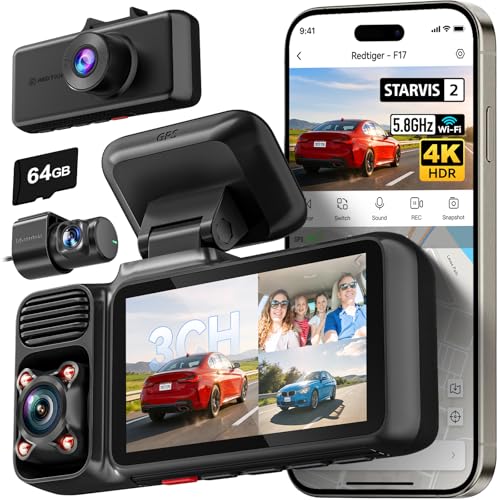
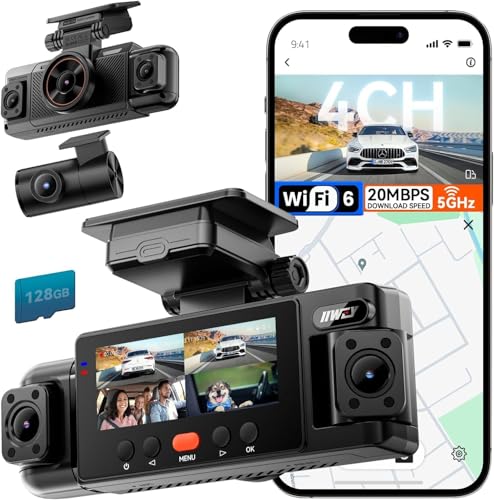
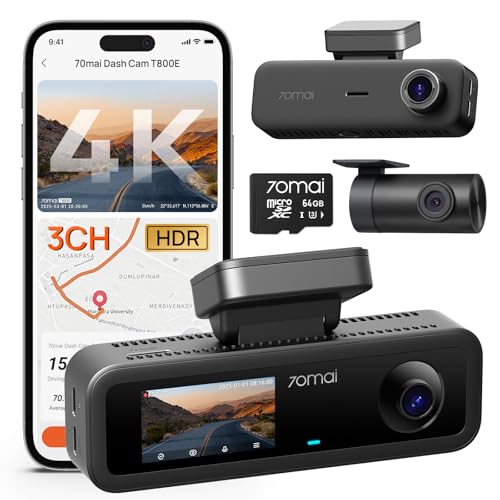
A channel is one camera view, and a single channel unit records the road ahead only. A two channel setup adds a rear camera for the road behind, and some kits add a third cabin view aimed at the seats. Guides to best dash cam cameras use the same channel language, and it is the clearest way to compare kits. More channels mean more wiring to run and more card space used per hour, so choose coverage for the risks you actually face, such as rear impacts in city traffic, rather than buying the largest kit by default.
Parking Recording Needs a Power Plan
Many cameras offer a parking mode that watches for motion or impacts while the car is off, and that watchfulness needs power, because a parked car battery is not endless. A camera that records all night can drain a weak battery far enough that the car will not start in the morning. Buyers reading about best car dash cameras will see two common answers: a hard wire kit with a voltage cutoff that stops drawing before the battery gets too low, or a separate battery pack made for parking recording. Decide which plan you accept before paying extra for the parking feature itself.
Memory Cards and Loop Recording
The memory card is a running cost, not a one time accessory. Dash cameras write constantly, and constant writing wears cards out faster than occasional phone or camera use, so cards sold for endurance or surveillance duty are built for that workload and are worth the small premium. Capacity decides how far back your loop reaches before old segments are overwritten: a commuter who drives an hour a day keeps days of footage on a mid size card, while a long haul driver may keep only the most recent stretch. Buy a spare card as well, so a card failure never leaves you driving unrecorded.
Screens, Buttons, and App Viewing
Control style is the last spec to settle. Some cameras have a small screen and physical buttons, which makes changing settings at the roadside simple. Others hide the screen and rely on a phone app over WiFi, which gives a bigger view of clips but adds a pairing step. Neither style is better in the abstract, so pick the one that matches how you will actually review footage: on the spot after an incident, or later at home on a larger screen.
GPS and Speed Logging
Some cameras record position and speed alongside the video, usually through a GPS receiver built into the mount. That data can strengthen a recording by fixing where an event happened and how fast you were travelling, which is useful when the other driver tells a different story. It can also work against you, because the same log shows your own speed with no editing. Decide honestly which way the data cuts for your driving before paying extra for the feature, and check whether the log can be switched off if your household prefers video only.
Rookie Mistakes to Avoid
- Trusting the resolution number alone. A high class figure on the box says little about night detail, and plates at night are where recordings are won or lost.
- Ignoring the power plan for parking mode. A camera that flattens the car battery protects nothing, because the car cannot move and the camera dies with it.
- Using the cheapest card in the drawer. A worn or slow card can corrupt the exact segment you need, and the failure stays silent until you look for the file.
- Mounting low in the middle of the windshield. A camera placed in the driver sight line can break local mounting rules and block part of the road view.
- Forgetting the clock. A camera with the wrong date and time stamps its evidence wrongly, which weakens the recording when it matters.
Getting Started: Mounting and First Use
Mount the camera high on the windshield, usually behind the rear view mirror, where it sees the road without entering your normal sight line. Clean the glass first, press the mount firmly, and let adhesive pads cure before driving. Route the power cable along the headliner and down the pillar trim, keeping it clear of airbag panels, and tuck the slack so nothing dangles in front of the wheel.
On first use, format the card inside the camera rather than on a computer, set the correct date and time, and take a short drive. Review that first clip at home and check three things: the horizon sits level, the plate detail matches your expectations for daylight, and the microphone setting matches what you want recorded. Adjust the angle once, while parked, and then leave the setup alone so every later clip is consistent.
Dash Camera Questions Answered
How much should a first time buyer spend on a dash camera?
Most first time buyers land between about $60 and $150 for a solid front camera, and two channel kits usually run about $120 to $250. The lower end covers clear daytime recording and loop storage, while higher prices add rear coverage, stronger night sensors, and parking support. Spend first on the channel count you need and a proper endurance card, and treat extras such as voice control as optional comforts rather than core value.
Can a dash camera read license plates at night?
Sometimes, at close range, in decent light, but never as a promise. Plate reading depends on distance, your speed relative to the other car, headlight glare, and how clean the windshield is. A camera that struggles here can still record the sequence of events, lane positions, and signal colors, which is often the more useful evidence. If plate detail matters most to you, a front camera with a strong night sensor class and a steady mount is the priority.
Do dash cameras keep recording while the car is parked?
Only with a power plan in place, because the camera needs electricity after the engine stops. Parking modes typically wake on motion or impact rather than filming continuously, which stretches the available power. Kits with a voltage cutoff protect the starter battery by shutting the camera down at a set level. Without any parking setup, the camera simply turns off with the car, which is the right choice for drivers who park in a locked garage.
How long does a dash camera keep its recordings?
The loop keeps footage until the card fills, then the oldest unlocked segments are overwritten in order. With a mid size card and typical commuting, that window is usually several days of driving. Impact locked clips and clips you save manually stay until you delete them or format the card. After any incident, copy the segment to a phone or computer the same day, because normal driving will eventually overwrite everything that is not locked or saved.
Is a smartphone app required to use a dash camera?
No, a smartphone app is one control style, not a requirement. Screen based models handle every setting on the unit itself, and clips can be moved by taking the card to a computer. App based models trade that independence for a larger viewing screen and easier sharing. Choose based on who will review the footage and where, and remember that an app account is one more password to keep current over the life of the camera.
Final Thoughts
Choosing among the best auto dash cameras comes down to three decisions: how many channels you need, how the camera will be powered when parked, and whether the card you buy can survive constant writing. Resolution class matters, but it sits behind those three in real world value. Use the product table above to compare current options against the classes in this guide, and pick the setup you will mount once, set correctly, and then forget until the day it earns its keep. Prices and availability can change, so check the product page before ordering.