
Best Audio to Test Speakers in 2026: Everything to Know Before Your First Test
Disclosure: We may earn a commission when you buy through links on this page, at no extra cost to you. As an Amazon Associate I earn from qualifying purchases. Learn more
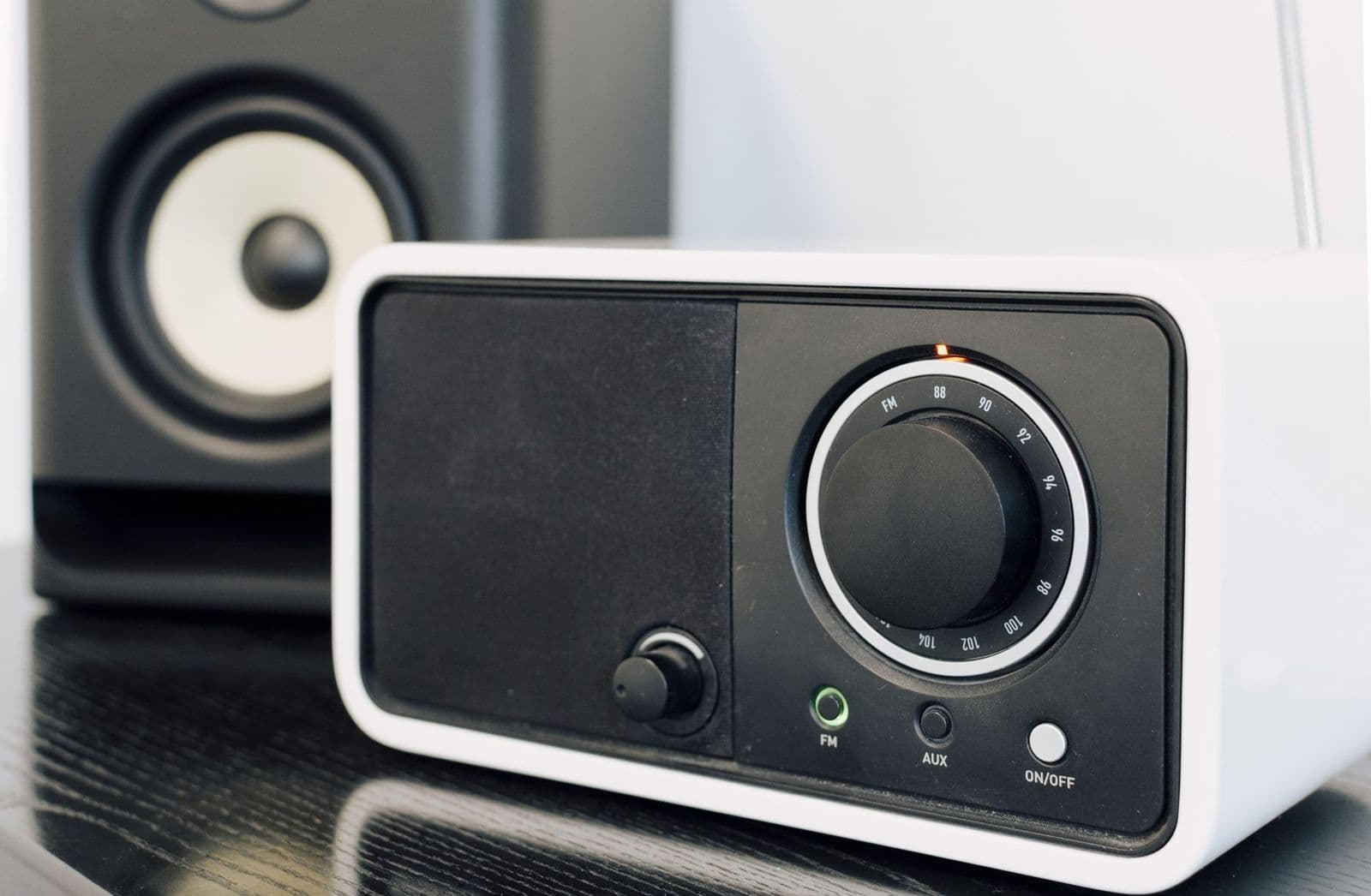
Use a short set of familiar tracks to test speakers for bass, vocals, detail, and imaging, and compare fairly with matched volume and the same seat.
Choosing test tracks feels odd at first, because you are not judging the song itself. You are using familiar sounds to reveal what a speaker does well and where it struggles. The best audio to test speakers gives you bass, voices, detail and space in a few short clips, so flaws are easy to hear. This guide goes from the basics to a simple routine.
You do not need a huge library or special gear to begin. A small set of tracks you know well, played at the same volume and from the same seat, tells you more than hours of random listening. The sections below explain what each track should reveal.
Who Should Use Which Test Audio for Speakers?
Match the audio to the job. A quick check, a close comparison and a fault hunt each call for different sounds.
New Owners Checking a First Home Setup
You have just placed a speaker in your room and want to know if it sounds as it should. Start with a clear male voice, a clear female voice, a piano piece and one track with a steady bass line. Voices expose a boxy or nasal tone quickly, while piano shows whether notes stay clean as they rise and fall. Keep this first set short, so you can repeat it after any change in placement.
Listeners Comparing Two Speakers at Home
You need the same short clips, in the same order, on both speakers, so your memory does not fade between swaps. Choose tracks with a wide stage, quiet passages and busy choruses. If you want ready made track ideas, see our guide to the best songs to test speakers. Write one short note per clip, because notes stay reliable after several swaps.
Owners Hunting a Buzz, Rattle or Imbalance
You already hear something wrong and need audio that isolates the fault. Slow bass notes can reveal a rattle in a cabinet, while a voice recorded in the center can show whether one side plays louder than the other. If repeated tests confirm the speaker itself is the limit, see our guide to the best audio quality speakers for your next step.
Key Features to Compare in Test Audio
Judge test audio by what it can reveal, not by how exciting it sounds on a good system. The six factors below cover the main jobs.
Frequency Coverage and Bass Control
Your set should reach from deep bass notes, around 30 to 60 hertz in strong recordings, up through voices and into high treble such as cymbals and string shimmer. A frequency sweep is useful as a quick map, since it shows where output fades or a buzz appears. Music then shows control, because good bass starts and stops cleanly with each note. Choose bass lines with clear gaps between notes, since constant rumble can hide loose playback.
Dynamics and Volume Contrast
Dynamics are the gap between the quietest and loudest sounds in one recording. Pick at least one track that moves from a single soft instrument into a full chorus or orchestra peak without warning. A speaker that handles dynamics well keeps the quiet parts clear and the loud parts free of strain. A speaker that struggles will flatten that contrast, so peaks sound harsh while soft detail sinks under room noise.
Stereo Imaging, Separation and Balance
A good stereo test track places each sound in a clear position between and beyond the two speakers. A centered voice should seem to come from midway between them, while backing voices and instruments spread to the sides without crowding. Listen for separation when several parts play at once, since each line should stay distinct. Also swap the left and right channels if you can, because a fault that moves with the swap points to the source.
Vocals, Midrange and Treble Detail
Most music lives in the midrange, so voices and common instruments deserve their own track in your set. Natural voices should sound like people in a room, with chest, breath and consonants all easy to follow. Treble then adds detail in cymbals, acoustic guitar strings and room echoes. Watch for sibilance on strong S sounds, since sharp or spitting consonants often signal harsh treble. One voice with guitar makes this check easier than a dense pop mix.
Transients and Timing With Real Instruments
Transients are the sharp starts of sounds, such as a drum hit, a plucked string or a piano note struck hard. Your set should include short, clean attacks followed by quiet space, so you can hear how fast a sound begins and how naturally it fades. Good timing keeps a drum kit together, with kick, snare and cymbal arriving as one event. If attacks sound smeared, the speaker may be blurring fine detail.
File Quality, Codec and a Familiar Reference
Always test with the best file quality you can get, since a compressed file can hide the very flaws you are hunting. Lossless files keep fine detail that low bit rate files discard, and the codec used for streaming or wireless playback can soften treble and narrow the stage further. Use one fixed source for every test, wired if you can, or the same wireless setup each time. For carefully made source material, see our guide to the best recordings to test speakers.
How to Run a Fair Speaker Test at Home
Set the room up once and leave it alone during the test. Place both speakers at the same height and distance from your seat, with your chair centered between them. Turn off any equalizer, loudness or surround effect in your player, since those settings change the sound more than many speaker differences do.
Play your clips in the same order, at the same marked volume setting, and score each speaker on the same short list of points. Keep your set of the best audio to test speakers on one device for every session, so the source cannot drift between rounds. If you compare two speakers, swap their positions and repeat the key clips, because the spot nearer a wall often gains extra bass. Trust the result that survives the swap.
Common Mistakes to Avoid
These errors seem small until they change the whole test result.
- Using only one loud rock track hides weak voices and poor stereo imaging behind constant noise.
- Raising the volume for the second speaker makes that speaker seem fuller and more exciting by default.
- Choosing tracks you have never heard leaves you with no memory of how the voices should sound.
- Sitting well off center shifts the stereo image to one side and ruins your judgment of balance.
- Moving the speakers between rounds changes the bass from nearby walls and makes the comparison unfair.
- Testing with a low quality stream lets file damage mask the speaker flaws you are trying to hear.
How to Keep Your Test Audio Library Ready
Store master copies in a lossless format in one named folder, and keep a backup on a second device. Label each file with its job, such as bass, vocals or imaging, so you can find the right clip quickly. Never edit, trim or change the volume of a reference file after you start using it, since a changed file breaks every past comparison.
Add a new track only after you have learned it well on a system you trust, and keep the core set stable for months. Keep your written notes with the files, including the volume setting, the seat position and a rough sketch of speaker placement. Replace a damaged file from the original source at once.
FAQ
Do test tones or songs work better for testing speakers at home?
Songs work better for an overall judgment, while test tones work better for finding one specific fault. A tone sweep can pinpoint the note where a cabinet rattles, but it tells you nothing about voices or rhythm. Keep tones short and moderate, since a loud pure tone is harder on ears and speakers than music. Use tones to confirm a fault, then return to songs.
How loud should test audio be when you test speakers at home?
Test audio should be loud enough that quiet detail clears the room noise, but no louder than you would enjoy for an evening of listening. If you have to raise your voice to speak over the music, the level is too high for a long session. Work in short bursts and rest your ears between rounds. One fixed level keeps the test fair, since louder playback sounds more impressive.
Can compressed streaming files hide faults in speakers?
Yes, compressed streaming files can hide faults, because the file has already lost detail before the speaker plays it. A weak stream may soften cymbals and blur a vocal edge that a better file would expose at once. Streaming quality can also shift when your connection slows. For a serious comparison, download one fixed high quality file and use it on every speaker.
How many tracks do you need in a speaker test set?
You need about five to eight tracks in a speaker test set, as long as each one has a clear job. Fewer than five usually leaves a gap, such as no quiet track or no strong vocal. More than eight slows swaps and tires your ears. Add one personal favorite as an enjoyment check, since a speaker that passes every test but bores you is still wrong.
What type of music reveals the most about speakers?
No single type of music reveals everything about a speaker, but acoustic music reveals the most about natural tone. Unamplified voices, piano and strings carry few studio effects, so errors in balance and timbre stand out. Add one spoken word clip as well, since speech exposes a boxy chest tone faster than most singing does. Finish with the type you play most at home.
Final Thoughts
Build your judgment on coverage, dynamics and imaging first, then check voices, timing and file quality. Short clips and honest notes tell you more than a long, random playlist.
With the best audio to test speakers on hand and the same routine each time, you can judge any speaker fairly.


