
Best Audio Cables for Studio Monitors: 2026 Buyer Guide
Disclosure: We may earn a commission when you buy through links on this page, at no extra cost to you. As an Amazon Associate I earn from qualifying purchases. Learn more

Compare the best audio cables for studio monitors by connector, shielding, length and build, with a clear buyer checklist, routing tips and care advice.
A monitor cable looks simple, yet it decides whether your speakers play clean sound or add hum and buzz to every quiet passage. The best audio cables for studio monitors carry a balanced signal, reject noise from nearby power cords, and fit the outputs and inputs you actually own. This guide gives you a clear checklist so you can read the product table below with confidence.
Start by checking the sockets on your interface and on the back of each monitor. Most nearfield monitors accept XLR, balanced quarter inch TRS, or both, while smaller models may add RCA. Match that socket first, then choose shielding, length and build for your room and the electrical noise around your setup.





Who Should Buy Which Studio Monitor Cables?
Your room and gear point to different cables. Pick for the setup you use every day, not a larger studio you may build later.
Home Studio Owners With a Short Desk Run
You likely sit with an interface close to both monitors, often within about 3 to 6 feet of cable. A balanced TRS or XLR cable of that length keeps the signal clean and leaves little slack on the desk. Choose a flexible jacket that bends easily around a monitor stand. Avoid very long cables here, because extra slack invites tangles behind the desk.
Project Studio Owners Chasing Hum and Buzz
You may have power strips, lamps, a computer tower and several outboard units sharing one wall. Balanced cables with dense shielding matter most for you, because stray electrical fields are stronger in a crowded room. Route each cable away from power bricks, and cross power cords at a right angle when crossing is unavoidable. A locking XLR plug also helps when a cable gets tugged during a session.
Creators Who Move Monitors Between Rooms
You might record in one room and mix in another, so your cables get coiled, carried and plugged in often. Choose a thicker jacket, strong strain relief and plugs that grip without forcing. Keep a matched pair that suits your largest room, about 10 to 15 feet for many movers. A spare pair saves a session when one plug starts to crackle.
Key Features to Compare
Compare these five factors in order when you shop for the best audio cables for studio monitors. Connector and balance come first, because no amount of shielding can fix a cable that cannot plug in correctly.
Balanced Signal and Connector Type
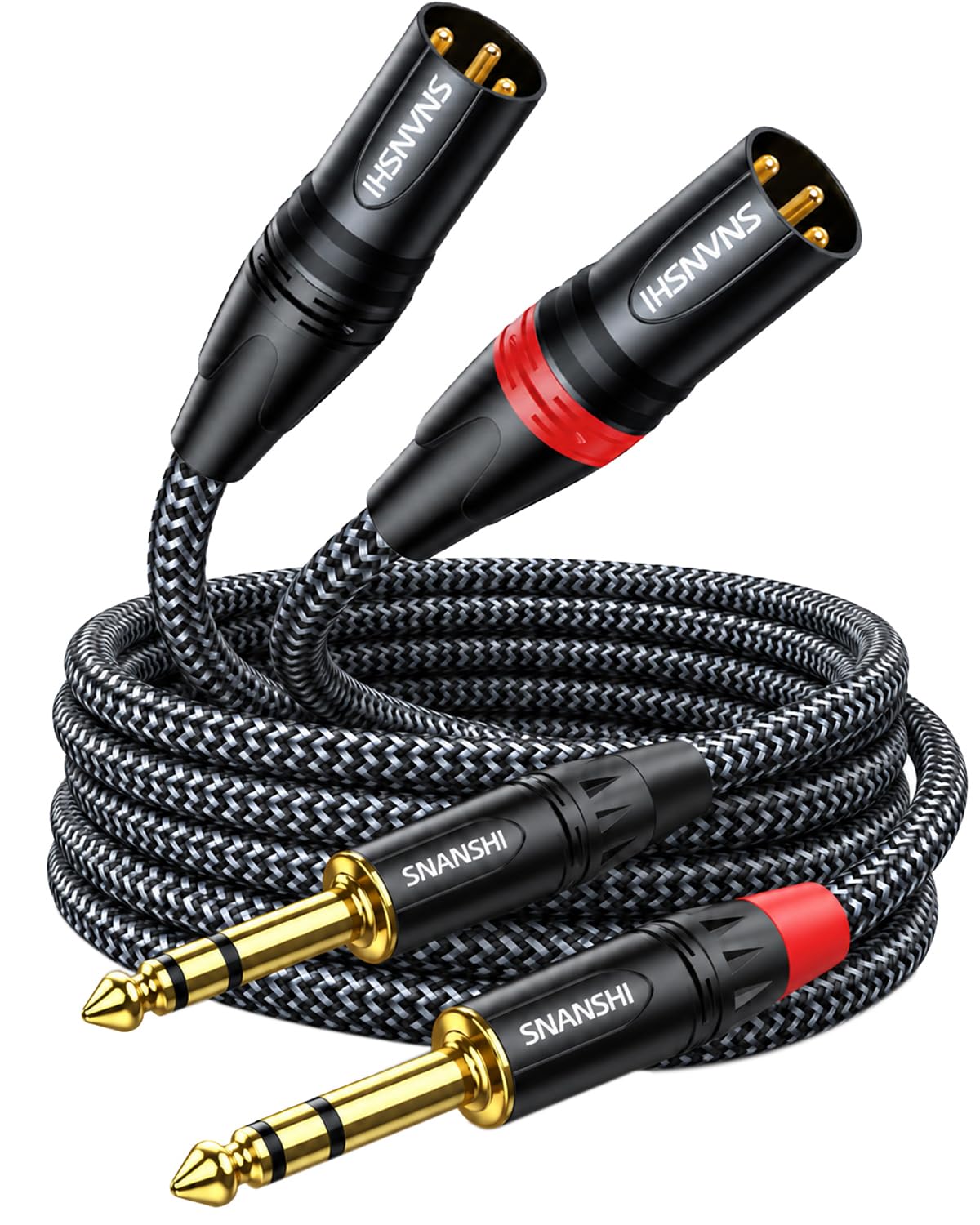
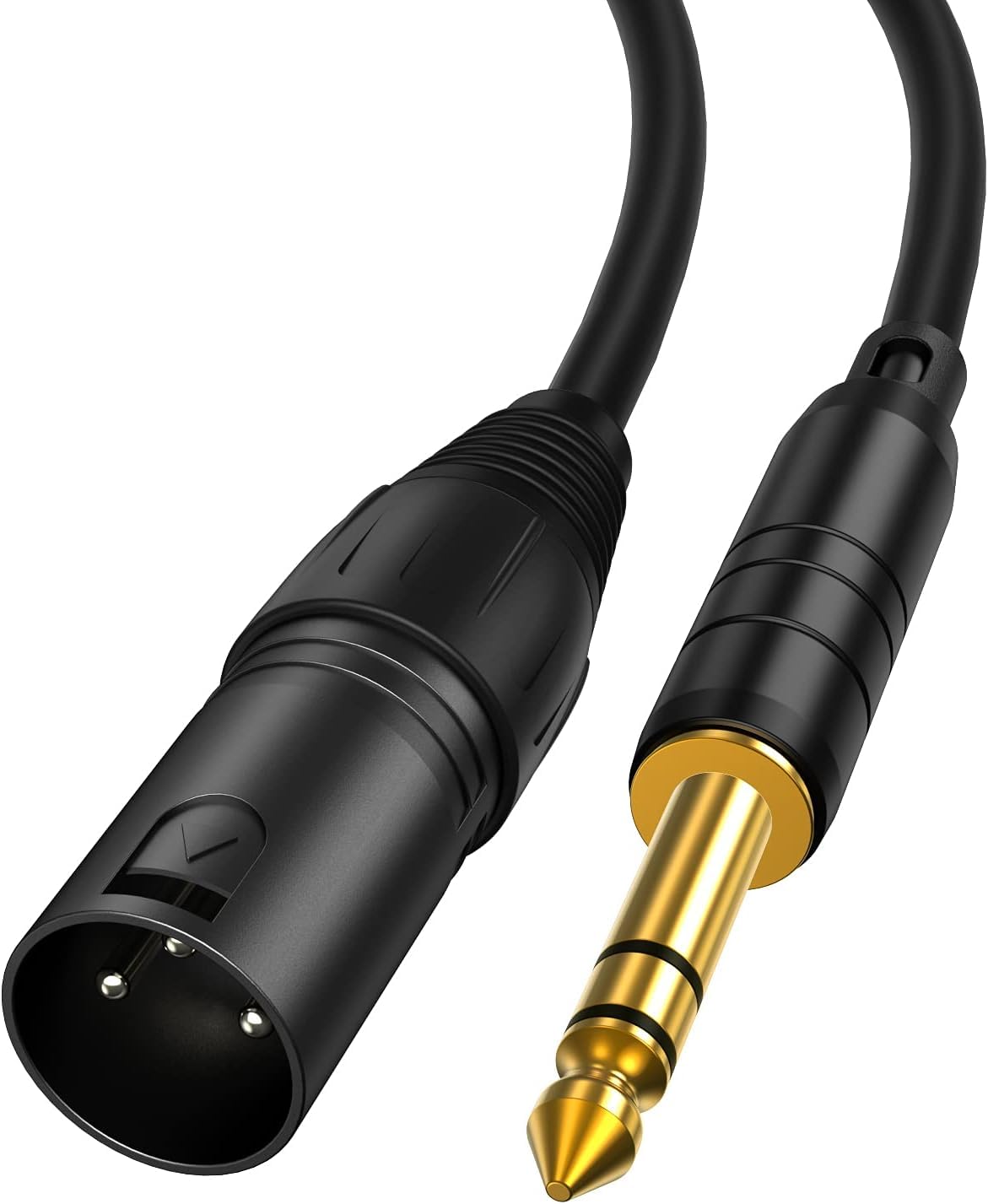
A balanced cable carries the signal on two conductors with opposite polarity, and the receiving input cancels noise picked up along the run. XLR plugs have three pins and lock in place, while TRS plugs have a tip, a ring and a sleeve and fit quarter inch sockets. Many monitors offer a combo socket that accepts either plug. If your interface offers balanced outputs, use them, and see our guide to the best trs cables for studio monitors for that plug type.
Shielding and Noise Rejection
Shielding wraps the signal conductors and drains interference before it reaches the monitor input. Braided shields cover well and stay flexible, foil shields cover fully but can crack if bent sharply and often, and spiral shields bend easily with moderate coverage. Star quad cable adds a second pair of conductors that cancel magnetic interference even better near dimmers. In a quiet room, a braided shield is usually enough.
Length, Capacitance and Routing Distance
Buy the shortest cable that reaches with a gentle curve and a little slack for moving the monitor. Common studio lengths run about 3 to 25 feet, and balanced runs in that range keep level and clarity well. Very long or high capacitance cables can soften high frequencies slightly, though balanced wiring limits the effect. Measure along the real path, down a stand leg and across the desk back, not in a straight line between sockets.
Conductor, Gauge and Jacket Build
Most monitor cables use copper conductors, often described as oxygen free copper, with a gauge around 22 to 24 AWG for line level signals. At these short lengths, gauge matters less than solid construction and intact shielding. The jacket matters more in daily use. A supple rubber or flexible PVC jacket coils neatly and resists kinking, while a stiff jacket can pull a light monitor out of position.
Contacts, Locking and Strain Relief
Contacts carry the signal, so clean surfaces and a firm fit prevent dropouts when the desk gets bumped. Gold plated contacts resist corrosion in humid rooms, while nickel plated contacts cost less and work well in dry rooms. XLR plugs add a latch that clicks shut, which suits cables that hang down a stand. Strain relief, where cable meets plug, stops the inner wires from breaking at the bend point that fails first on cheap cables.
Choosing Between XLR, TRS and RCA for Your Monitors
XLR suits most studio monitors best when both ends offer it, because the latch holds during moves. TRS gives the same balanced benefit in a smaller plug, which helps when interface outputs sit close together. See our guide to the best xlr cables for studio monitors to compare how the larger plug handles daily use.
RCA is unbalanced, so it lacks the noise cancelling pair and works best only for very short runs in quiet rooms. Use it when a monitor offers nothing else, and keep the run under about 6 feet. Your output choice starts at the interface, so see our guide to the best audio interface for studio monitors if you are still matching outputs to inputs.
Before you order a pair, run through this quick buyer checklist.
- Do both ends match the exact sockets on your interface and monitors?
- Is the cable balanced at both ends, with no unbalanced adapter in the chain?
- Did you measure the real routing path and add a little slack?
- Does the shielding suit the amount of power and lighting gear nearby?
- Will the jacket bend around your stands without pulling on the plugs?
- Are you buying a matched pair of equal length for left and right?
See our guide to the best cables for studio monitors for a broader view of cable options for the same speakers.
Common Mistakes to Avoid
Most monitor cable problems come from a short list of avoidable choices.
- Using an unbalanced TS instrument cable for a monitor run invites hum and radio noise into quiet mixes.
- Buying far more length than the room needs leaves coils that tangle and sit close to power supplies.
- Mixing one balanced and one unbalanced cable in a pair gives the two monitors different noise levels.
- Forcing a plug into a combo socket at an angle can bend contacts and cause intermittent crackle.
- Running monitor cables bundled tightly with power cords for a long distance raises the chance of buzz.
- Judging a cable only by thickness misses poor shielding and weak strain relief inside the plug.
Care and Maintenance for Studio Monitor Cables
Coil each cable in loose loops that follow its natural curve, and secure the coil with a soft tie rather than a tight knot. Never wrap a cable around your elbow and hand, because that twists the conductors and weakens the shield. Store spare pairs in a dry drawer away from direct sun, which can stiffen some jackets.
Wipe plugs with a dry cloth when dust builds up, and check each end every few months for loose shells, frayed jackets or a plug that wiggles in its socket. Swap in a known good cable when you hear crackle, because that test tells you whether the cable or the monitor needs attention. Replace a cable with a cut jacket or exposed shield rather than taping over damage.
FAQ
What features matter most in audio cables for studio monitors?
Balanced wiring, the right connector and sound shielding matter most for studio monitor cables. Those three decide noise level before conductor brand or jacket color enters the picture. Buy from a seller with a clear return policy, because a cable that fits on paper can still sit badly in a tight combo socket.
Should studio monitor cables be XLR or TRS?
Studio monitor cables can be XLR or TRS, since both carry a balanced signal when the sockets at both ends are balanced. Choose XLR when you want the locking latch for cables that hang or move often. Choose TRS when space around the socket is tight. Check the wording near the socket, because a quarter inch socket marked balanced is what makes TRS work as intended here.
How long can a studio monitor cable be before quality drops?
A balanced studio monitor cable can usually run about 25 to 50 feet without a clear loss in a typical room. Problems tend to come from damage or poor shielding before length alone causes trouble at desk distances. If you run farther, route away from lighting dimmers and test at low volume first, because interference often shows up as a faint buzz during silent moments.
Can unbalanced RCA cables work with studio monitors?
Yes, unbalanced RCA cables can work with studio monitors that have RCA inputs, but they suit only short and quiet setups. Keep the run brief and away from computer power bricks. As an extra check, turn the monitors up with no music playing. If hum changes when you move the cable, a balanced connection will serve that room better when the gear allows it.
When should studio monitor cables be replaced?
Studio monitor cables should be replaced when sound cuts out as the cable moves, when crackle stays after you clean the contacts, or when the jacket is cut. Intermittent faults rarely heal, and they tend to return during an important session. Keep the old cable only as a spare if it passes a wiggle test at both plugs without noise.
Our Verdict
Get the basics right and monitor cables stop being a worry. Match the socket, stay balanced where your gear allows it, pick shielding for the noise in your room, and measure the real path before you buy. Those steps cover most home and project studios.
Use the product table above to compare lengths, plug types and prices for the best audio cables for studio monitors shortlist that fits your setup. A matched, well built pair will let your monitors play what your mix actually sounds like, with nothing added along the way.


