
Best ATX PC Cases Under 100 in 2026: How to Choose for Airflow and Fit
Disclosure: We may earn a commission when you buy through links on this page, at no extra cost to you. As an Amazon Associate I earn from qualifying purchases. Learn more

Find ATX PC cases under 100 with guidance on airflow, GPU clearance, radiator mounts, dust filters and cable space for a cool, quiet first build.
A case decides how cool, quiet and easy to build your computer feels for years. The best atx pc cases under 100 protect your parts, move air where it matters and leave room to upgrade later. This guide shows you what that budget really buys, so you can read the product table below with clear priorities.
Start with your parts list and your room. Measure your graphics card, cooler and desk space first, then check airflow, fan mounts and cable room in that order. A pretty panel cannot fix a case that traps heat or forces cables against sharp edges.
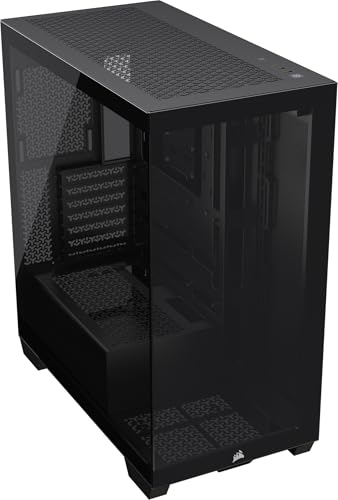


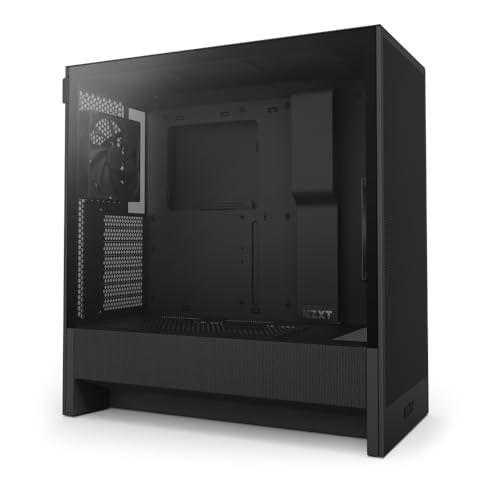
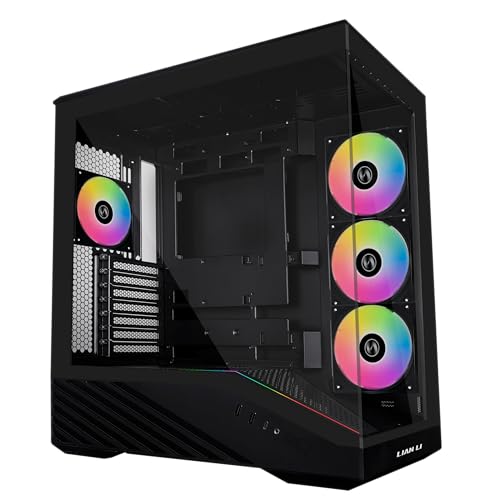

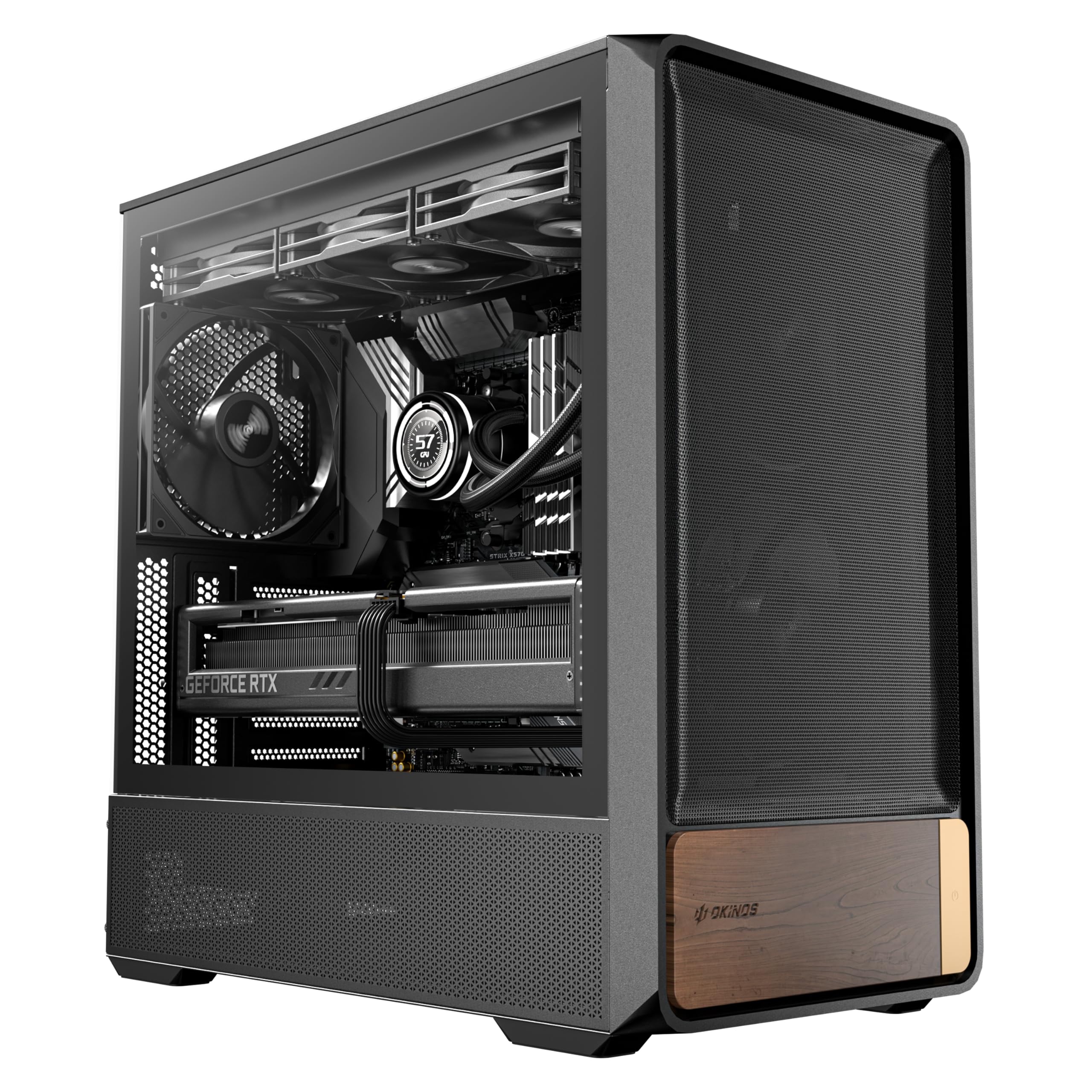
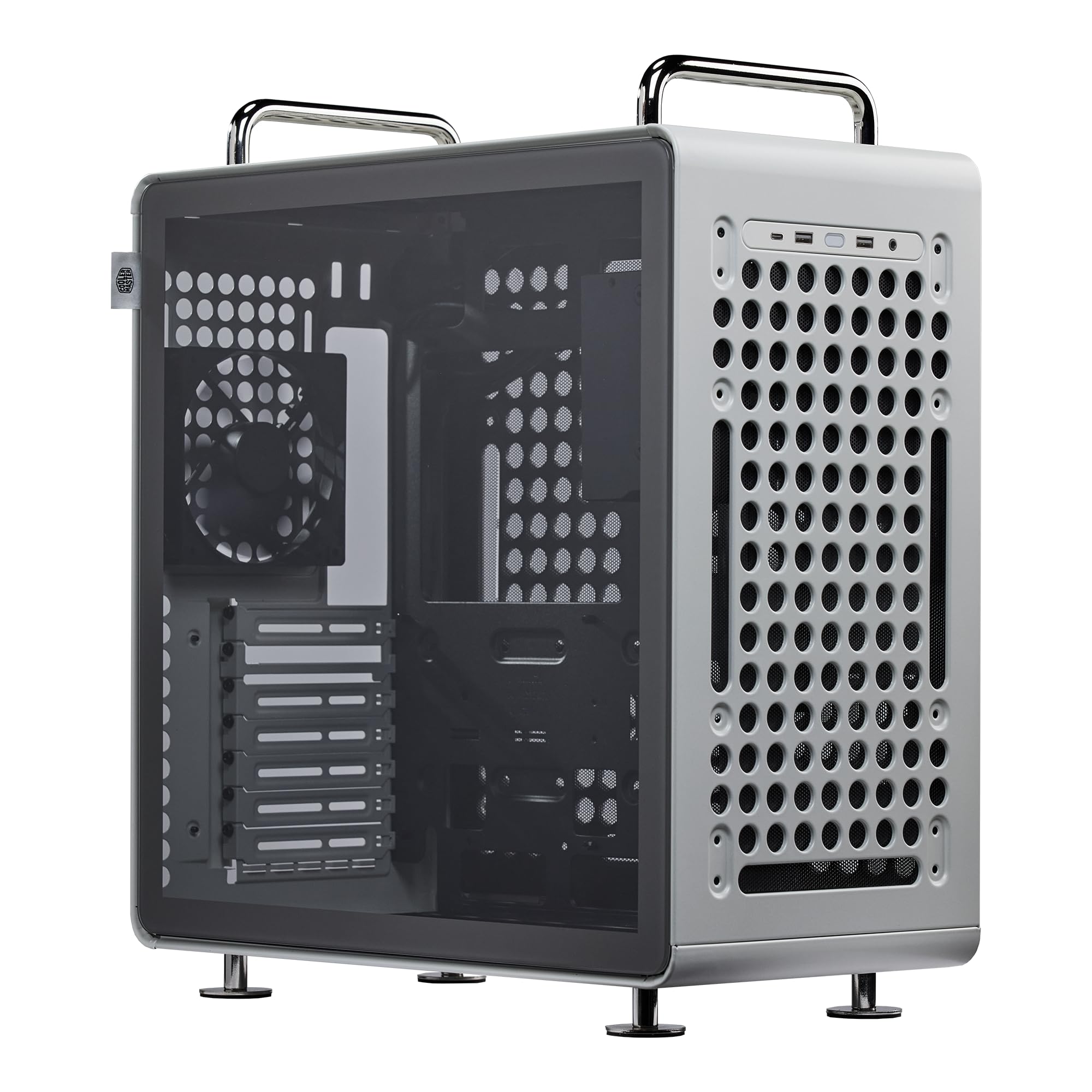

Who Should Buy an ATX Case at This Price?
Your reason for building shapes which tradeoffs feel fair. At under $100, every case gives up something, so match the sacrifice to the build you will use daily.
First Time Builders Working With a Tight Budget
You need forgiving cable space, clear standoff marks and panels that remove without a fight. Choose a mid tower with a power supply shroud, generous cutouts and at least two included fans, since spare cash for extra fans may not exist. A steel side panel also survives a clumsy first build better than glass.
Gamers Replacing a Closed and Noisy Old Case
You likely already own capable parts and mainly need heat out of the box. Choose a mesh front, room for three front fans and clearance for a long graphics card. If you want more options built around play, see our guide to the best gaming pc cases under 100 after you note your card length.
Builders Who Need a Quiet Desk or Living Room PC
You sit close to the machine, so fan noise and bright lights reach you all evening. Choose a solid front with side vents, quiet fan mounts and a plain panel without lights you cannot switch off. Place the case on a hard surface rather than carpet, since carpet blocks bottom intake and adds dust.
Key Features to Compare
When you compare best atx pc cases under 100, judge the shell and the airflow path before you judge color or lights. These five factors decide daily use.
Airflow and Front Panel Design
Airflow describes how freely cool air enters and warm air leaves. A mesh front lets front fans pull air with little resistance, which suits warm rooms and powerful graphics cards. A solid front with narrow side vents looks calmer but usually runs fans faster to move the same air, which adds noise. Choose mesh if cooling is your priority, and choose a solid front only when your parts run cool and quiet matters more than the lowest temperatures.
Fan Mounts, Included Fans and Radiator Space
Fan mounts tell you where cooling can grow later. Many cases at this price include about two to three fans and offer mounts for about five to seven fans in sizes of 120 mm or 140 mm. Top and front mounts may accept radiators of about 240 mm to 360 mm, but always check thickness room above the board. Choose more included fans if your budget is fixed, since buying fans later can erase the saving.
Graphics Card Length and Cooler Height Clearance
Clearance decides whether your current parts fit at all. Many mid towers accept graphics cards of about 300 mm to 400 mm long and tower coolers of about 160 mm to 170 mm tall, yet a front radiator can shorten card room by roughly its own thickness plus fan depth. Measure your card from bracket to end, then leave spare room for power cables that bend at the connector.
Cable Space, Shroud and Drive Mounts
Good cable space keeps the build neat and serviceable. Look for about 20 mm to 30 mm of depth behind the board tray, rubber lined cutouts and tie points along the routes cables actually travel. A shroud hides the power supply and spare leads. Most cases here mount two or three 2.5 inch drives and one or two 3.5 inch drives, which covers most gaming and family builds.
Dust Filters, Ports and Panel Material
Filters and ports shape weekly use. Removable filters at the front, top and bottom catch dust before it coats fans, and they should slide or lift out without tools. Front ports usually include two USB ports, audio jacks and sometimes one USB C port. Tempered glass shows your parts and needs careful handling, while steel panels hide cables, shrug off bumps and often cost less at this price.
Types of ATX Cases to Compare on a Tight Budget
Case types differ mainly in how they balance air, looks and size. Pick the type first, then compare details inside that type.
Mesh Airflow Cases for Warm Rooms
These cases use a perforated front and several fan mounts to move heat out quickly. They suit gaming builds and rooms without air conditioning. The tradeoff is openness, since fan sound escapes through the mesh and dust reaches the front filter sooner.
Glass Showcase Cases for a Clean Desk Look
These cases pair a glass side with tidy cable covers so the build itself becomes part of the room. They suit careful builders who value appearance. If color is your deciding factor, see our guide to the best white pc cases under 100, and for style led options in general, see our guide to the best looking pc cases under 100.
Compact ATX Cases for Small Desks
These cases keep full ATX board support while trimming empty internal volume. They suit shallow desks and builds with one graphics card and few drives. The tradeoff is tighter cable room and less space for tall coolers or thick radiators, so check every clearance figure twice.
What Changes When Your Budget Rises
Best ATX PC Cases Under 200
Spending up to under $200 usually buys thicker steel, more included fans, finer dust filters and easier panel removal, rather than a different job. You may also gain room for larger radiators and quieter stock fans. For a wider view across prices, see our guide to the best atx pc cases. Step up only when one named gain, such as radiator room or silence, matters to your build.
Common Mistakes to Avoid
- Buying by photos alone leaves you with a graphics card that is longer than the case allows.
- Choosing a solid front for a hot build forces fans to spin faster and louder all evening.
- Counting fan mounts but not included fans leaves you spending your remaining budget on basic cooling.
- Ignoring depth behind the board tray makes the back panel bulge and stresses your cables.
- Placing a case with a bottom intake on thick carpet starves the power supply of air and loads it with dust.
- Forgetting radiator thickness leaves a top mounted radiator pressing against board cables and memory.
Care and Maintenance for Your ATX Case
Remove and wash or brush the dust filters about every three months, and let washed filters dry fully before refitting them. Wipe fan blades with a soft cloth while the computer is off and unplugged. Vacuum room dust around the intake area often if the case sits on the floor.
Clean glass with a microfiber cloth and light pressure, and support the panel with both hands whenever you remove it over a hard floor. Check panel screws, fan screws and drive mounts twice a year, since vibration slowly loosens them. Keep spare cables tied clear of fan blades after every upgrade.
FAQ
Can you get a good ATX PC case for under $100 for a gaming build?
Yes, a good ATX PC case for under $100 can cool a gaming build well if it has a mesh front and at least two included fans. Spend first on airflow and card clearance, and skip lights or glass if money is tight. One useful check is noise at your normal fan speed, since a case that sounds harsh will bother you long after the saving is forgotten.
Will a long graphics card fit in a budget ATX PC case?
Most budget ATX cases fit long graphics cards, but you should confirm the listed clearance with any front radiator fitted. A radiator and fan together can remove about 55 mm of card room. Also allow space for a support bracket if your card is heavy, since a long card can sag at the far corner and strain its slot over time.
Should you choose air cooling or liquid cooling in a budget ATX case?
Air cooling is usually the safer choice in a budget ATX case because a tower cooler needs only height clearance and one fan mount. Liquid cooling adds radiator thickness, hose routing and pump placement to your checks. Choose a 240 mm liquid cooler only when the case lists top mount room that clears your board and memory, not just the radiator length alone.
How often should you clean the dust filters on an ATX PC case?
Clean the dust filters on an ATX PC case about every three months, or monthly in a home with pets or a floor level case. A clogged front filter can raise internal temperatures even when every fan still works. Clean one filter at a time on your first attempt, since refitting each one right away teaches you how the clips and slides work.
Does a tempered glass side panel make an ATX PC case quieter?
A tempered glass side panel can slightly soften high pitched fan sound, but it does not make an ATX PC case truly quiet. Openings at the front and top still let most noise escape. Glass mainly changes looks and care, since it shows dust and fingerprints quickly and rewards a quick wipe during your regular filter cleaning routine.
Final Thoughts
Choose airflow first, then confirm card length, cooler height and radiator room against your own parts. Let included fans and cable space break ties, since both save money and effort after the purchase. Return to the product table above and compare your shortlist against those checks.
Picked with those points in mind, the best atx pc cases under 100 give you a cool, tidy and upgrade friendly home for your build. Buy the case that fits your parts and your room, and your next upgrade will feel simple.


