
Best Art Projectors for Tracing in 2026: A Practical Checklist
Disclosure: We may earn a commission when you buy through links on this page, at no extra cost to you. As an Amazon Associate I earn from qualifying purchases. Learn more

Best art projectors for tracing, compared by brightness, throw distance, sharpness, and setup for your desk, wall, and artwork.
Shopping for best art projectors for tracing comes down to one question: which projector gives you a sharp, steady image at the size you actually trace? Tracing needs clean lines, even brightness across the image, and a setup that fits your desk or wall without constant refocusing. A projector built for movies can still work, yet it may waste money on features that do not help line work.
The product table gives a quick overview of the picks, and the sections that follow explain brightness, throw distance, sharpness, and setup in plain language. Never look directly into the lens while a projector is on, and keep vents clear so heat can escape during long sessions.

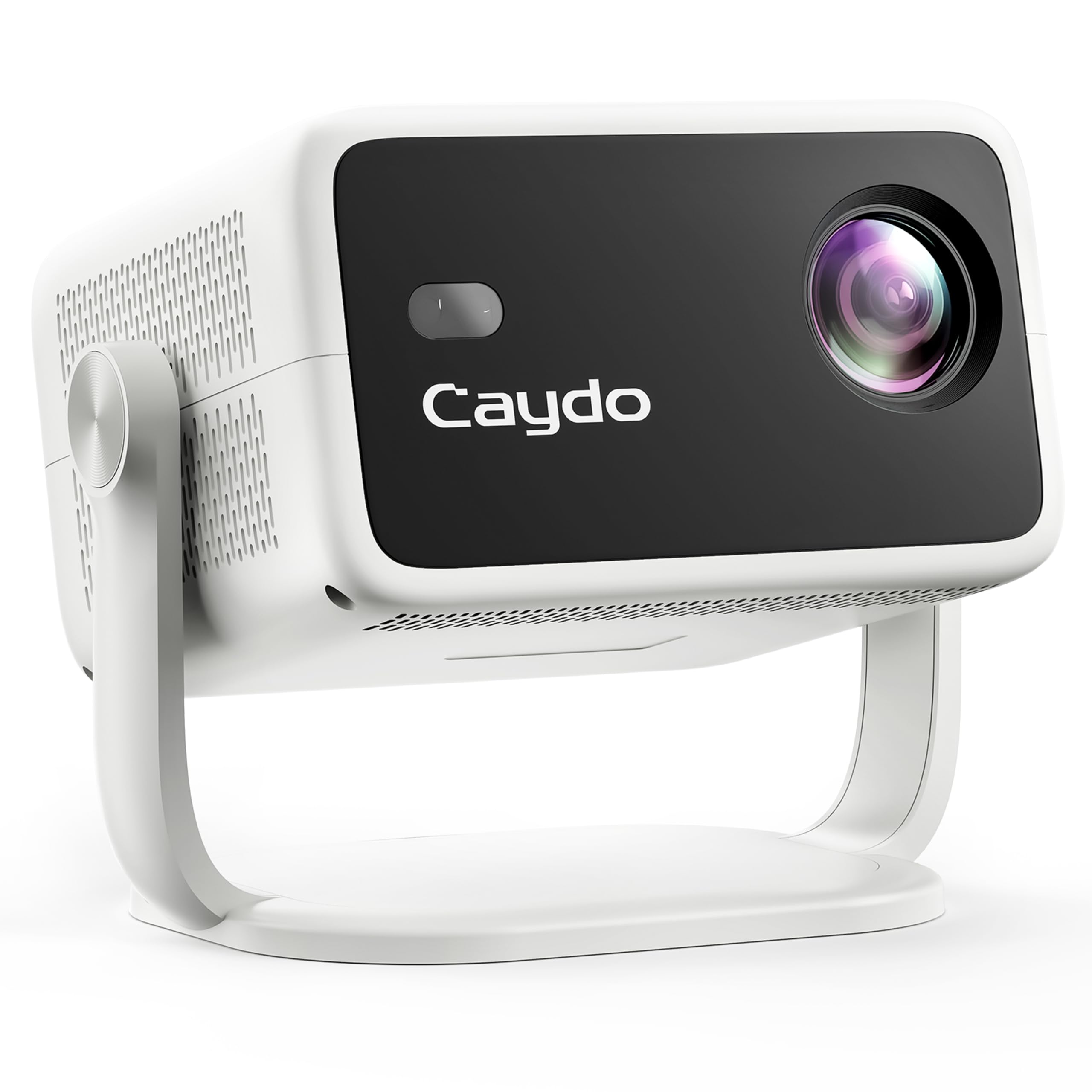
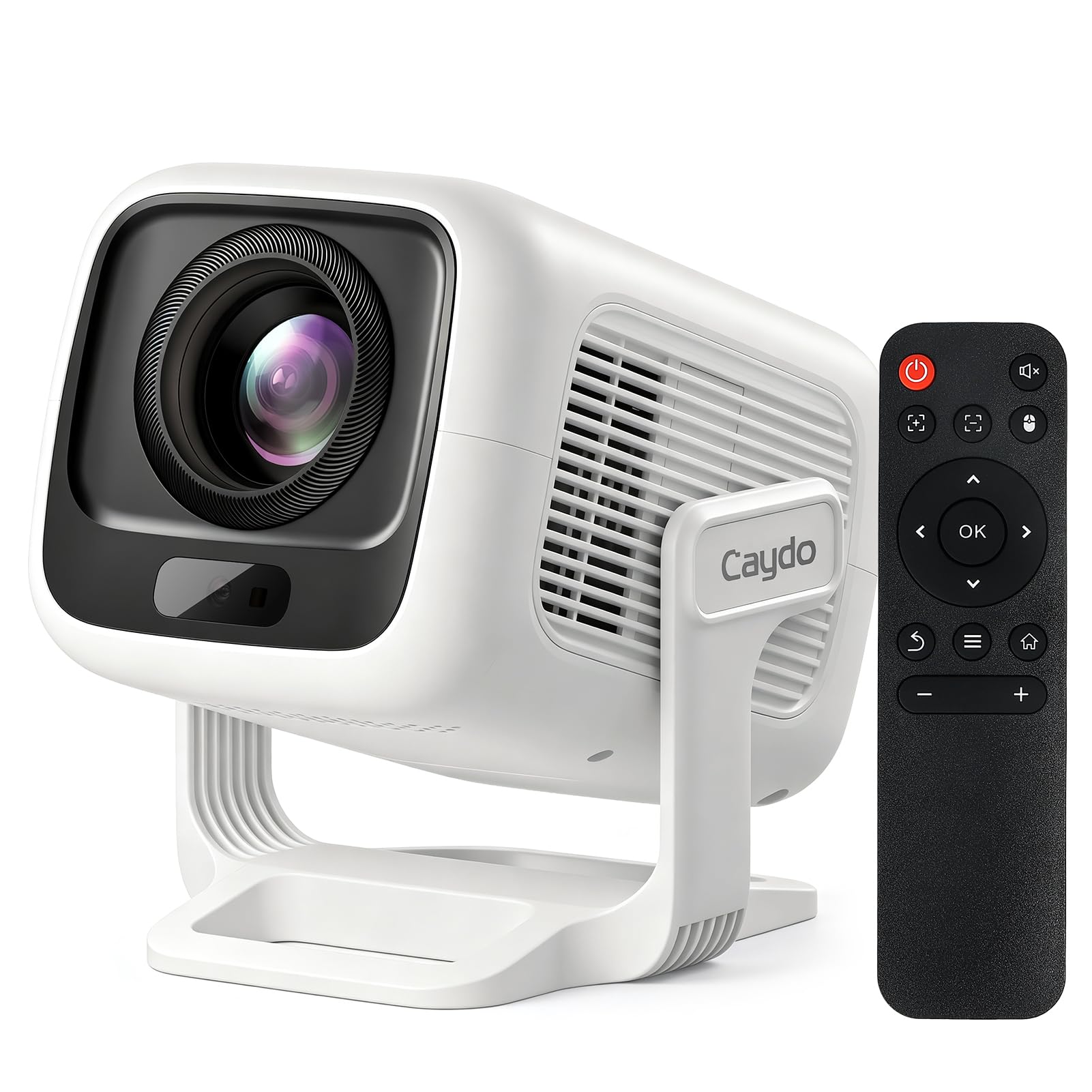
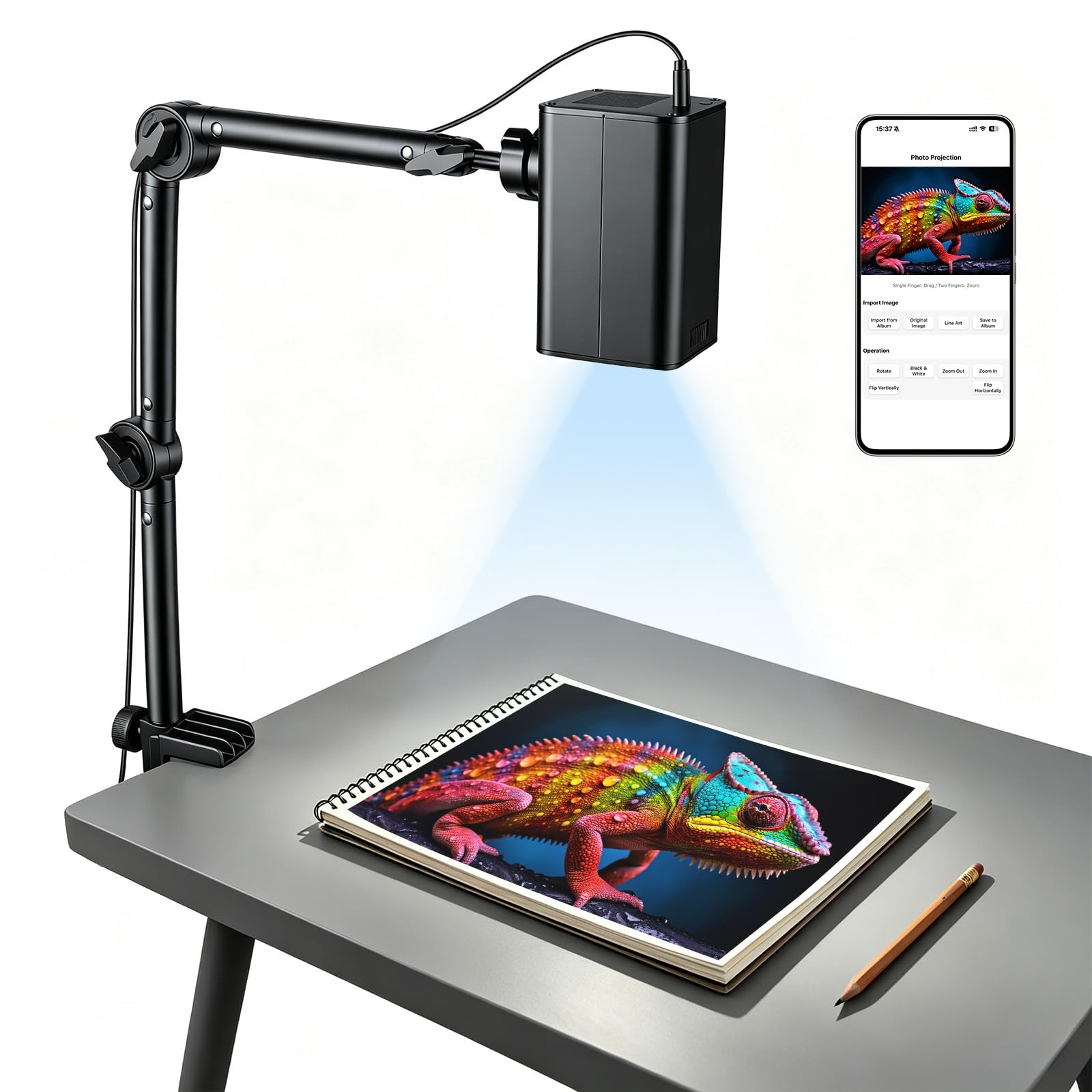
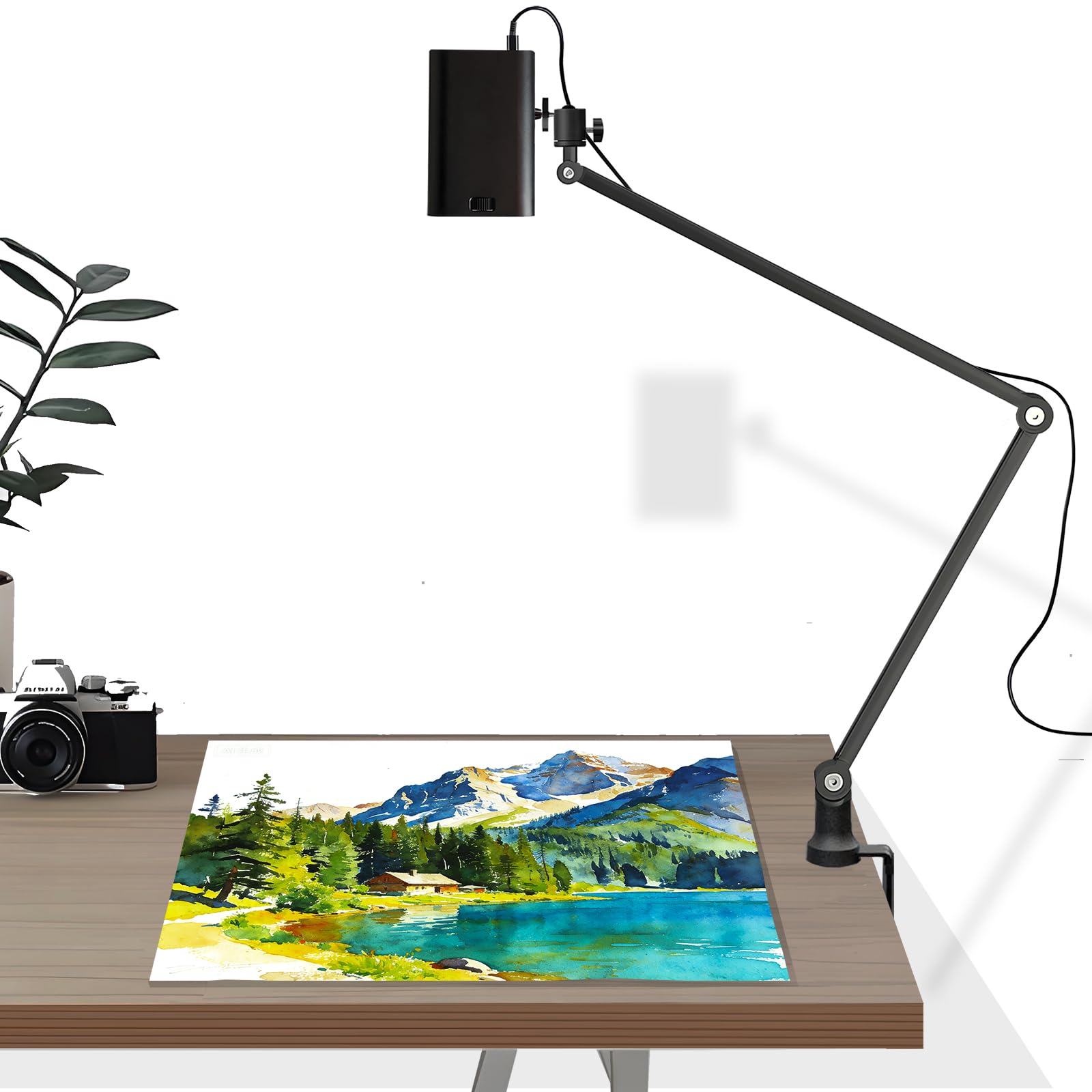


Who Should Buy Which Tracing Projector?
Start with where and how you trace, since room size and artwork size shape the choice more than any single specification. The groups below cover most buyers, and each one points to the factors that matter most for that setup.
Desk Artists Working on Paper or Canvas
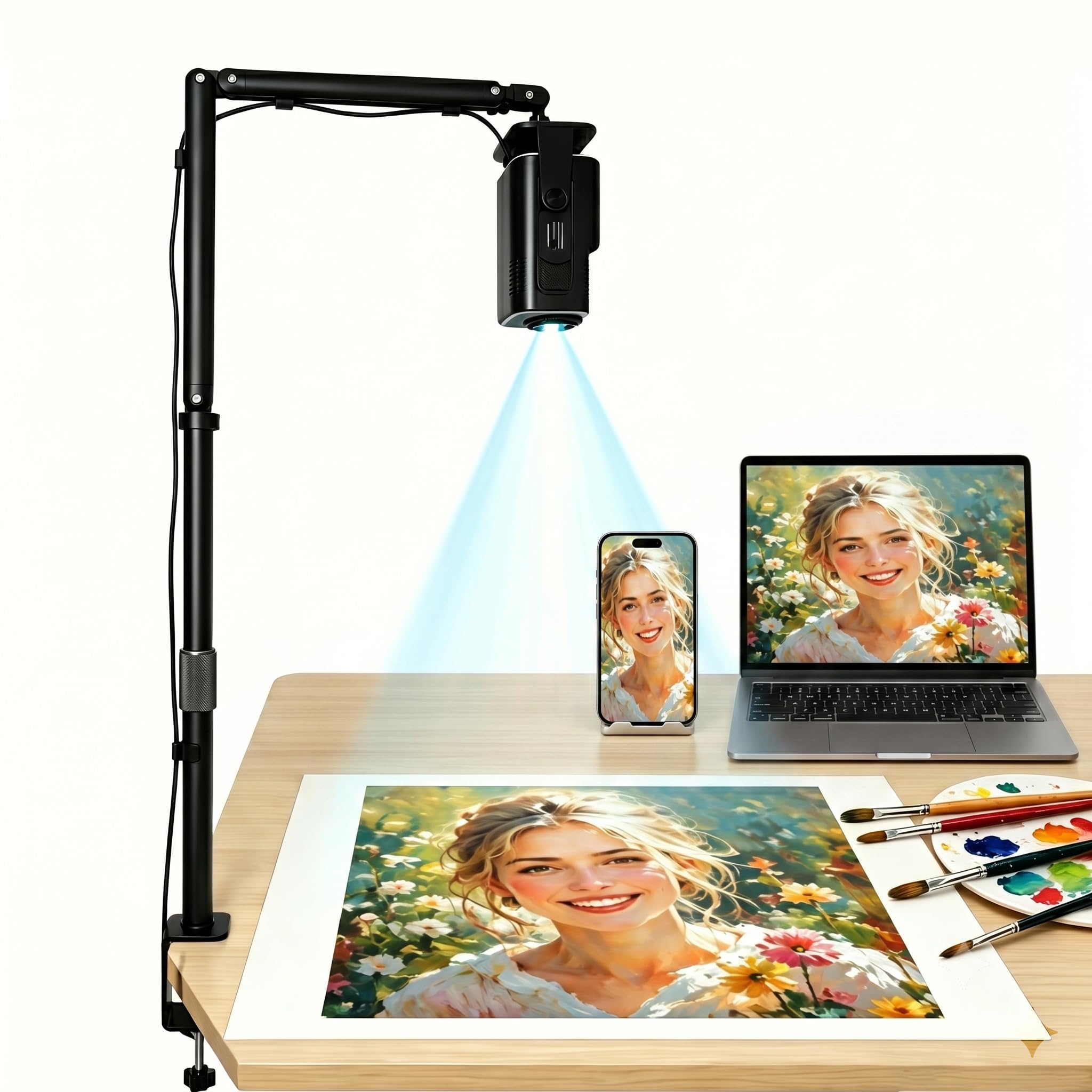
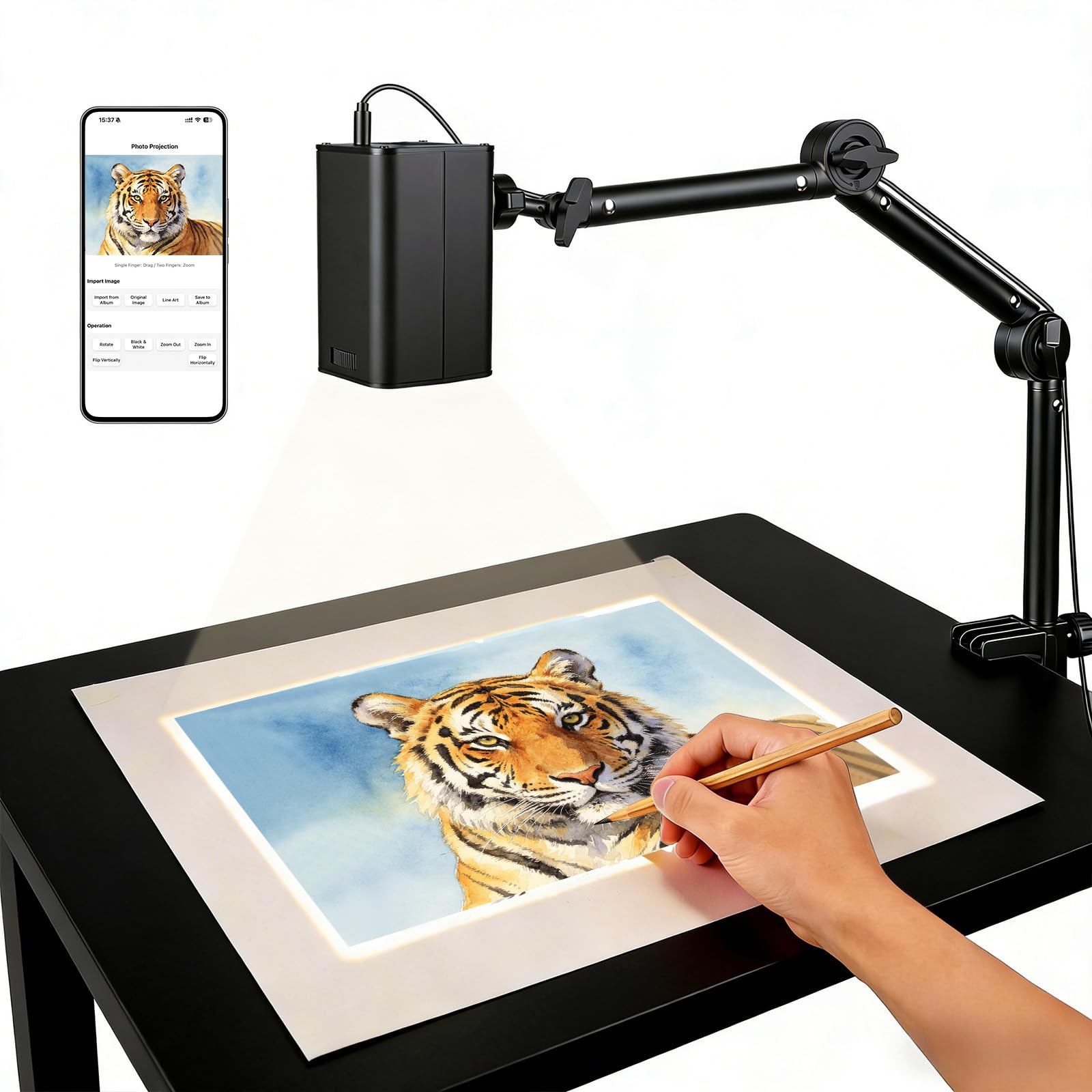
Desk artists usually project a small to medium image onto paper, canvas, or a board placed flat or upright nearby. A short throw model or a compact projector on a stand can help here, because it keeps the image large enough to trace without pushing the projector far back. Look for fine focus control, a stable mount, and an image that stays sharp at the edges. A dim room also helps, since even a modest projector looks clearer when competing light is low.
Mural and Large Wall Artists
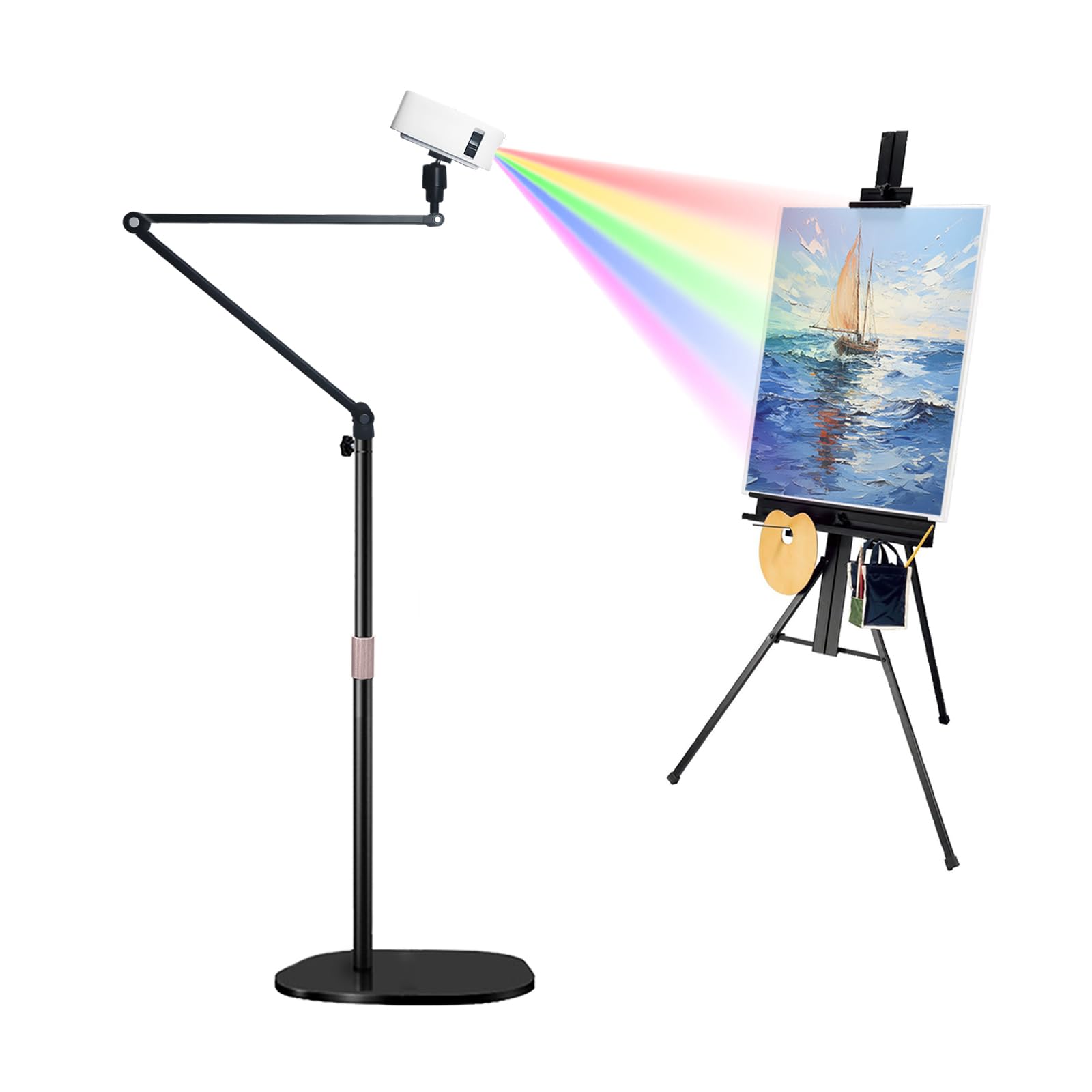
Large wall work needs a brighter image and a longer throw, so the projector can fill a wide area without losing line clarity. Brightness, zoom range, and keystone correction matter more here than portability, because the projector often stays in one place for a whole project. Check the maximum image size at your available distance before buying, and confirm that text and thin lines stay readable at the edges. For a wider view of the category, see our guide to best art projectors and compare its type guidance with your wall space.
Teachers, Students, and Traveling Artists
Portable use calls for a light projector, simple setup, and a power source that fits classrooms, studios, and workshops. A compact model with quick focus and a carry case is easier to move than a large home theater unit, even if it gives up some brightness. Battery powered models can help in rooms without a nearby outlet, but check run time at full brightness, since it often falls short of the headline figure. A simple remote and a short setup routine matter more than extra smart features you may never use.
Key Features to Compare
Use the factors below as a scoring sheet. A strong tracing projector does not need to win every category, but it should do well on sharpness, brightness for your room, and fit for your space, since those three affect every line you trace.
Features That Matter for Tracing
Tracing rewards a steady, high contrast image with clean edges, so focus on line clarity rather than on movie features such as surround sound or smart apps. A good tracing image shows thin lines without blur, keeps brightness even from center to edge, and lets you resize without losing detail. For fine pen lines, portraits, or lettering, edge sharpness matters more than a large color range. If you trace bold outlines for murals, brightness and image size matter more.
Brightness and Room Light
Brightness is measured in lumens, and the right level depends on how much light you can control. A dark room lets a modest projector work well for desk tracing, while a bright studio or a room with windows needs a much brighter model. Be wary of headline lumen figures that use different measurement methods, and compare models on the same basis where possible. As a rough guide, desk work in a dim room can suit a lower brightness model, while wall work in a lit room usually needs a clearly brighter one.
Throw Distance and Image Size
Throw distance is the space between the projector and the surface, and it decides how large an image you can get in your room. Short throw models create a large image from a short distance, which suits small rooms and desk setups. Standard throw models need more distance but often cost less for the same brightness. Measure your available distance first and check the maker's throw chart, since a projector that cannot fill your surface, or that overshoots it, will frustrate every session.
Focus, Sharpness, and Keystone Correction
Sharp focus across the whole image is essential, because a soft edge turns a fine line into a guess. Manual focus gives precise control for a fixed setup, while auto focus helps if you move the projector often. Keystone correction squares up an image projected at an angle, but heavy correction can soften edges, so a straight on placement is better when possible. For detailed work, see our guide to best digital art projectors for tracing and note how its focus and placement guidance compares with your desk or wall layout.
Color and Contrast for Line Work
Color accuracy matters when you trace from a colored reference, since a washed out image can hide shading and subtle lines. Contrast matters even more for black line work, because strong contrast keeps lines visible against a light surface. A projector with good contrast will show thin lines clearly even at lower brightness, while a low contrast model may need a darker room to do the same job. If you work mainly in black and white, favor contrast and sharpness over a wide color range.
Connectivity and Source Devices
Most tracing setups use a phone, tablet, laptop, or camera as the image source, so check inputs before you buy. A common HDMI input covers most laptops and many adapters, while wireless casting can help with phones and tablets but may add lag or compression. Confirm that your source device, cable, and adapter work together, and try image mirroring before a long session. Simple, reliable connectivity beats a long list of ports you will never use, especially in a classroom or shared studio.
Portability, Noise, and Lamp Life
Portability includes weight, size, and how quickly you can set up and pack away, not just the headline weight figure. Fan noise matters during long quiet sessions, since a loud fan can distract from detailed work even if the image is good. Lamp or light source life affects running cost, because a short lived lamp can add expense over time. Check whether the light source is replaceable, how much a replacement costs, and whether a quiet or eco mode still gives enough brightness for your room.
Quick Buyer Checklist
Run through these questions before you order, and answer each one with a yes or a no. A model that earns mostly yes answers is likely a good fit for your space and artwork.
- Does the image size at your measured distance match the artwork size you trace most often?
- Is the brightness adequate for the light level in your room, not just in a dark room?
- Does the image stay sharp at the edges, not only in the center?
- Can you focus and square the image quickly without heavy keystone correction?
- Does the projector connect easily with your phone, tablet, or laptop?
- Is fan noise low enough for long, quiet tracing sessions?
- Is the light source life reasonable, with a clear replacement cost if it is replaceable?
- Can you mount or place the projector safely, with vents clear and cables out of walkways?
Red Flags to Watch For
Be cautious with listings that give only a peak brightness figure, hide the throw chart, or claim sharpness without stating resolution. A missing throw chart is a serious gap, since distance decides image size. Very short warranties, no clear maker contact, and vague lamp life figures are also warning signs. Avoid listings that stress movie features while saying little about focus or placement, and avoid any projector guidance that encourages looking into the lens or blocking vents.
Setup and Care Tips
Start with a straight on placement, a stable surface or mount, and a sample image with fine lines before you begin a real piece. Adjust focus slowly, check the corners as well as the center, and dim competing lights for the clearest lines. Keep vents clear, let the projector cool before packing it away, and clean the lens only with a soft cloth as the maker directs. For artist focused options, see our guide to best art projectors for artists and compare its setup advice with your room.
Frequently Asked Questions
What Features Matter Most in Art Projectors for Tracing?
Sharpness, even brightness, and correct image size matter most for tracing, because they decide whether thin lines stay visible across the whole surface. Brightness must suit your room light, throw distance must suit your space, and focus must stay sharp at the edges. Color and contrast help with shaded references, while connectivity decides how easily you can show your source image. A projector that scores well on those basics will usually serve tracing better than a brighter movie projector with soft edges.
How Long Do Tracing Projectors Last?
Light source life varies widely, from a few thousand hours for some lamps to much longer for solid state light sources, so check the maker's figure for the mode you will actually use. Eco modes often extend life but reduce brightness, which may not suit a lit room. Physical life also depends on care, including clear vents, gentle handling, and cool down time before packing. If you trace daily, favor a model with a longer rated life and a clear, affordable replacement path.
Is 4K Worth It for Tracing?
Higher resolution helps most when you trace fine detail, small text, or large images viewed up close, because it keeps thin lines crisp. For bold outlines or small desk images, a lower resolution model can still give clean results at a lower cost. The benefit also depends on your source image, since a low resolution photo will not gain detail from a higher resolution projector. Weigh resolution against brightness and throw fit, and do not pay for resolution while sacrificing the image size or brightness your room needs.
What Size Should You Get for Your Room or Desk?
Size should follow your artwork and your available throw distance, not the largest image a projector can claim. Measure the distance from the projector position to the surface, then use the maker's throw chart to find the image size at that distance. For desk work, a small to medium image often works best, since a very large image can force you to move your head constantly. For wall work, confirm that the image fills your mural area without heavy keystone correction or edge softness.
Which Is Better for Tracing: A Bright Model or a Sharp Model?
Sharpness usually matters more in a dim room, while brightness matters more in a lit room, so the answer depends on your light control. A sharp, moderately bright image traces well in a dim room, while a bright but soft image blurs fine lines. If you must choose, favor the model that keeps lines crisp at your usual image size, then add light control with curtains or a darker work area. For installation use, see our guide to best projectors for art installations and compare its brightness guidance with your venue.
Final Thoughts
The best choice balances sharpness, brightness for your room, and a throw distance that fits your space. Start with your measured distance and artwork size, then favor a model with clean edge focus and a simple, reliable connection to your source device. Compare the picks in the table once more, check lamp life and warranty, and confirm safe placement with clear vents before ordering. With that checklist in hand, best art projectors for tracing become easier to compare, and you can choose a projector that keeps your lines clear from first sketch to finished piece.


