Best Art Projectors for 2026: A Clear Buying Guide
Disclosure: We may earn a commission when you buy through links on this page, at no extra cost to you. As an Amazon Associate I earn from qualifying purchases. Learn more

Artists and crafters can pick the best art projectors for tracing onto canvas, walls and cakes by comparing image size, focus, stand and app features.
Enlarging a sketch, tracing a portrait, or putting a design onto a canvas or wall calls for a steady, sharp image, and the best art projectors are built for exactly that job. Unlike a movie projector, an art (tracing) projector is made to throw a clean outline of a photo or design onto a surface so you can draw over it. Stability, focus and image size matter far more than lumens or surround sound.
This guide covers who each type suits, the features that matter for tracing and transfer work, how budgets compare, and the mistakes that most often lead to a disappointing purchase. The product table on this page lets you compare current models, and the sections below explain what to look for.


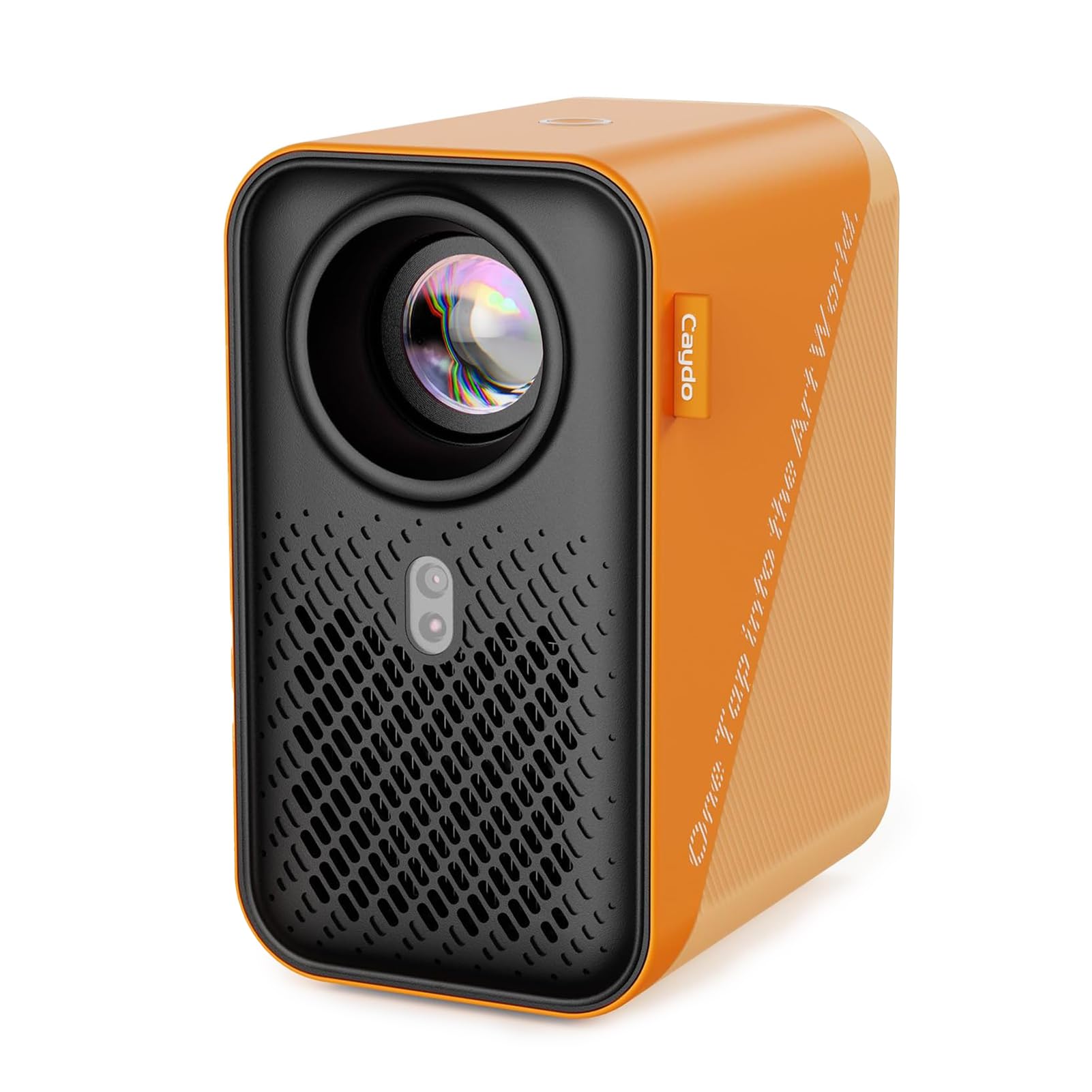
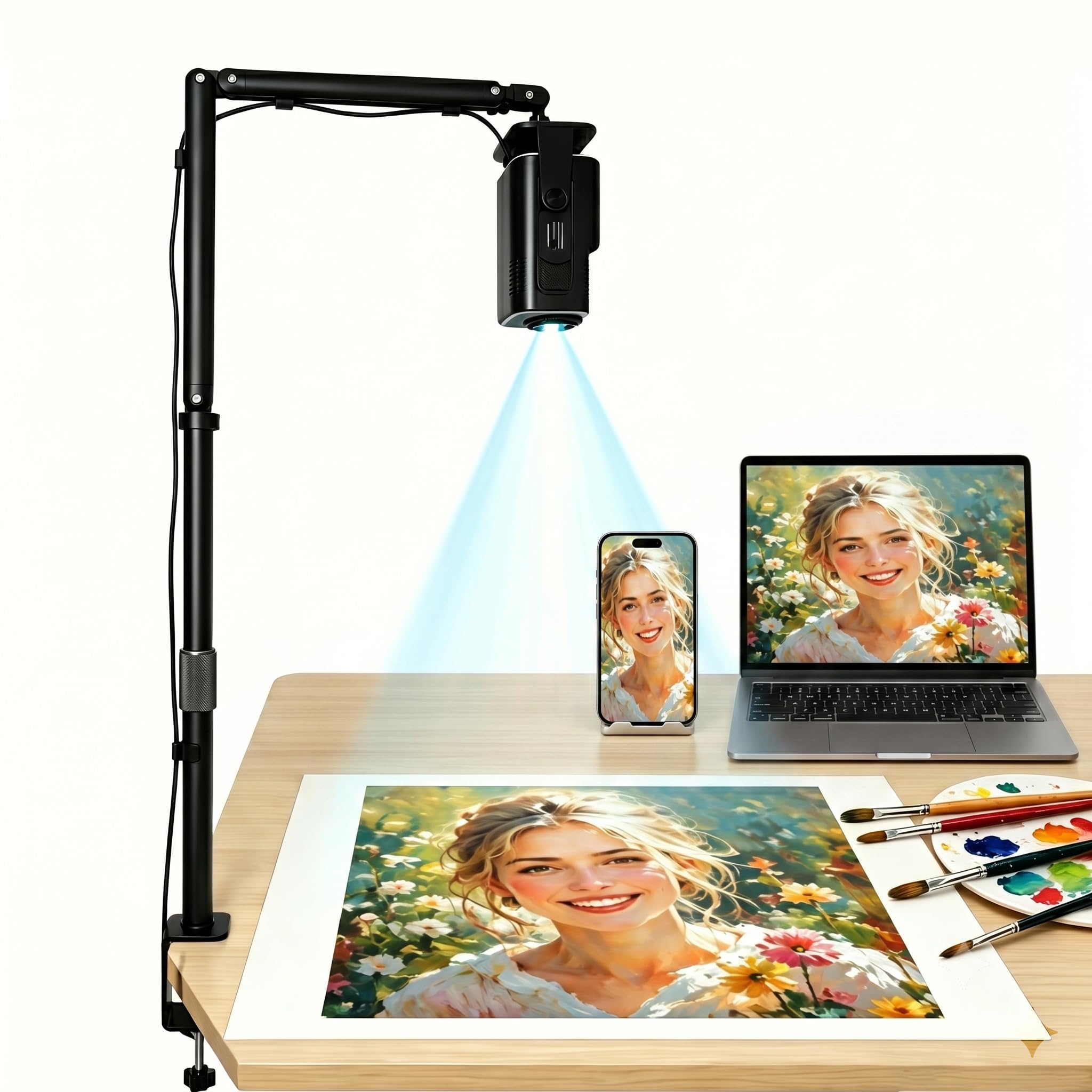
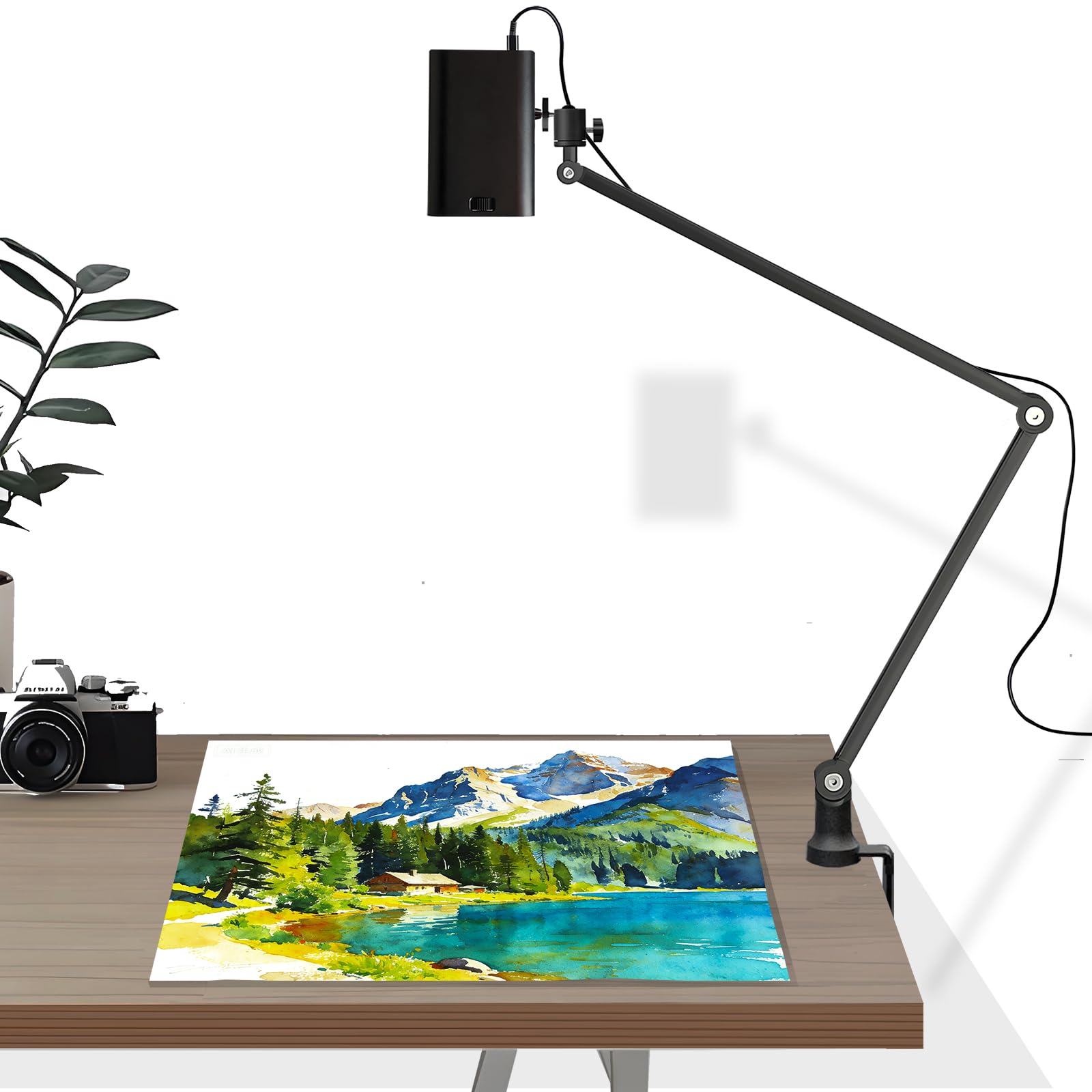
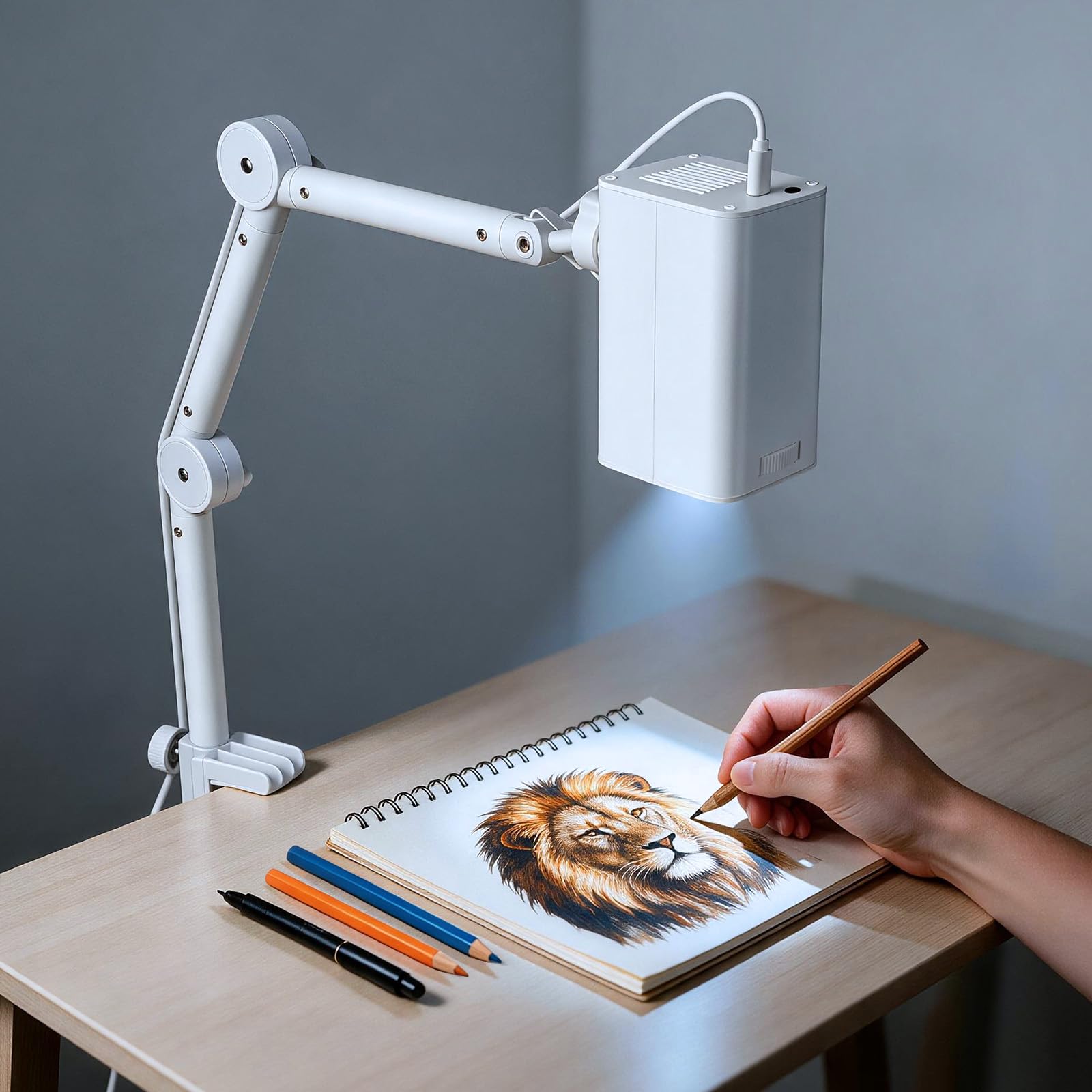

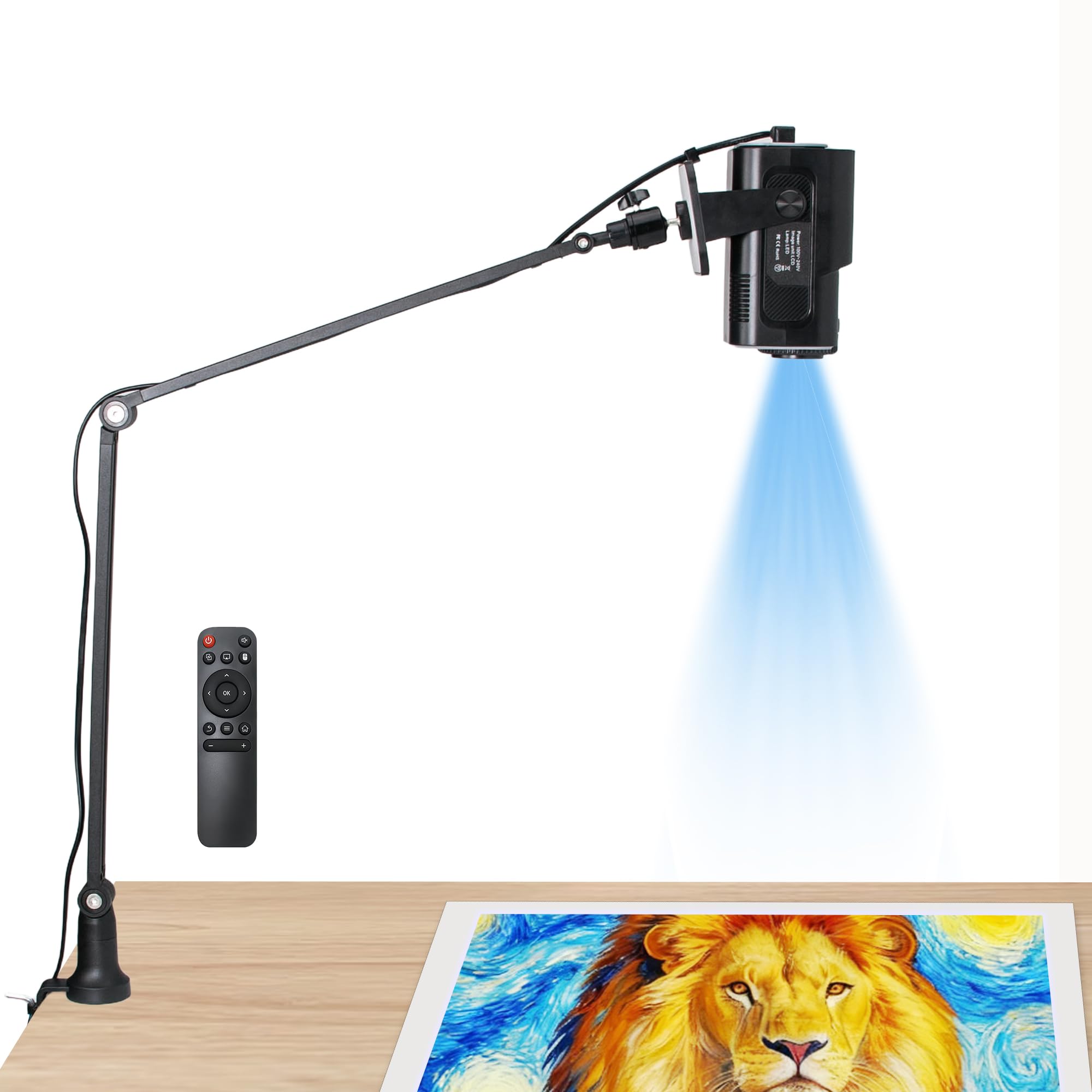
Who Should Buy Which Art Projector?
Tracing and Drawing Artists
If you trace portraits or transfer designs to canvas, a sharp edge to edge image and a stable stand matter most. Look for fine focus control, an adjustable arm or clamp, and a projection distance that fits your desk or easel. A model that keeps focus across the whole frame saves you from constant refocusing mid session.
Mural and Wall Artists
Large scale work needs a projector that can fill a wall from a workable distance and stay put while you paint. Check the maximum image size and whether the stand or mount holds the projector steadily. For very large walls, see our guide to best projectors for art installations for more on sizing and placement.
Cake, Cookie and Craft Decorators
Decorators use art projectors to trace patterns onto cookies, cakes, banners and signs. A compact model with an overhead stand that can point straight down works best, and a simple setup keeps the process quick and tidy.
Kids and Beginners
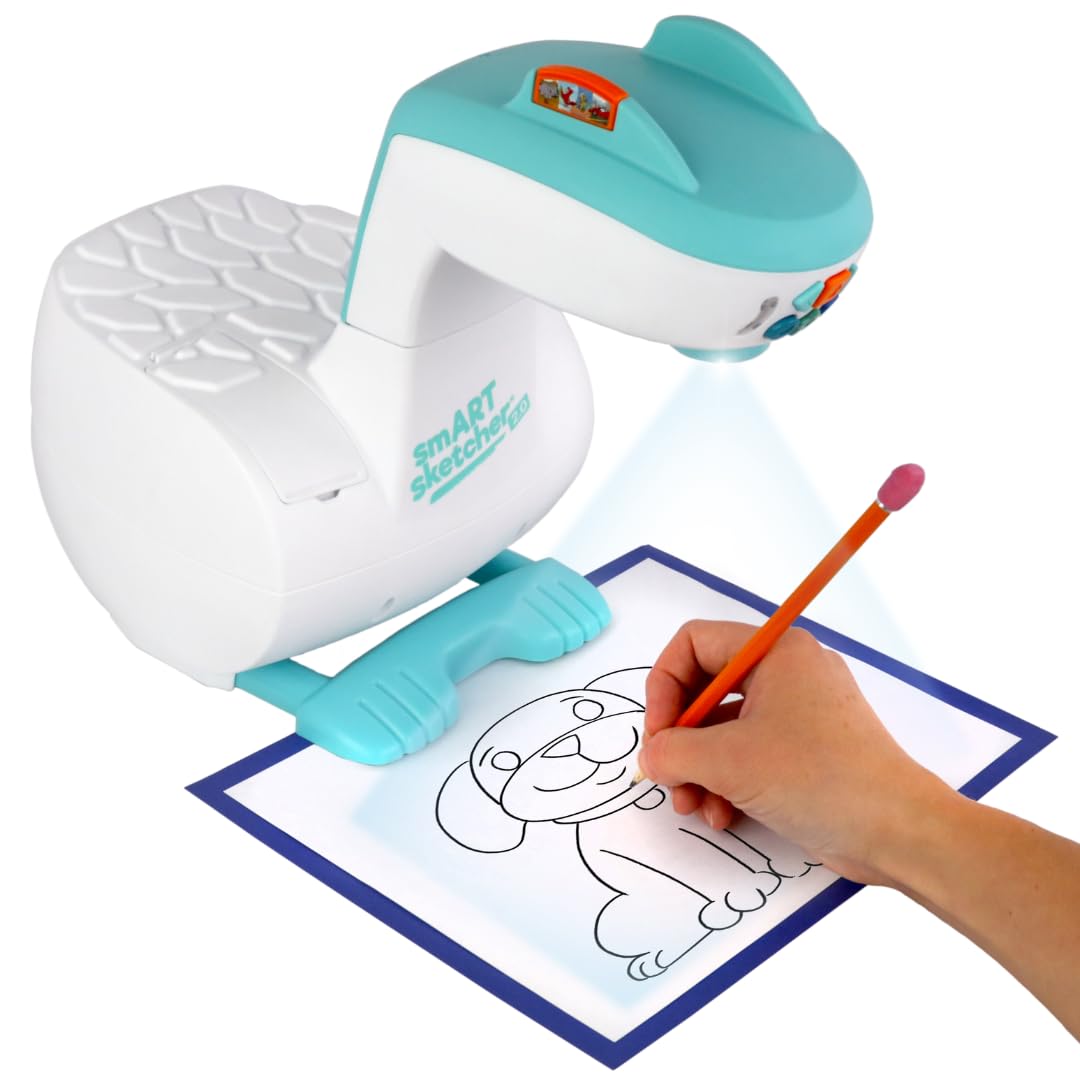
Beginners and young learners do well with simple sketcher style projectors that come with image discs, cartridges or a free app. They are inexpensive and easy to use, though image size and detail are usually limited compared with adult tracing models.
Key Features to Compare
Image Sharpness and Resolution
Resolution decides how crisp fine lines look when a detailed drawing is enlarged. Higher resolution models hold thin lines and subtle shading better, while low resolution models can look soft at large sizes. For tracing, judge edge sharpness as well as the headline resolution number, since soft edges blur the exact line you need to follow. Native 1080P models give the cleanest results for detailed work.
Brightness and Room Light
Most art projectors are used at close range in a dim or shaded room. A modest brightness level is usually enough for a desk or canvas, but a bright studio with windows needs a clearly brighter image. Dim the room or shade the work area whenever you can, and be wary of vague brightness claims.
Image Size and Projection Distance
Check the range of image sizes a model can produce and the distance it needs. Some project from a few inches above a desk, while others reach a wall or a large canvas from several feet away. Match the range to the surface you work on most.
Stand, Clamp and Stability
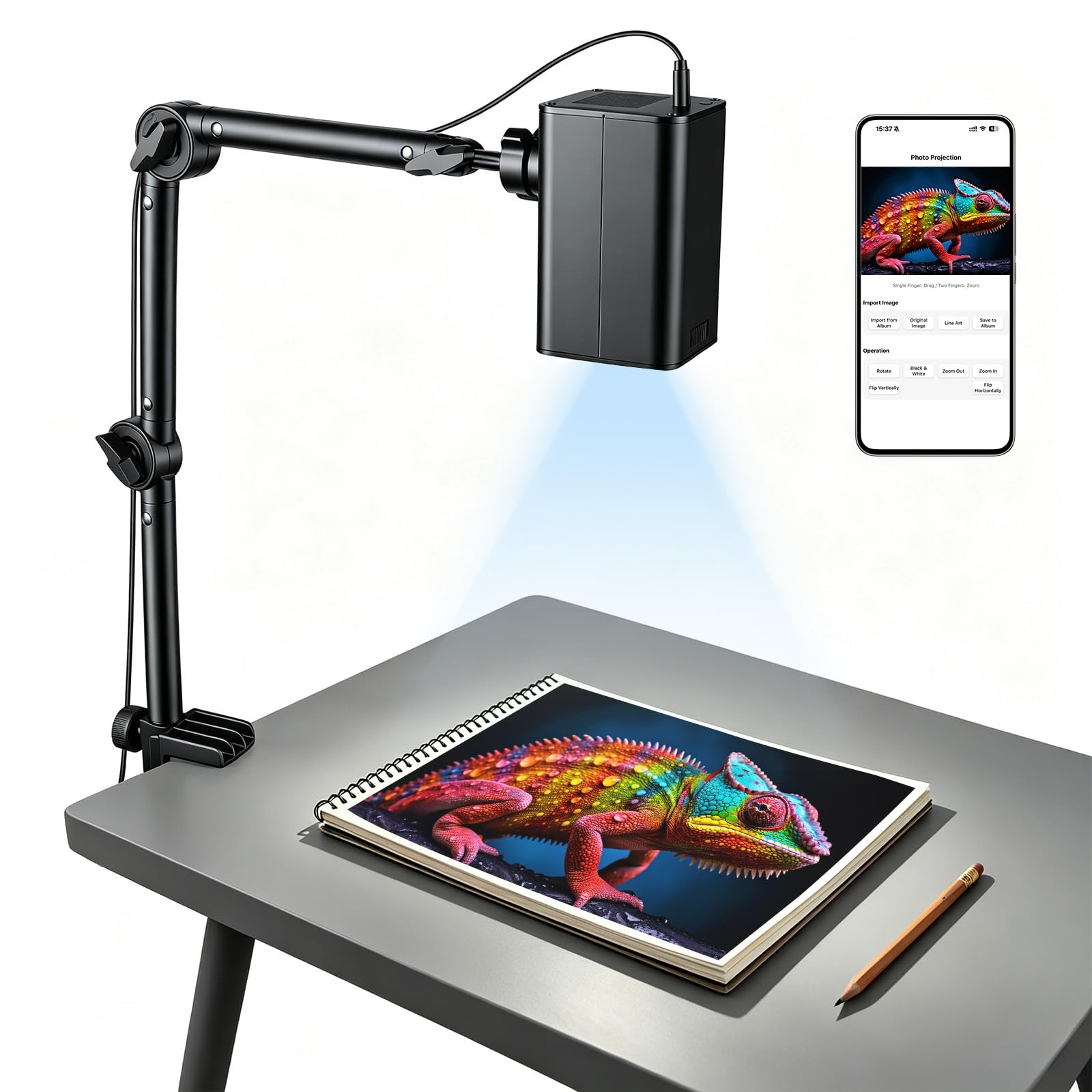
A wobbly stand ruins tracing, because even a small bump shifts every line. A sturdy base, a desk clamp or a tall adjustable arm keeps the image locked in place. Check that the stand can tilt and point straight down if you work flat on a table.
Connectivity and Apps
Many art projectors connect over Wi-Fi, HDMI or USB, and several include a drawing app or browser based control that lets you flip, rotate, crop and adjust the image. Look for dual band Wi-Fi if you cast from a phone or tablet, and check which devices the model supports, because some work only with certain phones or tablets. Models with built in apps and tracing tools can speed up your workflow.
Image Tools and Controls
Useful extras include mirror and flip, line extraction or edge outline, contrast adjustment and grid overlays. These tools turn a photo into a clean outline that is easier to trace. Manual focus gives fine control, while autofocus suits those who move the projector often.
Portability and Power
If you carry the projector between rooms or to classes, weigh size, weight and whether it has a case. Some compact models run from USB power or a power bank, which helps on location, though a built in battery usually means lower brightness.
Types of Art Projectors Compared
The comparison table below sums up the main types, and the sections that follow explain who each type suits.
| Type | Best For | Strengths | Limits | Typical Price |
|---|---|---|---|---|
| Kids sketcher | Beginners and young learners | Simple, low cost, guided activities | Small image, limited detail | around $20 to $110 |
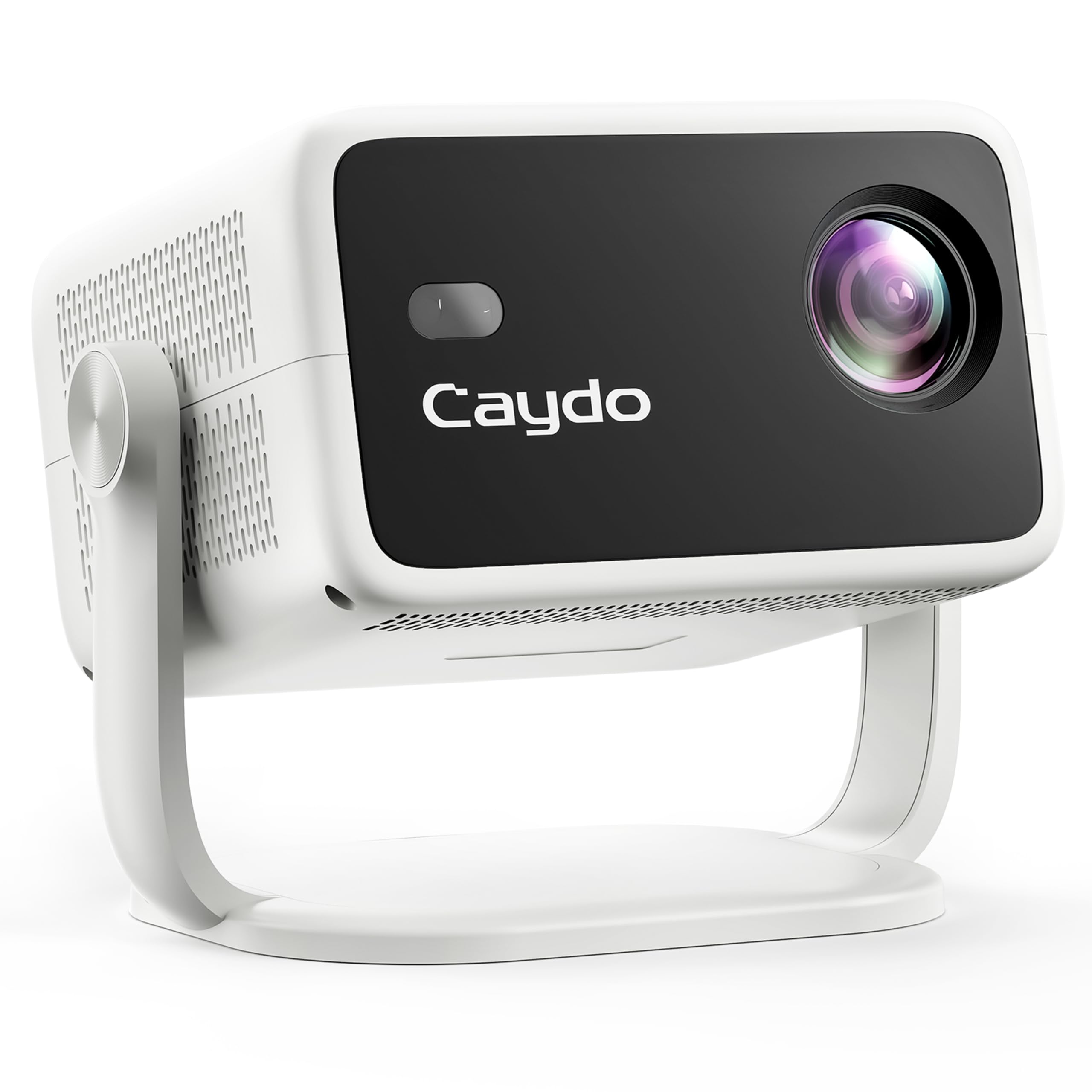
| Entry level tracing projector | Hobbyists, cake and craft decorating | Low price, app or web control, desk stand | Mixed focus and brightness quality | around $80 to $170 |
| Native 1080P tracing projector | Artists and muralists | Sharper lines, built in drawing app, larger images | Higher price | around $170 to $400 |
| Professional art projector | Studios and frequent mural work | Full HD, autofocus, sturdy build | Highest cost | around $800 and up |
Kids Sketcher Projectors
Kids sketcher projectors use image discs, cartridges or a simple app to show outlines that children can trace. They are easy to set up and inexpensive. They suit learning to draw, but they are not meant for detailed professional transfers.
Entry Level Tracing Projectors
Entry level tracing projectors are the common choice for hobbyists, cookie decorators and casual painters. Most come with a stand and connect by Wi-Fi. Quality varies, so read buyer feedback on focus and stand stability before you choose.
Native 1080P Tracing Projectors
These models offer sharper lines and often include a dedicated drawing app. They suit artists who trace detailed portraits or work on larger canvases and want crisp, consistent results. The extra cost buys cleaner edges and better image tools.
Professional Art Projectors
Professional digital art projectors from established art supply makers suit studios that project daily. They typically offer full HD, autofocus and sturdy construction. The premium price pays off only if you project often and need dependable results.
Choosing Art Projectors for Your Situation
Best Art Projectors for Portraits
Portraits need fine detail and accurate edge placement. Favor native 1080P resolution, stable focus and image tools such as contrast control and edge outline, so facial lines and shadows stay clear.
Best Inexpensive Art Projectors
A tight budget means choosing which features to protect. Protect a sturdy stand and sharp focus, and accept fewer app features if you must. Avoid listings with vague claims and read buyer feedback on how the image looks at the edges.
Best Art Projectors for Beginners
Beginners benefit from simple setup, a clear app or control page, and a stable stand. A modestly priced tracing model is usually enough to start. Digital art users may also want to compare projection with screen based reference, and our guide to best digital art projectors covers that side of the choice.
Spending by Budget
Budget Tier
The budget tier suits occasional tracing, craft projects and learning. Expect a basic stand, simple controls and modest image quality. Spend on focus and stability rather than extras.
Midrange Tier
The midrange tier is where most art buyers find the best balance. You get sharper resolution, better apps and more flexible stands, which suits regular tracing and larger canvas work.
Premium Tier
The premium tier suits studios and frequent mural work. Full HD, autofocus and sturdy build justify the price when you project for hours each week. For occasional use it rarely pays off.
Common Mistakes to Avoid
- Buying a movie projector when you need a tracing projector with a stable stand and close range focus.
- Ignoring device compatibility, since some models work only with certain phones or tablets.
- Trusting inflated brightness or resolution claims without checking buyer feedback on real image sharpness.
- Choosing a flimsy stand that shifts while you trace.
- Skipping a check of the image size range for your canvas or wall.
- Working in a bright room, which washes out the projected lines.
Tips to Get the Most From Your Art Projector
Dim the room and place the projector on a firm surface, then lock the focus and position before you start. Tape your canvas or paper in place so it cannot shift. Use contrast and edge tools to simplify a photo into clean lines, and keep the lens clean with a soft cloth. Give the vents clear space so the projector stays cool, and never look directly into the lens while it is on. Follow the manufacturer's instructions for setup and care.
Frequently Asked Questions
What size image can an art projector make?
It depends on the model and its distance from the surface. Check the stated image size range and the distance needed for your canvas or wall, and make sure your workspace can reach the size you want.
How bright does an art projector need to be?
For tracing in a dim room, a modest brightness level is usually enough. A bright room or a very large image needs a brighter model, so shade the work area when you can.
Can I trace directly from a projected photo?
Yes, many artists do this for portraits and detailed designs. Use a high resolution source image, lock the focus and position, and work in a dim room so the lines stay sharp.
Do I need an app or Wi-Fi?
Not always. Some models use a drawing app or web control over Wi-Fi, while others take input by HDMI or USB. Check which devices a model supports before buying.
What should I check before buying for mural work?
Check the maximum image size, the sturdiness of the stand or mount, and whether the projector holds focus across a wide image. A mural leaves little room for soft edges or a tilted frame.
Final Thoughts
The right choice comes down to your working surface, your room light and the detail you need. Favor sharp focus, a stable stand and compatible controls over flashy extras. The product table lets you compare current models, and the spending tiers show where extra money genuinely helps. With those basics settled, choosing from the best art projectors becomes simple, and you can get back to making art.