
Best Arlo Security Camera (2026): Indoor, Outdoor and Floodlight
Disclosure: We may earn a commission when you buy through links on this page, at no extra cost to you. As an Amazon Associate I earn from qualifying purchases. Learn more

Best Arlo Security Camera guide: compare indoor, battery outdoor and floodlight models by resolution, night vision and subscription cost.
A delivery lands on your porch while everyone is at work or school, a pet knocks something over in the living room, and nobody can say what actually happened. That small gap in awareness is why many families start shopping this lineup. Choosing the best arlo security camera for your home comes down to the room or entry you want to watch, how many people will share the app, and what you can spend, and the product table below lists current models.
This guide stays focused on everyday family use, living rooms, nurseries, and home offices, rather than gaming setups or spec sheets. You will learn how the camera types differ and what ownership costs once the camera is on the wall.
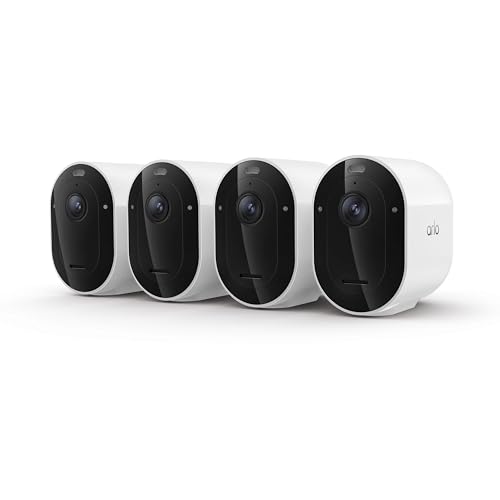
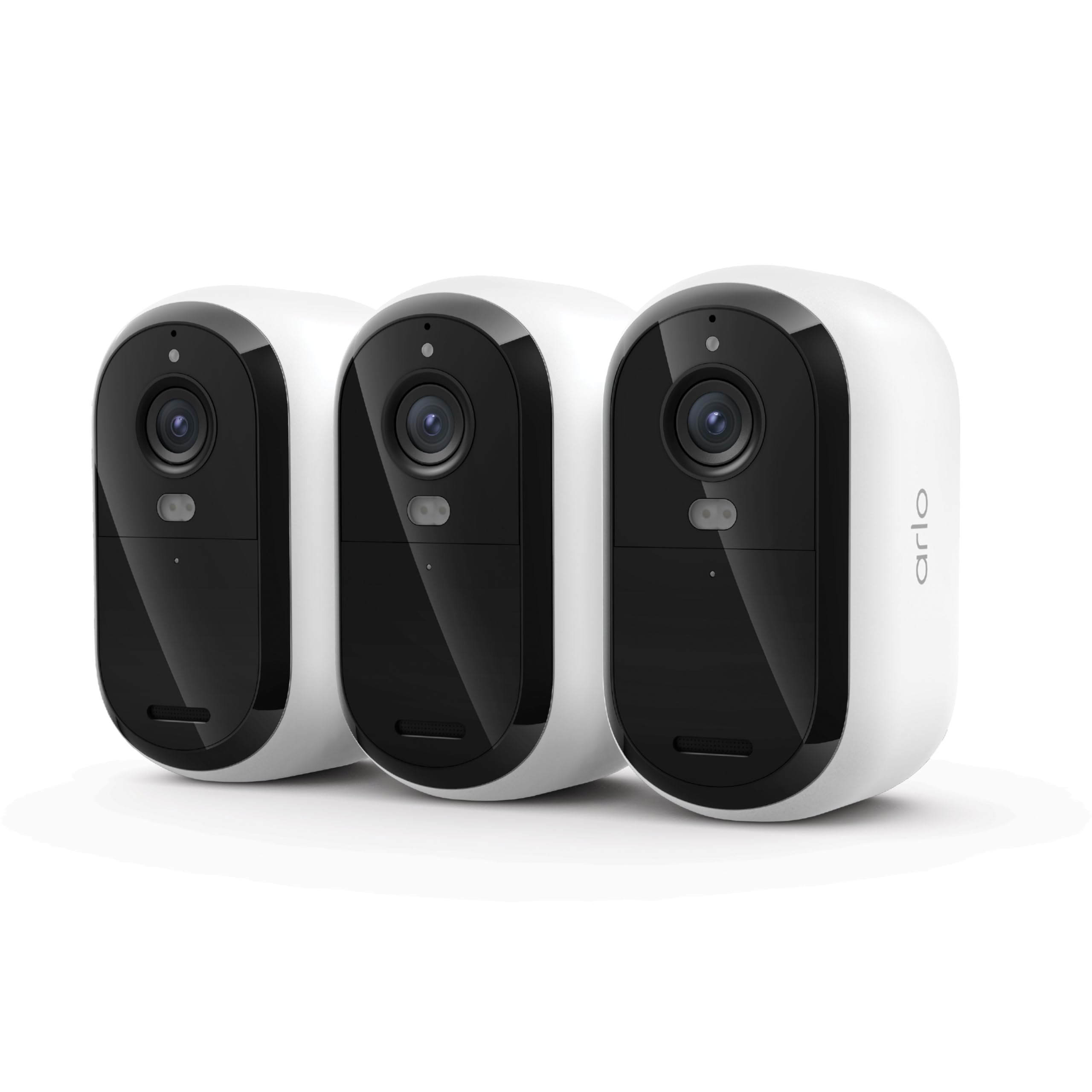


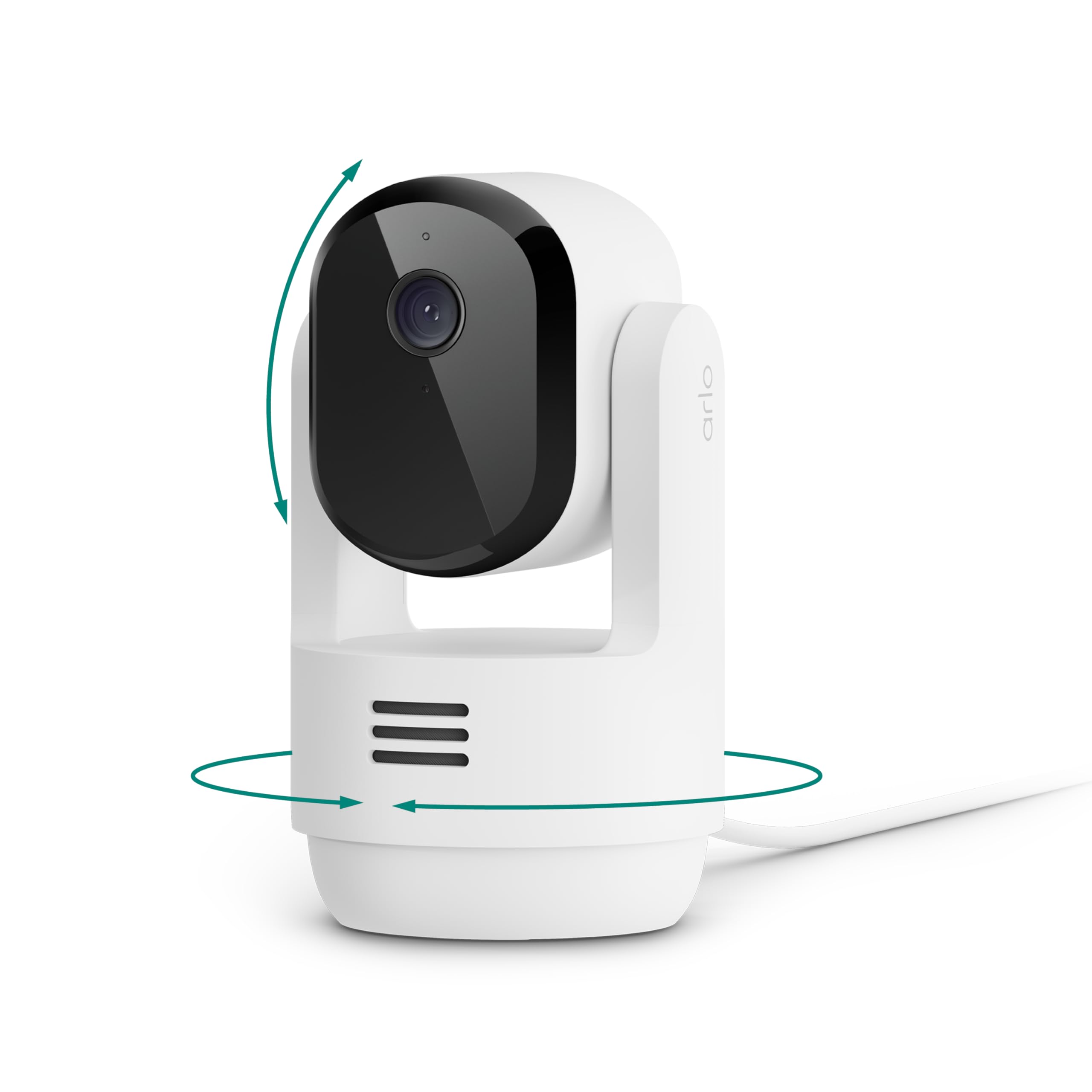
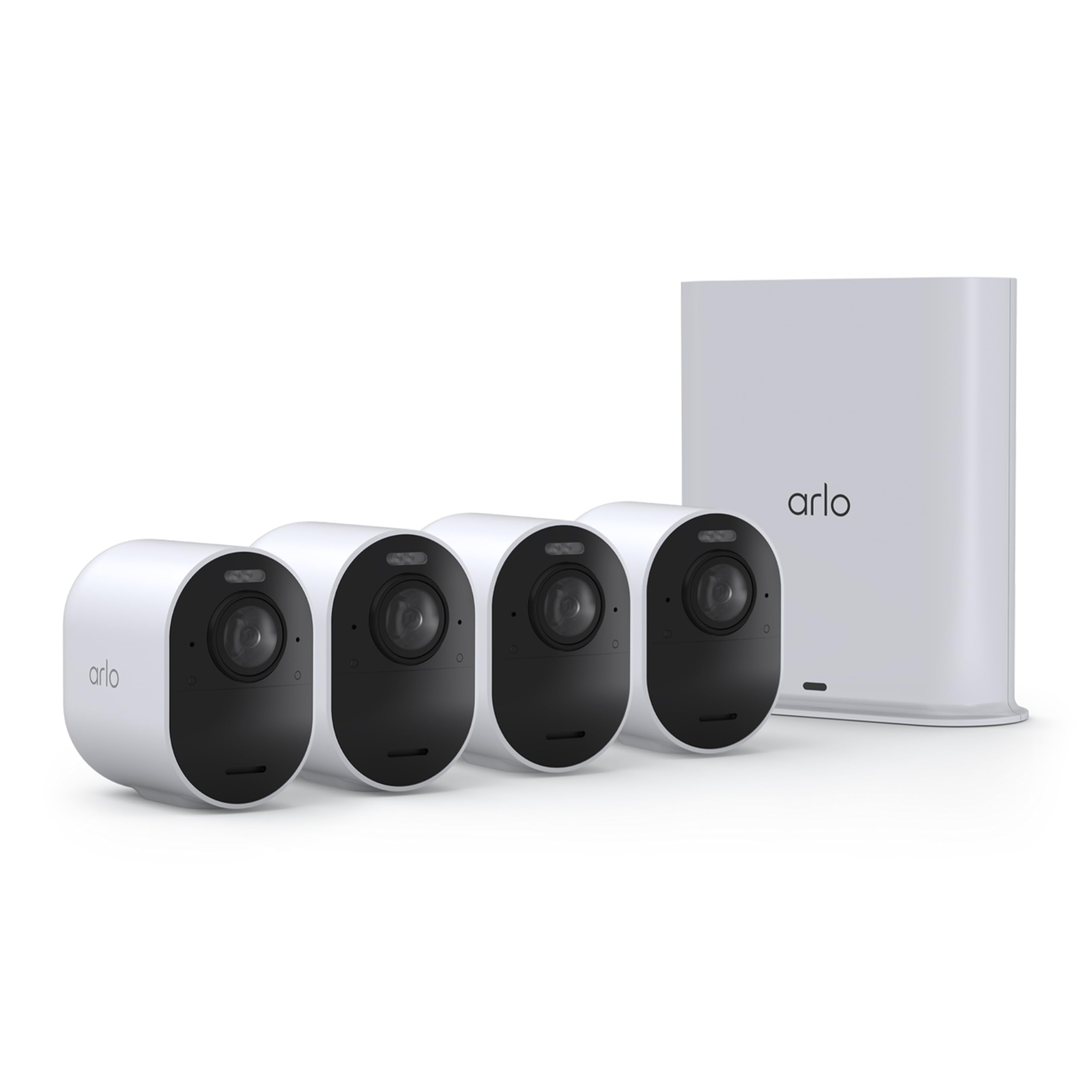
Quick Answer: The Three Camera Types Most Homes Need
Most households end up choosing among three broad types. An indoor camera suits living rooms, nurseries, and pet watching, and it usually costs the least. A battery powered outdoor camera covers porches, yards, and driveways without running cable. A floodlight or higher resolution outdoor model adds bright light and finer detail for larger properties. Start with the spot that worries you most, buy for that spot, and expand later only if a real blind spot remains.
Before You Buy: A Quick Checklist for Choosing a Security Camera
Which Type Fits Your Routine
Match the camera type to the job before you compare any specifications. Indoor models are compact, plug into a wall outlet, and blend into a shelf or bookcase, which suits apartments and shared family rooms. Outdoor models carry weather sealing for rain and dust, and battery power lets you mount one where no outlet exists. Doorbell cameras watch the front step and catch parcel deliveries. Pan and tilt models sweep a wide room from one corner, while floodlight models pair a camera with bright lamps for dark yards. Wired models with continuous power never need charging, but they need an outlet or cabling near the mount.
Features Worth Paying For, and Ones to Skip
Color night vision, two way audio, and smart alerts that tell a person apart from a passing pet all earn their keep, because they cut down on useless notifications. Local storage on a card or a home hub can reduce reliance on a paid plan, though cloud plans add easier sharing and longer clip history. Solar panel charging helps a camera mounted high or far from an outlet. You can usually skip the highest resolution tier for a small room and skip a large multipack until you know one camera works well with your WiFi.
Sensor, Resolution, and Frame Rate
Resolution decides how much detail you can pull from a clip, such as a face near the door or a license plate at the curb. A 2K image gives a clear step up from standard high definition for porches and driveways, while 4K helps most on wide outdoor views where you may zoom into a corner of the frame. For a nursery or a small office, lower resolution still shows who entered and what they did.
Low Light Performance and Night Vision
Most important family moments caught on camera happen after dark, so low light performance deserves real weight. Infrared night vision shows a black and white image and works in total darkness, which suits bedrooms and enclosed garages. Color night vision uses a small spotlight or strong sensor sensitivity to keep colors visible, helping you describe a jacket or a car accurately. Check the stated night range against your space, because a camera rated for a short hallway may leave the far end of a long yard in shadow.
Audio and Connectivity
Two way audio lets you speak through the camera, which families use to calm a pet, greet a child home from school, or warn a stranger at the door. Clear audio depends on the microphone and speaker quality as much as on your connection, so garbled sound is often a placement or WiFi problem rather than a broken camera. Every camera in this lineup connects through your home WiFi, and some also work with a base station that stores clips locally. Weak signal at the mount point causes dropped clips and delayed alerts, so check your phone signal at the exact spot before you drill any holes.
App and Smart Home Compatibility
The companion app is where you will live with this camera daily, so ease of use matters as much as image quality. Look for simple sharing controls, because a family camera often needs access for two adults, a grandparent, or a trusted sitter, each with sensible limits. Check that the camera works with the voice assistant and smart display you already own if you want a live view on a kitchen screen. Notification settings should let you mute alerts overnight without turning protection off entirely. If several brands are on your shortlist, our guide on how to choose a security camera walks through the wider decision in plain terms.
Realistic Budget Ranges
Plan your budget around the whole setup, not the camera alone. A single indoor camera often falls around $60 to $120, while outdoor battery models commonly run about $120 to $250 each depending on resolution and light features. Floodlight and 4K models sit above that range. Add the possible cost of a subscription plan, a solar panel, extra mounts, and a memory card or hub.
Camera Types Compared: Which Arlo Style Suits Your Home
For most homes, the indoor type is the sensible starting point. It watches the main living space, checks on pets, and gives grandparents a shared view when the family invites them. Choose this type if your main worry is inside the home, your rooms are modest in size, and you want the lowest cost and the simplest setup on a shelf with no ladder work.
The battery powered outdoor type suits porches, side gates, and driveways where running a cable would be awkward. It is the natural pick if you rent, since most mounts need only a few screws, and the camera can move when you do. The trade off is upkeep, because the battery needs charging every few months depending on traffic and settings. If your shortlist extends beyond one brand, see our roundup of the best outdoor security camera options for how outdoor models compare across makers.
The premium outdoor type, with a floodlight or 4K detail, suits larger homes, dark rural yards, and driveways where identifying a vehicle matters. The bright light alone can discourage loitering, and the sharper image holds up when you zoom in. The trade off is price and a bulkier body that stands out on the wall, plus a stronger WiFi demand because larger files upload more slowly on a weak signal. Readers comparing whole systems may also want our guide to the best security camera for home setups before deciding how many cameras a house really needs.
Our Selection Process for the Best Arlo Security Cameras
We judge this lineup on five criteria: image quality in daylight and at night, ease of setup for a non technical household, app quality and sharing controls, the value of the features you get before any subscription, and total cost over the first two years. Our sources are manufacturer specifications, published feature lists, and patterns in verified buyer feedback about battery life, alert accuracy, and WiFi reliability. We weigh the criteria toward shared family use indoors and out.
The Arlo Security Camera Lineup Explained
The lineup is best understood as a ladder of capability rather than a set of rivals. At the entry end sit the Essential style indoor and outdoor cameras, built for one or two key spots at the lowest cost. In the middle, the Pro style models add sharper resolution, better night color, and more refined smart alerts, which suits most family homes. At the top, the Ultra style models push resolution and field of view further for wide outdoor coverage. Floodlight and doorbell models sit alongside the ladder as specialists for the front of the house. Let your hardest spot, usually the driveway or the front door, set the rung.
Common Buying Mistakes to Avoid
- Buying a wide multipack before trying one camera on your WiFi, which can leave every camera struggling on the same weak signal.
- Mounting an outdoor camera too high, which gives a view of the tops of heads instead of faces at the door.
- Ignoring the subscription cost, then losing smart alerts and clip history you assumed were included for free.
- Choosing maximum resolution for a tiny room, which fills storage and strains WiFi without showing anything extra.
- Forgetting the rest of the household, so only one phone gets alerts while a partner or sitter sees nothing.
Cost of Ownership and Care
Ongoing costs stay modest when you plan for them. A subscription plan is the main recurring expense, and it usually unlocks smarter alerts and longer cloud storage, while local storage can trim that bill. Battery models need a recharge every few months, and a solar panel can remove the ladder trips. Electricity use for plug in models is small, similar to a phone charger. For care, check mounts after storms and keep firmware updated through the app. Our walkthrough on how to set up a security camera covers placement and first time configuration in more depth, and readers set on cable free mounting should see the best wireless security camera guide as well.
Your Questions, Answered
Which Arlo security camera should I buy for a family home?
Start with the spot that worries you most. For living rooms and nurseries, an indoor model covers the need at the lowest cost. For a porch or driveway, choose a battery powered outdoor model, and step up to a floodlight or 4K model only for large or very dark yards. One well placed camera that everyone in the household can view beats three cameras only one person monitors.
Is Arlo a good security camera brand for shared family use?
Arlo is a well established name in home security with a broad lineup, a mature app, and strong sharing controls, which is why it suits households where several people need access. The main caveat is cost, because many smart features sit behind a subscription. Families who accept that trade off generally find the system easy to live with day to day.
How do you clean a security camera lens?
Power the camera down or open the app to pause recording, then wipe the lens gently with a dry microfiber cloth. For sticky grime, dampen the cloth slightly with water only, never household glass cleaner, which can damage lens coatings. Clean the housing vents too, because dust there traps heat in summer. A hazy image that returns within days may mean condensation inside, which calls for checking the outdoor seal.
How long does a security camera usually last?
A home security camera often serves about four to six years before its battery weakens or its software support winds down. Outdoor models in harsh sun or freezing winters tend to sit at the shorter end of that range. You can stretch the life of a battery model by avoiding constant recording settings that cycle the battery daily, and by shading the mount where possible.
Is a security camera worth it for a small apartment?
For many renters, yes, because a single indoor camera can watch the entry door, check on pets, and record evidence if a package or a break in becomes a dispute with a landlord or a carrier. The value drops if your building already has strong entry security and you travel rarely. A no drill shelf placement keeps the deposit safe and the setup reversible.
Final Thoughts
The right choice is the camera type that fits your hardest spot, your WiFi, and your budget, in that order. Indoor models serve living spaces and pets, battery outdoor models cover entries without cable, and floodlight or 4K models earn their price on large dark properties. Check the product table above before you order, confirm what the subscription includes, and start with one camera to learn the app. Chosen that way, the best arlo security camera for your household is simply the one your whole family will actually use every day.


