Best Apple Homekit Cameras for 2026: What to Know
Disclosure: We may earn a commission when you buy through links on this page, at no extra cost to you. As an Amazon Associate I earn from qualifying purchases. Learn more

Best apple homekit cameras for entryways, indoor rooms, and yards, with tips on night vision, power, storage, and privacy.
There is no single camera that suits every home, because the right choice depends on where you will place it, what you want to see, and how much upkeep you are willing to handle. A camera that works well above a front door may be a poor fit inside a small living room, and a camera made for a sheltered porch may struggle in open weather. This guide to best apple homekit cameras focuses on use first, so you can match the type to the job before you compare prices. The product table can help you compare the picks side by side.
Apple Homekit cameras are home cameras that work inside the Apple home system, so you can view them in the same app you use for other home devices and set simple automations. That shared system is convenient, but it also means you should check compatibility, storage, and power before you buy. A camera that needs a wired power source will not suit a spot with no nearby outlet, and a camera that stores clips in the cloud will have different ongoing costs than one that stores clips locally. Think about placement first, then features, then price.



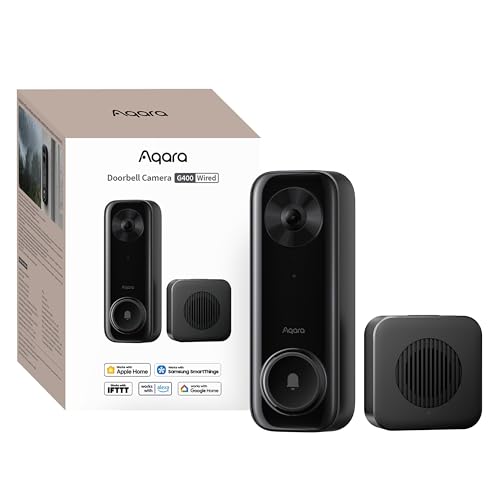
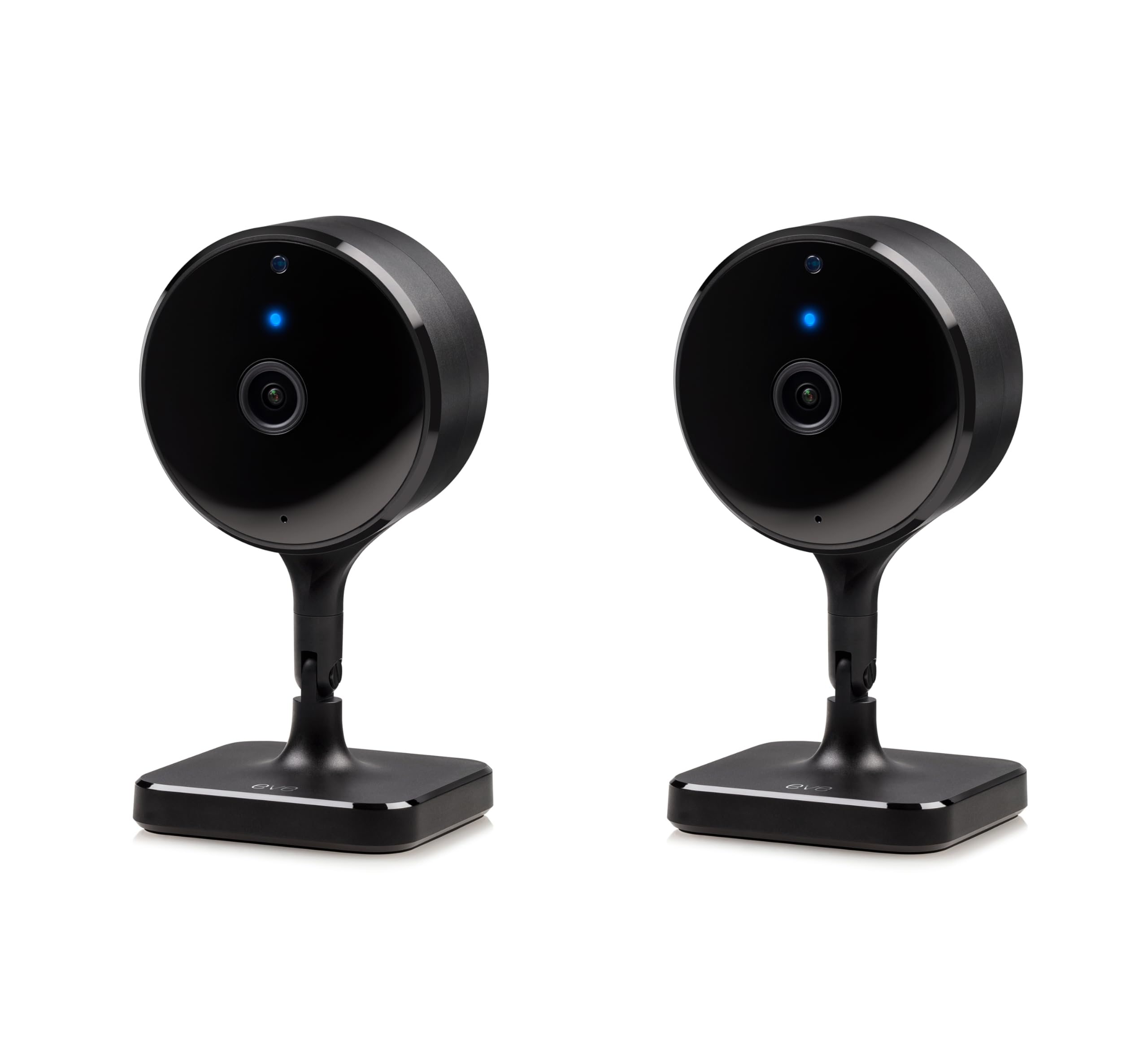
How to Choose the Best Apple Homekit Cameras for Your Home
For Front Entrance Watchers
If your main goal is to see who arrives at your door, choose a camera with a clear view of faces and a wide enough view to cover the walkway. A doorbell style camera or a small wall camera near the entrance can work well, as long as it is placed at a height that shows faces rather than only the tops of heads. Look for reliable motion alerts, a clear night view, and two way talk so you can speak to a visitor without opening the door. For a broader look at entrance and yard coverage, see our guide to best homekit security cameras.
For Indoor Living Area Watchers
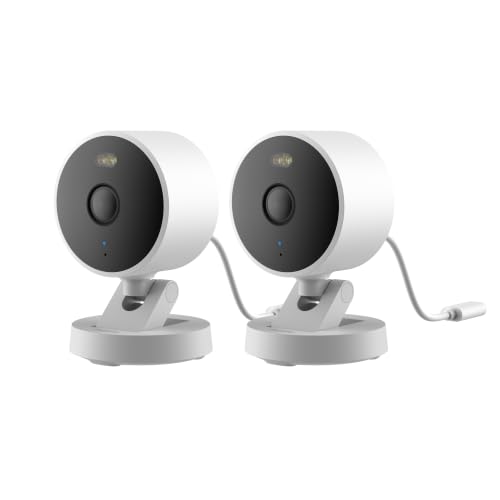
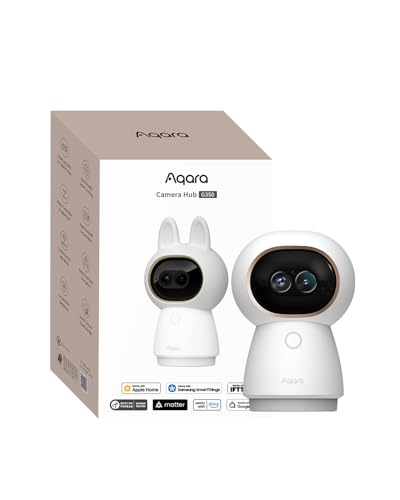
Indoor watchers usually want a camera that blends into a room and covers a living area, a hallway, or a play area without feeling intrusive. A compact indoor camera on a shelf can cover a wide room if it has a broad field of view, and a camera that can tilt or pan may help in a larger open plan space. Keep bedrooms and bathrooms camera free, and place indoor cameras only in shared living spaces where everyone in the home knows they are present. Choose a model with simple privacy controls, such as a clear status light and an easy way to pause recording when guests visit. More room-by-room ideas are in our guide to best indoor security cameras.
For Outdoor Yard and Garage Watchers
Outdoor watchers need weather resistance, a sturdy mount, and a view that stays useful after dark. Rain, wind, dust, and temperature swings can all affect a camera that was made only for indoor use, so check the weather rating and the mounting options before you buy. Battery models give more placement freedom outdoors, while wired models avoid battery swaps in hard to reach spots. For yard and driveway coverage, see our guide to best homekit outdoor cameras.
For Renters and Small Home Users
Renters and small home users often need a camera that installs without drilling, moves easily, and works with a simple power source. A small indoor camera that sits on a shelf or uses a removable mount can be a good fit, because you can take it with you when you move. Check whether the camera needs a hub or a home hub device, and whether it will work on your current WiFi network. Keep the setup simple, and avoid paying for storage plans or features you do not need in a small space.
Key Features to Compare
Field of View and Placement
Field of view describes how much of a scene the camera can see at once, and it shapes placement more than most buyers expect. A very wide view can cover a whole room from one corner, but it can also make distant faces look small and hard to recognise. A narrower view gives more detail at a distance, but it may miss movement at the edges of the frame. Before you buy, stand where you plan to place the camera and note what you need to see, such as a door, a driveway, or a play area.
Night Vision and Low Light Performance
Night vision determines whether a camera stays useful after dark, when many home cameras are needed most. Infrared night vision gives a black and white image in darkness, while some cameras use a small spotlight to produce a colour image at night. Infrared is discreet and works well in a dark hallway or yard, but it can wash out detail if a reflective surface is too close to the lens. A spotlight can help you identify colours and clothing, but it may draw attention and disturb neighbours if it turns on often.
Resolution and Detail
Resolution affects how much detail you can see in a clip, such as a face, a package label, or a license plate at close range. Higher resolution can help in a large room or a long driveway, but it also uses more storage and more network bandwidth. For a small indoor room, a mid range resolution may be enough, while a long outdoor view may benefit from higher detail. A camera with strong low light performance and a clean lens may give a clearer picture than a higher resolution camera with poor optics.
Power: Wired or Battery
Power choice affects where you can place a camera and how much upkeep it will need. Wired cameras draw power from an outlet or a wired connection, so they can record continuously without battery swaps, but they need a power source near the mounting spot. Battery cameras can go almost anywhere, which helps for a garage, a side gate, or a rented home, but you will need to recharge or replace batteries on a regular schedule. Choose the power type that fits your placement, not just the one that sounds more convenient in theory.
Storage and Homekit Secure Video
Storage determines how long you can keep clips and how you can review them later. Some cameras store clips in the cloud through a subscription, while others store clips on a local hub or a memory card in your home. Apple Homekit Secure Video, where supported, can store encrypted clips in your cloud account with privacy protections, but it may require a supported plan and a home hub device. Check the storage limits, the retention period, and whether you can download clips before you commit to a system.
Motion Alerts and Privacy Controls
Motion alerts and privacy controls shape how a camera fits into daily life, because a camera that alerts you too often will soon be ignored. Look for alerts that can tell people, animals, and vehicles apart, and for zones that let you ignore a busy street while still watching a walkway. Privacy controls matter just as much, especially indoors, so check for a clear recording indicator, activity zones, and an easy way to pause or schedule recording.
Follow local placement, recording, and consent rules, and let everyone in the home know where cameras are placed. No camera can guarantee privacy or security, so treat privacy settings as part of the buying decision, not as an afterthought. For a general overview of the wider Homekit camera range, see our guide to best homekit cameras.
Common Mistakes to Avoid When Buying Apple Homekit Cameras
- Choosing by price alone, which can leave you with a camera that lacks the field of view or night vision your spot actually needs.
- Ignoring power and placement, which can force you into a poor mounting spot or frequent battery swaps in a hard to reach place.
- Overlooking storage costs and limits, which can mean clips are deleted sooner than you expected or a subscription adds up over time.
- Buying an indoor camera for outdoor use, which can fail in rain, dust, or temperature swings even if it works well inside.
- Skipping privacy and alert settings, which can lead to too many alerts, unwanted recording in shared spaces, or confusion among household members.
Care and Maintenance Tips
Simple upkeep keeps a home camera working well and extends its useful life. Wipe the lens with a soft lens cloth, not your shirt, because fabric can leave smudges or fine scratches that blur the image over time. Check mounts and cables every few months, especially outdoors, where wind and weather can loosen fittings or damage seals. Keep the camera firmware updated through the app, because updates can fix bugs and improve performance, but read the update notes before you install a major change.
Apple Homekit Cameras: Your Questions Answered
Which camera type is better for low light?
A camera with strong low light performance is better for dark hallways, porches, and yards than a camera that relies only on bright daylight. Infrared night vision gives a clear black and white image in darkness, while a camera with a spotlight can give colour at night but may be more noticeable to neighbours. The best fit depends on your lighting, because a porch with a steady light may suit a colour low light camera, while a dark side yard may need infrared range.
What specs matter most for beginners?
Beginners should focus on field of view, night vision, power type, and storage, because those four factors shape everyday use more than advanced specs. A broad field of view covers a room or entrance from one spot, good night vision keeps the camera useful after dark, and the right power type avoids awkward mounting or frequent charging. Storage matters because it decides how long clips are kept and whether you pay a monthly fee. Start with those basics, and add advanced features only if they solve a real problem in your home.
How much should I spend on a first camera?
A first camera for a single room or entrance often costs about $100 to $250, while outdoor cameras with weather resistance and longer range can cost more. Spending more may buy better weather sealing, longer battery life, or smarter alerts, but it does not always buy a clearer image. Set a budget that includes any storage subscription, mounting hardware, and spare batteries, because those costs can add up over the first year.
Is a smartphone enough instead of a home camera?
A smartphone can record a short clip, but it cannot watch a room or entrance continuously while you are away, asleep, or busy elsewhere. A home camera gives ongoing coverage, motion alerts, and a record you can review later, which a phone left on a shelf cannot match. A phone also needs someone to aim it, keep it charged, and stay nearby, while a mounted camera stays in place and works on a schedule. For regular coverage of an entrance, a yard, or a living area, a dedicated camera is the more reliable choice.
Do Apple Homekit cameras need a hub?
Many Apple Homekit cameras work best with a home hub device, such as a supported speaker or TV box, especially for remote viewing, automations, and secure video storage. The hub stays in your home and connects the camera to your Apple home system, so you can view clips and receive alerts when you are away. Check the camera requirements before you buy, and confirm that your current home setup already includes a suitable hub. If it does not, add the hub cost to your budget, because it is part of the total system cost.
Final Thoughts
The most important factors are placement, field of view, night vision, power, and storage, because those decide whether a camera actually covers the spot you care about. A camera that fits your entrance, your yard, or your living room will serve you better than a camera with impressive specs in the wrong place. Use the product table above to compare the picks side by side, and weigh privacy controls and alert settings alongside image quality. With the right match, best apple homekit cameras can give you useful, everyday coverage without overpaying for features you will not use.