
Best Apple Compatible Projectors for 2026: Budget, Midrange, and Premium Guide
Disclosure: We may earn a commission when you buy through links on this page, at no extra cost to you. As an Amazon Associate I earn from qualifying purchases. Learn more

Compare the best apple compatible projectors by budget, with guidance on AirPlay, brightness, throw distance, ports and sound for Mac, iPhone and iPad.
Projector prices run from under $100 to well over $2,000, and the gap is not only about image size. The best apple compatible projectors connect cleanly to your Mac, iPhone, iPad or Apple TV, stay bright enough for your room, and fit the wall you actually have. This guide shows where extra money helps and where it does not, so you can read the comparison table below with a clear budget in mind.
Start with the device you will use most. Wireless casting suits quick sharing from a phone, while a wired link suits long films and presentations where a steady signal matters.


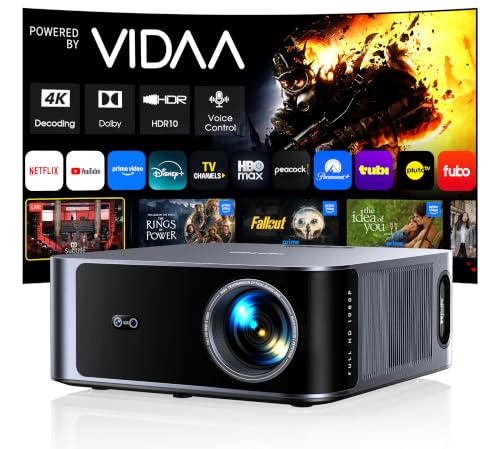
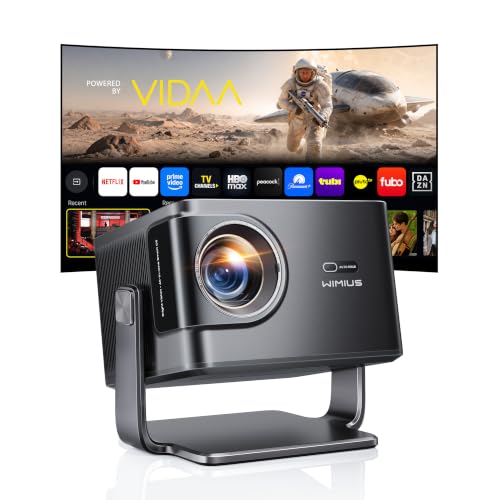
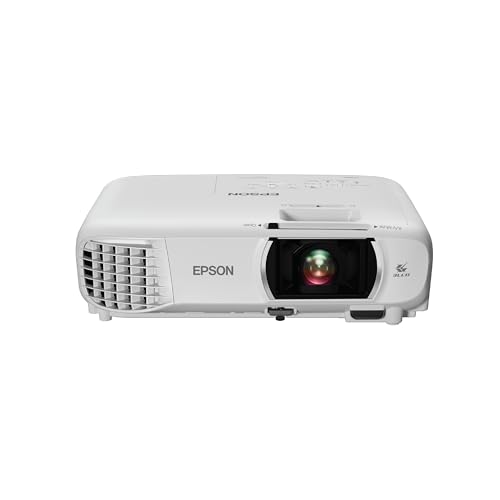
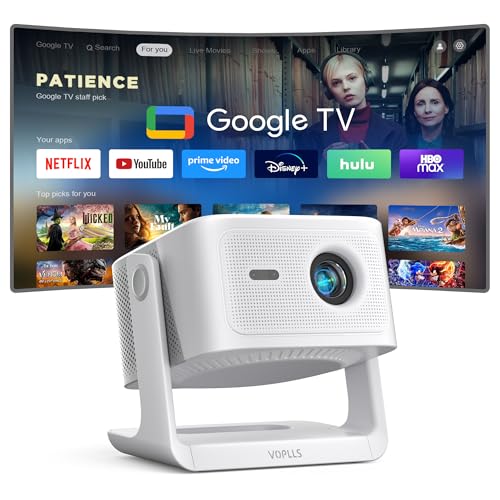

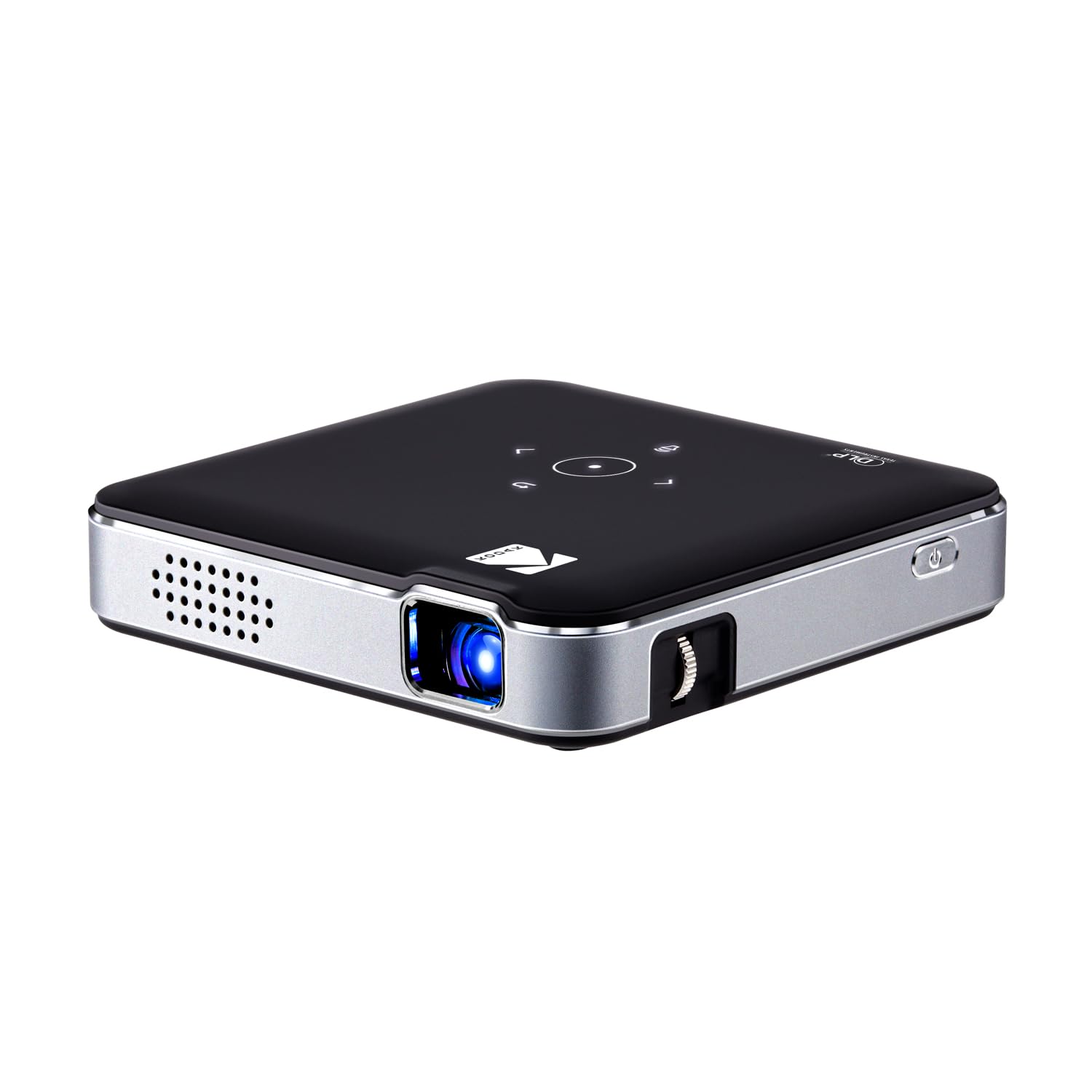

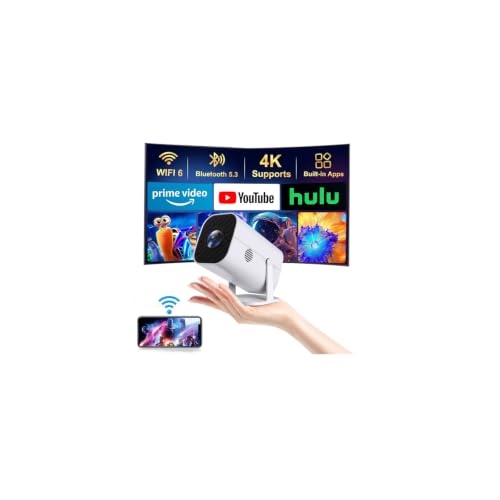
Who Should Buy Which Apple Compatible Projectors?
Your Apple device and your room decide the short list. A projector that delights a film fan in a dark room can frustrate a presenter in a bright office.
iPhone and iPad Households Who Cast Wirelessly
You share photos, clips and streaming apps from the couch and want the picture up in seconds. Choose a projector with AirPlay support so your phone or tablet mirrors without a cable. If your current model lacks that feature, see our guide to the best projectors compatible with iphone for models built around phone casting.
MacBook Users Who Present and Watch at Home
You move between slides by day and films at night, often in rooms with some daylight. Choose native 1080p resolution, brightness toward the higher end of the home range, and a wired port you can rely on when WiFi is busy.
Apple TV Owners Building a Bigger Screen
You already stream in 4K and want a picture that feels like a real step up from a television. Choose a bright home theater model with a full size HDMI port for your streaming box. For source specific advice, see our guide to the best projectors for apple tv.
Key Features to Compare
Compare the best apple compatible projectors on these six points before price. A model that wins on connection and brightness but fails on throw distance will not work in your room, no matter how good the discount looks.
AirPlay, WiFi and Wired Ports for Apple Devices
AirPlay lets an iPhone, iPad or Mac send video wirelessly when the projector and the Apple device share the same WiFi network. Not every projector with WiFi offers AirPlay, so check the feature list by name rather than assuming it is included. For a wired link, an HDMI port accepts a signal from Apple TV or from a Mac through a USB C adapter, and that cable path stays stable during long films.
Brightness in Lumens and Your Room Light
Brightness is quoted in ANSI lumens, the standard measure that lets you compare models fairly. Small portable projectors often give about 200 to 800 ANSI lumens and need a dark room, while home models often give about 1,500 to 3,000 and hold up with curtains drawn and a lamp on.
Native Resolution and Image Sharpness
Native resolution is the detail the projector can truly show, and it matters more as the picture grows. Budget models may be native 720p, most home models are native 1080p, and premium models show native or pixel shifted 4K. A listing that says a projector supports a 4K signal may only scale that signal down to 1080p.
Throw Distance and Screen Size in Your Room
Throw ratio tells you how far the projector must sit from the wall for a given picture width. Standard models often need about 8 to 12 feet to fill a 100 inch screen, while short throw models can do the same from a few feet. Measure your room and your plain wall space before you shop, because the largest clear wall often sets the screen size you can use.
Focus, Keystone and Screen Alignment Tools
Auto focus sharpens the image after you move the unit, and auto keystone squares the picture when the projector sits at a slight angle. Manual correction works too, but heavy digital keystone shrinks the usable image and can soften edges. A fixed shelf or ceiling mount makes these tools less critical, because a projector that never moves rarely needs realigning.
Built In Sound and External Audio Options
Small projectors carry small speakers, often fine for dialogue in a quiet room but thin for film music and effects. Bluetooth output lets you send audio to a portable speaker or headphones, and an HDMI port with audio return can feed a soundbar.
Projector Price Tiers for Apple Households
The three tiers below reflect typical Amazon US pricing for home and portable models.
Budget Tier: Dim Room Viewing for About $100 to $300
Expect native 720p or entry 1080p resolution, modest brightness, manual focus and small speakers at this level. These projectors suit bedrooms, dorms and occasional backyard nights where the room goes fully dark. You give up fast setup tools and strong daylight performance.
Midrange Tier: Native 1080p and Easier Setup for About $300 to $800
This tier adds brightness that tolerates some room light, auto focus and auto keystone, and speakers you may not rush to replace. Most living rooms and most Mac and Apple TV setups land here, because the picture stays convincing at 100 inches or more. You still give up true 4K detail and the deep contrast of premium models.
Premium Tier: 4K Detail and Laser Light for About $800 to $2,500
Premium models bring 4K images, high brightness, wide color and laser light sources that hold their output for years. Short throw designs also live here, replacing a large television without a ceiling mount. Choose this tier when the projector becomes the main screen in the home.
Costs to Expect After the Projector Arrives
The purchase price is only part of what a projector costs you. Lamp based models need a replacement lamp every few years of regular use, while laser and LED models avoid that bill but cannot be serviced at home when the light fades. Add a screen if your wall is textured, a mount or shelf, and the adapter your Mac or phone needs. If you are planning the wider setup across several Apple devices, see our guide to the best projectors for apple products before you buy accessories twice.
Common Mistakes to Avoid
These errors cause most returns, and each one is easy to dodge before you order.
- Comparing unqualified lumen claims instead of ANSI lumens leads to a picture that washes out in your room.
- Assuming every WiFi projector supports AirPlay leaves iPhone owners unable to mirror their screen.
- Picking a screen size before measuring throw distance leaves the image too big or too small for the wall.
- Forgetting the adapter a USB C only MacBook or an older iPhone needs makes wired playback impossible on arrival.
- Sitting close to a loud fan model turns quiet film scenes into a test of patience.
Care and Maintenance for Your Projector
Keep the air vents and intake filter free of dust, because blocked airflow makes the fan louder and shortens light source life. Vacuum the filter gently or rinse it if the manual allows, and let it dry fully before refitting. Wipe the lens only with a soft microfiber cloth made for optics. Always let the fan finish its cooling cycle before you unplug the unit.
Store a portable projector in its case with the lens cap on, away from damp and direct sun. Note the lamp hours in the settings menu every few months.
FAQ
Can I mirror an iPhone to a projector that has no AirPlay?
Yes, you can mirror an iPhone through an Apple TV box linked by HDMI, or with a wired adapter from the phone port to HDMI. The wired path is safer on hotel and office networks, where sign in pages often block casting.
What screen size should I choose for a projector in a living room?
Choose a screen size that matches your seating distance, with about 100 inches suiting seats roughly 8 to 12 feet away. Sitting much closer makes picture grain easier to notice on 1080p models. Before you commit, tape the outline of the planned image on the wall for an evening.
Is 4K worth it for a projector used with Apple TV?
4K is worth it when your streaming plan includes 4K titles and your seats sit close enough to see fine detail. On a 120 inch screen from about 8 feet, the step up from 1080p is clear in faces and landscapes. From far seats, a good 1080p model spends your budget on brightness instead, which you will notice more.
How long does a projector light source last before it fades?
A projector light source lasts about 3,000 to 5,000 hours in a traditional lamp and about 20,000 to 30,000 hours in many LED and laser designs. Output fades gradually rather than failing at once, so a picture that needs darker rooms each year is telling you the light is aging. Eco mode slows that fade and quiets the fan.
Can a projector connect to a MacBook that has only USB C ports?
Yes, a projector connects to that MacBook through a USB C to HDMI adapter or a single USB C to HDMI cable. Check that the adapter supports the resolution you plan to send, because cheap adapters may cap the signal at a lower setting. Set the Mac display option to mirror for presentations, or extend for slides on the wall and notes on the laptop.
Our Verdict
Match the projector to your Apple device, your room light and your wall, in that order. Most buyers should land in the midrange tier, where native 1080p, honest brightness and auto setup tools meet a fair price. Use the product table above to confirm ports, brightness and throw for your finalists.
When you judge best apple compatible projectors by fit rather than by headline claims, the right tier becomes obvious. Pick the model that suits the room you have, and enjoy the bigger picture.


