Best Antennas for Smart TVs for 2026: Free Channels, Clear Reception
Disclosure: We may earn a commission when you buy through links on this page, at no extra cost to you. As an Amazon Associate I earn from qualifying purchases. Learn more
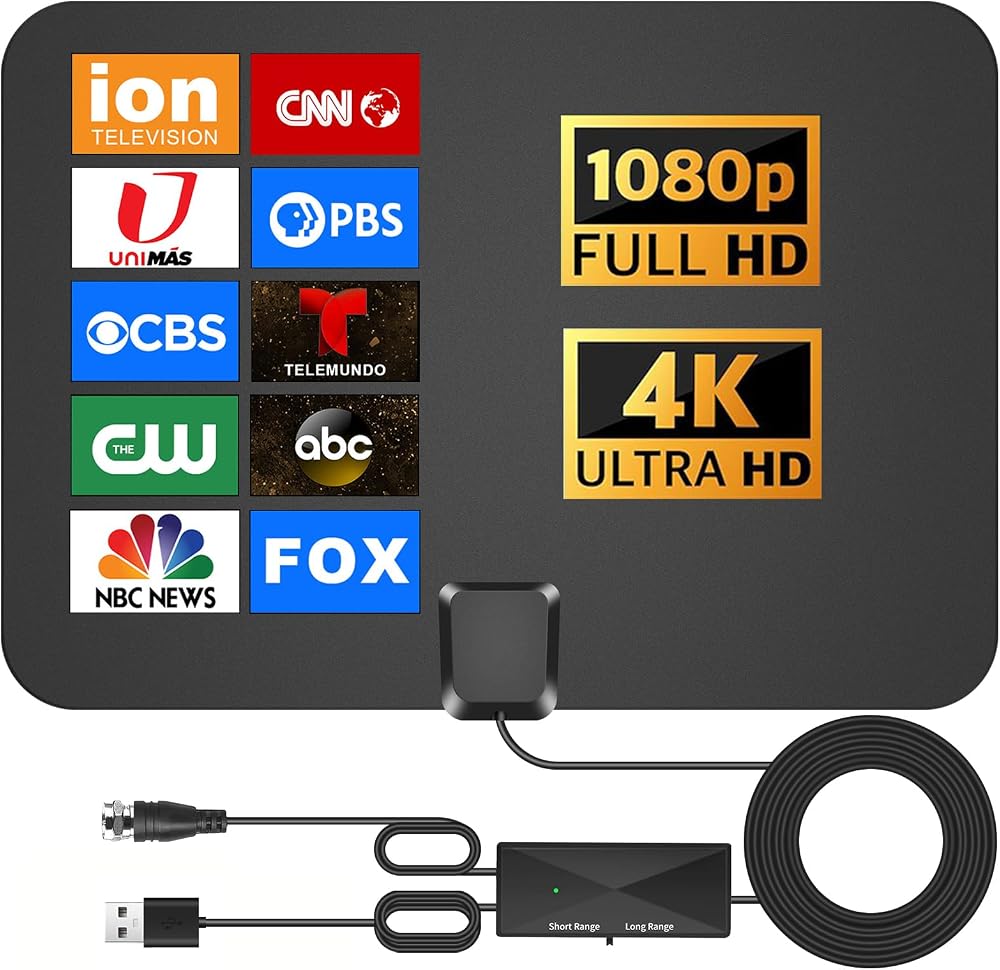
Best antennas for smart TVs: how indoor, outdoor and amplified types differ and where to place one for clear free channels.
A smart TV can stream a lot, but it can also receive free local channels with the right antenna, often in high quality. When you look for the best antennas for smart TVs, the best choice depends on your distance from transmitters, your building, and where you can place the antenna.
Antenna marketing often promises huge ranges, but real reception depends on terrain, building materials, and local transmitter power. A modest antenna placed well, near a window and away from metal, often beats a large antenna placed badly.
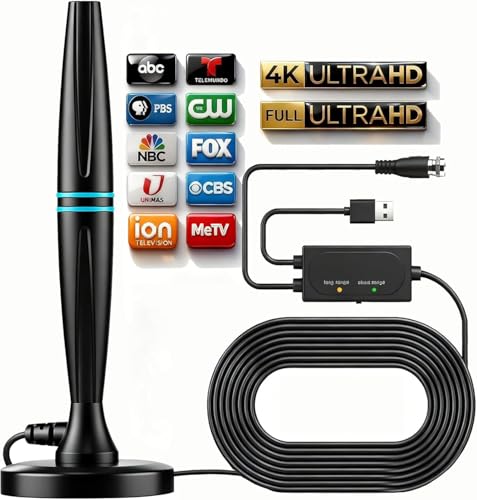
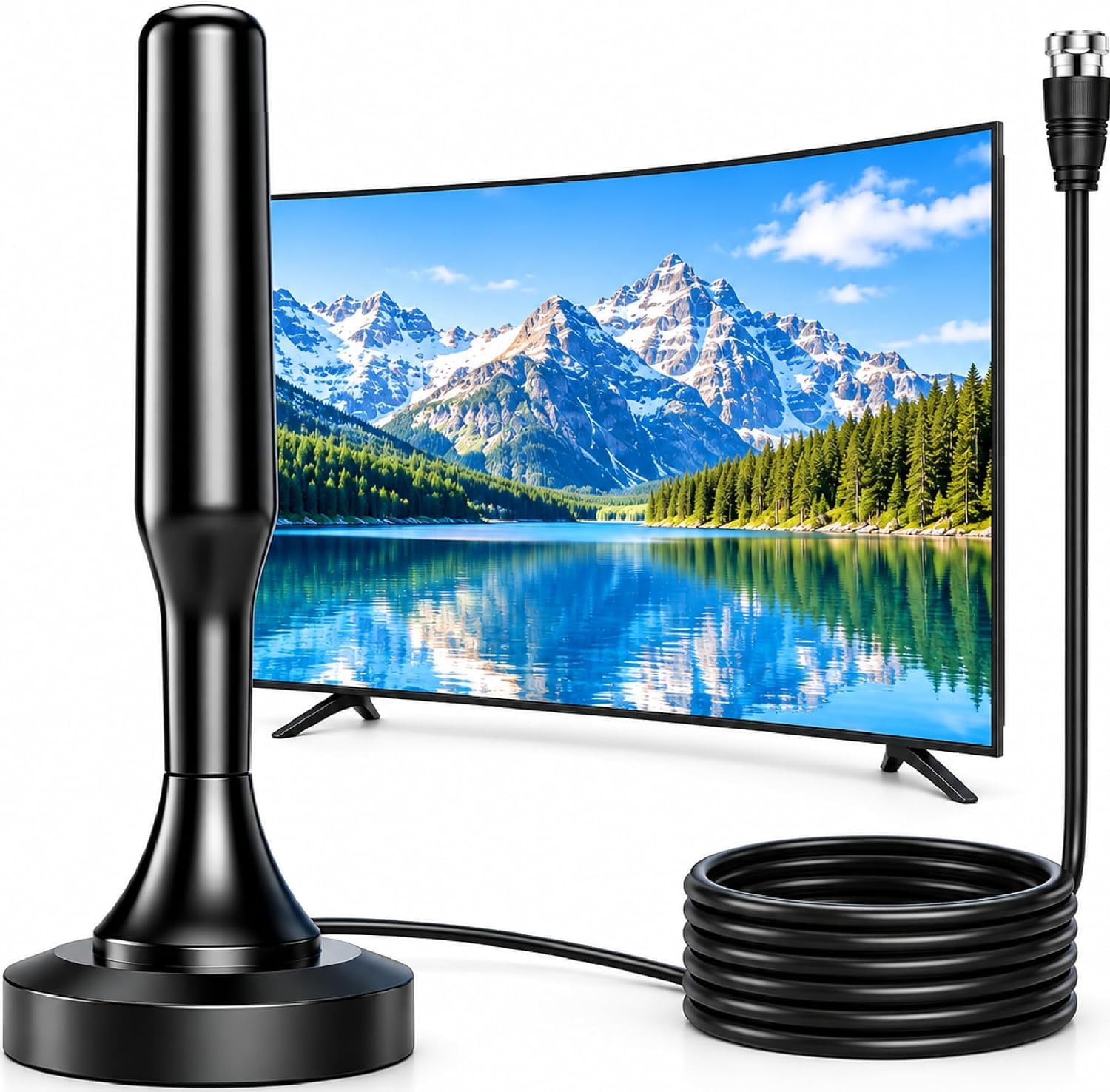
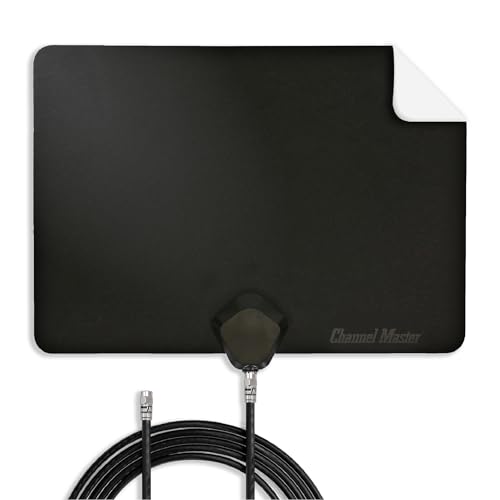
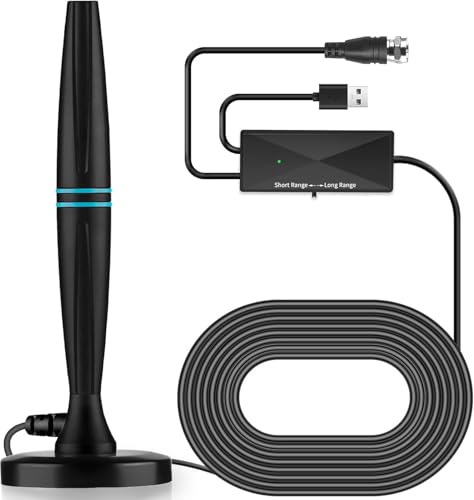

Who Should Buy an Antenna for a Smart TV
Apartment dwellers usually need a compact indoor antenna that can sit near a window without dominating the room. Suburban homes with a clear view may do well with an indoor antenna, while rural homes farther from transmitters may need an outdoor antenna mounted high.
People who want only a few local channels need a simpler setup than those who want every available channel in the area. Start by checking which channels are available at your address.
Types Compared
Flat Indoor Antennas
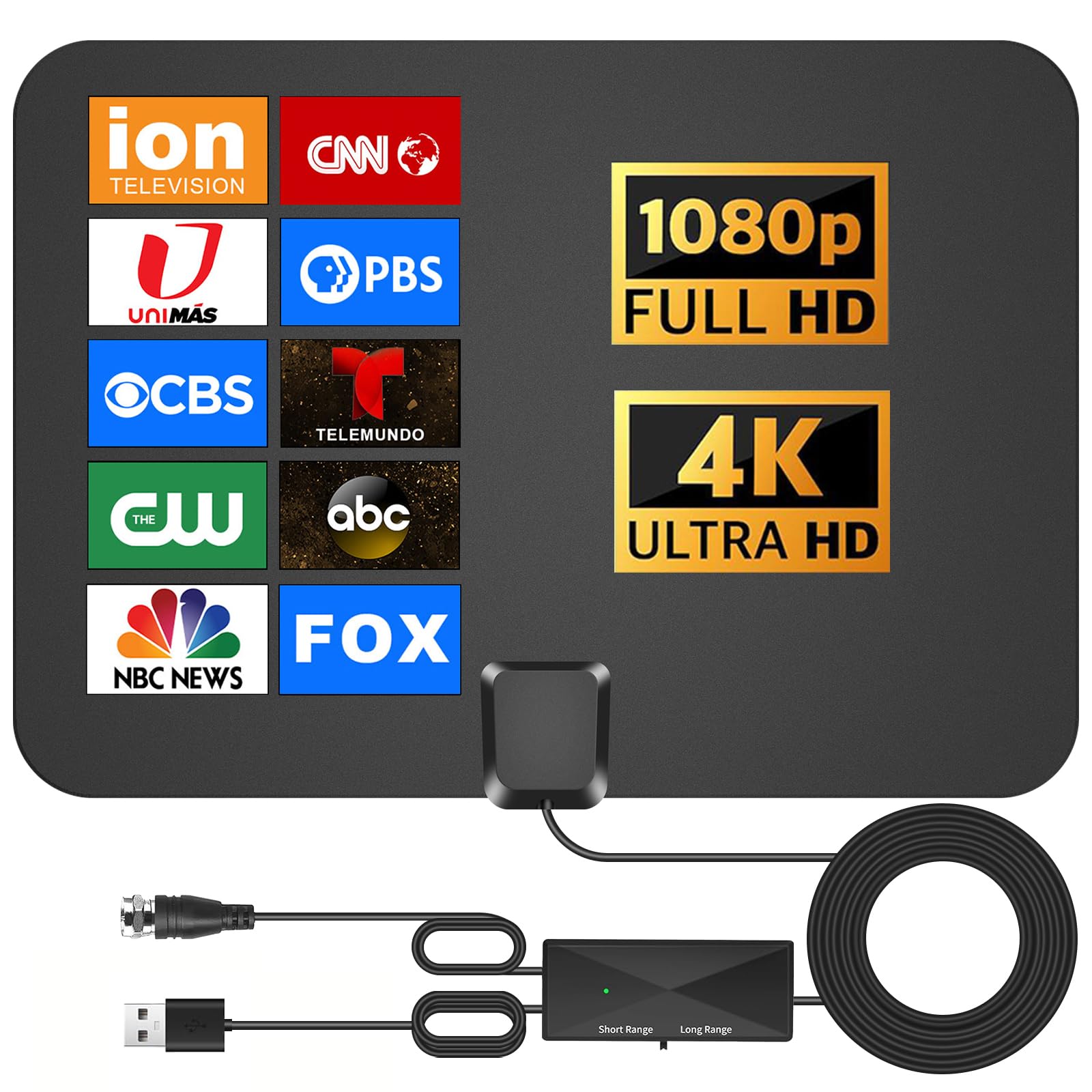
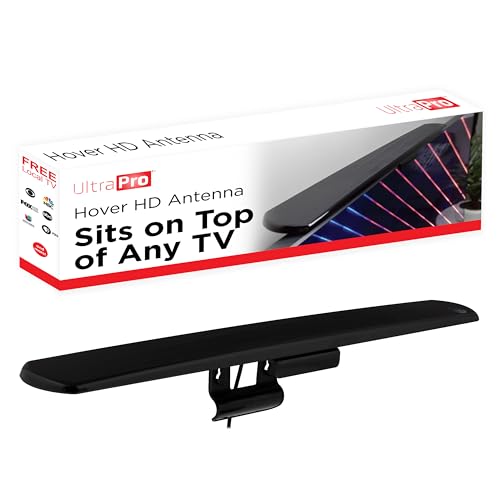
Flat antennas stick to a wall or window and suit apartments and small rooms. They are easy to install and move, though thick walls and metal frames can reduce their range.
Amplified Indoor Antennas
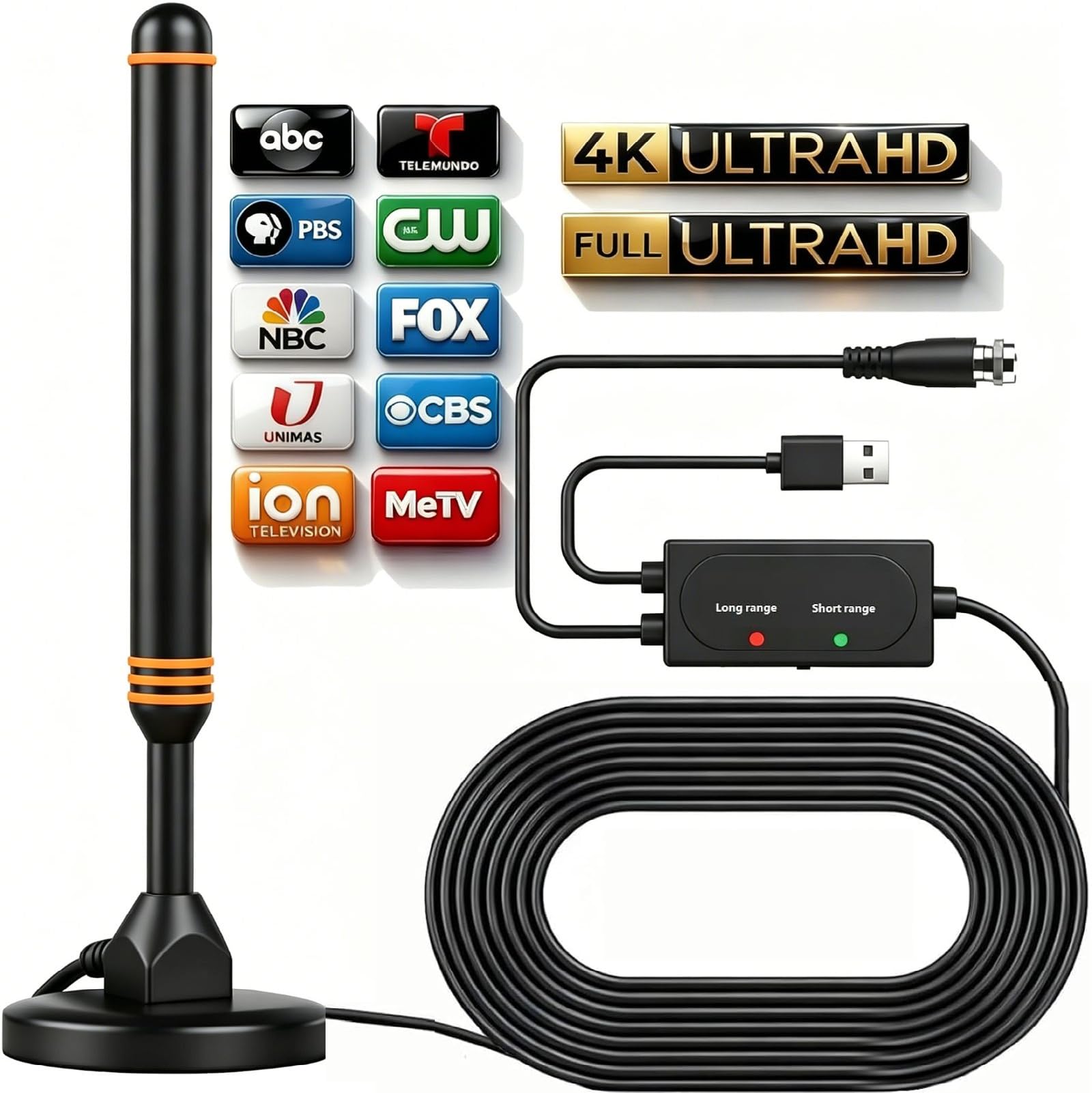
Amplified antennas include a small booster that can help in weak signal areas. Amplification helps only if the signal is weak but clean; it cannot fix a signal blocked by buildings or overwhelmed by interference.
Outdoor Antennas
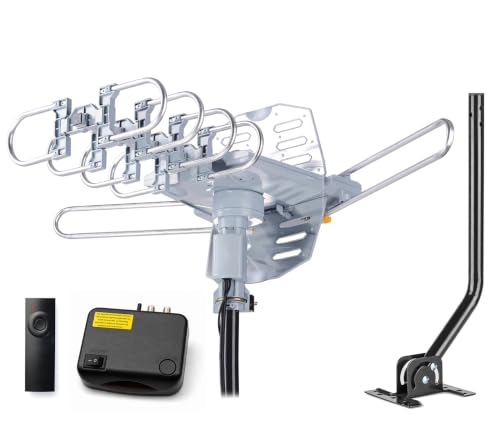
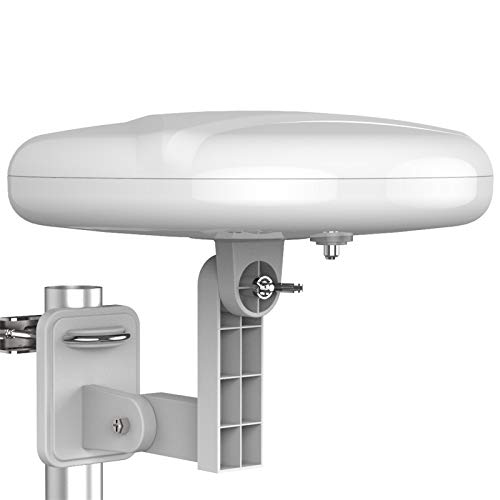
Outdoor antennas mount on a roof or mast and give the best range and stability for distant transmitters. They need safe installation, weatherproofing, and a longer cable run, so they suit homeowners more than renters.
Key Features to Compare
Signal Range Claims
Treat range claims as rough guidance, not a guarantee, since local conditions matter more than a single number. Check coverage maps for your address and transmitter distance before you choose a range figure.
Direction
Some antennas receive from all directions, while directional antennas focus on one direction for stronger reception. A directional antenna suits a home with transmitters in one direction, and an omnidirectional antenna suits transmitters spread around you.
Cable Length
A longer cable gives placement flexibility, but very long cables can lose signal unless the antenna is amplified. Place the antenna first, then choose a cable that reaches the TV without stretching or tight coils.
TV Compatibility
Most modern smart TVs include a tuner and a coaxial input for an antenna, but check your TV model before you buy. If your TV lacks a tuner, you will need a separate tuner box.
Budget Tiers Explained
Around $20 to $40, expect a basic indoor antenna that suits strong signal areas and apartments. From around $40 to $80, you can find amplified indoor antennas and better build quality. Outdoor antennas often cost around $80 to $200 including mounting parts, and professional installation adds more.
Common Mistakes to Avoid
Do not place an indoor antenna behind a large metal TV, a fridge, or a metal framed window, since metal blocks signals. Do not judge reception from one channel, since different channels use different frequencies and strengths. Do not coil excess cable tightly, since that can affect signal. Do not climb onto a roof without proper safety gear and help if you install an outdoor antenna.
Setup and Everyday Care
Rescan channels after moving the antenna or after local transmitter changes, since channel lists can shift. Keep indoor antennas dust free and check cable connections for looseness. For outdoor antennas, inspect mounts and cables after storms, and replace weathered seals before water damage affects the connection.
Related Guides
Indoor buyers should start with best indoor antennas for smart tvs for apartment friendly options. If you are also choosing a TV, best quality smart tvs and best affordable smart tvs cover different budgets, while best non smart tvs suits simpler viewing needs.
Frequently Asked Questions
Why does my antenna get some channels but not others?
Different channels broadcast on different frequencies and from different transmitter sites, so one antenna position may suit some channels better than others. Try small position changes and rescan after each move, since a few inches can change reception. A directional antenna may also need aiming toward the weaker transmitter.
Do amplified antennas always work better?
No, amplification helps weak but clean signals and can hurt reception if the signal is already strong or noisy. If you live close to transmitters, a non amplified antenna often gives a cleaner picture. Try without amplification first.
Can I use one antenna for several TVs?
Yes, with a splitter, though splitting reduces signal to each TV and may need amplification. Use a quality splitter and keep cable runs as short as practical.
How do I find which channels I can receive?
Check a local coverage or transmitter map for your address, which lists likely channels and transmitter distances. Your TV channel scan will then confirm what actually arrives at your home.
Is an outdoor antenna worth it for a suburban home?
It can be, if indoor reception is patchy or you live far from transmitters. Weigh installation cost and safety against the gain, since a well placed indoor antenna may already meet your needs.
Final Thoughts
The best antennas for smart TVs match your distance from transmitters, your building, and your placement options, not the biggest range number on the box.
Use the product table to compare types and prices, then place the antenna near a window, rescan, and adjust until your channels come in clean.