
Best All in One Soundbar (2026): Size, Features and Buying Tips
Disclosure: We may earn a commission when you buy through links on this page, at no extra cost to you. As an Amazon Associate I earn from qualifying purchases. Learn more

What matters when choosing the best all in one soundbar: size, features, budget and the mistakes to avoid.
Picture a family movie night where everyone keeps reaching for the remote because the dialogue is buried under music and effects. TV speakers are thin and face the wrong way, so voices sound flat and action scenes lack weight. The best all in one soundbar solves that with a single bar that holds every speaker in one cabinet, with no separate subwoofer box and no speaker wire to run.
This guide helps you choose by room size, by who shares the TV, and by budget. Work through the checklist, compare the three types of bar side by side, and use the comparison table below to match a bar to your home.


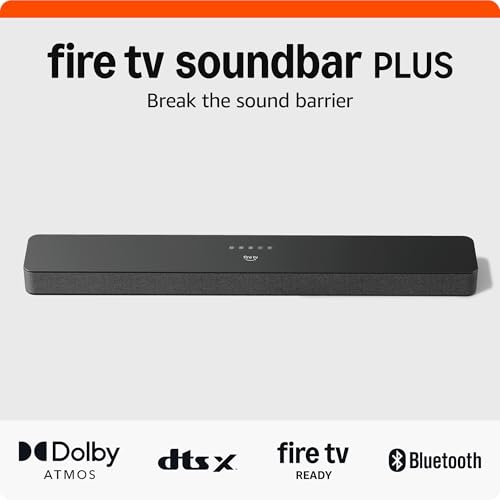
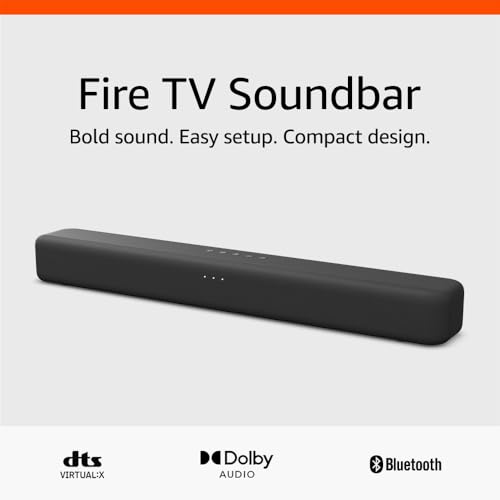

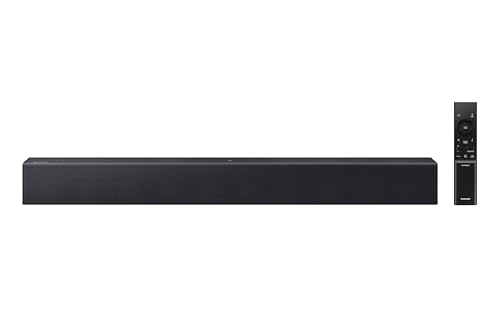
Quick Answer: The Three Types in 30 Seconds
All in one bars fall into three broad types. Compact bars suit bedrooms, kitchens, and small apartments where space matters more than deep bass. Midsize bars are the balanced choice for most living rooms, with stronger dialogue and fuller sound. Large bars add height channels and wider sound for bigger rooms and movie focused setups. None needs a separate subwoofer, and all connect with a single cable.
Before You Buy: A Quick Checklist for Choosing a Soundbar
Size: Match It to Your Space
Measure the width of your TV stand and the space below the screen before you shop. A bar should sit under the TV without blocking the bottom edge of the picture or the remote sensor. Compact bars around 20 to 30 inches wide suit TVs up to about 43 inches and tight shelves. Midsize bars around 35 to 45 inches pair well with 50 to 65 inch TVs. In a small room, a large bar can overwhelm both the shelf and the sound, so smaller is often the smarter fit.
Which Type Fits Your Routine
Think about what plays on your TV most days. If news, sports, and streaming shows dominate, dialogue clarity matters more than thunderous bass, and a midsize bar with a center channel does the job. Movie fans benefit from Dolby Atmos support, which adds height effects from the ceiling. Households that stream music during the day should look for Bluetooth or WiFi so phones connect without the TV on. Gamers sharing the family TV need low input lag through the HDMI connection.
Features Worth Paying For, and Ones to Skip
Pay for HDMI eARC, a dedicated dialogue or voice mode, and a remote that is simple enough for everyone in the house. Bluetooth is worth having for music from a phone. Skip paying extra for a long list of streaming services built into the bar if your TV or streaming stick already provides them. Also skip elaborate app control if you prefer a plain remote, and skip extra surround modes with names you will never use. Spend the money on clear voices and easy volume control instead.
Room Size and Placement
Room size shapes how a single bar performs. In rooms up to about 150 square feet, a compact or midsize bar fills the space easily. Larger open plan rooms with high ceilings need a bigger bar with more drivers, because sound spreads out and bass loses punch. Place the bar at ear height when seated, centered under the TV, with nothing in front of it. Keep it out of a closed cabinet, since doors and shelves muffle the sound and block the upward firing speakers on Atmos models.
Dialogue Clarity and Night Mode
Clear dialogue is the main reason most families buy a soundbar. Look for a center channel or a voice enhancement setting that lifts speech above music and effects. Many bars let you raise the voice level on its own, which helps older viewers and anyone watching with the volume low. Night mode compresses loud peaks and lifts quiet speech, so a late film does not wake children in the next room. If several people share the TV and disagree about volume, these two settings solve more arguments than raw power does.
Connections: HDMI eARC, Optical, and Bluetooth
HDMI eARC is the connection to choose when your TV has it. One cable carries sound from the TV to the bar, and your TV remote controls the bar volume, so there is one less remote on the sofa. Optical works fine for older TVs and carries standard surround formats, but it cannot pass the highest quality Atmos signals and needs the bar remote for volume. Bluetooth pairs phones and tablets for music. Before ordering, check the back of your TV and confirm which ports are free, then read our guide on how to set up a soundbar for the cable order that avoids the usual setup snags.
Subwoofer and Surround Options
An all in one bar builds its bass drivers into the cabinet, so bass is present but shallower than a separate subwoofer box placed on the floor. That trade suits renters, tidy living rooms, and anyone who dislikes cables. Some bars offer an optional wireless subwoofer or rear speakers you can add later, which gives you a growth path without buying a full system today. If deep, floor shaking bass for action films is your top priority, compare your options in our guide to the best soundbar models of every format before you settle on a single bar.
Realistic Budget Ranges
Under about $100, expect a compact bar that improves TV sound and dialogue but offers modest bass. About $100 to $250 is the value zone, with eARC, voice modes, and Bluetooth on most models. About $250 to $500 brings larger drivers, Atmos support, and room filling volume for bigger spaces. Above about $500, you pay for premium drivers, WiFi streaming, and expansion options. If money is tight, our roundup of the best budget soundbar options shows where the lower tiers still deliver clear speech.
Three Types Compared: Which All in One Bar Fits Your Home?
Compact bars are the right call for a bedroom, a dorm, or a kitchen counter TV. They take little shelf space, set up in minutes, and make dialogue far easier to follow than TV speakers. Their limit is bass depth and volume in a large room. For a second TV that the family uses casually, that limit rarely matters, and the low price makes the upgrade an easy decision.
Midsize bars are the balanced choice for most living rooms and the type we suggest for a main family TV. A center channel keeps voices anchored to the screen, the cabinet is wide enough for real stereo separation, and most models include eARC and a night mode. If your household watches a mix of shows, sports, and films on a 50 to 65 inch TV, start here. Shoppers narrowing down the best soundbar for tv use will find this type covers nearly every routine.
Large bars with Atmos suit dedicated movie spaces and open plan rooms. Upward firing drivers bounce height effects off the ceiling, and the wider cabinet creates a broader soundstage for films and concerts. They cost more and need a flat ceiling that is not too tall to work well. Choose this type when movies are the main event in your home, rather than as a default upgrade for a small den.
Our Selection Process
We judge all in one bars on five criteria: sound quality, dialogue clarity, ease of setup, connectivity, and value for the price. Our comparisons draw on manufacturer specifications, verified buyer reviews, and the checklist above. A bar earns its place here by matching a clear use case, not by stacking features most families will never switch on.
All in One Bars Versus Other Soundbar Formats
A bar with a separate wireless subwoofer delivers deeper bass, but the box needs floor space and a power outlet, and it can boom in a small apartment. A full surround system with rear speakers adds cables, stands, and setup time that many households avoid. The all in one format trades the lowest bass and true rear effects for a single clean unit that suits shared living spaces and furniture. If you are still weighing the upgrade itself, our article asking is a soundbar worth it walks through what TV speakers can and cannot do.
Common Buying Mistakes to Avoid
- Buying a bar wider than your TV stand, so it overhangs the edges and looks unstable.
- Ignoring the remote sensor, then finding the bar blocks it and the TV remote stops working from the sofa.
- Paying for Atmos when your ceiling is vaulted or very high, so the height effect never reaches your seat.
- Skipping eARC on a new TV and then juggling two remotes for volume every day.
- Judging a bar only by wattage numbers, which say little about dialogue clarity in your room.
Cost of Ownership and Care
Running costs are low. A soundbar draws modest power, and standby draw is small. There are no filters, pads, or parts to replace on a schedule. Dust the cabinet and speaker grille with a dry microfiber cloth, keep drinks away from the top surface, and leave ventilation space around the bar so heat escapes. Check for firmware updates through the companion app or the maker support page a few times a year, since updates often fix connection quirks at no cost.
Your Questions, Answered
How do you clean a soundbar?
Turn the bar off and unplug it first. Wipe the cabinet with a soft, dry microfiber cloth, and use a slightly damp cloth only on hard plastic surfaces, never on the fabric grille. A soft brush or a vacuum with a brush attachment lifts dust from the grille without pushing it inside. Keep sprays and solvents away from the drivers. Cleaning once a month keeps dust from dulling the sound and takes under five minutes.
How long does a soundbar last?
Most soundbars serve a household for about five to ten years. The drivers and amplifiers rarely wear out in normal use, so the end usually comes from changing TV connections or streaming standards rather than failure. A bar with HDMI eARC and Bluetooth has the longest useful life, because those connections stay current across TV upgrades. Heat is the main enemy, so a bar kept in open air with space around it tends to outlast one sealed inside a cabinet.
Are all in one soundbars worth it for a small apartment?
Yes, and a small apartment is where the format makes the most sense. You get clearer dialogue and fuller sound with no subwoofer box eating floor space and no speaker wire crossing the room. Neighbors benefit too, because balanced sound at moderate volume carries less through walls than a separate subwoofer does. Pick a compact or midsize model with a night mode, and you can watch late films at low volume while still hearing every line.
Can an all in one soundbar replace a surround sound system?
It can replace one for everyday viewing, but it will not match the effect of speakers placed behind you. Virtual surround processing widens the soundstage and Atmos models add height, yet rear effects still come from the front of the room. For news, shows, sports, and most streaming films, most households never miss the rear speakers. Dedicated home theater fans with a large room are the group most likely to prefer a full system.
What should I check before pairing a soundbar with a Samsung TV?
Check that the TV has a free HDMI port labeled eARC, and turn on HDMI CEC in the TV settings so one remote controls volume. Samsung sets sometimes need the audio output switched from TV speakers to the HDMI receiver option before sound flows. If your set is older and lacks eARC, the optical output still works well. Our guide to the best soundbar for samsung tv covers the settings menu steps in order.
Final Thoughts
Start with your room and your routine, not with a feature list. A compact bar transforms a bedroom TV, a midsize bar serves most family living rooms for years, and a large Atmos bar rewards a room built around movies. Measure your stand, confirm your TV ports, and weigh dialogue clarity above headline wattage. Chosen that way, the best all in one soundbar is simply the one that fits your space, your budget, and the people sharing your sofa. The product table above pulls the current options together so you can compare them in one place.

