Best Alexa Compatible Thermostat: Buying Guide for 2026
Disclosure: We may earn a commission when you buy through links on this page, at no extra cost to you. As an Amazon Associate I earn from qualifying purchases. Learn more
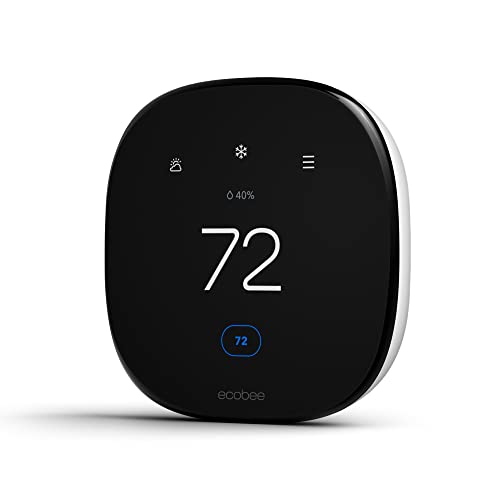
Check wiring and heating system support first, then compare Alexa features, sensors and schedules to choose the best alexa compatible thermostat.
The best alexa compatible thermostat is the one that works with your heating and cooling system first and with Alexa second. A thermostat can have every voice feature on the box and still fail to power on if your wiring lacks a common wire or your system uses line voltage. This guide helps you check those basics, then compare the Alexa features that make daily life easier.
Use the product table for a quick price and feature comparison, then confirm each model against your furnace, heat pump or boiler before you order.
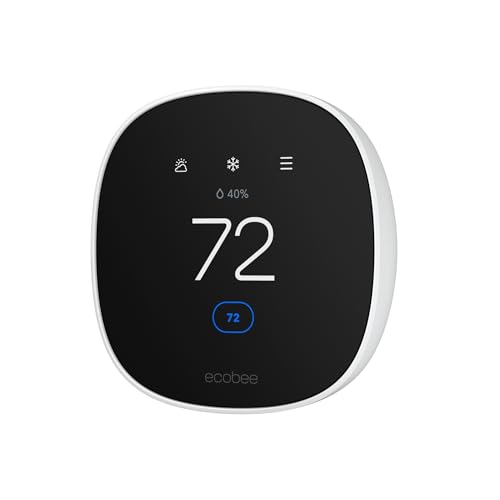

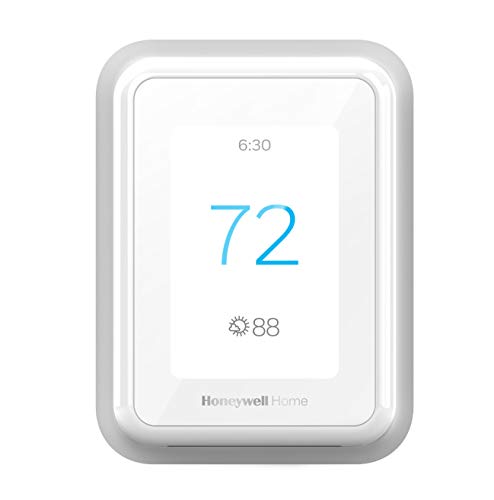


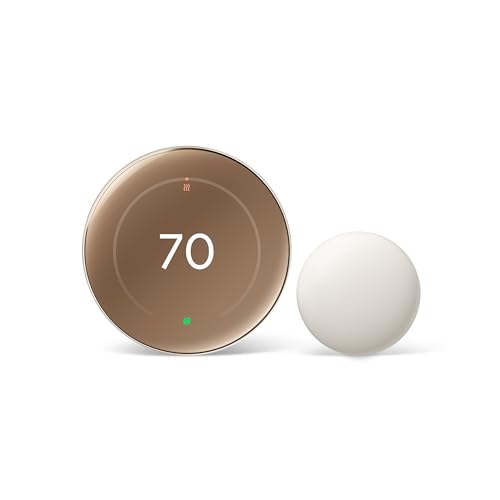

What Alexa Compatible Really Means
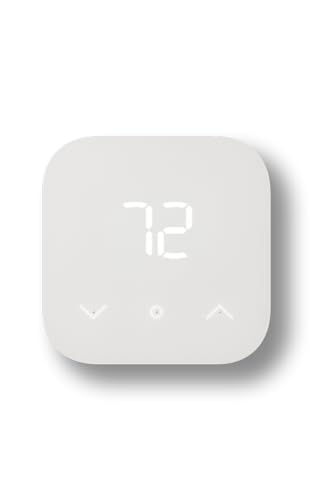
Alexa compatible means you can link the thermostat to your Alexa account and control it with an Echo speaker, the Alexa app or an Echo Show screen. Some models have Alexa built in and answer voice commands on their own, while others work through a skill and need a separate Echo device nearby. Both types can set temperature, raise or lower it by a few degrees and report the current indoor reading. Routines let you lower the heat at bedtime or raise it when you say good morning.
Voice control is a convenience layer. Schedules, safety limits and equipment protection run on the thermostat itself, so it keeps working if your WiFi drops. If you also want to compare enabled and controlled models, see our guide to the best smart thermostat alexa and the best thermostat alexa.
Check Your Heating and Cooling System First
Wiring and the Common Wire
Take a photo of the wires on your current thermostat before you shop. Most smart thermostats need a common wire, often labeled C, to run the display and WiFi. Without it, a model may need a power adapter kit or may reboot at random. Several brands include an adapter in the box, but check the listing so you do not discover the gap on install day.
System Types
Forced air furnaces and central air conditioners are supported by almost every model. Heat pumps, dual fuel systems and systems with two stages of heating or cooling need a thermostat that lists them. Electric baseboard heaters and other line voltage systems use different thermostats, and a standard low voltage model will not work. If your system is unusual or the wiring looks damaged, ask a licensed HVAC technician before installing anything.
Voltage and Safety
Switch power off at the breaker before you touch any wiring, and follow the manufacturer's instructions. A thermostat is not a carbon monoxide alarm, so keep working detectors in your home and test them on schedule.
Features Worth Comparing
Voice Control and Routines
Check which Alexa commands are supported for the exact model, because some skills allow only basic temperature changes. Models with deeper integration let routines trigger on motion, time or a door opening, and they announce changes on nearby Echo speakers.
Room Sensors and Scheduling
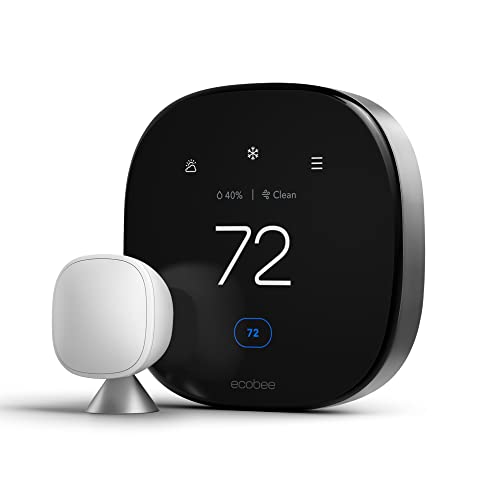
A remote room sensor lets the system respond to the room you use most, which helps in homes with a hot upstairs or a cold bedroom. Look for flexible schedules, vacation holds and a clear app. Learning thermostats adjust schedules automatically, while programmable ones follow the plan you set. Neither makes sense if you cannot understand the app, so read a few screenshots in the listing.
Display and Everyday Use
A bright, readable screen helps older family members use the wall controls. Auto dimming protects sleep if the thermostat sits near a bedroom. Physical dials or touch screens both work, but a quick manual override matters when guests visit.
Energy Reports and Price
Basic smart thermostats start near $80 to $100, mid range models with sensors and richer apps run about $130 to $200, and premium models with several sensors or built-in speakers cost more. Energy reports show runtime by day and help you spot waste. Some utilities offer rebates on qualifying thermostats, so check your provider before you buy.
Choosing the Best Alexa Compatible Thermostat for Your Home Type
An apartment or small home with one system needs a single thermostat, and a basic or mid range model with good voice support is usually enough. A two story house often gets uneven temperatures, so pick a model with remote room sensors and place one upstairs. Homes with two separate systems need a thermostat for each zone, and it helps to choose the same brand so one app controls both.
Renters should check the lease and keep the old thermostat and labeled wires for restoration. Households with older family members benefit from a large, high contrast display and simple manual controls. If you have a heat pump or a humidifier, confirm those accessories in the listing, because they need dedicated terminals.
Common Mistakes to Avoid
- Buying before checking the wiring photo, then finding the system needs a common wire adapter.
- Assuming voice control replaces compatibility checks for heat pumps or two stage systems.
- Mounting the thermostat in direct sun or near a vent, which gives false readings.
- Skipping WiFi strength tests, then watching the app drop offline.
- Ignoring the app, which holds most of the useful settings.
Install and Care Tips
Mount the thermostat on an interior wall about five feet above the floor, away from sun, drafts and kitchens. Label the old wires, take photos before disconnecting and keep the old thermostat until the new one runs a full heating and cooling cycle. After install, ask Alexa for the temperature from a few rooms to confirm the link and watch the first schedules run.
Update the firmware when prompted, wipe the screen with a dry soft cloth and change your HVAC filter on schedule. Review the schedule each season, and adjust weekend and holiday settings so comfort and cost stay balanced.
Related Guides
For nearby options, see our guides to the best smart thermostat compatible with alexa and the best thermostat alexa.
Frequently Asked Questions
Do I need an Echo speaker to use an Alexa compatible thermostat?
You need an Alexa device to speak commands, such as an Echo speaker or the Alexa app on your phone. Some thermostats also have Alexa built in, so they answer you directly. All of them still work from their own screen and app without Alexa.
Will an Alexa compatible thermostat work without a common wire?
Many models need one, but several include a power adapter kit that simulates it, and some can run on batteries in the wall unit. Check the listing for your model and system type, and ask an HVAC technician if the wiring is unclear.
Can I control more than one thermostat with Alexa?
Yes. Name each thermostat clearly in the Alexa app, for example upstairs and downstairs, and you can control them separately or by group. Name choices matter, because similar names make voice commands fail.
How much does an Alexa compatible thermostat cost?
Expect about $80 to $250 depending on sensors, screen and learning features. Installation is often a one hour job, but professional help adds cost if wiring needs changes.
Do these thermostats save energy?
They can, when you use schedules and away modes well. Savings depend on your home, weather and habits, so treat any claim as an estimate and check the energy report after a month.
Final Thoughts
Start with compatibility, then pick the Alexa features, sensors and screen that fit your home. Compare the models in the product table and confirm each one against your wiring photo before you order.
When you choose the best alexa compatible thermostat in that order, voice control becomes a pleasant extra on a system that already works, not a source of install day surprises.