
Best Alarm System with Outdoor Cameras of 2026: Complete Buying Guide
Disclosure: We may earn a commission when you buy through links on this page, at no extra cost to you. As an Amazon Associate I earn from qualifying purchases. Learn more

Learn how to choose the best alarm system with outdoor cameras by comparing video quality, power options, storage, detection, and privacy features.
A break in attempt rarely starts at the front door in full view. It starts at the side gate, the back patio, or the dark corner of the driveway, which is exactly why outdoor cameras are the eyes of a modern alarm system. Choosing the best alarm system with outdoor cameras means matching camera coverage to your property and pairing it with sensors and alerts that work when you are asleep or away. This guide explains the features that matter, the types available, and the mistakes to avoid. Begin with the comparison table below, then plan your setup section by section.
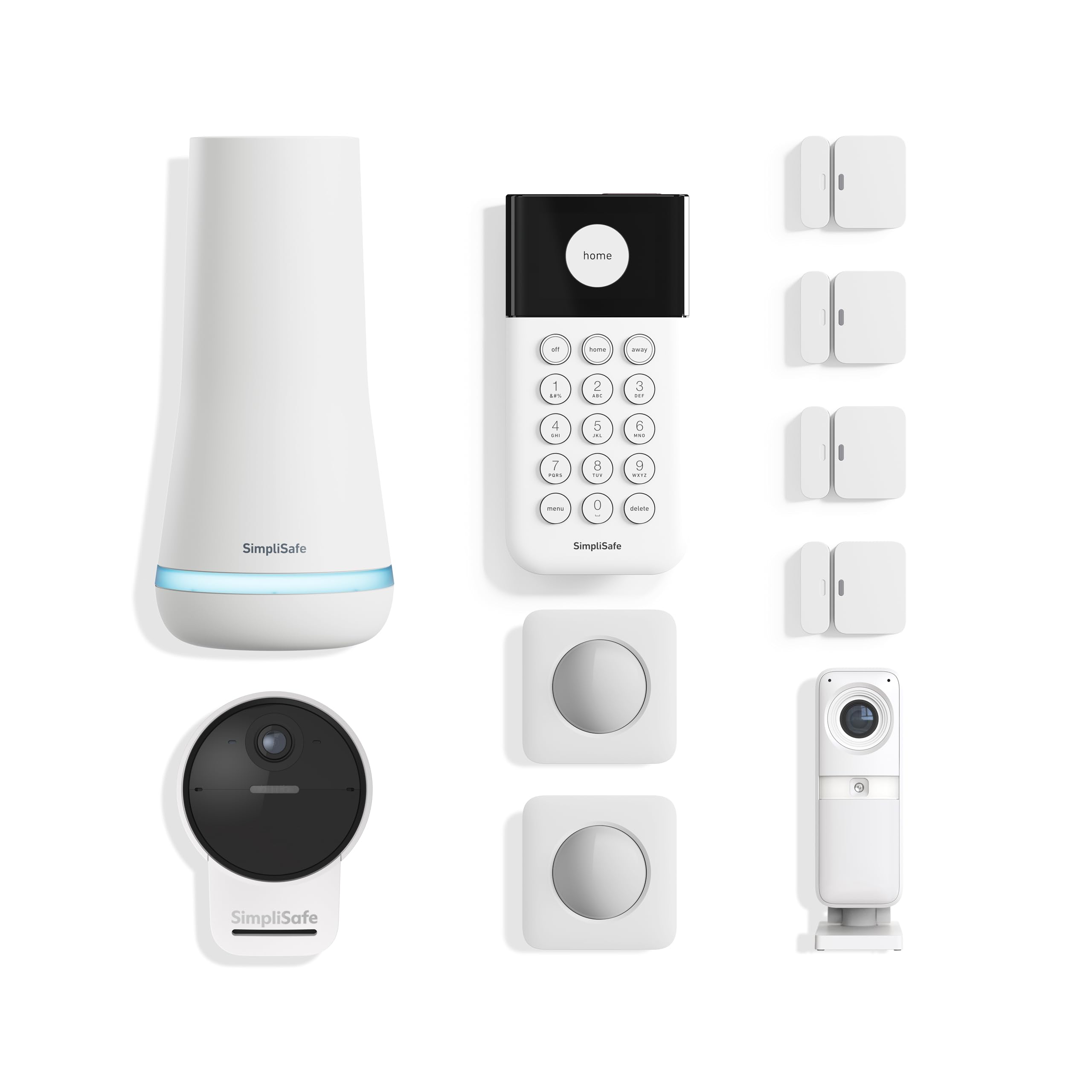
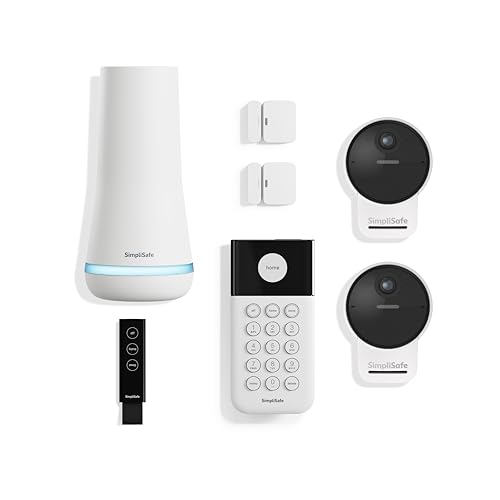
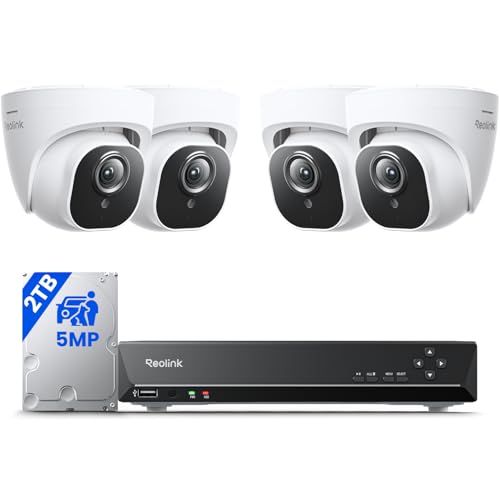
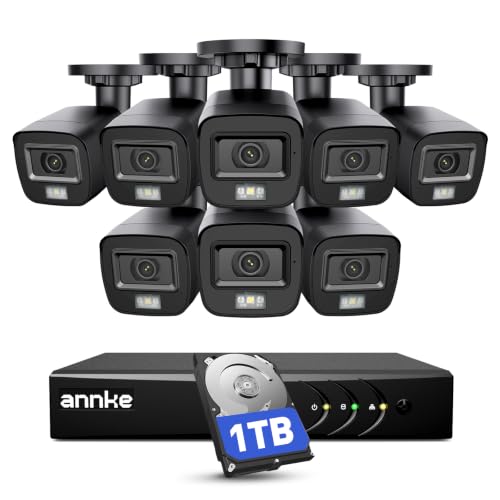




What to Look For at Each Price Tier
Overall Profile
The strongest all around systems pair 2K or better cameras with a proper alarm hub, entry sensors, and smart detection that tells people apart from animals and passing cars. Expect color night vision, local storage with optional cloud backup, and an app that shows every camera on one screen. This tier usually costs around $400 to $800 for a starter bundle. The main limitation is that expanding beyond the bundle means buying cameras at full price, so count your doors and driveways before you commit to a platform.
Value Profile
Value systems focus on the essentials done well: solid 1080p or 2K video, infrared night vision, motion zones you can adjust, and no required subscription for basic recording. Many use battery cameras you can mount in minutes, which keeps installation cost at zero. Starter bundles often run around $200 to $400. The trade offs are slower alerts on some models, shorter battery life in busy areas, and fewer smart detection types unless you add a plan later.
Premium Profile
Premium systems add 4K cameras, wired or PoE connections for maximum reliability, long cloud history, and advanced detection for packages, vehicles, and familiar faces. Professional monitoring with video verification is usually available, which can speed up emergency response. Budgets start around $800 and rise with camera count. The limitation is complexity and cost over time, because subscriptions and pro installation add to the bill. This tier suits larger properties and homeowners who want the system managed for them.
How to Choose the Best Alarm System with Outdoor Cameras
Why Choose an Alarm System With Outdoor Cameras
Outdoor cameras deter opportunistic intruders, capture evidence if something happens, and let you verify an alarm before anyone dispatches help. They also handle daily life: seeing when a package lands, checking whether the kids got home, or watching a pet in the yard. The costs are upkeep and attention, since outdoor cameras need cleaning, charging or wiring, and sensible alert settings so you are not flooded with notifications. If your main concern is a single door, a smaller setup from our guide to the best alarm system with cameras may cover you for less.
Video Resolution and Field of View
Resolution decides how much detail you can pull from a clip. 2K is the practical sweet spot for most homes, while 4K helps on wide driveways where faces and plates sit far from the camera. Field of view between 130 and 160 degrees covers a yard corner to corner, but very wide views make distant people small. A smart layout uses a wide camera for the yard and a narrower, higher resolution camera for the gate or the front door, so each view does the job it is best at.
Power Options: Wired, Battery, Solar, and PoE
Battery cameras install anywhere in minutes and run for weeks or months per charge, but busy spots drain them faster and cold weather shortens their life. Wired cameras never need charging and record more reliably, though installation takes drilling and cable runs. Solar panels pair with battery cameras to stretch charging intervals in sunny spots. PoE sends power and data through one cable to a recorder, giving the most stable connection for larger homes. Match the power choice to each location rather than forcing one type on the whole property.
Night Vision: Infrared vs Color
Infrared night vision uses invisible light to produce clear black and white footage, typically reaching 25 to 30 feet or more. Color night vision relies on very sensitive sensors or a built in spotlight, and it gives more useful detail, such as the color of a jacket or a car. The spotlight approach also warns visitors they are on camera, which many owners see as a benefit. Check the stated night range against your yard depth, and remember that porch lights and street lights can either help color modes or create glare that washes out the image.
Storage: Local vs Cloud Subscription
Local storage, such as a microSD card in the camera or a recorder in the house, has no monthly fee and keeps footage on your property. Its risk is that a stolen camera or recorder takes the evidence with it. Cloud storage uploads clips off site and makes sharing easy, but it usually requires a subscription of around $3 to $15 per camera or per system each month, and it depends on your internet upload speed. Many owners choose a hybrid: local recording for everything, cloud backup for motion events. When you compare whole property coverage, our guide to the best outdoor security cameras system options explains recorder based layouts in more depth.
Smart Detection and Alerts
Basic motion detection reacts to anything that moves, including trees and headlights, which trains you to ignore alerts. Smarter systems classify motion as a person, a package, a vehicle, or an animal, and let you draw activity zones so the sidewalk stays out of your alerts. Look for adjustable sensitivity and a short cooldown between alerts. The goal is simple: every notification should be worth opening. Test the settings during your first week and tune the zones, because a well tuned mid range system beats a powerful one that cries wolf daily.
Privacy and Security: Encryption and Two Factor Authentication
Your cameras watch your home, so protect them like you protect your bank login. Choose a system with encrypted video in transit and at rest, and turn on two factor authentication for every account that can view a feed. Use a unique password, keep the app and camera firmware updated, and give family members their own logins rather than sharing one password. Point cameras at your own property where possible, and check local rules about recording audio and filming beyond your boundary, since laws vary by state and country.
Types of Alarm Systems and Cameras
Indoor Cameras
Indoor cameras complement an outdoor setup by covering the moments after someone gets inside. They are smaller, cheaper, and often include a physical privacy shutter. Place one facing the main entry hall rather than private rooms, and use it as confirmation alongside your outdoor views and door sensors. A complete whole home layout is covered in our guide to the best home cameras system setups.
Solar Powered Cameras
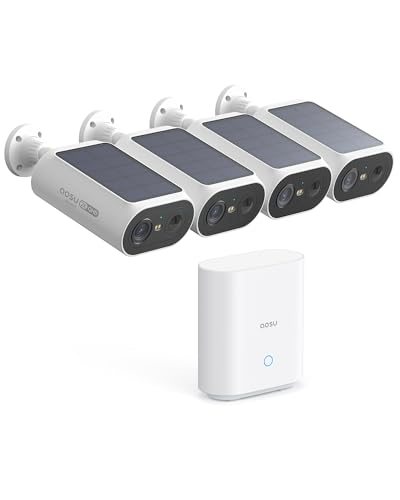
Solar powered cameras pair a battery camera with a small panel that tops up the charge on sunny days. They suit gates, sheds, and fence lines far from an outlet. Output depends on sun exposure, so a shaded north facing wall may still need manual charging in winter. For remote spots where wiring is impractical, this is often the only workable choice, and it pairs well with the camera layouts in our guide to best surveillance cameras outdoor.
Wired Camera Systems
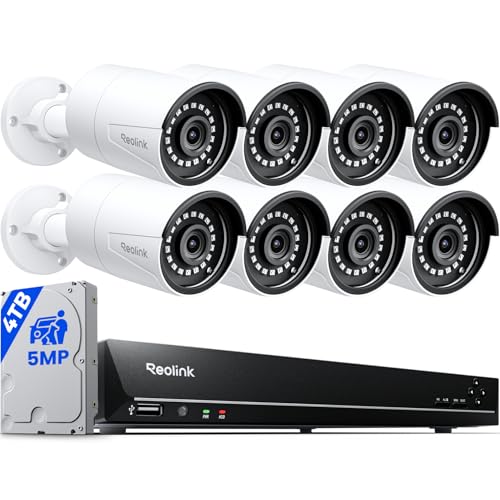
Wired systems connect cameras by cable to a central recorder, recording around the clock rather than only on motion. They are the most reliable option and carry no per camera subscription for storage. The cost is installation effort, whether you run cables yourself or pay an installer. For new builds and renovations, running cable during construction is far cheaper than adding it later.
Picking the Right Alarm System for Different Uses
Best Home Alarm System with Outdoor Cameras
For a typical family home, the best home alarm system with outdoor cameras balances coverage and simplicity: one camera for the front door and driveway, one for the back yard, entry sensors on every ground floor door, and alerts tuned to people only. Homes benefit from a keypad by the main door so everyone can arm the system without a phone. If wiring is difficult in an older home, a fully wireless layout, like those in our guide to the best wireless alarm system with cameras, keeps installation painless.
Tips to Get the Most From Your Alarm System
- Mount cameras 8 to 10 feet high: this height captures faces and activity while keeping cameras out of easy reach.
- Enable two factor authentication: it blocks most account takeovers even if your password leaks elsewhere.
- Position away from direct sun glare: aim cameras north where possible and angle them slightly downward to reduce washed out footage.
- Check local laws before recording audio: many places restrict audio recording more strictly than video, so disable audio where required.
- Clean the lenses monthly: spider webs and dust are the top cause of blurry night footage and false motion alerts.
- Walk test every zone: after setup, walk each covered area and confirm the alert arrives quickly and the clip shows your face clearly.
Alarm Systems: Your Questions Answered
Can cameras work without WiFi?
Yes, some cameras can. Wired recorder systems and cameras with local storage keep recording during an internet outage, though remote viewing and phone alerts pause until the connection returns. Systems with a cellular backup hub can still send alerts. If outages are common where you live, choose a recorder based setup and confirm in the specifications that local recording does not depend on a cloud connection to function.
Do I need a subscription for an alarm system with outdoor cameras?
No, a subscription is optional on many systems, but it changes what you get. Without one, you typically keep local recording and basic motion alerts. Paying usually unlocks cloud clip storage, person and package detection, and longer video history. Read the feature list carefully before buying, because a few brands lock smart detection behind the plan, which makes the true cost of the system higher than the hardware price suggests.
Are home cameras easy to hack?
Most camera breaches come from reused passwords and skipped updates, not from sophisticated attacks on the camera itself. Use a unique password, turn on two factor authentication, update firmware promptly, and buy from brands that publish a clear security policy. Also secure your home WiFi with a strong password and current encryption, because the network is the front door to every connected camera you own.
How much storage do I need for outdoor cameras?
For motion only recording, a 128 GB card often holds several weeks of clips from one camera. Around the clock recording fills space far faster, so recorder systems use hard drives of 1 TB or more. Cloud plans usually keep 30 to 60 days of history. Think about how soon you would notice a problem: if you review alerts daily, short retention is fine, but vacation homes need longer history to cover the gap between visits.
Wired or wireless: which is more reliable for outdoor cameras?
Wired cameras are more reliable because power and data never depend on battery level or signal strength. Wireless cameras win on flexibility and installation cost, and modern ones are dependable when the WiFi signal at the mounting spot is strong. Test the signal with your phone where each camera will sit before you buy. A weak spot can be fixed with an outdoor access point, which is cheaper than replacing the cameras later.
The Bottom Line
Choose coverage first, then camera quality, then the storage and detection features that keep alerts useful instead of noisy. Match power to each location, protect the account with two factor authentication, and tune your zones in the first week. The best alarm system with outdoor cameras is the one that watches every entry point without demanding your attention every hour. Compare the finalists in the product table above and build the setup that fits your property.


