
Best Alarm Clocks with Wireless Charging: Which One Fits the Way You Use It for 2026
Disclosure: We may earn a commission when you buy through links on this page, at no extra cost to you. As an Amazon Associate I earn from qualifying purchases. Learn more

Compare the best alarm clocks with wireless charging by charging speed, phone fit, display, and alarm features with this practical buying guide.
There is no single clock that suits every nightstand, because people charge different phones, sleep in different rooms, and wake up in different ways. The best alarm clocks with wireless charging for you might be a simple pad and display combo, while someone else needs fast charging, a dim screen, and two alarms. This guide starts with how you actually live, then matches features to those habits. Browse the comparison table below for a first look, and use the sections that follow to narrow the field to the clock that fits your routine.


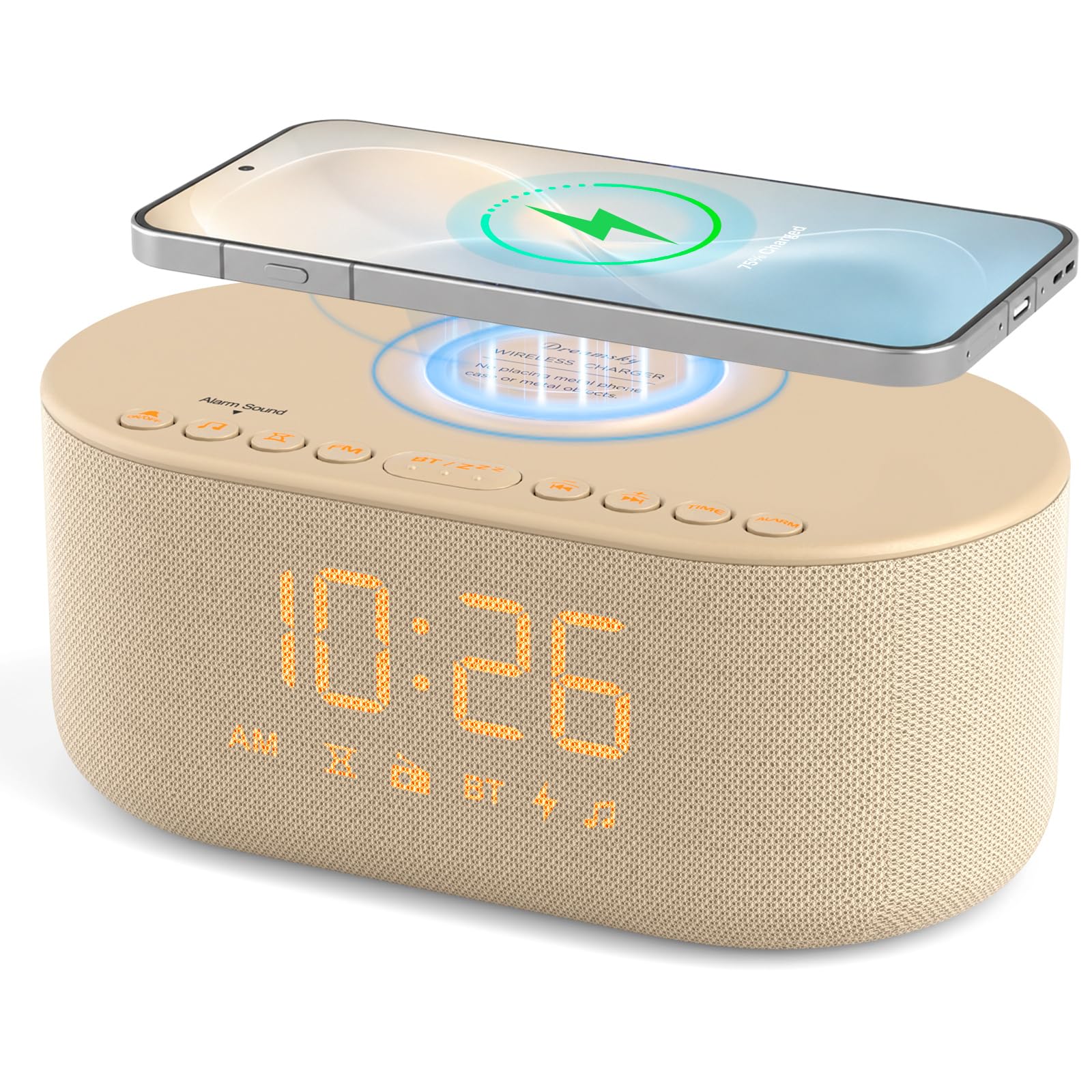


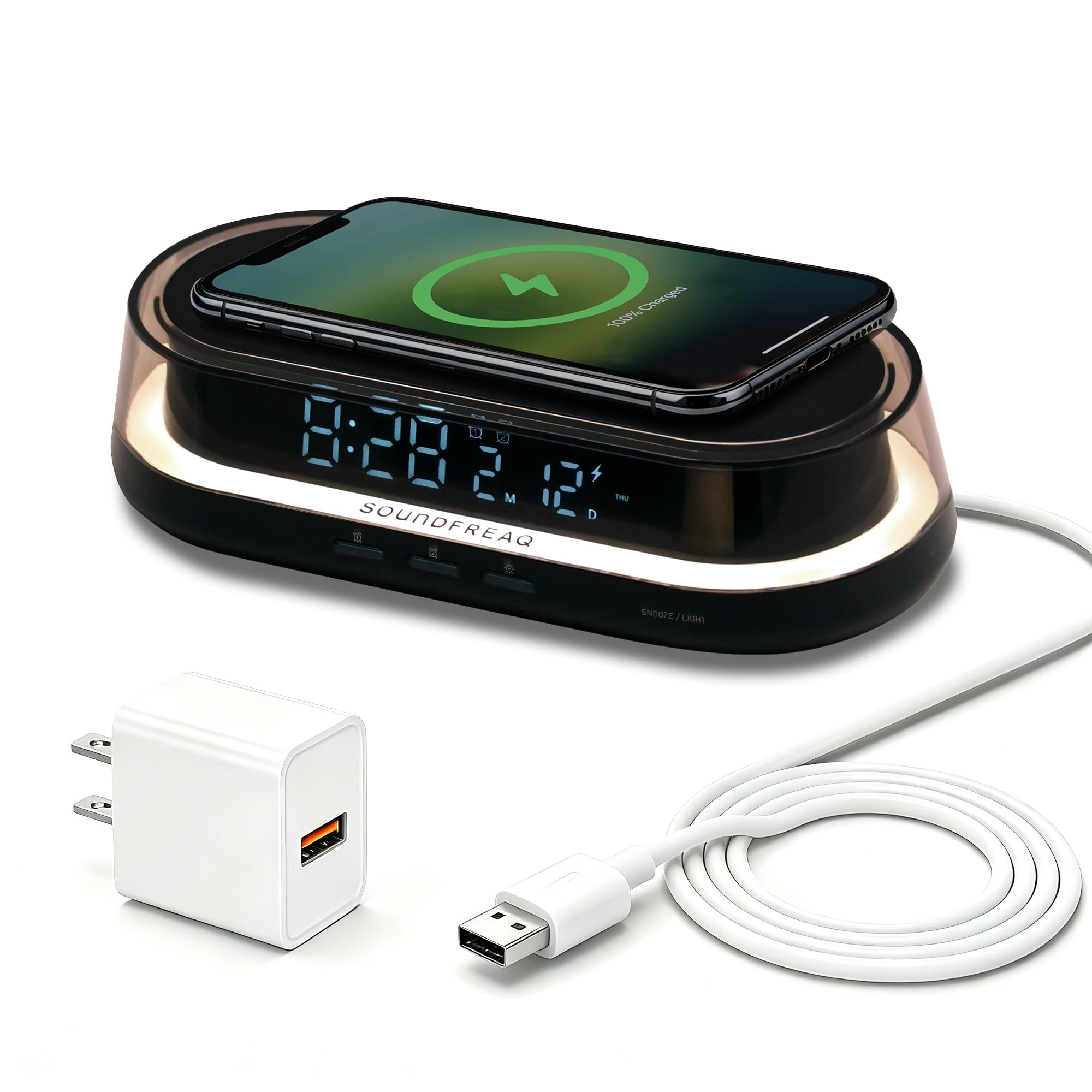
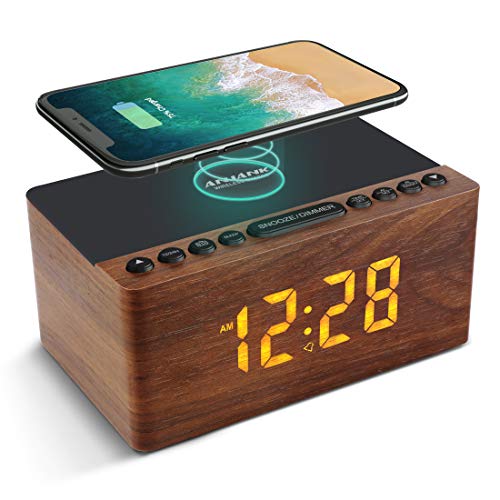


Who Should Buy Which Alarm Clock?
For Gift Shoppers
A charging clock is an easy gift because almost everyone charges a phone at night. For gifting, prioritize compatibility above all else: the clock should use the common Qi standard so it works with most modern phones from major brands. Simple controls matter too, since the recipient will not read a long manual. Choose a neutral design, a display that dims fully, and a brand with a clear warranty and painless returns. Expect to spend around $30 to $50 for a gift that feels substantial without overspending.
For Value Seekers
Value seekers should balance price against the two parts of this product: the clock and the charger. A rock bottom price often means slow charging, around 5 watts, and a display with only one or two brightness steps. The value sweet spot, roughly around $25 to $45, usually delivers 10 watt charging, dual alarms, and a battery backup. Durability matters more than extras here, because a clock you replace in a year costs more than a solid one that lasts five. Check that the power adapter is included, since some budget models quietly leave it out.
For People Who Want the Best Performance
Performance buyers should look for 15 watt charging that matches the fastest wireless rate most phones accept, plus a cooling friendly design, because heat slows charging and ages the phone battery. Premium models add finer display dimming, more alarm tones, better speakers for radio or Bluetooth audio, and sturdier materials. You may also get a second wired USB port for a watch or earbuds. These clocks often cost around $60 to $100, and the premium is justified when you use the clock as your only bedside hub every single night.
Key Features to Compare on Alarm Clocks with Wireless Charging
Price and Value
Prices cluster into three bands. Under $25, expect basic charging and a simple display. Around $25 to $50, you get faster charging, dual alarms, and better build quality. Above $60, you pay for speed, design, and extras such as sunrise light or premium speakers. Value is not the lowest sticker price; it is the cost divided by the years the clock stays on your nightstand. A clock with a replaceable backup battery and a two year warranty often beats a cheaper rival that fails when its sealed battery or its charging coil gives up.
Why Choose an Alarm Clock With Wireless Charging
The appeal is a cleaner nightstand and a simpler nightly habit: set the phone down and it charges, no cable to find in the dark and no port wear on the phone. It suits people who charge only overnight, because wireless charging is slower than a cable and overnight hours hide that difference. The limits are real. Your phone must support wireless charging, thick cases and metal plates can block it, and the phone must sit in the right spot on the pad. If your phone lacks wireless charging entirely, a wired option from our guide to the best alarm clock models will serve you better.
Materials and Build Quality
The charging surface takes daily wear, so a textured or rubberized pad grips the phone and resists scratches better than glossy plastic. The housing should feel solid, with buttons that click positively and a base that does not slide when you tap snooze. Weight is a clue: a slightly heavier clock stays put when a phone lands on it at an angle. Look at the pad size in the specifications as well. A larger pad tolerates sloppy placement, while a small pad demands precision that gets annoying at midnight.
Ease of Use
Daily use comes down to three moments: setting the alarm, dimming the display, and placing the phone. Dedicated buttons for each alarm beat menus. A dimmer dial or a button with many steps beats a two level toggle. For charging, the best designs add a subtle indicator light or a raised guide so you can confirm placement by touch, though the indicator should turn off or dim so it does not light the room. If you prefer light based waking as well, our guide to the best sunrise alarm clock options explains that gentler approach.
Purpose and Who It Is For
Match the clock to the room. A master bedroom clock can be larger, with big digits readable without glasses. A guest room clock should set itself automatically and confuse nobody. A dorm or travel clock should be compact and cheap enough to replace. Couples should look for dual alarms with separate volume, and light sleepers should insist on a display that reaches true black. Households with kids may prefer the simpler models in our guide to the best simple alarm clocks, then add a separate charging pad beside them.
Common Mistakes to Avoid When Buying Alarm Clocks
- Only looking at price: the cheapest clock often charges at 5 watts, so a large phone may not reach full by morning.
- Ignoring phone compatibility: confirm your phone supports Qi charging, and remove metal rings or card holders from the case before blaming the clock.
- Forgetting case thickness: very thick or rugged cases can stop charging, so check the stated case limit, often around 5 mm.
- Buying the wrong size: a wide clock with a charging pad needs nightstand depth, so measure before ordering rather than after.
- Skipping the warranty check: charging electronics fail more often than plain clocks, so a two year warranty is worth real money.
- Assuming all pads fit all phones: large phones can overhang small pads and slide off during the night, which leaves you with a dead battery and a missed alarm backup.
How to Make Your Alarm Clock Last Longer
Follow the care instructions that come with the clock, especially the guidance about which power adapter to use, because an underpowered adapter makes the charging coil work harder and run hotter. Keep the charging pad clean with a dry cloth, since grit between the phone and the pad scratches both surfaces. Store the clock properly when not in use, in a dry place with the cord loosely coiled rather than wrapped tight around the body.
Check your warranty registration within the first month so support is simple if the pad stops charging. Replace the backup battery once a year, and keep the clock out of the steamiest bathroom humidity, which corrodes charging electronics over time. A few small habits like these easily double the useful life of the clock. For a broader look at bedside setups, see our guide to the best bedside alarm clocks.
FAQs
What features matter most on an alarm clock with wireless charging?
Charging wattage matters most, with 10 to 15 watts filling a phone comfortably overnight. Pad size and a placement guide come next, because a phone that misses the coil charges nothing at all. Then look at display dimming and a battery backed alarm. A detail many shoppers miss is the charging indicator behavior: choose a clock whose light turns off once charging starts, so the room stays dark.
How long does an alarm clock with wireless charging last?
Expect about four to six years of daily use. The charging pad surface and the backup battery wear first, while the clock itself usually keeps working. You can stretch that life by wiping the pad weekly and by not leaving the phone on the pad all day after it reaches full, because constant heat is what ages both the pad electronics and the phone battery fastest.
Is an alarm clock with wireless charging a good gift?
Yes, as long as you confirm the recipient owns a phone that supports wireless charging, which most phones from the last several years do. Pick a model with automatic time setting and a forgiving pad size, and include the right power adapter in the box if it is not bundled. A short note explaining the dimmer control makes the first night easier and shows extra thought.
Is it worth paying more for an alarm clock with wireless charging?
Paying more is worth it when it buys genuine 15 watt charging, a larger pad, and finer display dimming, because you feel those upgrades every night. It is harder to justify for decorative finishes alone. One practical check: if your phone supports fast wireless charging rates tied to a specific standard, confirm the clock supports that standard, or the premium clock will charge your phone no faster than a basic one.
Final Thoughts
Start with your phone: its charging standard and case decide which clocks can work at all. Then weigh charging speed against display dimming and alarm flexibility, and pick the size that fits your nightstand. The best alarm clocks with wireless charging disappear into your routine, charging quietly while you sleep and waking you without fuss. Look back at the product table above, match a clock to the way you use your phone at night, and you will choose well.


