
Best Alarm System With Cameras 2026
Disclosure: We may earn a commission when you buy through links on this page, at no extra cost to you. As an Amazon Associate I earn from qualifying purchases. Learn more

Compare wired and wireless setups, storage, smart alerts and privacy rules to pick the best alarm system with cameras for your home.
The best alarm system with cameras combines intrusion sensors with video, so you get an alert and a view of what triggered it. That pairing cuts false alarm worry and helps you judge whether action is needed. The comparison table below compares system types so you can match one to your home.
Camera alarms vary in storage, video quality, power and privacy handling. This guide explains system types, camera placement, storage choices, alerts and installation, plus the privacy duties that come with filming around your home.
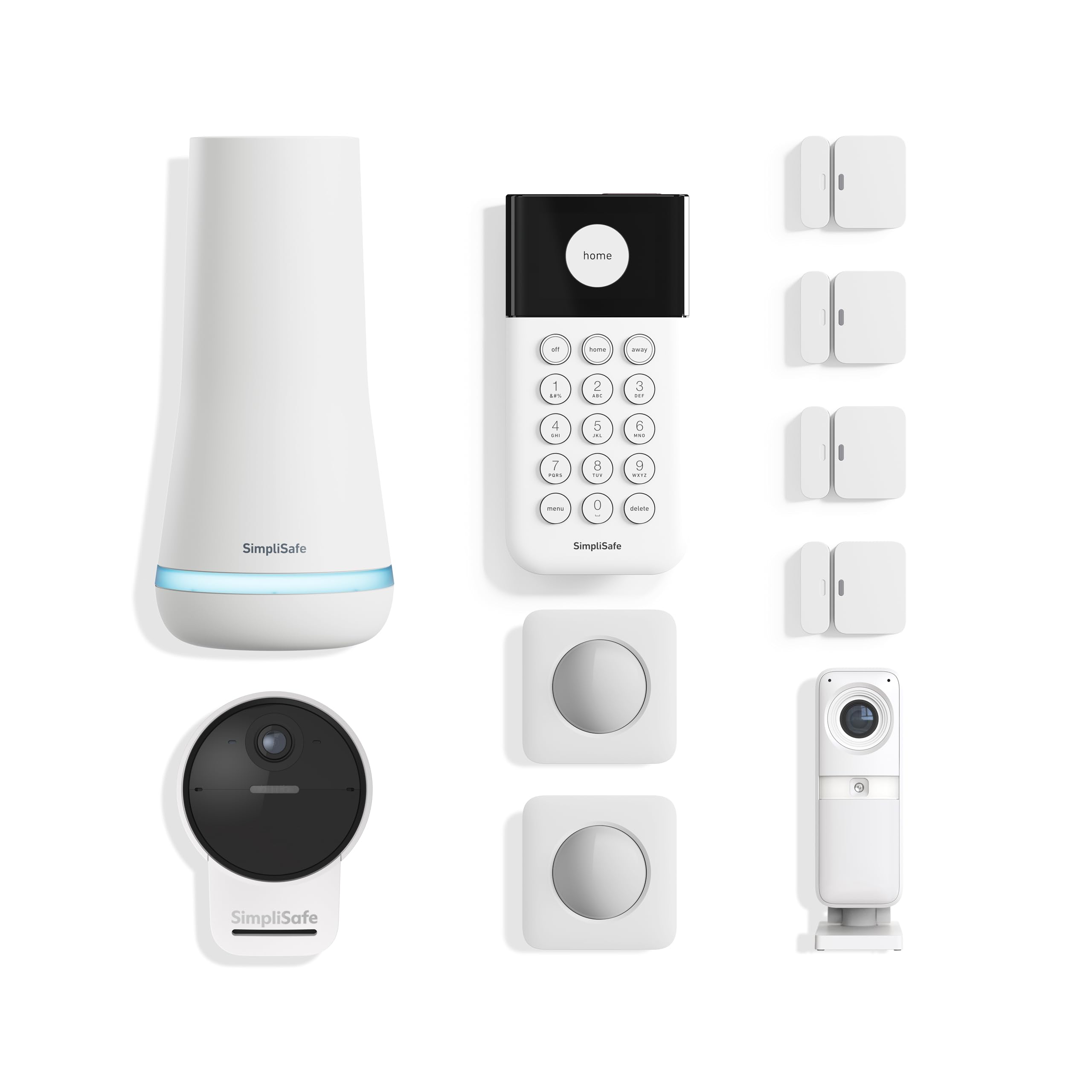
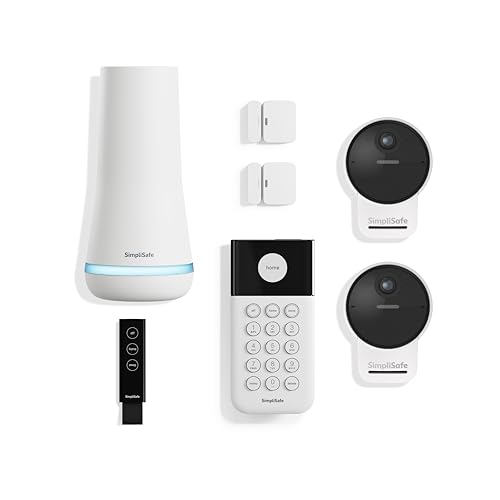


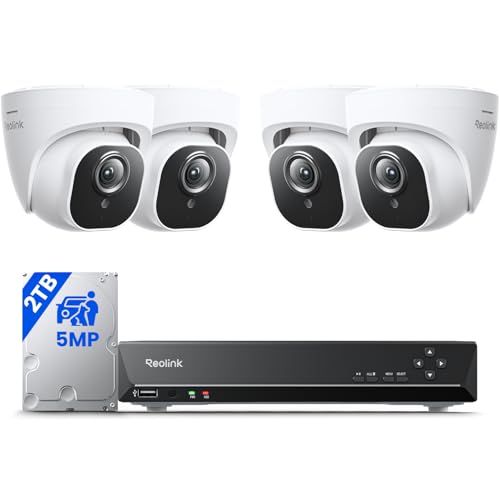
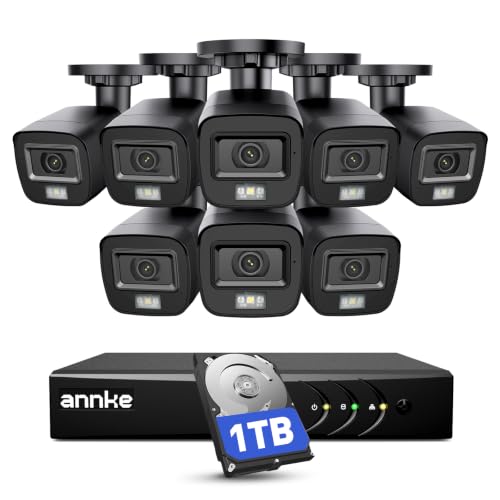


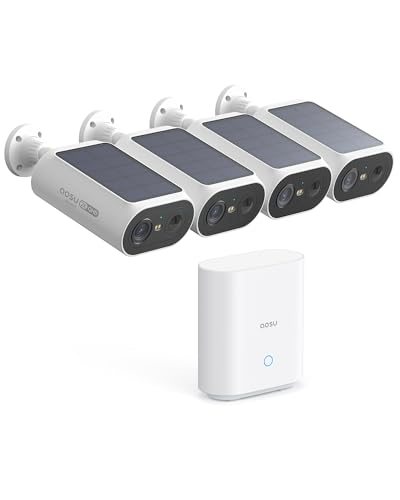
Who Should Buy a Camera Alarm System
Homeowners who travel, live alone or want to check on their home remotely gain the most. Parents checking on children arriving home and small business owners watching a shop also benefit. Renters can use wireless systems that need no drilling and move to a new home.
Small apartments may need only a door sensor and one camera, while larger houses need several cameras and sensors. If you only want video without intrusion alerts, a standalone camera system may be simpler and cheaper. A combined system suits people who want one app for both.
System Types Compared
Wireless systems use battery sensors and WiFi cameras, install quickly and suit renters. Wired systems connect through cables, suit new builds and avoid WiFi faults, but need professional fitting. DIY systems let you add parts over time, while monitored systems alert a call center that can contact you or emergency services.
Monitored systems cost a monthly fee but add a human response when you cannot check alerts. Self monitored systems alert only your phone, so they depend on you noticing. Choose monitored if you travel often or cannot always respond to alerts.
Cameras, Video Quality and Night Vision
Camera resolution shapes whether faces and number plates are readable, so look beyond marketing labels to real detail. Night vision matters, since most break ins happen after dark, and color night vision helps identification. Field of view decides how much of a garden or hallway one camera covers.
Two way audio lets you speak to visitors or warn intruders, but check local rules on recording audio. Weatherproof ratings matter for outdoor cameras, and a wide temperature range suits exposed spots. Position cameras to cover entry points rather than filming neighbors' gardens.
Storage, Alerts and Smart Features
Video storage can sit on a local hub, a memory card or a cloud plan, and each choice has trade offs. Local storage avoids monthly fees but can be stolen with the hub, while cloud storage survives theft but costs monthly. Check how long clips are kept and whether you can download them.
Smart alerts that tell people from animals and vehicles cut nuisance notifications. Geofencing can arm the system when you leave and disarm when you return. Battery cameras need regular charging, so check battery life and whether solar panels are offered for busy spots.
Installation, Power and Privacy
Wireless cameras install with screws or adhesive and suit renters, while wired cameras need cable runs and often a professional. Battery cameras need charging every few months, while wired cameras run continuously. A power cut plan matters, so check battery backup for the hub and sensors.
Respect your neighbors' privacy by aiming cameras at your own property and avoiding shared spaces where possible. Tell household members and regular visitors that cameras record, and check local rules on filming public paths. Keep firmware updated and use strong passwords with two factor sign in.
Common Mistakes to Avoid
Buying cameras without checking storage costs is a common error, since cloud plans add up monthly. Placing cameras too high gives a view of heads rather than faces, while placing them too low invites tampering. Ignoring WiFi strength at camera spots causes gaps in recording.
Do not rely on a single camera for a whole house, since blind spots invite trouble. Avoid systems with no battery backup if power cuts are common in your area. Check alerts and night vision before the return window closes, so faults show early.
Hubs, Sensors and Sirens
A camera alarm system is built around a hub that talks to every sensor and camera and keeps working when your router fails, ideally through a cellular or battery backup. Door and window sensors catch entry, motion sensors cover hallways, and a siren makes noise that sends most intruders away. Glass break and smoke sensors can often be added later. Count your ground floor doors and windows before buying, because a kit with too few sensors forces you to buy extras at full price.
Look at how the system arms. A keypad by the main door lets everyone in the household arm it without a phone, and key fobs help children and guests. Entry and exit delays should be adjustable so you are not rushing to disarm while carrying shopping. Check that the siren is loud enough to be heard from the street and that the hub can alert you by push notification and text if one channel fails.
What Monitoring Costs to Expect
Many camera alarm systems work without a plan, but professional monitoring and cloud video usually carry a monthly fee. Self monitored plans, where only your phone receives alerts, are often cheaper or free. Professional monitoring commonly runs from about $10 to $30 a month for DIY brands and more for installer based systems. Add the cost of cloud clip storage if you want more than a few days of history, and compare two year totals rather than hardware prices alone.
Related Guides Worth Reading
For wireless only setups, best wireless alarm system with cameras compares cable free options. Outdoor coverage is covered in best alarm system with outdoor cameras, and camera focused buyers may like best system cameras. Whole home video is also covered in best surveillance cameras system.
Frequently Asked Questions
Do I need professional monitoring or self monitoring?
Professional monitoring suits people who travel often or cannot always check phone alerts, since a call center can respond when you cannot. Self monitoring costs less but depends on you noticing alerts promptly. Choose monitored if a missed alert could leave your home unprotected for hours.
How much video storage do I need?
Most homes need a week or two of motion clips, since incidents are usually noticed within days. Local storage avoids monthly fees but can be stolen, while cloud storage survives theft and costs monthly. Check clip length and retention before buying, since short retention may miss a late discovery.
Where should I place cameras for best coverage?
Cover front and back doors, ground floor windows and driveways first, since these are common entry points. Mount cameras high enough to avoid tampering but low enough to capture faces. Avoid filming neighbors' gardens or public paths more than necessary.
Will cameras work during a power cut?
Battery cameras keep working during a short power cut, but WiFi cameras need router power too. A hub with battery backup and a router on backup power keeps the system alive longer. Check backup duration in the specs if power cuts are common where you live.
Do camera alarm systems respect privacy rules?
They can, provided cameras aim at your own property and household members know recording happens. Check local rules on filming shared spaces and audio recording, since audio rules are often stricter. Use strong passwords and two factor sign in to protect recorded footage.
Final Thoughts
Start with entry points, choose wireless for renting and wired for a long term home, and count storage fees before you buy. A system you actually arm every day beats a fancy one that stays off. The product table above compares the main types, and a quick check of alerts and night vision will confirm the setup.
For best alarm system with cameras, entry point coverage and storage costs matter more than camera count alone.


