Best Airbnb Thermostat: Types Compared and How to Choose for 2026
Disclosure: We may earn a commission when you buy through links on this page, at no extra cost to you. As an Amazon Associate I earn from qualifying purchases. Learn more

Smart, whole home, single zone and renter friendly: see which airbnb thermostat type fits your rental, with price ranges and guest limit tips.
A thermostat in a short term rental does a job no home thermostat has to do. It must keep guests comfortable enough to leave a good review, stop anyone from blasting the heat with the windows open, and let you reset the house from your phone between stays. Models built for owner occupied homes often fail at one of those three tasks.
This guide compares the main types so you can find the best airbnb thermostat for your property size and hosting style. Start with the comparison table below, then read how each type handles remote control, guest limits, and energy costs.


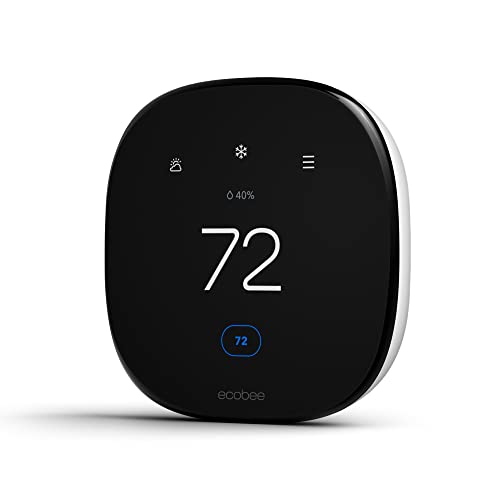
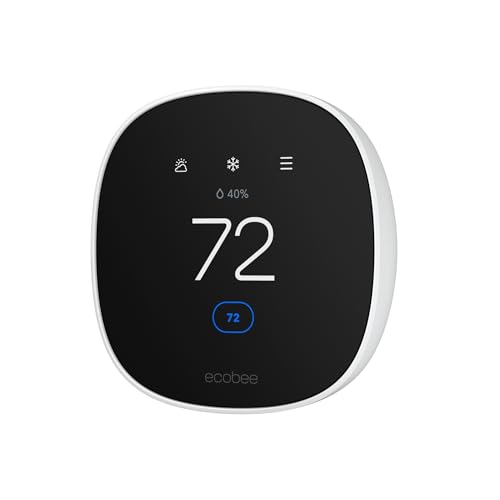

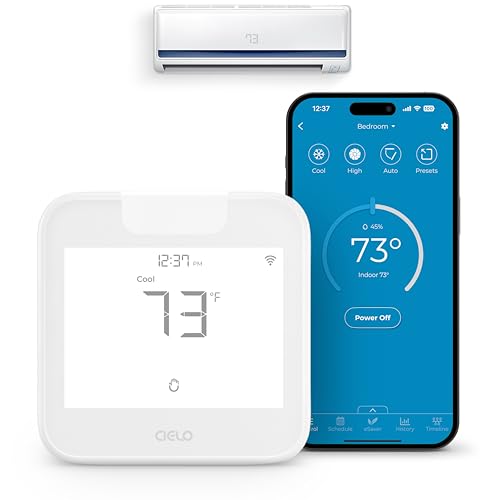
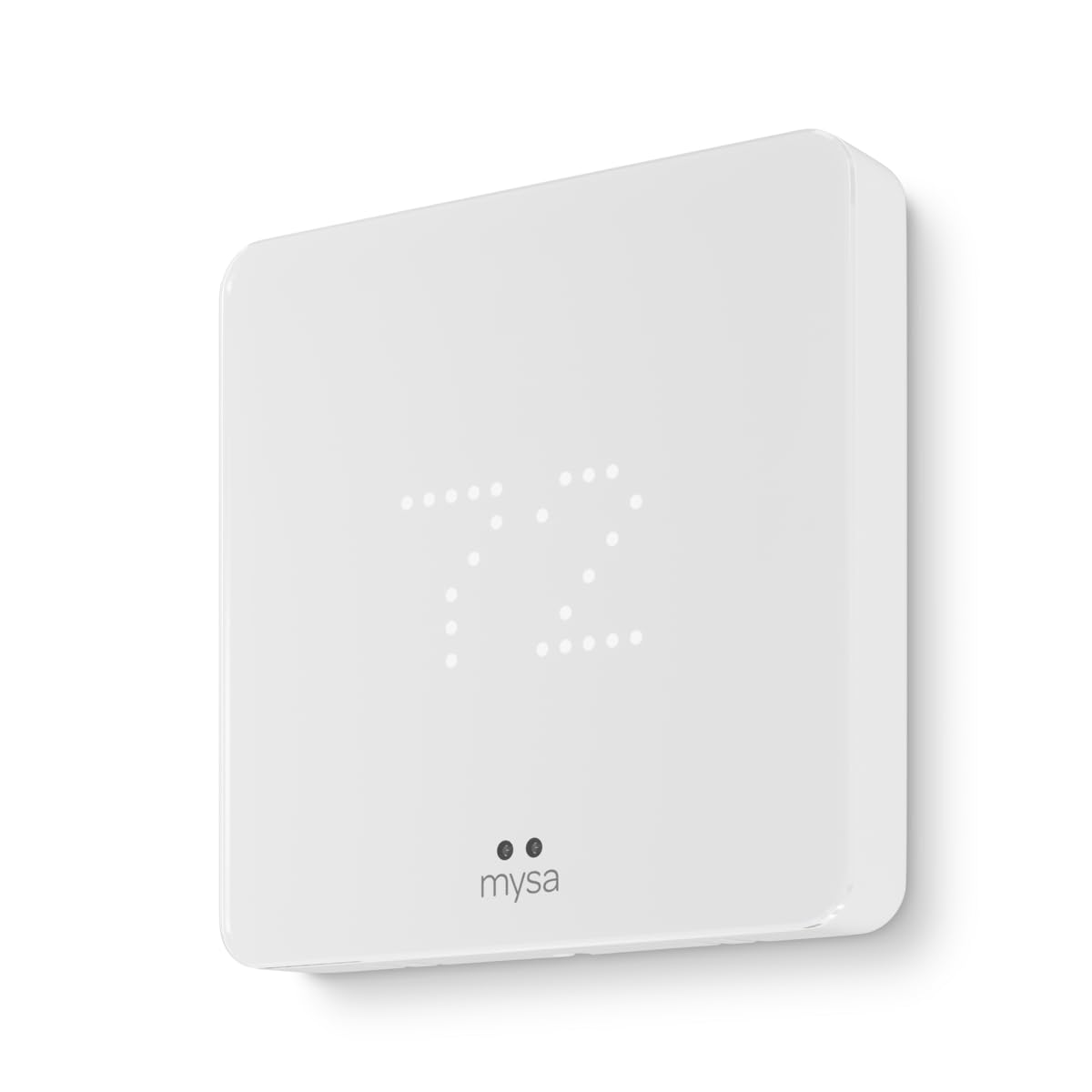
Types of Airbnb Thermostats Compared
Every type below controls the same heating and cooling equipment, but they differ in how much control you keep as the host. Basic smart models often cost around $100 to $180, full featured WiFi models with remote sensors run about $180 to $280, and multi zone setups for large properties can pass $400 once extra sensors and a second thermostat are added. The product table above shows where current models fall.
Smart and WiFi Models
Smart and WiFi thermostats connect to your property WiFi and give you full control from an app: change the temperature, set schedules, and receive alerts when the house sits empty but the system keeps running. Most let you set minimum and maximum limits, so guests can adjust within a sensible band and no further. This is the default choice for most hosts.
The limits are practical ones. The thermostat is only as reliable as the property internet, and a guest who unplugs the router can cut your access. Some models also need a C wire for power, which older heating systems may lack. Budget for a small adapter or an electrician visit if your system is old.
Large Property and Whole Home Units
Whole home setups pair a main thermostat with remote temperature sensors, or use two or more thermostats on a zoned system, so a large house heats and cools evenly. They suit properties of about 2,000 square feet or more, homes with several floors, and rentals where the primary bedroom sits far from the thermostat hallway. Guests stop complaining about one hot floor and one cold floor.
Costs rise with each added zone, and setup takes longer because every sensor must be placed and named by room. For a big property that sleeps eight or more, the comfort payoff is real, since temperature complaints are among the most common sources of lukewarm reviews for larger homes.
Small Property and Single Zone Units
Single zone units are simple smart thermostats matched to studios, cabins, and small apartments with one heating and cooling zone. They cover the hosting essentials: app control, guest limits, schedules, and usage reports, without paying for sensor networks you will never use. Installation is usually the fastest of any type.
The weakness appears when one room runs much warmer or colder than the room holding the thermostat, a common issue in cabins with a loft. A model that accepts even one remote sensor solves most of that gap, so check sensor support before choosing the simplest unit for a quirky small space.
Portable and Renter Friendly Units
Some hosts manage properties they cannot permanently rewire: a family cabin shared with relatives, a seasonal rental, or a home that will return to long term use. Renter friendly options include battery powered smart thermostats that mount over an existing plate and smart controllers for ductless mini split systems that work through an infrared remote signal. They install without opening walls and remove cleanly.
Control is a step below hardwired models. Battery units need battery changes on a schedule you must track, and infrared controllers can lose sync if a guest moves furniture in front of the signal. For short seasons and shared properties, that trade is often acceptable.
Smart and WiFi Models vs Whole Home Units: Which Should You Choose?
On cost, a single smart WiFi thermostat wins for any property under about 1,500 square feet. On comfort across floors, whole home setups with sensors win, because they average temperatures from the rooms guests actually sleep in. On setup effort, the single unit wins again, often in under an hour. On guest control and alerts, the two types tie, since both use similar apps and limit settings.
Choose a single smart model for studios, apartments, and most houses with one zone. Choose the whole home route when your property has more than one floor, sleeps large groups, or already has a zoned heating and cooling system that needs a thermostat per zone. If you are still weighing brands in this space, our guide to the best smart thermostat for airbnb looks at host focused features in more depth.
How to Choose the Right Airbnb Thermostat
Safety Features
For a rental, safety features mean protection for both guests and equipment. Look for adjustable temperature limits with a PIN or app only override, freeze protection that fires the heating if indoor temperatures fall toward pipe risk, and compressor protection that stops short cycling. Humidity alerts help you catch a damp house before mold starts. The thermostat and any plug in parts should carry a UL or ETL listing. Set limits with comfort in mind: a heating cap around 72 to 74 degrees and a cooling floor around 68 to 70 degrees rarely draw complaints.
Performance Ratings and System Compatibility
Compatibility matters more than any performance number. Confirm the thermostat supports your exact system: furnace, heat pump, boiler, or mini split, plus the number of heating and cooling stages. A mismatch can leave auxiliary heat running constantly, which quietly doubles a power bill. Check whether a C wire is required and whether your air handler provides one. If your property uses a heat pump in a cold climate, confirm the thermostat handles auxiliary heat lockout by outdoor temperature, because that single setting shapes winter costs.
Filter Alerts and Replacement Cost
Many smart thermostats track system run time and remind you when the heating and cooling filter needs changing, a chore guests will never report. Filters themselves are cheap, usually under $20 each, but a clogged filter strains the blower and raises energy use. Set the reminder by run hours rather than calendar days, since a busy summer month loads a filter faster than a quiet spring. Add the yearly filter cost, plus batteries for remote sensors, to your running budget when comparing models.
Room Size and Coverage
Match the setup to the property, not the thermostat box. One thermostat controls one zone, however large the house, so a 2,500 square foot rental with a single zone will always have uneven rooms. Remote sensors extend coverage by letting the system read the temperature in a bedroom or loft and average it with the hallway reading. Place sensors at sitting height, away from windows, kitchens, and direct sun. For context on general models beyond rentals, see our guide to the best rated thermostat.
Energy Efficiency and Operating Cost
The thermostat itself uses almost no electricity, so operating cost is really about how well it controls the big equipment. ENERGY STAR certified smart thermostats must prove they cut heating and cooling run time through scheduling and occupancy features. The biggest rental saving is simple: an automatic setback between guests, triggered by your booking calendar or a routine you set after checkout. Review the monthly usage report in the app, because a sudden jump often reveals a failing system before a guest suffers through it. Models with learning features are compared in our guide to the best intelligent thermostat.
How to Make Your Airbnb Thermostat Last Longer
- Replace or clean heating and cooling filters on the schedule the thermostat suggests, so the system it controls is never straining.
- Keep the thermostat and remote sensors out of direct sun and away from lamps, or false readings will age the equipment with constant cycling.
- Wipe sensor vents and screens during each turnover cleaning, and swap sensor batteries once a year before they die mid stay.
- Update the thermostat software when the app offers it, and keep doors and windows closed while the system runs to cut needless run time.
Hosts comparing connectivity options across brands may also find our guide to the best rated wifi thermostat useful for app and network features.
FAQs
How often should I replace the HVAC filter in a rental with a smart thermostat?
Follow the thermostat run time reminder, which for most rentals lands every one to three months. Busy properties with pets allowed may need monthly changes in peak season. One point hosts often miss: a guest will never tell you the airflow feels weak, so a clogged filter usually announces itself as a comfort complaint or a strained blower. Keep spare filters at the property so your cleaner can swap one during a turnover.
Do Airbnb thermostats really work for short term rentals?
Yes, they work, and the value shows up in three places: lower bills between stays, fewer temperature related complaints, and alerts when something goes wrong while the house is empty. The catch is that a rental thermostat only helps if the limits and schedules are actually set. Install it, then spend twenty minutes configuring guest limits, checkout setbacks, and freeze and humidity alerts before your next booking arrives.
What size thermostat setup do I need for my rental property?
Size here means zones and sensors, not output. A studio or small apartment needs one thermostat and no sensors. A typical house needs one thermostat plus one or two sensors for the main bedroom and living room. A large or multi floor property needs either sensors in each key room or a thermostat per zone. Walk the property at the warmest time of day and note which rooms feel different; those rooms decide your sensor count.
Where is the best place to put a thermostat in a rental?
Put it on an interior wall in the main living area, about five feet from the floor, away from direct sun, exterior doors, and the kitchen. In a rental, visibility matters too: guests should find it easily, because a hidden thermostat leads to calls and to space heaters appearing as a workaround. Never place it in a lockable utility room or behind a picture frame, however tempting the energy savings look.
Is it expensive to run a rental thermostat 24/7?
No, the thermostat itself draws only a few watts, so its own running cost across a year is tiny. The real expense is the heating and cooling it commands, which is why schedules and setbacks matter. A connected model that sets the house back automatically after checkout can save far more than it costs. One extra check: some models charge an optional subscription for advanced reports, so confirm which features stay free.
The Bottom Line
Start with compatibility, then guest limits, then coverage for your property size. A single smart WiFi model serves most rentals well, while large homes earn their keep with sensors or zones. Compare the current options in the product table above, and remember that the best airbnb thermostat is the one guests find easy, you can manage from anywhere, and your heating system fully supports.