Best Air Print Printers in 2026: Which Type Is Right for You?
Disclosure: We may earn a commission when you buy through links on this page, at no extra cost to you. As an Amazon Associate I earn from qualifying purchases. Learn more

Compare the best air print printers by type, ideal users, and price range. A clear buying guide to choosing the right style for your home.
AirPrint is the Apple feature that lets an iPhone, iPad, or Mac send a print job to a printer on your WiFi network without installing drivers. The confusing part is that printers with AirPrint come in several very different types, and the wrong type costs you money every month in ink. This guide to the best air print printers compares each type plainly, so you can match the machine to what you actually print. Check the comparison table below for type, speed, and connectivity as you read.
No single type wins for everyone. A family printing homework, a photographer printing portraits, and a home office printing invoices need different machines, even though all three want simple wireless printing from Apple devices.


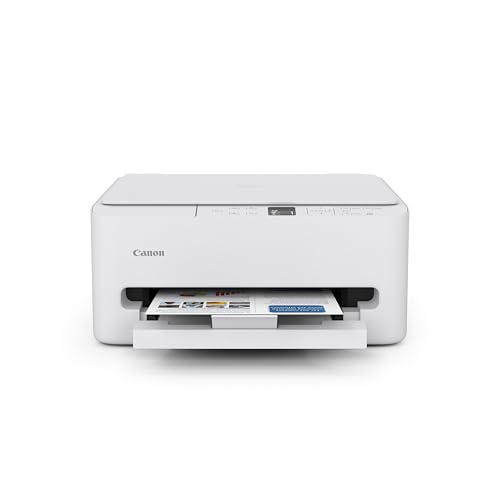



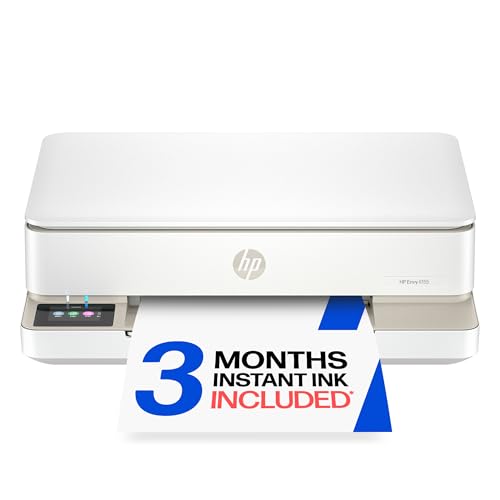

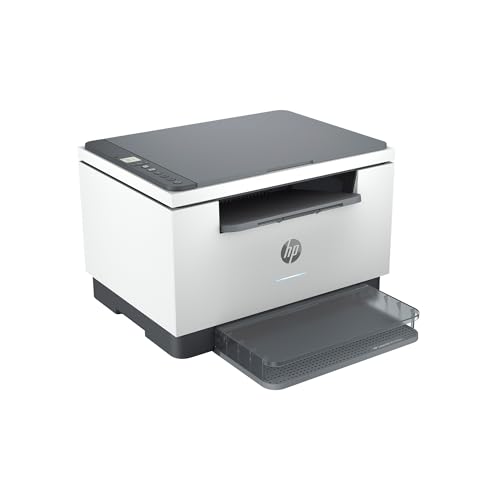

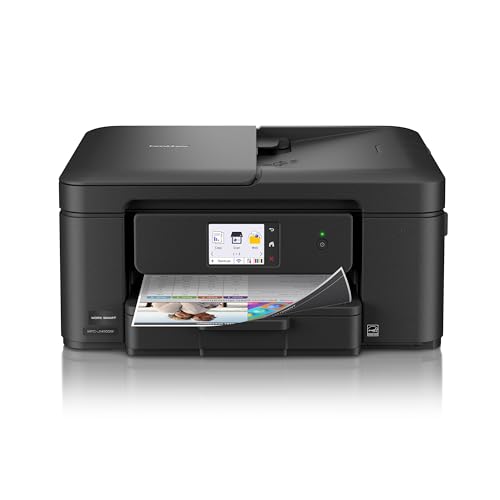
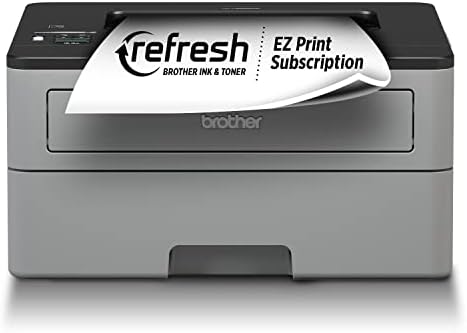
Types of Air Print Printers Compared
Start with how the printer puts ink or toner on paper, because that one choice decides print quality, running cost, and maintenance. The three types below cover almost every AirPrint model sold for home use.
Inkjet Printers
An inkjet sprays tiny drops of liquid ink onto the page. Inkjets handle both text and color well, print good photos on glossy paper, and cost the least to buy, often around $80 to $200. Their weakness is ink cost and clogging. Cartridges hold little ink, so heavy users pay a high cost per page, and print heads can clog if the printer sits unused for weeks. Choose a standard inkjet if you print a light mix of documents and photos a few times a month.
Photo Printers
A photo printer is an inkjet tuned for images, using five or six ink colors instead of four to produce smoother skin tones and deeper shadows. Output on proper photo paper can rival a print shop for sizes up to letter or a little larger. Prices run about $150 to $400, and ink and paper costs are the highest of any type here. Choose one only if printed photos are a real hobby or part of your work. For occasional snapshots, a standard inkjet is far cheaper to run.
All in One Printers
An all in one adds scanning, copying, and sometimes faxing to printing in a single unit. Most home AirPrint models are all in ones, in inkjet, ink tank, and laser versions. The scanner is genuinely useful for school forms, contracts, and archiving photos, and a document feeder on midrange models scans a stack of pages without babysitting. Expect about $120 to $350. The trade off is size and complexity. It is a bigger machine, and one failed function can mean replacing the whole unit.
Two related styles deserve a mention before you decide. Ink tank models are covered under cost per page below, and readers who want a broader shortlist of wireless models can also see our guide to the best air printers, which uses AirPrint as its starting point too.
Inkjet Printers vs Photo Printers: Which Should You Choose?
Compare them on four points. For print quality on photos, the photo printer wins, with extra inks that show up most in faces, sunsets, and black and white images. For documents, they tie, since both produce sharp text at normal settings. For running cost, the standard inkjet wins clearly, because photo inks and photo paper add up fast. For versatility, the inkjet also wins, handling labels, envelopes, and school projects without fuss.
The verdict follows your print mix. If nine of ten jobs are documents, buy the standard inkjet and send special photos to a print service. If you print photos weekly and care about color accuracy, the photo printer earns its higher running cost. Many photographers land in the middle with a good all in one for daily work. If photos are your main output, our guide to the best printers for prints explains paper and ink choices in more depth.
How to Choose the Best Air Print Printers
Footprint and Noise
Measure the shelf or desk space with the paper tray open and the output tray pulled out, because both add inches that the headline dimensions hide. A printer with a rear paper feed also needs clear space behind it for thick paper and envelopes. Noise matters in a bedroom or a shared office. Laser models make a brief fan hum, inkjets make a slower mechanical sound as the head travels, and tank models sit between the two. If the printer will live where people sleep, check for a quiet mode in the settings list.
Printer Type: Inkjet, Laser, Tank, and More
Match the type to your monthly volume. Light and mixed printing suits a cartridge inkjet. Steady document printing of 100 pages or more a month suits a laser, which uses toner that never dries out and gives crisp text at high speed, though most home lasers print color at higher cost or not at all. High volume color printing suits an ink tank model, which refills from bottles at a fraction of cartridge cost. Decide your volume honestly, because buying for a volume you never reach wastes money on capacity you will not use.
Print Quality and Resolution
Resolution is quoted in DPI, dots per inch, and higher numbers promise finer detail. In practice, 1200 DPI is plenty for documents, and photo quality depends as much on ink count, droplet size, and paper as on the DPI figure. A printer rated very high but used with plain paper will disappoint. For photos, look for borderless printing in the sizes you use and support for glossy and matte photo papers. Text quality is rarely a problem on any current model, so judge quality claims by the type of printing you do most.
Cost per Page and Ink Costs
Cost per page is the ink or toner cost of one printed page, and it decides what the printer really costs you over two or three years. Cartridge inkjets can cost several times more per page than tank models. Do a quick estimate before buying: multiply your monthly pages by the stated page yield cost of each type. Also check whether the printer accepts high yield cartridges or bottles, whether it complains about third party supplies, and what the starter supplies in the box actually cover, since starter cartridges are often partly filled.
Reliability and Support
AirPrint removes most driver problems on Apple devices, but firmware updates still matter for security and for keeping up with new versions of iOS and macOS. Prefer brands that publish updates for several years and offer clear support pages. Read the warranty terms for the print head, which is the part most likely to fail on an inkjet. A practical know how point: place the printer where air circulates and dust stays low, because dust on the paper path causes jams and streaks that owners often blame on the machine itself.
Tips to Get the Most From Your Air Print Printer
- Print something in color at least once a week on an inkjet, because regular use is the simplest way to prevent clogged nozzles.
- Keep the printer and your Apple device on the same WiFi network, and give the printer a spot with a strong signal to avoid jobs that stall halfway.
- Use the right paper setting for every job. Telling the printer you loaded photo paper changes how much ink it lays down.
- Store spare ink and paper away from heat and sunlight, and shake toner gently if prints start to fade on a laser model.
- Update firmware when the maker prompts you, since AirPrint fixes often arrive inside those updates.
If your main goal is printing snapshots from an iPhone, our guide to the best printers to print photos compares paper sizes and photo focused features in detail.
Air Print Printers: Your Questions Answered
Are ink tank printers worth it?
Yes, if you print several hundred pages a month or print color often. The printer costs more at purchase, often about $200 to $400, but bottle ink brings the cost per page down so far that the difference can repay itself within the first year of heavy use. If you print only a few pages a month, a tank model ties up money you will never recover, and its ink can still age in the tanks, so a simple cartridge model fits better.
Inkjet or laser: which is cheaper long term?
Laser is usually cheaper for text heavy printing, because toner yields many pages, never dries out, and rarely needs cleaning cycles that waste supplies. Inkjet is cheaper to buy and cheaper for low volume color and photos. The crossover point for many homes sits around 100 pages a month. Below that, an inkjet or tank model usually wins on total cost. Above it, a laser often wins, unless most of your pages are color photos.
Does an AirPrint printer need special apps or drivers?
No special app or driver is needed on current Apple devices. AirPrint is built into iOS and macOS, so you choose Print from the share menu or the File menu and select the printer, as long as both are on the same WiFi network. A maker app can still help for scanning, ink level checks, and firmware updates. One catch: guest networks and some office networks block device discovery, so the printer may not appear until you join the main network.
What does cost per page mean?
It means the supply cost of printing one page, worked out by dividing the price of a cartridge, bottle, or toner unit by the number of pages it is rated to print. It excludes paper and electricity. A low purchase price with a high cost per page is the classic trap, because a cheap printer can cost more than a pricier model within a year of steady use. Always compare this figure alongside your realistic monthly page count.
Final Thoughts
Choose the type first, inkjet, photo, all in one, laser, or tank, then compare cost per page at your real monthly volume, and only then look at extras like feeders and displays. That order keeps the decision honest. Look back at the product table above, match it against your print mix, and pick the best air print printers type that your Apple devices can use without friction every single week.