
Best Aftermarket Backup Cameras: What Actually Matters Before You Buy in 2026
Disclosure: We may earn a commission when you buy through links on this page, at no extra cost to you. As an Amazon Associate I earn from qualifying purchases. Learn more

Drivers adding a rear view to an older vehicle can compare the best aftermarket backup cameras by view angle, night vision, wiring, display and mounting.
Reversing into a tight parking space, a crowded driveway, or a dark loading area is much easier when you can see what sits behind your vehicle. A guide to the best aftermarket backup cameras should start with your vehicle, your parking habits, and your tolerance for wiring work, not with a long list of specifications. The product table gives a quick overview, while the sections that follow explain how to judge each feature.
An aftermarket reversing camera is an add on system fitted to a vehicle that did not come with one, or to a vehicle whose factory system no longer meets your needs. It usually pairs a small rear camera with a display, a mirror display, or your existing screen. This guide compares types, features, and budgets for your vehicle and driving routine.
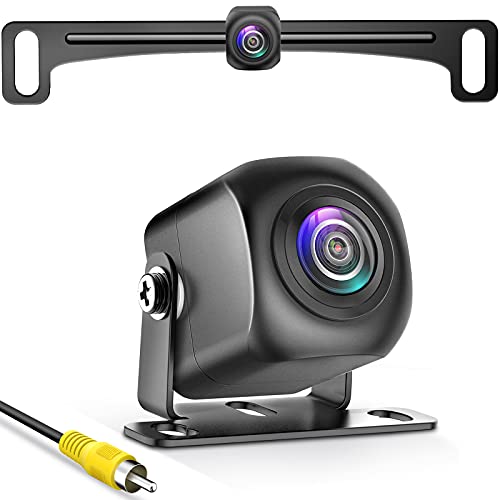
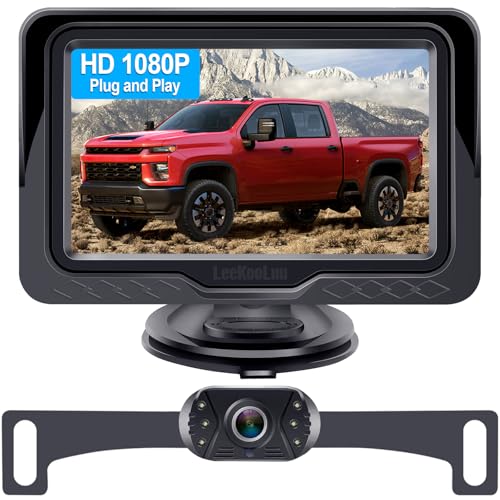


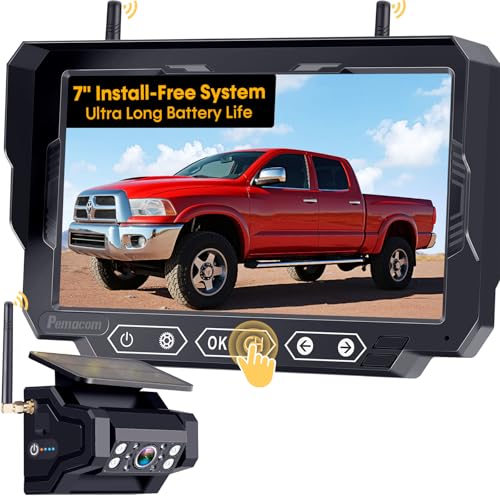
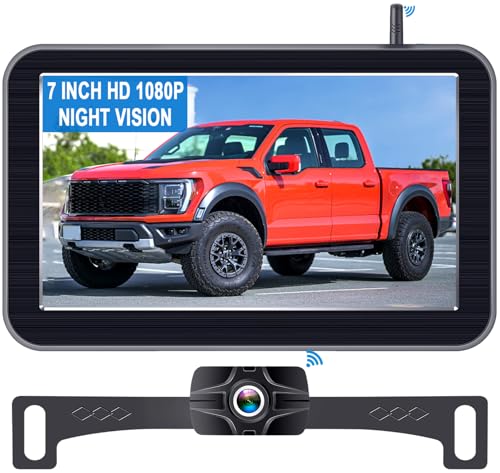
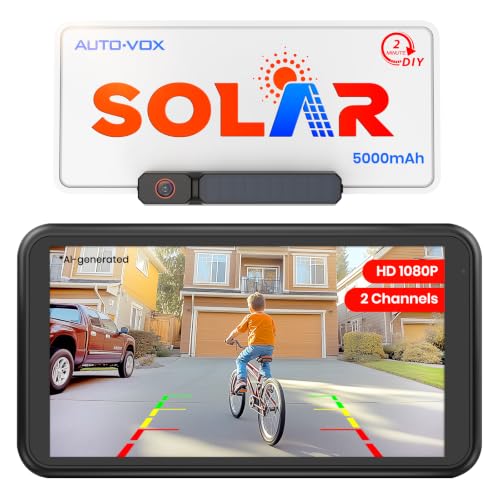

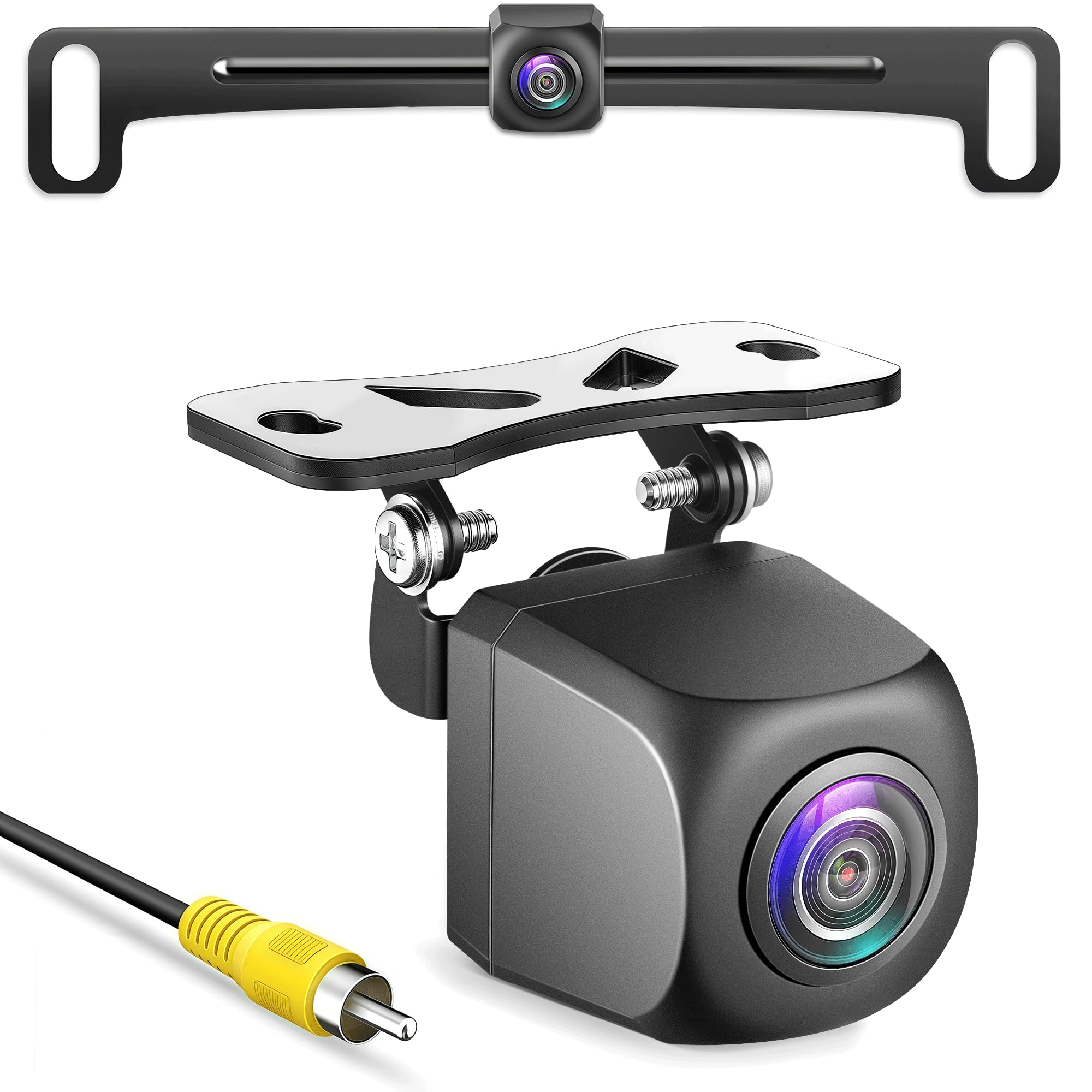

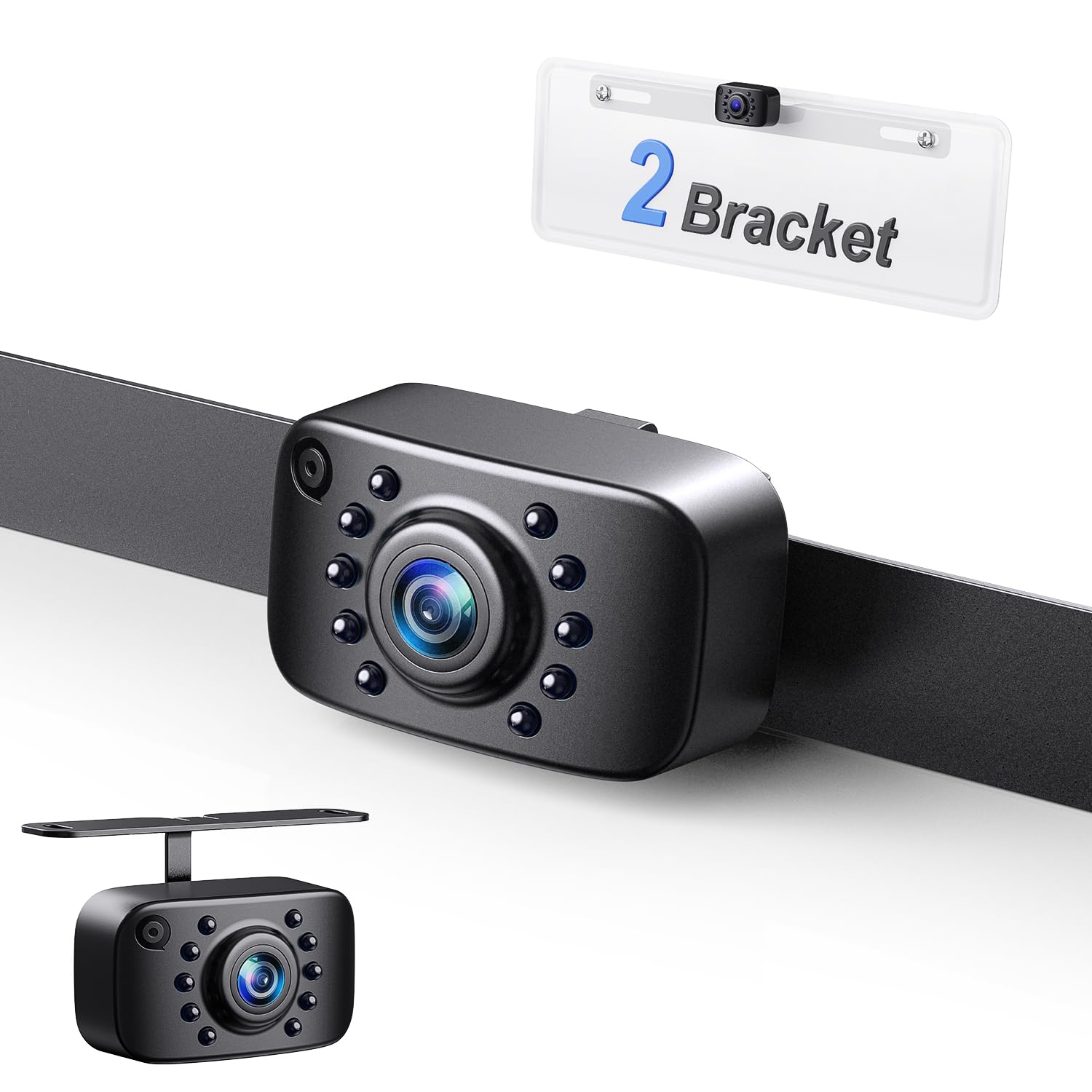

Who Should Buy Which Aftermarket Backup Camera?
Different drivers need different levels of help when reversing. Your choice should reflect how often you park in tight places, how large your vehicle is, and whether you tow or carry loads that block your rear view.
Daily Drivers in Tight Streets and Parking Garages
If you mainly drive a sedan or a small SUV in town, a compact camera with a wide view and clear parking guide lines is usually enough. You want a picture that appears quickly when you select reverse, with enough width to show curbs, bollards, and pedestrians near the rear corners. A simple display that is easy to read in daylight matters most.
Owners of Older Vehicles Without a Factory Camera
Many older cars, trucks, and vans have no rear camera at all, and adding one can make reversing noticeably less stressful. For these vehicles, compatibility matters most, so check how the camera takes power, where it mounts, and whether the display fits your dashboard without blocking vents or controls. A straightforward wired setup often suits an older vehicle.
Drivers Who Tow, Haul, or Carry Tall Loads
When a trailer, a bike rack, or a tall load blocks the rear window, a reversing camera becomes a working tool rather than a convenience. Look for a camera position that still shows the hitch area or the space directly behind the load, and consider whether you need a second view for hitching up. In this case, a durable mount and a readable display matter most.
Key Features to Compare for Aftermarket Backup Cameras
Use the factors below as a checklist. A camera that scores well on the points that match your driving will serve you better than a camera with impressive numbers on paper but a poor fit for your vehicle.
Viewing Angle and Image Clarity
Viewing angle decides how much ground and how many nearby objects you can see in one picture. A very wide view helps in parking garages and driveways, but it can make distances look larger than they really are, so objects may seem farther away than they are. Image clarity matters most at the edges of the picture and in mixed light, such as when you reverse out of a shaded garage into bright sun. Look for clear numbers for resolution and viewing angle.
Night Vision and Low Light Performance
Many reversing mistakes happen at night, in rain, or in dim parking areas, so low light performance deserves close attention. Infrared illumination or a sensor that handles low light well can help you see curbs, posts, and people in dark conditions. The picture does not need to look like daylight, but it should show shapes and movement clearly enough for you to stop in time. Headlights, rain, and glare can still reduce clarity.
Wired or Wireless Connection
A wired connection sends the video signal through a cable from the camera to the display, which usually gives a steadier picture with less delay. A wireless connection is easier to fit in some vehicles, because it avoids running a long cable through the bodywork, but it can be affected by interference from other electronics. If you choose wireless, check the stated range for your vehicle length. For larger vehicles, a wired link is the safer choice.
For a broader look at related reversing systems, see our guide to best wireless backup cameras and compare how signal range and installation effort differ from a wired setup.
Display Options and Parking Guide Lines
The display can be a separate screen, a mirror with a built in screen, or your existing vehicle screen if it accepts a camera input. A separate screen is often the simplest route for an older vehicle, while a mirror display keeps the dashboard tidy. Parking guide lines help you judge distance and steering angle, but they are only useful if they can be adjusted or switched off to suit your camera position. Avoid a display that washes out in bright sun.
Weather Resistance and Mounting
A rear camera lives outdoors in rain, dust, road spray, and temperature swings, so its housing and seal matter. Check the weather resistance rating in plain terms, how the lens sheds water, and whether the mount holds firm on rough roads. Common mounting styles include a license plate mount, a surface mount above the plate, and a flush mount in a bumper or tailgate area. Choose the mount that gives a useful view of the ground behind you.
Power Source and Vehicle Compatibility
Most reversing cameras take power from the reversing light circuit so the picture appears when you select reverse, while others need a separate switched power source. Before you buy, check your vehicle voltage, the space behind the mounting point, and whether your display needs an extra adapter. Follow the manufacturer's guidance for wiring, and if you are unsure about vehicle electrics, have a qualified installer fit the system. For background on the wider category, see our guide to best vehicle backup cameras, and protect the cable run well, because pinched wiring can cause faults later.
Choosing by Budget Without Named Picks
Budget should follow use, not the other way around. A simple setup can be enough for occasional town parking, while frequent towing or night driving justifies spending more on clarity, durability, and a better display.
Modest Spend for Everyday Parking Help
At a modest spend, around $20 to $80, expect a basic wired or short range wireless camera, a compact display, and standard night vision. This level suits town parking and driveways.
Mid Spend for Larger Vehicles and Night Driving
At a mid spend, about $80 to $180, you can expect better low light performance, a wider and clearer view, stronger weather resistance, and a larger or mirror display. This level suits truck and van owners and frequent night reversing.
Higher Spend for Demanding Daily Use
At a higher spend, about $180 to $300, expect robust housings, clearer night pictures, longer wireless range where relevant, and displays that stay readable in bright light. This level suits daily work use and large vehicles.
Quick Buyer Checklist
Work through these questions before you order, and do not buy until you can answer yes to the ones that apply to your vehicle.
- Does the camera mount fit your plate, bumper, or tailgate area without blocking lights or handles?
- Does the viewing angle show the ground directly behind you as well as nearby corners?
- Can you read the display quickly in daylight and at night?
- Does the power and signal method suit your vehicle length and wiring access?
- Is the housing rated for rain, dust, and road spray in plain terms?
- Can parking guide lines be adjusted or switched off for your mounting position?
- Do you have a plan for protected cable routing or professional fitting if needed?
- Have you checked local rules for camera placement and recording if your system records video?
Red Flags to Watch For
A careful buyer can spot weak products before ordering by looking for vague or missing information. Treat the following signs as reasons to pause and compare other options.
- Specifications with no numbers for viewing angle, resolution, or weather resistance.
- No clear statement about vehicle voltage, display input, or cable length.
- Claims of perfect night vision or flawless performance in all weather, with no limits stated.
- Very short or unclear warranty terms, with no maker support route described.
- Installation guidance that skips wiring safety, cable protection, or mounting checks.
Aftermarket Backup Cameras for Specific Needs
General advice only goes so far. Trucks, vans, and bargain hunting each create their own priorities, so use the sections below to refine your shortlist.
Aftermarket Backup Cameras for Trucks: What to Check
For trucks, length and load height change everything, because a camera mounted low may miss objects farther back, while a high mount can distort distance. Check wireless range or cable length for your truck length, choose a mount that survives vibration and road spray, and make sure the display stays readable in bright cab light. A hitching view is a bonus, but the main reversing view comes first.
Bargain Priced Aftermarket Backup Cameras
When money is tight, focus on the basics that affect safety and daily use, and accept fewer extras. A bargain setup should still offer a steady picture, usable night vision, a secure mount, and clear maker guidance for fitting. Be cautious about very low priced systems with vague specifications, short warranties, or no support route, because a camera that fails in rain or loses signal often costs more in time and refitting than the saving was worth.
Aftermarket Backup Cameras for Vans: What to Check
For vans, the rear doors, high roof, and limited rear visibility make camera position especially important. A mount near the top of the rear doors can give a useful high view, while a lower mount may show the ground close behind better. Check cable routing through door hinges if you choose a wired system, and confirm that the display does not block mirrors or controls. A durable housing is worth prioritizing for a work van.
Car drivers with different needs can compare related options in our guide to best backup cameras for cars, which focuses on smaller vehicles and simpler fitting.
Care and Maintenance Tips
Keep the lens clean with a soft lens cloth, because rough fabric can scratch it over time. Check the mount and cable run after rough roads, and clear mud or ice from the lens before reversing in poor conditions. If the picture becomes dim or flickers, check the seal, wiring, and connections before your next trip.
Frequently Asked Questions
Can a Reversing Camera Fit Any Vehicle?
Most vehicles can accept a reversing camera, but fit depends on mounting space, power access, and display input. A universal mount may still need an adapter for your plate or bumper, and some vehicles need extra parts for the display. Also confirm that the camera does not block lights, handles, or license plate visibility before you order. Check mounting depth, cable length, and voltage before ordering.
How Much Should a First Time Buyer Spend on a Reversing Camera?
A first time buyer can get a useful setup for about $30 to $150 if the main need is town parking and driveway reversing. Spend toward the higher end if you drive a large vehicle, reverse at night often, or tow regularly, because picture quality and durability matter more then. Put the budget into a clear picture, a secure mount, and a readable display.
Which Reversing Camera Setup Works Best in Low Light?
A setup with a sensor suited to low light and infrared illumination usually works best in dark parking lots and driveways. Look for a plain description of night performance rather than a single bold claim, and remember that rain, glare, and a dirty lens can still reduce clarity. A display with adjustable brightness also helps at night.
Do Wireless Reversing Cameras Lose Signal Often?
Wireless systems do not lose signal often when they are rated for your vehicle length and fitted with a clear signal path. Interference can still occur near other electronics, metal bodywork, or long trailers, so check the stated range with a margin for your vehicle. A wired system avoids this risk and usually gives a steadier picture.
What Specifications Matter Most for Beginners?
Beginners should focus on viewing angle, picture clarity, night performance, mounting fit, and display readability. Those five points decide whether the camera helps you every day or frustrates you in the moments that matter. Also check power source for your vehicle before ordering, because it decides whether fitting is straightforward and lasting.
Final Thoughts
The right reversing camera is the one that fits your vehicle, shows a clear picture, and stays reliable in rain and darkness, so start with mounting and compatibility, then judge viewing angle, night performance, and display readability against your parking and towing needs. Keep the checklist and red flags above in mind, and use the product table to compare shortlisted types side by side. With that approach, choosing the best aftermarket backup cameras becomes a practical buying decision rather than a guess, and reversing becomes calmer and safer for you and for people behind your vehicle. Follow the manufacturer's electrical safety guidance, do not rely on a camera alone, and check local recording rules if your system records video.
