
Best Backup Cameras for Cars: A Buying Guide for 2026
Disclosure: We may earn a commission when you buy through links on this page, at no extra cost to you. As an Amazon Associate I earn from qualifying purchases. Learn more

Pick the best backup cameras for cars by matching screen class, viewing angle, night view and install effort to your own dashboard and budget.
Reversing a car means trusting mirrors to show a space they only partly cover. The best backup cameras for cars fill that gap with a wide view of the area directly behind the bumper, so you can see the curb, the driveway edge and anything sitting low behind you. Treat the camera as a driving aid only. It never replaces your mirrors, turning your head to look, or walking behind the car first, because the blind area right behind a car can hide a child or a low obstacle that no screen shows until you are already moving.
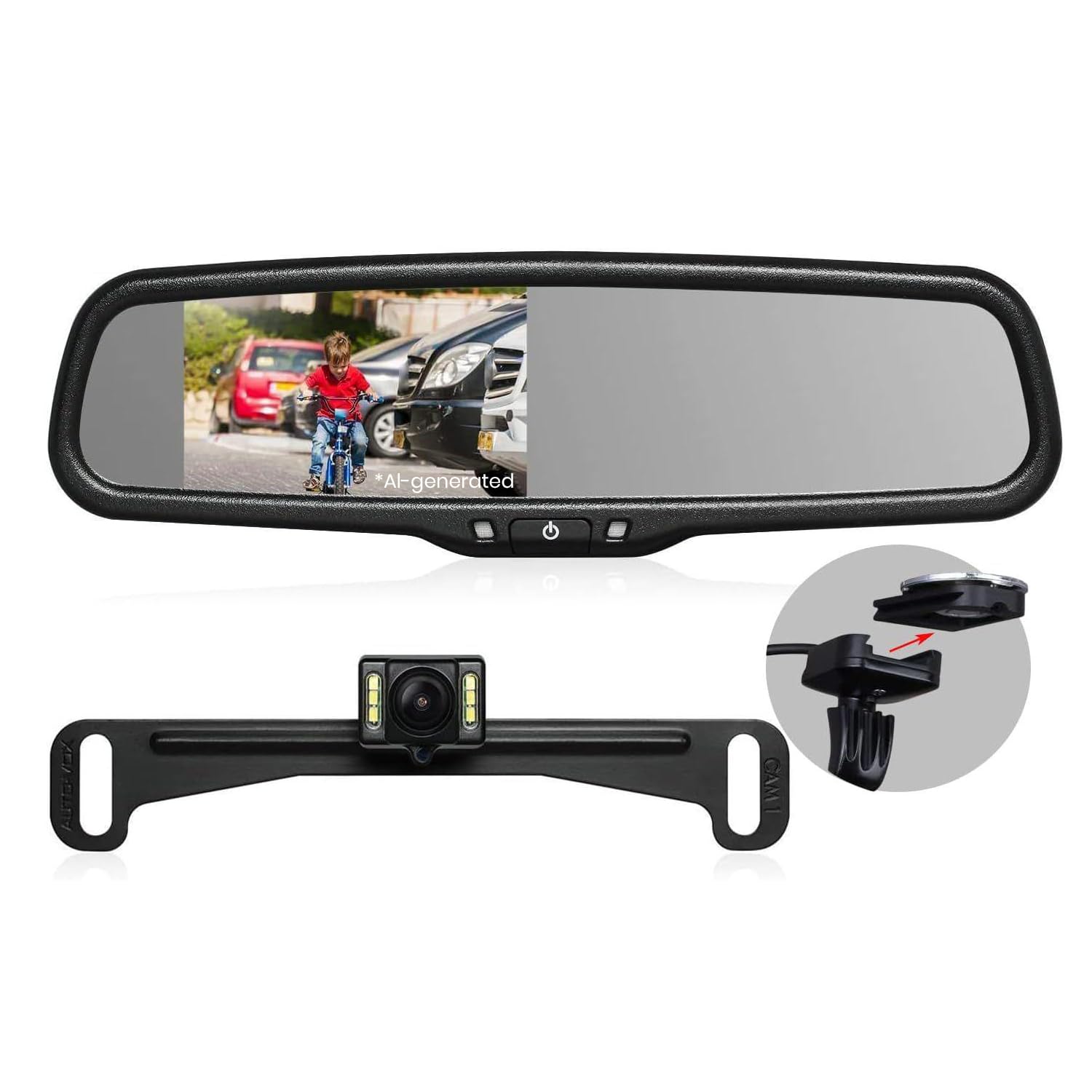
This guide starts with the car itself, because the screen your car already has decides which camera class makes sense. It then compares camera and display types, the features that change daily use, and what each price band honestly buys. The comparison table below lays out the main display classes side by side so you can match one to your car before reading further.


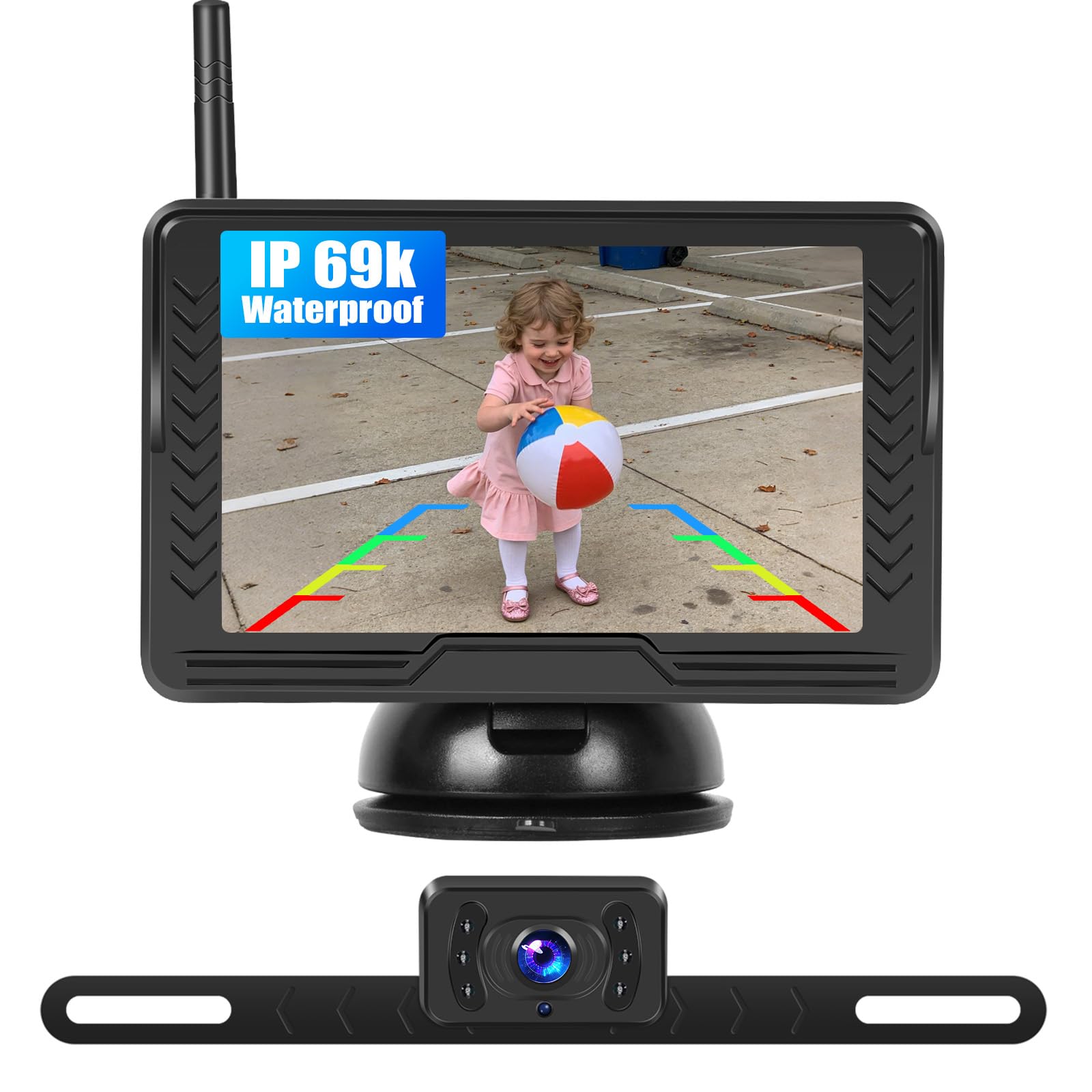


Start With Your Car: Screen and Setup Classes
Two cars can need completely different kits even at the same budget. The fork is the dashboard. A car with a built in screen needs a camera and an interface, a car with a plain radio needs its own display, and an older car may need the simplest setup of all. Work through the three classes below and note which one matches your dashboard before you compare any camera figures.
Cars With a Factory Screen
If your car already has a dash screen, the cleanest class is a camera that feeds that screen through a matching interface. Nothing extra sits on the dash, the picture appears when you select reverse, and the factory look stays intact. The catch is compatibility. The interface must match your exact screen system, so check the connector and software requirements for your car before ordering, and expect the interface parts to cost as much as the camera itself.
Cars With No Screen at All
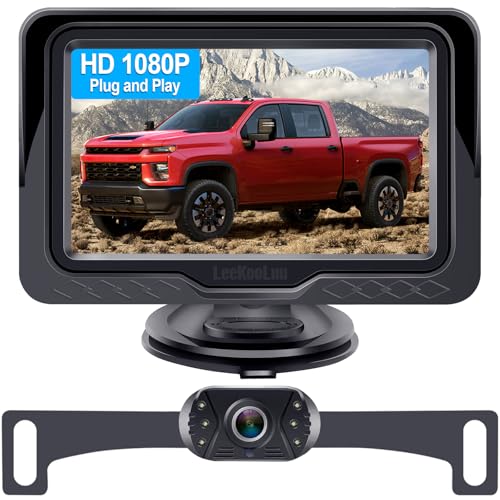
A car with a basic radio and no screen needs a display as well as a camera. Standalone monitor kits put a small screen on the dash or windshield, while mirror display kits hide the picture inside a replacement rear view mirror that clips or mounts over the original. Standalone screens are easier to position and read, mirror displays keep the cabin tidy but can suffer glare in bright sun. Either way, this class is the most flexible because it asks nothing of the factory wiring beyond power.
Older Cars and Simple Setups
Older cars with simple electrics suit the simplest kits: a camera at the plate, a cable to a small monitor, and power taken from the reverse light circuit. These kits avoid interface modules entirely, which keeps the price down and the failure points few. If you would rather skip a retrofit altogether and shop for a car that already has a camera fitted, that is a different purchase entirely, covered by guides to the best used cars with backup cameras. For a car you already own and like, the simple kit is usually the honest answer.
Camera and Display Types Compared
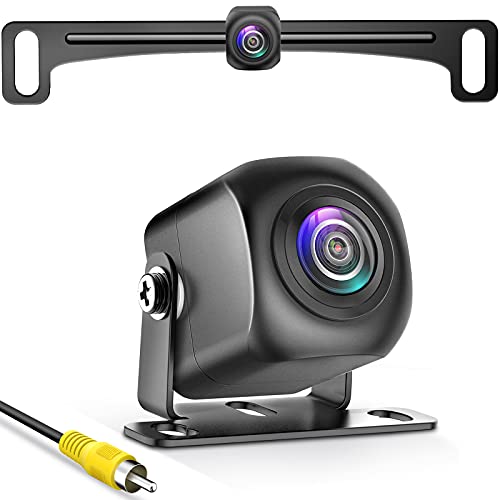
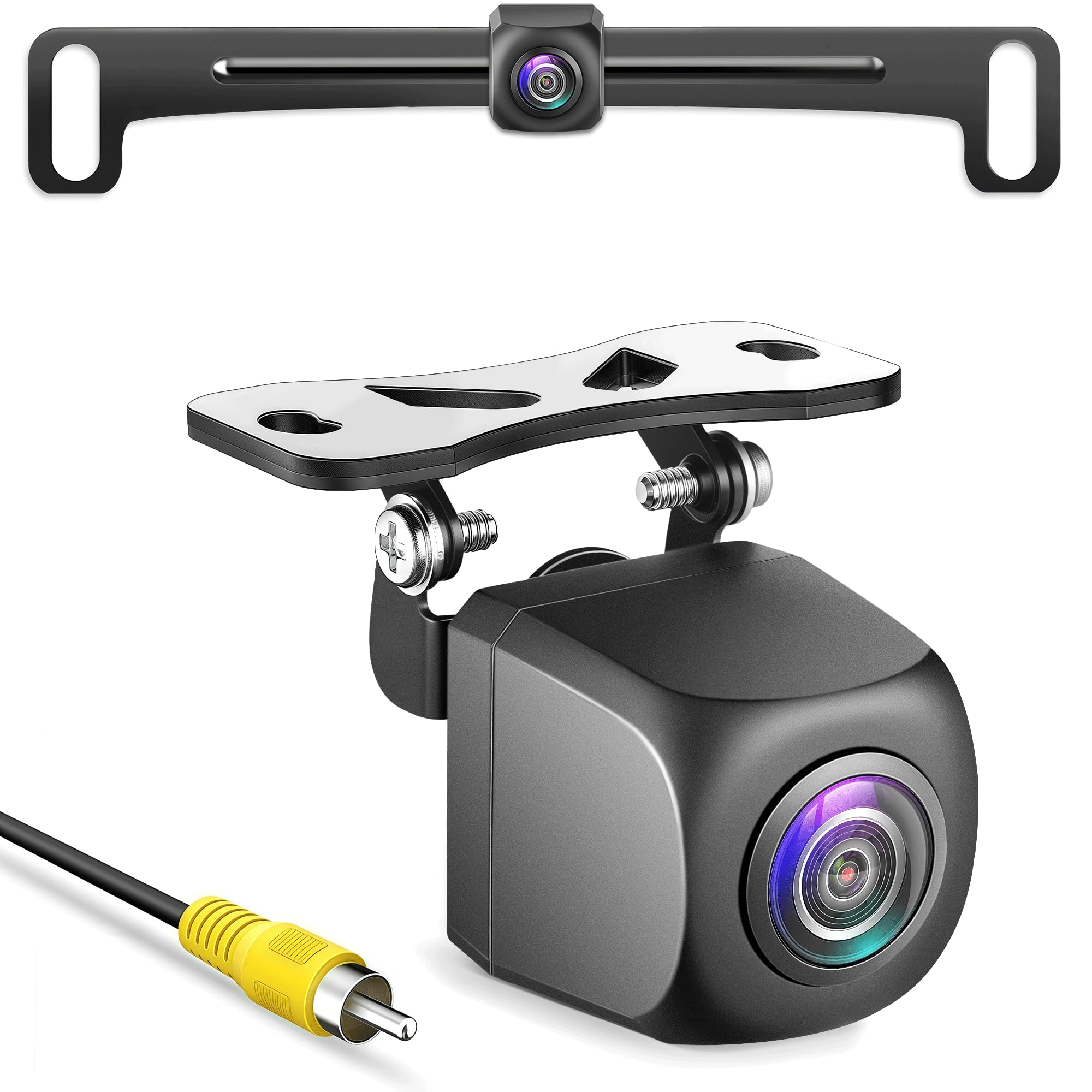
Backup camera kits differ in two places: where the camera mounts and where the picture shows. Plate mounted cameras are the common class because the plate area already sits centered and low. Bumper and flush mount cameras need a drilled hole but nearly disappear once fitted. The display classes matter more to daily use, and the table below summarizes them, so the notes after it add what a table cannot.
| Display class | Best suited to | Install effort | Typical price |
|---|---|---|---|
| Factory screen feed | Cars with a built in dash screen | Moderate, interface parts needed | About $100 to $300 |
| Mirror display | Drivers who want no extra screen | Low to moderate | About $80 to $200 |
| Standalone monitor | Cars with no screen at all | Low, screen mounts on dash | About $60 to $180 |
| Wireless phone view | Occasional use and easy fitting | Lowest, no cable run | About $70 to $160 |
Shoppers comparing wider in car camera options, including the best car cameras for general recording, will find that backup cameras are the one class aimed purely at the space behind the car. Forward facing recording is a separate job. The best car dashboard cameras watch the road ahead and record trips, and the best car dash cameras cover that same forward view in a smaller form. None of those forward cameras helps you reverse, so buy each class for its own task.
Key Features to Compare
Viewing Angle and Parking Guidelines
The viewing angle decides how much of the space behind you fits in the frame, and most car cameras sit around 120 to 170 degrees. A wider angle shows more of the parking bay lines beside you, which helps in tight lots, but it also bends straight lines at the frame edges and makes distances look larger than they are. Judge screen distance cautiously for exactly that reason. Fixed guidelines baked into the camera are simple and honest, while guidelines that bend with the steering need a connection to the car and belong to higher priced kits.
Seeing at Night and in Low Light
Night performance splits cameras into two classes. Basic cameras rely on your reverse lights and the sensor alone, which works in lit streets but struggles in a dark driveway. Cameras with small infrared or white light emitters around the lens add their own light and hold a usable picture in full darkness, though the image often turns monochrome. Your reverse lights still do most of the work, so a camera upgrade never fixes a dim or failed reverse bulb. If you reverse into an unlit space every night, weight this feature above resolution.
Wired and Wireless Signals
A wired kit runs a video cable from the trunk to the dash, which is labor up front but gives a stable picture that never drops. A wireless kit replaces that cable with a transmitter, which makes fitting far easier on cars where trim removal is awkward. The trade is reliability: wireless pictures can flicker or freeze when the signal is blocked or crowded, usually at the worst moment. Drivers who want the easier install without giving up the reversing view should look at best wireless backup cameras for cars and check the rated signal distance against the length of their car.
Weather Sealing and Lens Placement
The camera lives in road spray, rain and winter salt, so sealing decides how long the picture stays clear. Look for a rating that covers driving rain and road wash rather than light splashes, and a housing that keeps the lens slightly hooded so droplets bead away from the glass. Mounting height matters too, because a camera tucked under the trunk lip stays cleaner than one exposed on the plate frame, and a lens you can wipe with a fingertip at the fuel station stays honest. Fogging inside the lens is a seal failure, not dirt, and it means replacement.
Installation: Routing, Power and Honest Effort
Every wired class needs two things: a cable route and a power source. The route usually runs along the trunk hinge, under trim and along the sill to the dash, and the power usually comes from the reverse light so the camera wakes only in reverse. A poor install is the common failure behind most complaints, because pinched cables, loose grounds and rushed connectors cause the flicker and blank screens people blame on the camera. If trim work and wiring are outside your comfort, professional fitting at about $100 to $250 is a fair part of the true cost, not an extravagance.
What Each Price Band Buys
Under about $60 you get a basic camera and a small monitor, a fixed guideline overlay and a picture that is fine in daylight, with a dimmer night image and thinner cables. About $60 to $150 is the band most car owners should shop, because the best backup cameras for cars in that range bring better sealing, brighter night support, larger and clearer screens, and wireless options that hold a signal across a normal car. Above about $150 to $300 you are paying for factory screen integration, steering linked guidelines, sharper sensors and tidier fitting hardware. Spending more buys integration and polish, not extra safety, because the safety comes from how you use the picture.
Common Mistakes to Avoid
- Trusting the screen alone and skipping the walk around check, which leaves the blind spots at each rear corner unseen.
- Choosing the widest viewing angle without realizing it stretches distances and makes close objects look farther away.
- Mounting the camera off center, which skews the guidelines and makes straight reversing feel crooked.
- Splicing into wiring without a proper connector, which invites the intermittent faults that plague cheap installs.
- Ignoring a fogged or salt filmed lens for months, which quietly removes the night view you paid for.
Keeping the Camera Clear and Working
Lens care is the whole maintenance routine for most owners. Wipe the lens with a soft cloth whenever you clean the rear plate or fill the tank, because road film builds up gradually and you adapt to a worsening picture without noticing. Once a season, check that the camera still sits at its original angle, that the cable at the trunk hinge has not chafed, and that the picture appears within a second of selecting reverse. A delay that grows over time points to a weakening connection, and fixing a connector early is far cheaper than replacing a camera that was never faulty.
Backup Cameras for Cars: Questions Answered
Do backup cameras for cars work well in the dark?
Yes, within limits set by the camera class. Models with built in light emitters around the lens hold a clear monochrome picture in an unlit driveway, while basic models depend on your reverse lights and can look grainy. One point the feature sections skip: street lighting helps more than any sensor, so a camera that looks weak on a dark rural lane may look sharp in a lit parking lot with the same settings.
Can a backup camera be fitted to a car with no screen?
Yes, and it is one of the most common setups. Kits with a standalone monitor or a mirror display bring their own screen, so the car only provides power. The mirror option adds one caution worth knowing: in strong rear sunlight the mirror surface can reflect the cabin and wash out the picture, so drivers in bright climates often read a standalone monitor more easily at midday.
How much should a first backup camera for a car cost?
Most first time buyers land in the band of about $60 to $150 for the kit itself. That range buys sound sealing, a usable night picture and a screen you can read at a glance. Keep a separate line in the budget for fitting if you are not wiring it yourself, since professional installation at about $100 to $250 can cost more than the camera. Paying above the band mainly buys factory screen integration.
Will a wireless backup camera picture ever freeze?
It can, and the risk is highest in crowded signal areas such as dense city streets and large parking structures. The picture may pause or break up for a moment when interference peaks. That is why the wired class remains the safer default for drivers who reverse in tight city spaces daily. If a wireless picture freezes, stop the car, wait for the image to return, and never keep rolling on a frozen frame.
Does a backup camera remove the need to turn around?
No, it does not. The camera covers the center rear zone, but the corners beside the rear bumper stay hidden, and a child can step into frame from the side between glances. Mirrors, a turned head and the camera work as a set. Many drivers pair the camera with parking sensors as well, since the sensors watch the corners and beep while the camera shows the middle, and the two aids cover each other well.
Final Thoughts
Choosing well comes down to three checks: match the display class to the screen your car already has, pick a viewing angle you can judge honestly, and install the kit carefully or pay for a careful install. Do those and the best backup cameras for cars become a quiet daily help rather than a gadget you stop trusting. Look back at the product table to compare the options against your dashboard and the comparison table for display classes, and remember that the camera only assists. Your eyes, your mirrors and a slow foot do the actual keeping safe.
