Best 32gb Ram Laptops by Budget: Smart Choices for 2026
Disclosure: We may earn a commission when you buy through links on this page, at no extra cost to you. As an Amazon Associate I earn from qualifying purchases. Learn more

Best 32gb ram laptops for multitasking, editing and development. See who needs 32GB, what each price tier delivers and which specs matter.
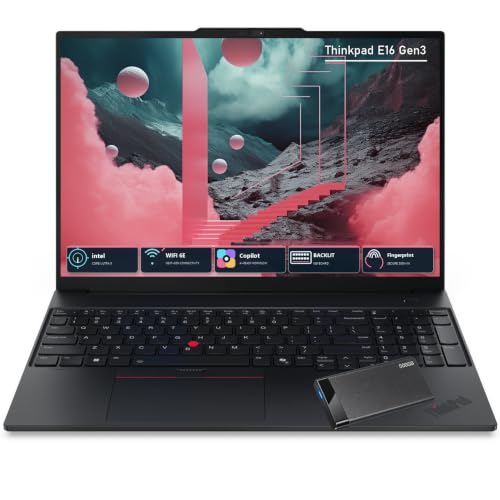
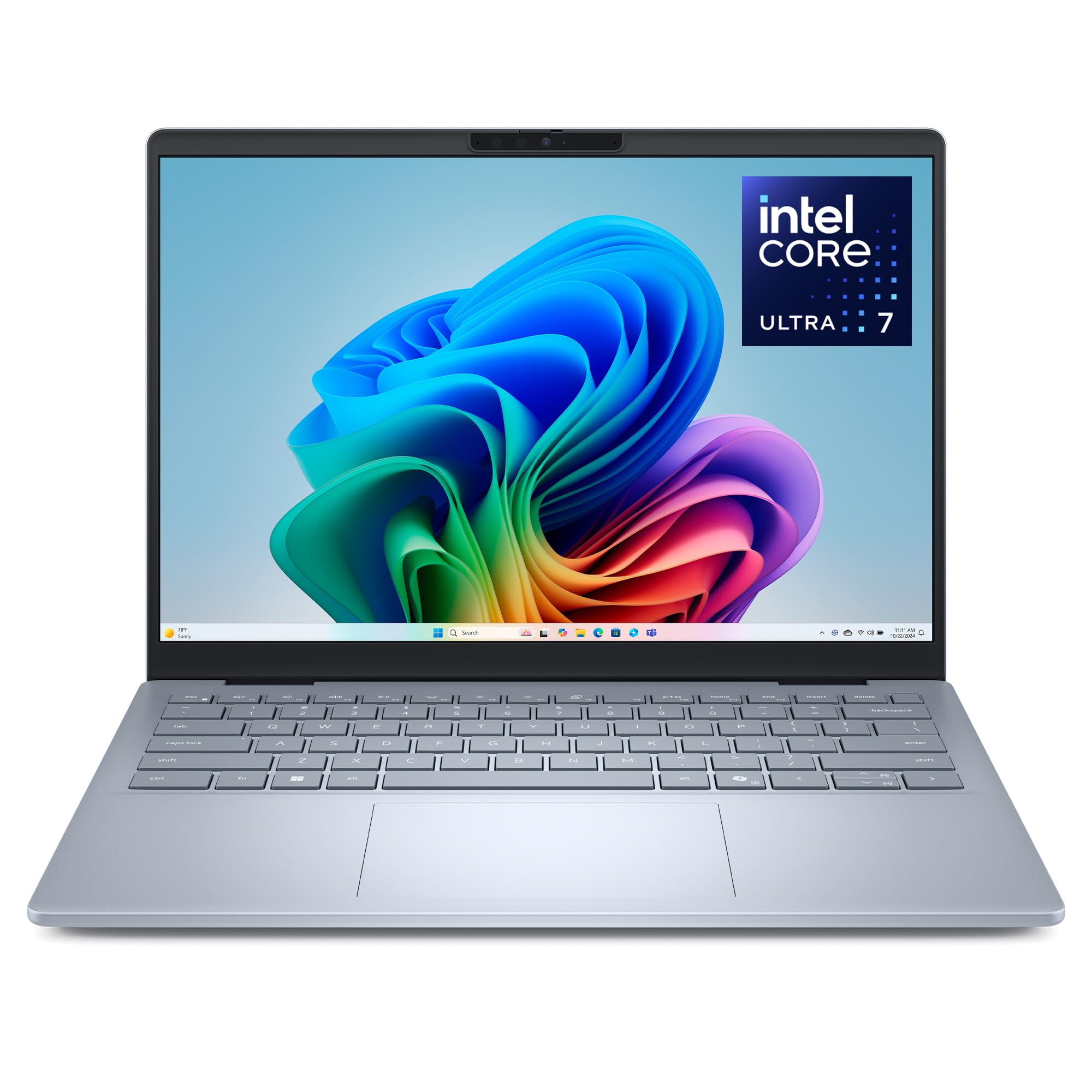
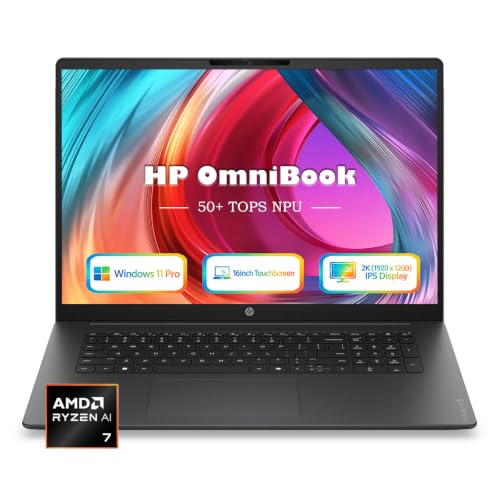
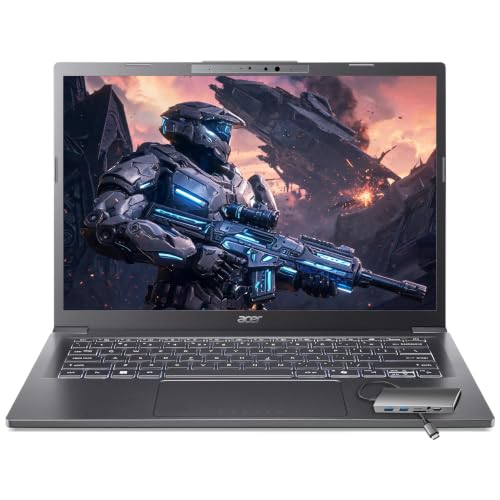
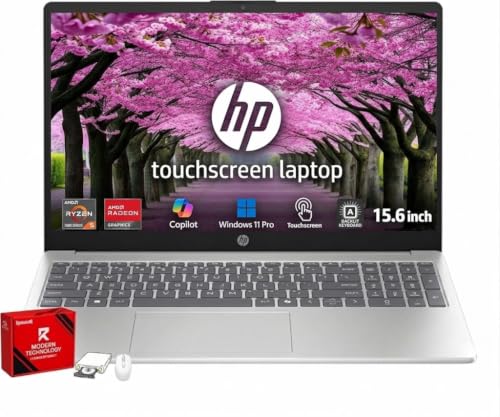
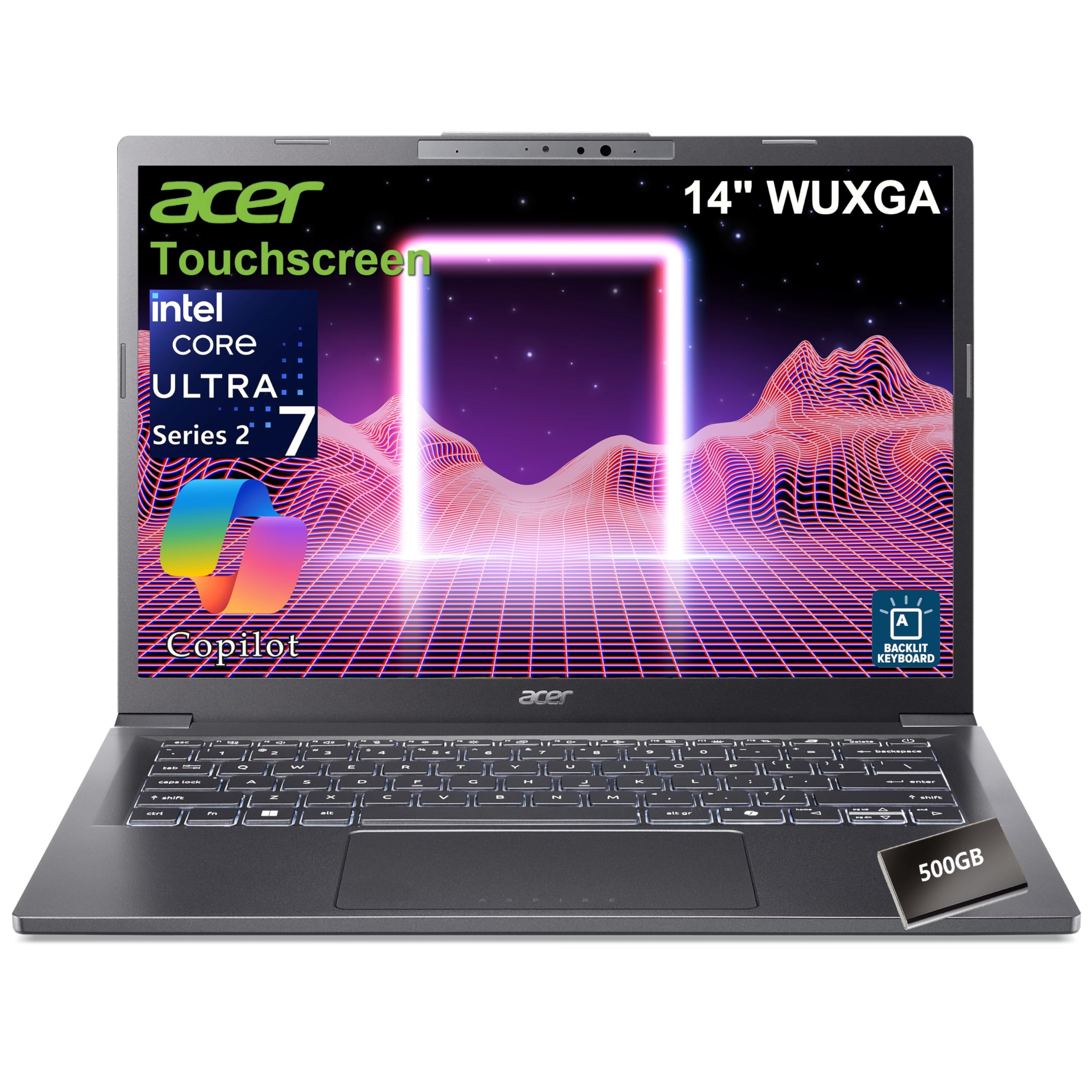
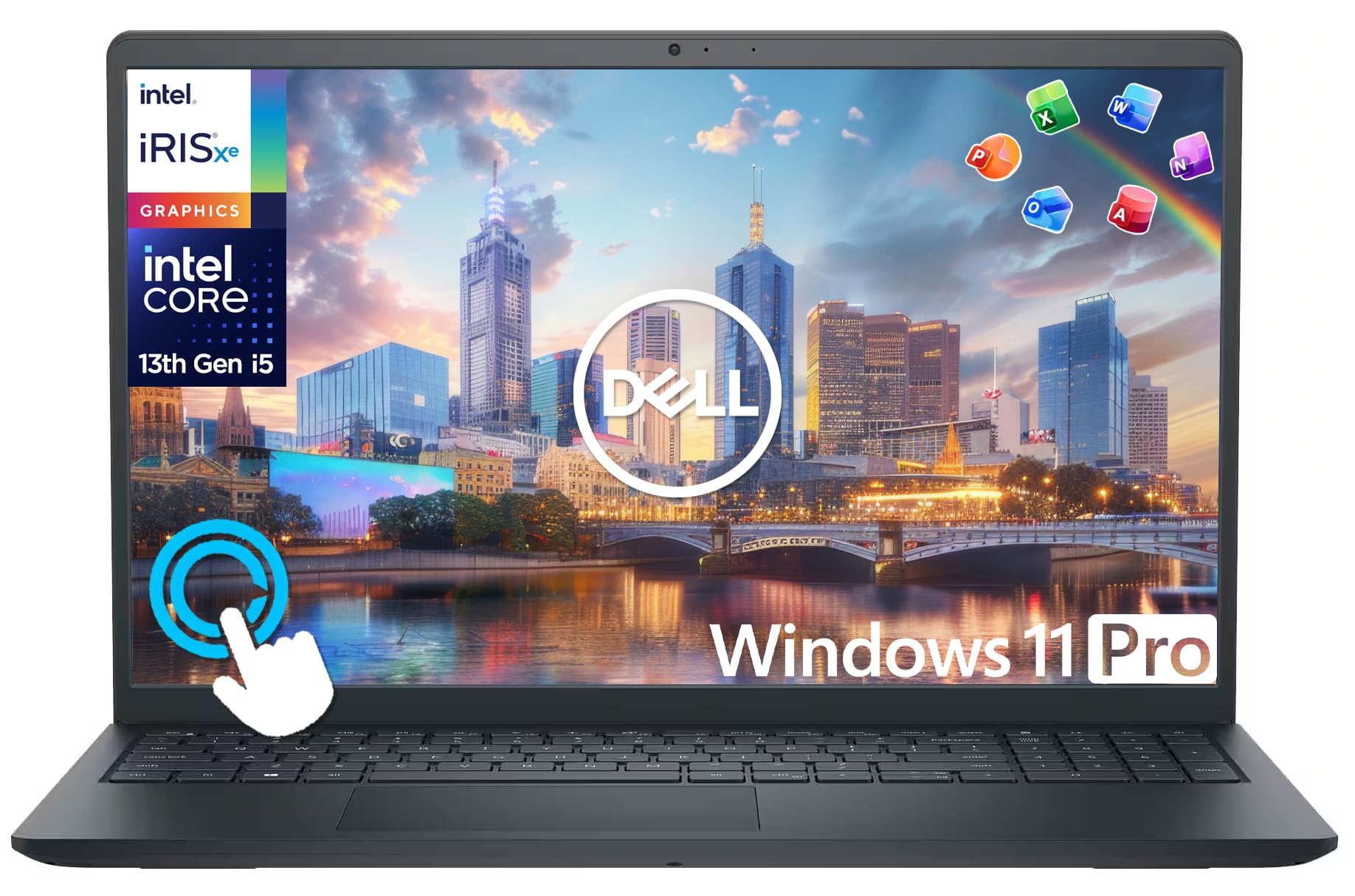
The best 32gb ram laptops are built for people whose work outgrows 16GB: heavy multitasking, large photo and video projects, software development, virtual machines, and demanding games. Memory is not the only spec that decides performance, though, so a laptop with 32GB still needs a capable processor, fast storage, and good cooling. This guide explains who benefits from 32GB, what each price tier delivers, and what to check before you buy. The product table below lists current models to compare as you read.
If you only browse, write documents, and stream video, 16GB or even 8GB is enough. Read on if your workflow regularly slows down because memory runs out.



Who Needs a 32GB RAM Laptop?
Developers and Data Workers
Running containers, virtual machines, an IDE, and a browser at the same time can use well over 16GB. Extra memory keeps the system responsive and avoids slow swapping to disk.
Video Editors and Photographers
Large raw photo batches, 4K video timelines, and effects work load heavily on memory. With 32GB, previews play smoother and large projects open without constant stalls.
Gamers and Streamers
Most games run well on 16GB, but modern titles with background streaming, voice chat, and browser tabs benefit from 32GB. It also gives headroom for new releases over the next few years.
Power Users Who Keep Laptops for Years
Buying 32GB up front is a hedge against software getting hungrier. If memory is soldered, you cannot add more later, so choosing enough at purchase matters. For lower memory tiers, see our guides to the best laptops 16gb ram and the best 8gb ram laptops.
What Each Price Tier Delivers
Around $600 to $900
Laptops here pair 32GB with mainstream processors and basic integrated graphics. They suit multitasking and office work, but screens and build quality are often modest, and some models use slower memory.
Around $900 to $1,500
This is the sweet spot. You find stronger processors, fast solid state storage, better displays, and sturdier chassis. Many business and creator laptops land in this range, with touchscreens and longer battery life.
$1,500 and Up
Premium and gaming models add powerful graphics cards, high refresh displays, advanced cooling, and premium materials. Pay this much only if your work or games need the graphics performance.
Key Features of the Best 32GB RAM Laptops
Memory Type and Speed
Newer laptops use DDR5 memory, which is faster than DDR4. Check whether the memory is soldered or in slots. Soldered memory is common on thin laptops and cannot be upgraded, while slotted memory lets you replace or add modules later.
Processor and Graphics
A strong processor lets you use the extra memory. Look for recent Intel Core Ultra, AMD Ryzen, or Apple chips. For creative work and gaming, a dedicated graphics card matters more than extra memory beyond 32GB.
Storage
Aim for at least a 512GB NVMe solid state drive, and 1TB if you keep large projects. Fast storage helps when the system loads big files.
Display and Battery
A bright full HD or higher display with good color suits long sessions. Laptops with large memory and strong processors can drain batteries faster, so check battery capacity and real world reviews.
Cooling and Build
Powerful components produce heat. Good cooling keeps performance steady during long exports or games. A metal chassis and a solid keyboard also improve daily use.
Ports and Connectivity
Look for USB C with charging, HDMI, USB A, and fast Wi-Fi. These matter when you connect monitors, drives, and other devices.
How to Decide Between 16GB and 32GB
Open the task manager on your current computer while you work. If memory use regularly sits above 70 percent, or you see slowdowns when switching between large files, you will likely benefit from 32GB. If it stays well below that, a faster processor or a better display may improve your daily experience more than extra memory.
Think about the next few years too. Browsers, creative tools, and development environments tend to use more memory with each release. A laptop with soldered memory cannot be fixed later, so buying 32GB now can extend its useful life. On the other hand, a laptop with two memory slots lets you start with 16GB and upgrade when needed, which can save money.
Dual Channel Memory
Laptops with two memory modules run in dual channel mode, which gives better bandwidth than a single module. This matters for integrated graphics and for tasks that move large amounts of data, so check that the 32GB is configured as two modules when possible.
Getting the Most From Your Laptop
Keep the vents clear and use the laptop on a hard surface so heat can escape. Choose the balanced or performance power mode when you work on demanding projects, and plug in the charger for long exports. Close unused browser tabs and background apps anyway, because a clean system stays responsive longer. Back up your files regularly to external or cloud storage, since powerful laptops often hold your most important projects.
Common Mistakes to Avoid
- Paying for 32GB when your tasks run fine on 16GB.
- Ignoring the processor and storage, so extra memory sits unused.
- Missing that memory is soldered and cannot be upgraded.
- Skipping battery and cooling checks on powerful models.
- Choosing a low resolution screen for creative work.
For more on upgrade options, our guide to the best ram for laptops and our list of the best 32gb laptops are good next steps.
Long Term Costs to Factor In
A laptop with more memory and a faster processor uses more power and can run warmer, so budget for a cooling pad or a good power adapter if you work for long hours. Consider an extended warranty if the laptop is a daily work tool, and keep the operating system and drivers updated for stable performance.
Frequently Asked Questions
Is 32GB of RAM overkill for a laptop?
For everyday browsing and office work, yes. For development, video editing, virtual machines, and heavy multitasking, 32GB is a practical choice.
Is 32GB enough for gaming?
Yes, it is more than enough for current games. The graphics card matters much more than memory above 16GB.
Can I upgrade a laptop to 32GB later?
Only if the laptop has slotted memory. Many thin models solder the memory, so check the specifications before you buy.
Does more RAM improve battery life?
Not by itself. More memory uses slightly more power, so battery life depends mostly on the processor, display, and battery size.
How long will a 32GB laptop stay useful?
Often six years or more with normal care, because it has headroom for heavier software over time.
Wrapping Up
Choose 32GB if your work needs it, then pair it with a strong processor, fast storage, and good cooling. Use the product table above to compare models by tier. The best 32gb ram laptops are the ones where memory, processor, and screen are balanced for your daily tasks.