
Best All Around Laptops: What to Buy at Every Budget in 2026
Disclosure: We may earn a commission when you buy through links on this page, at no extra cost to you. As an Amazon Associate I earn from qualifying purchases. Learn more

A plain guide to the best all around laptops: the specs that matter, what each price tier buys and which shortcuts to avoid.
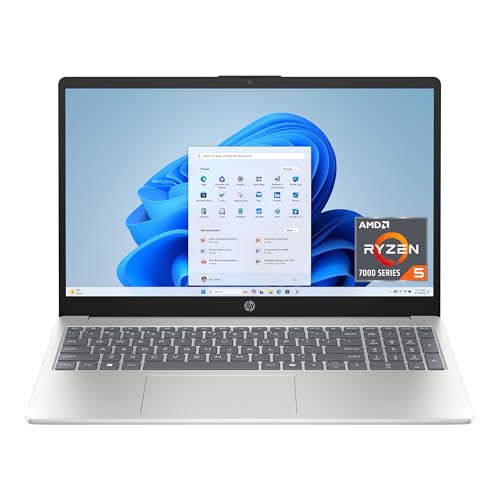
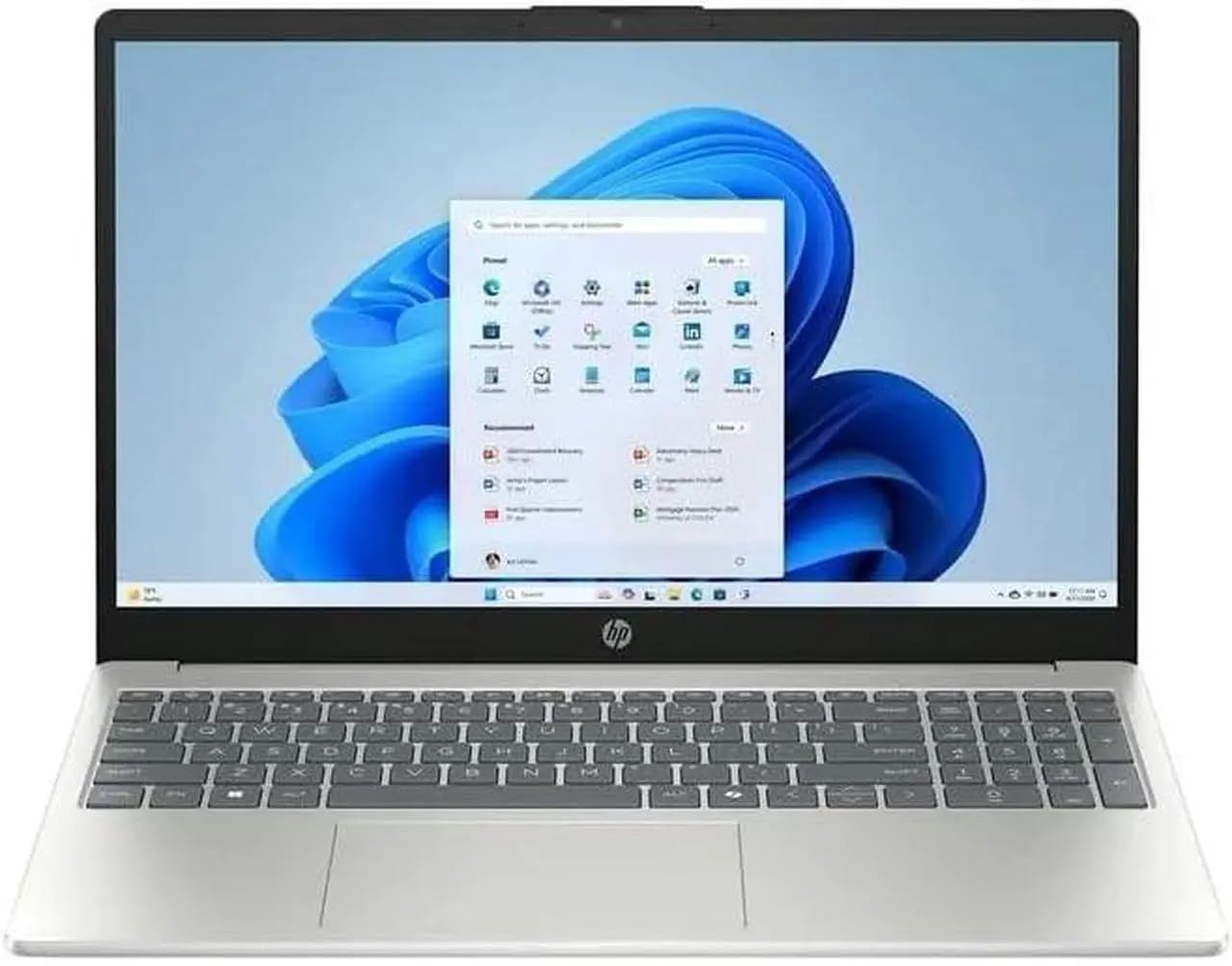
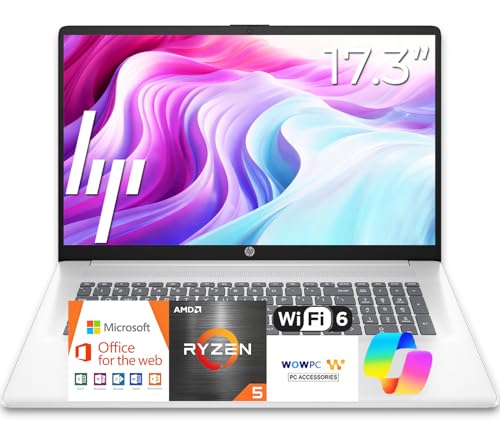
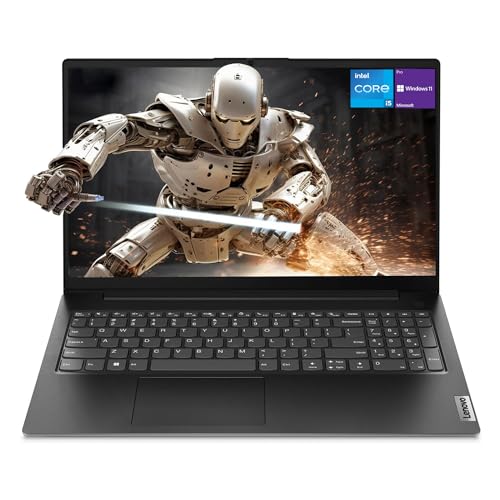
A laptop that handles homework, spreadsheets, video calls, streaming and the odd photo edit without feeling slow is harder to find than it sounds. The best all around laptops balance speed, battery life, screen quality and weight so none of those becomes a daily annoyance. This guide shows which specs matter, what each price level buys, and which shortcuts to avoid. Start with the product table, then use the sections below to match a model to your routine.
"All around" means a machine you can carry to class or a coffee shop, plug into a monitor at home, and still trust three years from now. It does not mean the cheapest model or the most powerful gaming rig, because both trade away something you will notice.



What Makes a Laptop Good at Everything
An all rounder avoids extremes. It has enough memory to keep many browser tabs open, a fast solid state drive, a screen you can read in a bright room, and a battery that lasts through a normal day. The sections below cover each piece in plain terms.
Processor and Memory
The processor sets how quickly apps open and how smoothly video calls run alongside other work. A current mid range chip from Intel, AMD or Apple handles office work, streaming and light editing with ease. Memory matters just as much: 8 GB works for basic use, but 16 GB is the comfortable choice for heavy multitasking and gives a laptop more years of useful life.
Storage
Choose a solid state drive rather than older mechanical storage, because it makes startup and file transfers dramatically faster. A 256 GB drive is workable if you keep files in the cloud, while 512 GB gives room for photos, downloads and installed programs. Storage is usually soldered in on thin models, so buy the size you will need rather than counting on an upgrade later.
Display and Build
Look for a full HD screen with an IPS or OLED panel, which keeps colors accurate and text sharp from side angles. Brightness around 300 nits is fine indoors, and higher helps near windows. A 14 or 15 inch size suits most people, while 13 inch models are easier to carry and 16 inch models give more working room at a higher weight.
Battery, Ports and Weight
A laptop that needs a charger by lunch is not an all rounder. Aim for a battery that can run a full workday of light tasks, and check that charging works over USB C for easy top ups. Count ports as well: a USB C connection, a USB A port and an HDMI output save you from carrying adapters. Weight between 3 and 4 pounds feels light enough for daily carrying.
Best All Around Laptops by Budget
Price changes the materials and screen more than it changes what the laptop can do day to day. These tiers show where your money works hardest.
Around $400: Solid Basics
Laptops in this band handle email, web browsing, documents and streaming. Expect a plastic body, a good enough screen and 8 GB of memory. If you want a bit more room to grow, see our guide to the best laptops around 400, and for the lowest budgets our guide to the best laptops around 300.
Around $500 to $1,000: The Sweet Spot
This is where most buyers should shop. You gain 16 GB of memory, faster processors, a brighter screen, a sturdier chassis and better battery life. Our guides to the best laptops around 500 and the best laptops around 1000 cover the models that sit in this range.
$1,000 and Up: Premium Builds
Spending more buys a metal body, a sharper OLED or high refresh screen, longer battery life and quieter cooling. These laptops pay off for people who work on them all day or want one machine to last five years or more. If portability tops your list, our guide to the best notebook laptops focuses on slim designs.
Which Type of Laptop Fits You
Students
Students need light weight, long battery life and a keyboard comfortable for essays. A 14 inch model with 16 GB of memory and a full day of battery covers lectures, library sessions and streaming in the dorm. Durability counts too, so look for a firm hinge and a spill resistant keyboard where listed.
Remote and Office Workers
Video calls reward a good webcam, clear microphones and strong Wi-Fi. A 15 inch screen gives room for two windows side by side, and a numeric keypad helps if you work with spreadsheets. Fast charging and a USB C port that drives an external monitor make a desk setup simple.
Families and Home Use
A shared family laptop should be tough and easy to maintain. Choose a model with at least 8 GB of memory, a roomy drive, and a Windows or ChromeOS system that is simple for everyone to use. Set up separate user accounts so each person keeps their own files and settings.
Common Mistakes to Avoid
- Buying 4 GB of memory to save a little money, which makes even a few browser tabs feel slow.
- Choosing a low resolution screen, which makes text look soft and tires your eyes.
- Paying for a dedicated graphics card you will never use, which adds weight and cuts battery life.
- Ignoring battery claims measured under light use, instead of checking what real owners report.
- Skipping the return policy, even though keyboard and trackpad feel are hard to judge from photos.
Getting the Most From Your Laptop
Keep the system updated, since updates bring security fixes and often improve battery life. Restart once a week, remove programs you no longer use, and back up important files to the cloud or an external drive. Avoid leaving the laptop on soft surfaces that block the vents, because heat shortens battery life and slows the processor.
Use a protective sleeve when traveling and charge with the adapter that came in the box. Batteries age more slowly if you avoid draining to zero and avoid long periods at full charge in hot rooms.
Frequently Asked Questions
How much memory do I need in an all around laptop?
Choose 16 GB if your budget allows, because it handles many open tabs, video calls and light editing at the same time. 8 GB is enough for simple tasks but may feel tight after a couple of years. Memory is often not upgradable, so buy what you need now.
Is a Chromebook enough for school?
For most school work, yes. A Chromebook runs web apps, documents and video calls well, and it costs less than a Windows laptop. If your classes need specific desktop programs, check the requirements before you buy.
How long should an all around laptop last?
A well chosen laptop commonly serves four to six years. Memory, storage and battery condition decide how long it feels fast, so spend a little more on those parts rather than on styling.
Do I need a dedicated graphics card?
Not for everyday work. Integrated graphics handle streaming, office tasks and casual games. A dedicated card only makes sense if you play demanding games or edit video, and it adds cost, weight and heat.
Should I buy a laptop or a tablet?
A laptop is better when you type a lot, run several windows and use full desktop programs. A tablet is lighter and great for reading and drawing, but it handles heavy multitasking less comfortably.
The Bottom Line
Pick a budget from the tiers above, then favor 16 GB of memory, a solid state drive, a sharp screen and a battery that lasts the day. Use the product table to compare current models on those points. Chosen this way, the best all around laptops stay useful for school, work and entertainment long after the novelty fades.


