
Best Affordable Professional Video Cameras for 2026: What Actually Matters Before You Buy
Disclosure: We may earn a commission when you buy through links on this page, at no extra cost to you. As an Amazon Associate I earn from qualifying purchases. Learn more

Compare affordable professional video cameras by sensor, lens, autofocus, audio and recording time, with a clear buyer checklist and care tips.
Professional video work asks more of a camera than casual clips. You need clean sound, steady focus and files that hold up in editing, yet the budget still has to cover lenses, media and lights. The best affordable professional video cameras balance those demands without cinema prices. Use this guide and the comparison table below to judge each model by your usual work.
Affordable means paying for recording reliability, audio inputs and usable color first, then skipping extras you never touch. A camera that stops mid ceremony or loses focus in an interview costs more in lost trust than a modest model that finishes every job.

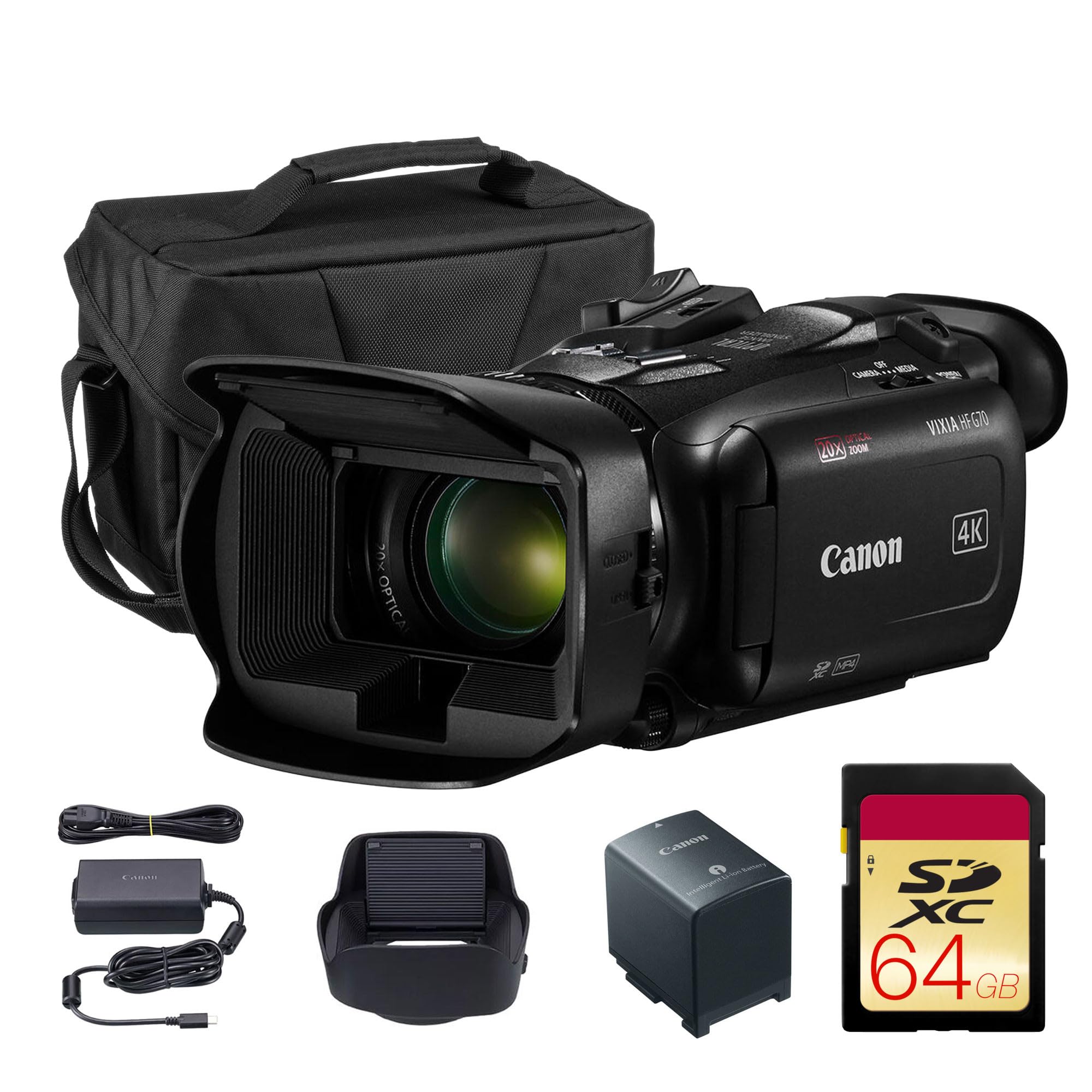


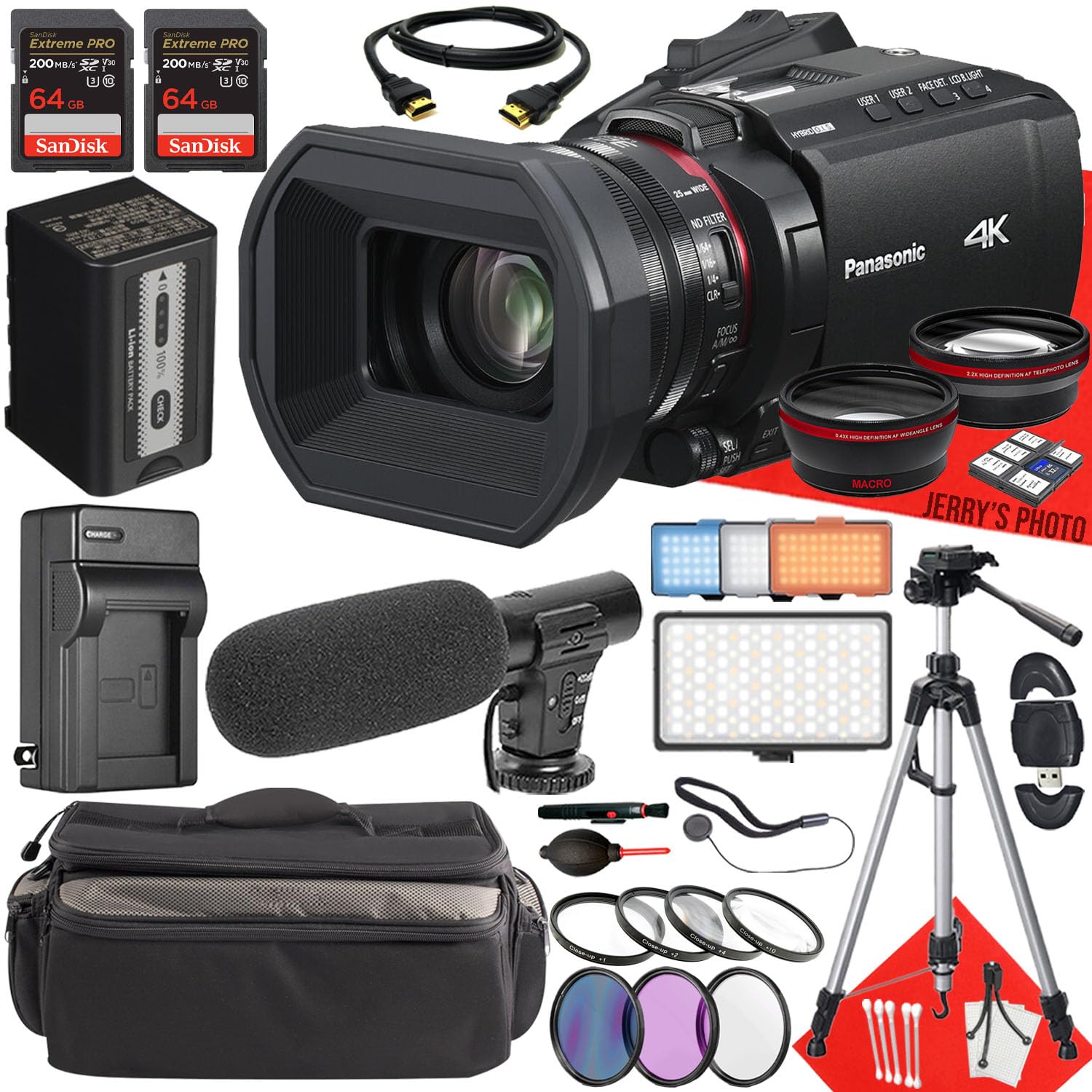


Who Should Buy an Affordable Professional Video Camera?
Your shooting pattern should decide the format and the features you refuse to give up.
Freelance Creators on Paid Client Work
You shoot interviews, property tours, product stories and social clips, often alone. You need dependable autofocus, a headphone output and color that grades without falling apart. Budget for the whole kit, because a lens, cards, spare batteries and a microphone can add about $400 to $900 to a body around $1000 to $1800.
Small Teams Making Training and Online Videos
You record similar sessions every week, so simple setup and repeatable results matter more than exotic modes. Clear menus, strong automatic exposure and dual card slots help different operators get matching footage. If your team mainly needs simpler coverage for internal clips, see our guide to the best affordable video cameras before paying for advanced color modes you may rarely use.
Event Videographers Needing a Reliable Second Body
You own a main camera and need a second angle for ceremonies, speeches and stage work. That body must record for long stretches, match your main files closely and keep running if one card fails. Many shooters fill this role one tier down, so see our guide to the best semi professional video cameras for backup options.
Key Features to Compare
Score every candidate on the same six points. A low price means little if a weak point forces rental gear for paid work.
Sensor Size, Low Light Quality and Depth Control
Sensor size shapes low light quality, depth control and lens choice more than megapixel count does. A 1 inch sensor in a camcorder gives deep focus and easy framing, which suits events you cannot restage. APS C sensors gather more light and give softer backgrounds, while full frame sensors go furthest for shallow focus and dim rooms. For video, clean images at your usual sensitivity settings matter more than still photo resolution.
Resolution, Frame Rates and Color
Most paid work needs 4K video at 24, 30 or 60 frames per second, with 60 used when you plan slow motion in an HD timeline. Look for 10 bit color and a log profile if you grade footage or match two cameras, because both keep skies and skin tones smoother during correction. Higher frame rates and larger files demand faster cards, so include that cost when a mode looks attractive on paper.
Lens, Zoom and Aperture
A fixed lens camcorder with optical zoom covers wide rooms and distant speakers, and its price includes that reach. Mirrorless cameras need separate lenses, which raises total cost but lets you add a fast portrait lens or a wide lens later. Aperture matters in dim venues, so a lens near f2.8 across its zoom range beats one that darkens as you zoom. Judge reach by your usual room sizes, not the longest advertised number.
Autofocus and Stabilization
Continuous autofocus with face and eye detection helps when a speaker steps toward the camera or a couple walks down an aisle. Note how focus behaves when another person crosses the frame, because a system that jumps to the nearest face can ruin a vow or a toast. Stabilization from the lens, the body or both smooths handheld pans and walking shots. It does not replace a tripod for speeches, where locked framing looks most professional.
Audio Inputs and Controls
Clean audio separates paid footage from casual clips more often than resolution does. Look for at least one microphone input, a headphone output for live checks and manual level control outside deep menus. Larger bodies may add XLR inputs through a handle or adapter, which suits balanced cables from event mixers. Dials for aperture and sensitivity also matter on fast jobs, since direct controls save seconds when light changes mid scene.
Recording Time, Media and Heat
Check the real recording limit at your chosen quality setting, not only the headline mode, and prefer dual card slots when a job cannot be repeated. Long interviews and ceremonies need batteries that last about two to three hours or clean power from USB while recording. Compact bodies can build heat during long 4K sessions indoors, so vents or a fan suit stage work. Media speed and cooling belong in the true purchase price.
Camcorder, Mirrorless or Cinema Body?
A camcorder puts a long zoom, built in neutral density filters and event friendly controls in one ready unit. It suits services, graduations and sports, where moments happen once. Its smaller sensor gives deep focus, which forgives small framing errors but limits soft backgrounds.
Mirrorless cameras give larger sensors and a growing lens collection in a body that also shoots stills. Compact cinema bodies add stronger color tools, yet need a monitor and audio gear first. If stills are part of your paid work, see our guide to the best affordable professional cameras for that side of the choice.
When you compare best affordable professional video cameras across these styles, start from the job that pays you most often. Choose the camcorder for long, unpredictable events, the mirrorless body for mixed photo and video work, and the cinema body when grading and a rigged setup are your routine.
Questions to Answer Before Ordering a Video Camera Kit
Answer each question before you order. New buyers can see our guide to the best professional video cameras for beginners for starter advice on controls.
- Can it record your longest session without a short time limit?
- Does the full kit, with lens, cards and microphone, stay within budget?
- Can you monitor audio through headphones while recording?
- Does autofocus track faces at the frame rate you use most?
- Do you have two card slots or a proven backup plan?
- Will the zoom range or lens set cover your usual rooms?
- Can you power it through a full event day with spares?
Common Mistakes to Avoid
- Spending the whole budget on the body leaves nothing for lenses and audio, so paid work stalls on day one.
- Chasing the highest resolution while ignoring audio inputs gives sharp footage that clients still judge as poor.
- Trusting a listing that hides sensor size and recording limits invites a camera that cannot handle your jobs.
- Buying the smallest body for travel makes long handheld sessions tiring and shaky.
- Skipping a long test record at home lets a heat limit surprise you during a ceremony.
- Choosing a lens mount with few affordable lenses locks you into high costs for later upgrades.
Setup and Care Tips
Before a paid shoot, format the cards in the camera, set your frame rate and color profile, and record a test with speech at your planned distance. Check that test through headphones and on a larger screen, because small level and focus errors hide on the rear display. Save your settings to a custom mode if you can.
Clean the front element with a blower and a lens cloth, never your shirt, since grit in fabric can mark the coating. Carry spare batteries and cards in a case, and store the camera in a dry, padded bag. If your body has weather sealing, still let a damp camera air dry with its doors open before storage.
Frequently Asked Questions
Is a smartphone enough instead of an affordable professional video camera for client work?
No, a smartphone is not enough for most paid client work, though it can serve as an emergency third angle. Phones limit manual audio control, swap lenses poorly and can interrupt recording for calls or storage warnings. A dedicated camera with a microphone signals a professional service to clients.
How much should you spend on a first affordable professional video camera setup?
Plan on about $1200 to $3000 for a complete first setup rather than a body alone. That range usually covers a capable body or camcorder, one lens where needed, fast cards, two batteries, a microphone and a bag. Renting for one weekend first can confirm the format you like. Insurance is worth pricing too.
Which sensor size suits low light video work on a tight budget?
APS C usually gives the best low light value on a tight budget. It gathers clearly more light than a 1 inch sensor, while its lenses still cost less than most full frame glass. Pair it with a lens near f1.8 to f2.8 for dim rooms rather than a larger body with a slow zoom. One small light panel helps more than an extra sensitivity step.
Are mirrorless cameras better than camcorders for affordable professional video work?
Neither format is better for every job, since each wins on different days. Mirrorless cameras lead on sensor size, background separation and stills, while camcorders lead on zoom range, built in filters and calm long event handling. Score each format against your three most common shoots. A mixed kit, with one of each, is common once event work becomes steady.
What specs matter most for beginners buying an affordable professional video camera?
Reliable autofocus, a headphone output and simple color that looks good with light editing matter most for beginners. Those points protect interviews and events while you learn exposure and framing. A flip screen helps solo creators check composition without a second monitor. Skip advanced rigs at first, because confidence with basic settings earns better footage than unused modes.
Wrapping Up
Start with the work, not the specification sheet. Sensor size, lens range and audio decide most results, while recording time and heat decide whether the camera finishes the job. Use the product table above to compare total kit cost and the modes you will use.
Chosen with those points in mind, the best affordable professional video cameras give you files clients accept, sound you can trust and a kit that grows one sensible piece at a time.


