
Best Affordable Printers for Artists for 2026: Everything to Know Before Your First Purchase
Disclosure: We may earn a commission when you buy through links on this page, at no extra cost to you. As an Amazon Associate I earn from qualifying purchases. Learn more

Shopping for the best affordable printers for artists for the first time? Learn the terms, compare options, and avoid rookie mistakes with this easy guide.
Buying your first studio printer can feel confusing, because spec sheets mix helpful numbers with marketing noise. This guide walks you from the basic terms to a confident shortlist, so you can judge the best affordable printers for artists by what actually shows up on the page. You will learn how each printer type works, which numbers matter for art prints, and which costs keep running after the box arrives.
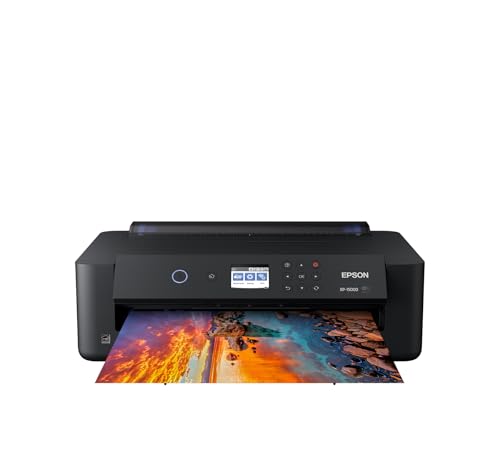
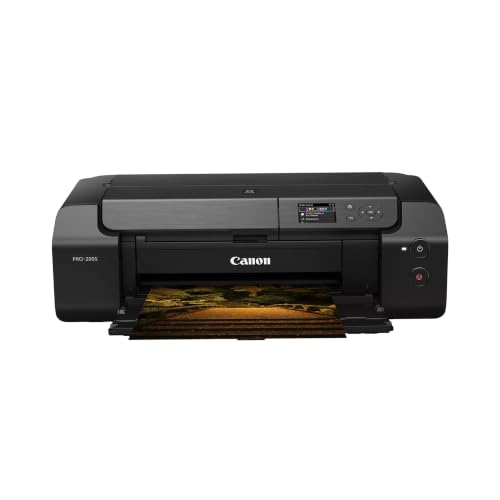
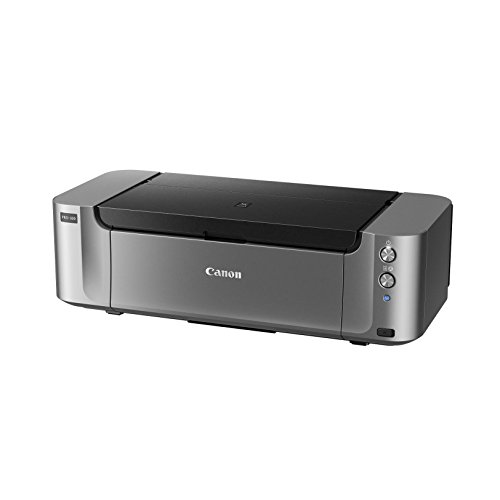
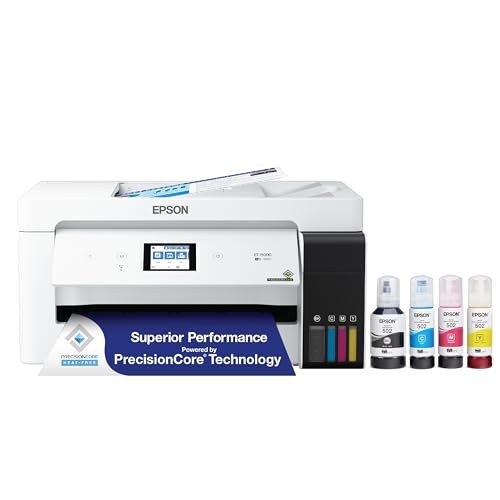
Start with the comparison table below to see how current models line up on price, type, and paper handling. Then use the sections that follow to understand what those rows really mean for sketches, posters, and small edition prints. By the end, you will know exactly which questions to ask before you spend anything.


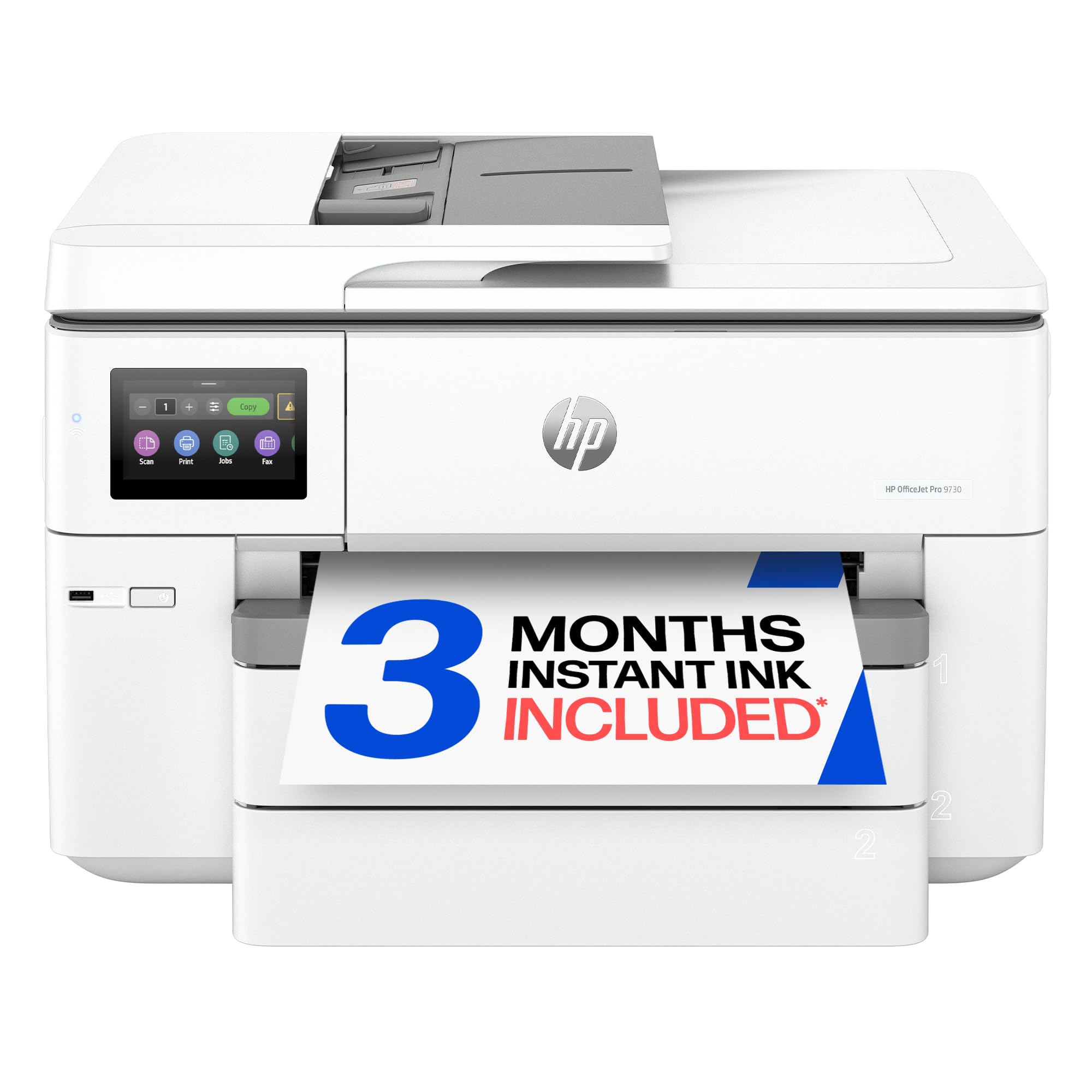

Printers 101: The Basics
A printer turns a digital file into marks on a surface, and the method it uses decides almost everything about cost and quality. Inkjet models spray tiny droplets of ink, which makes them strong at smooth color blends and photo detail. Laser models fuse dry toner with heat, which makes them fast and crisp for text but weaker at subtle color transitions.
Tank models are inkjets with refillable reservoirs instead of small cartridges, so you pay more upfront and far less per page later. Three dimensional printers work differently again, building objects layer by layer from filament or resin. For most artists printing on paper, an inkjet or tank model is the natural starting point, and you can compare the wider market in our guide to the best affordable printers before you narrow down.
Two terms appear everywhere. DPI means dots per inch, and higher numbers can mean finer detail, although paper quality limits what you actually see. Cost per page means the ink or toner cost of one printed page, and it matters more than the sticker price over a year of regular printing.
Key Specs Explained in Plain English
What You Can Realistically Get on a Budget
Around $100 to $250 is the realistic entry zone for a capable art friendly inkjet or tank printer. At this level you can expect six color printing on some models, borderless output up to common photo sizes, and WiFi printing from a phone or laptop. What usually gets cut is speed, large paper trays, and support for very thick media. Do not cut corners on ink system quality or paper handling, because those two areas decide whether your prints look clean or streaky.
Features That Matter for Artists
Artists need accurate color, smooth gradients, and paper options that general office buyers ignore. Look for at least five or six ink colors, support for matte and fine art papers, and a rear feed slot for thicker sheets. Pigment inks resist fading better than dye inks, which matters if you sell prints or display them in bright rooms. A straight paper path also helps, because heavy stock bends poorly and can jam in a tight curved path. Shoppers focused on wall art should also read our guide to the best printers for artist needs for a deeper look at color focused machines.
Printer Type (Inkjet, Laser, Tank, 3D FDM/Resin)
Choose inkjet for photographs, illustrations, and mixed media reproductions, where smooth color matters most. Choose laser only if your work is mostly line art, zines, or text heavy pages and you value speed over subtle shading. Choose a tank model if you print weekly and want low running costs without cartridge swaps. FDM printers melt PLA filament into solid objects, while resin printers cure liquid resin with light for finer detail. Our roundup of the best affordable 3d printers explains that separate path if you want to print display pieces, stamps, or sculptural maquettes alongside flat work.
Print Speed
Paper printers rate speed in pages per minute, often shortened to PPM, and the headline number usually assumes draft quality text. Real art prints at high quality settings move far more slowly, sometimes taking several minutes for one large page. That is normal and rarely a problem for studio work, where quality beats pace. Three dimensional printers measure pace differently, in millimeters per second of printing movement, and a single object can still take hours. Judge speed by your deadline habits: if you print the night before a market or class, a faster draft mode is worth having.
Footprint and Noise
Measure your desk or shelf before you order, and leave extra room behind the printer for the rear feed and printed pages. Many art capable models are wide because they accept larger paper, and a cramped corner makes loading thick stock awkward. Noise matters in shared studios and small apartments. Inkjet and tank models are generally quiet, laser models add fan noise, and resin printers need ventilation space for fumes. A printer you can leave set up permanently gets used more and stays aligned better than one you pack away after every job.
Paper Handling and Duplex / Build Volume
Paper handling decides which projects are even possible. Check the largest sheet size, the thickest stock the rear feed accepts, and whether the tray holds enough paper for a full run of postcards or zine pages. Duplex printing, meaning automatic printing on both sides, saves paper on booklets and drafts, although most artists still print final art on one side only. For three dimensional work, build volume plays the same gatekeeping role: it is the largest object size the machine can produce in one piece. Buyers who print often should also compare our guide to the best printers with affordable ink, because running costs shape your real budget.
Rookie Mistakes to Avoid
- Judging by DPI alone. A huge DPI number cannot fix poor paper or low quality source files, and beyond a point your eye cannot see the difference at normal viewing distance.
- Ignoring cost per page. A cheap printer with tiny cartridges can cost more within months than a pricier tank model.
- Skipping paper compatibility. If the feed cannot handle your favorite matte or watercolor style stock, the printer is wrong for you no matter how good its reviews sound.
- Forgetting connectivity. Check that the printer supports your computer, tablet, and phone, including AirPrint if you use Apple devices.
- Buying for rare jobs. If you print one huge poster a year, a print shop is cheaper than owning a large format machine.
Getting Started: Setup and First Use
Unbox the printer on a flat, sturdy surface and remove every piece of packing tape inside the paper path before you power it on. Load plain paper first, run the built in alignment and nozzle check pages, and only then move to your good art paper. Print one small test image on each paper type you own and note which setting gave clean color, because those notes save ink on every future job.
Two habits protect your investment from week one. Print a page weekly to prevent clogs, since inkjet nozzles dry out when the machine sits idle. Use genuine or reputable ink, because mystery refills can shift colors and clog heads. If prints for framing are your main goal, our guide to the best affordable photo printers covers the paper and ink choices that matter most there.
Frequently Asked Questions
What features matter most in printers for artists?
Color accuracy, paper flexibility, and ink quality matter most. A printer with five or more ink colors, a rear feed for thick stock, and pigment ink options will serve most illustrators and photographers well. Also check the largest paper size before you buy. A model that stops at letter size will frustrate you if your work is meant for larger frames or portfolio pages.
Inkjet or laser: which is cheaper long term?
Laser is usually cheaper long term for text, while inkjet wins for color art. Toner cartridges print many pages and rarely clog, so plain documents cost little. Art printing is different: you need inkjet color quality, and a tank inkjet brings its cost per page close to laser levels. Your subject matter, not the sticker price, should drive this choice.
What does cost per page mean?
Cost per page is the ink or toner cost of printing one page, found by dividing a cartridge price by its page yield. A cartridge that costs around $30 and yields 200 pages costs about 15 cents per page before paper. Color art pages use far more ink than text, so treat published yields as best case figures and budget extra for rich, full coverage prints.
Are ink tank printers worth it?
Yes, if you print regularly, because the savings add up quickly. Tank models cost more upfront, often around $200 to $300, but refill bottles print thousands of pages for a modest price. Casual printers who produce a few pages a month may never recover the higher purchase price. Be honest about your monthly volume before paying the premium.
Which 3D printer is easiest for beginners?
An FDM printer with auto bed leveling is the easiest starting point. Automatic leveling removes the most frustrating calibration step, and PLA filament is forgiving, low odor, and cheap to practice with. Resin printers deliver finer detail but involve gloves, washing, and curing steps. Beginners who want objects for displays or prototypes should learn FDM first and add resin later if detail demands it.
Our Verdict
Decide by three things: the paper you truly print on, the ink system you can afford to feed, and the size of work you produce. Match those honestly and the best affordable printers for artists stop being a confusing category and become a short, clear list. Compare your finalists in the product table above, check their paper handling one last time, and buy the model that fits your studio routine rather than the one with the loudest spec sheet.


