Best Affordable Performance Laptops: Which One Fits the Way You Use It for 2026?
Disclosure: We may earn a commission when you buy through links on this page, at no extra cost to you. As an Amazon Associate I earn from qualifying purchases. Learn more

Learn how to choose the best affordable performance laptops with guidance on processors, graphics, RAM, storage, displays, and battery life for your work.
Performance means different things depending on your day. For one person it means a spreadsheet that never stutters, for another it means smooth video editing, fast code builds, or games that hold steady frame rates. That is why the best affordable performance laptops are not a single model, but a set of choices matched to real workloads.
This guide walks through who needs which kind of power, which specifications actually change daily speed, and where budget models make sensible trade offs. The comparison table below will be easier to use once you know your priority workload.


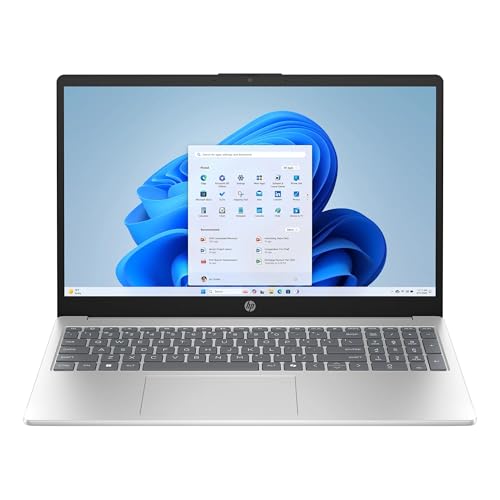
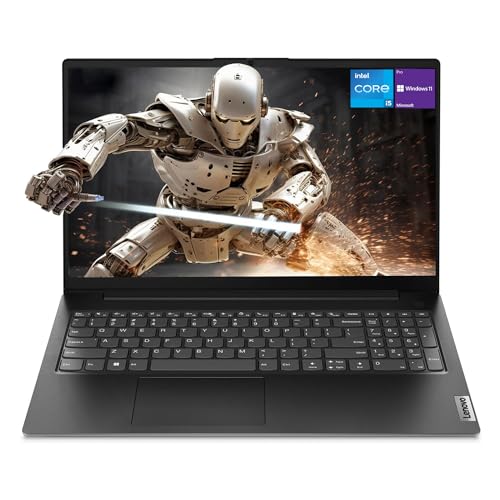
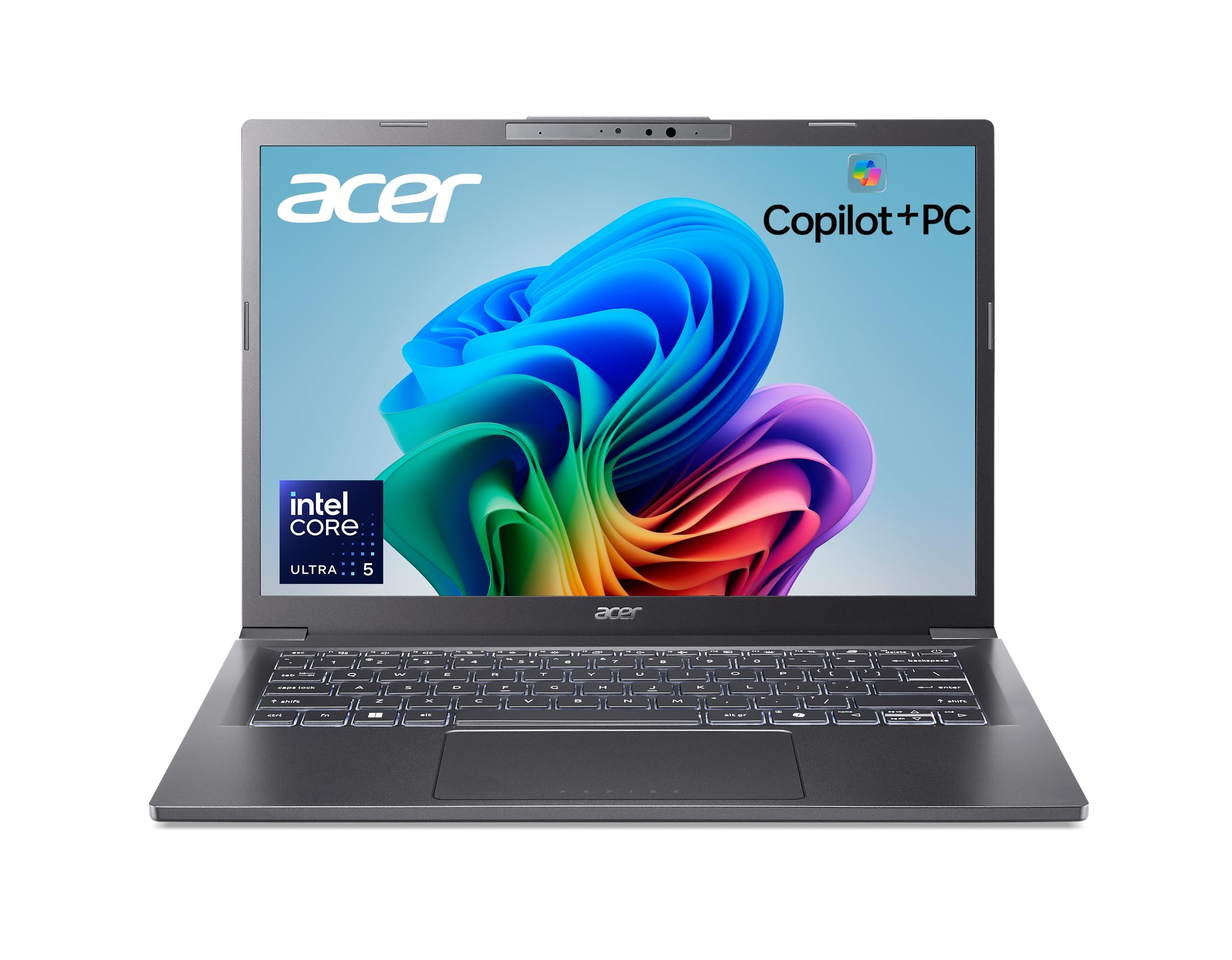


Who Should Buy Which Performance Laptops?
Start by naming your heaviest regular task, not your rarest one. A laptop bought for occasional video editing but used daily for writing should still be light and quiet, while a machine used daily for design work needs the stronger processor and screen even if it costs more.
For Students and Everyday Users
You need reliable speed for classes, research, and entertainment without paying for power you will never use. A recent mid range processor, 16 GB of RAM, and a fast SSD will make the laptop feel quick for years. Battery life and weight matter because you carry the machine all day and work in many places. A bright 14 inch display and a comfortable keyboard are worth more than a dedicated graphics chip for most degrees. Choose storage with room for photos, coursework, and a few large apps, since cloud access is not always available.
For Gamers and Power Users
You should prioritize the graphics processor, cooling, and screen speed. Dedicated graphics make modern games and GPU accelerated editing far smoother, and a refresh rate of 120 Hz or more helps fast games look clean. Look for strong cooling with vents that stay clear and fans that do not ramp up and down constantly. Sixteen GB of RAM is a floor, and 512 GB of storage fills fast with games and media projects. If your workload is mainly gaming, our guide to the best gaming laptops affordable covers the screen and graphics trade offs in more depth.
For Remote Workers and Creators
You need steady performance through long calls, large documents, and creative software, plus a screen and camera that present your work well. A color accurate display matters for design and photo tasks, while a good microphone and quiet fans matter for meetings. Extra RAM helps when you keep design tools, chat apps, and dozens of tabs open at once. Reliability and warranty support deserve weight in your decision, because downtime costs you income. USB C docking with a single cable to a monitor and peripherals is a practical daily convenience.
For Travelers and Commuters
You feel weight and battery life more than raw benchmark scores. Slim ultraportables with efficient processors can still feel fast for office work, presentations, and light editing, while sparing your shoulder on long days. Look for a durable case, a bright screen for varied lighting, and fast charging for short stops. A smaller charger that also powers your phone reduces what you carry. If you travel for school as well as work, our guide to the best affordable laptops for students adds useful notes on weight and battery priorities.
Key Features to Compare
The specifications below decide whether a performance laptop stays fast after the first month. Focus on the parts you cannot easily upgrade later, especially the processor, graphics, and display.
Graphics (Integrated vs Dedicated GPU)
Integrated graphics share memory with the processor and suit office work, streaming, light photo editing, and older or simpler games. A dedicated GPU has its own memory and is the right choice for modern games, 3D work, and faster video exports. The trade off is cost, heat, weight, and shorter battery life. A practical way to decide is to list your three most demanding apps and check whether they use GPU acceleration. If at least one does and you use it weekly, dedicated graphics usually earn their price.
What You Can Realistically Get on a Budget
Around $500 to $750, expect a capable recent processor, integrated graphics, 8 GB to 16 GB of RAM, and a 256 GB to 512 GB SSD. Around $750 to $1,100, you can often add a brighter or faster display, more RAM, or entry level dedicated graphics. Budget models usually cut back on speaker quality, case materials, and screen color coverage. Do not cut back on RAM or storage to save a small amount, because both affect daily speed and are not always upgradeable. Spend first where your heaviest task will feel it.
Processor and Performance Tier
The processor drives responsiveness in almost everything you do, from opening apps to compiling code and applying photo edits. Recent mid range and upper mid range chips offer the best value, giving strong speed without the heat and cost of flagship parts. More cores help with multitasking, editing, and data work, while fast single core performance helps many games and office apps feel snappy. Avoid old processor generations on clearance unless the discount is large, because efficiency, WiFi, and USB C support may lag behind current models by several years.
RAM and Storage
RAM decides how much you can do at once without slowdowns. Eight GB is a minimum for light use, but 16 GB is the safer choice for performance buyers who multitask, edit media, or keep many tabs open. Storage should be an SSD in every case, since it makes booting, loading, and file searches dramatically faster than an old hard drive. Choose 512 GB if you install games or keep video files locally. Check whether memory is soldered, because a soldered 8 GB model can never grow with your needs.
Common Mistakes to Avoid When Buying Performance Laptops
- Paying for a top tier processor while accepting only 8 GB of RAM, which bottlenecks real multitasking.
- Ignoring graphics type and later finding that games or editing software run far below expectations.
- Buying a large and heavy model for daily travel, or an ultrathin model for work that needs sustained cooling.
- Overlooking screen quality, keyboard comfort, and port selection that you will use every day.
- Skipping warranty and return details, which matter when a machine is your main work tool.
Also be careful with headline clock speeds and core counts taken alone. The same chip can perform differently in two laptops because cooling and power limits shape sustained speed during long tasks.
How to Make Your Performance Laptop Last Longer
Keep the operating system and firmware updated, because updates improve security, fan behavior, and battery management. Avoid running at 100 percent charge all the time if a charge limit setting is available for desk use. Use a padded sleeve when commuting and keep vents clear during heavy work. A useful know how habit is to restart the laptop weekly and remove startup apps you do not need, which keeps background load low. Back up important files to cloud storage or an external drive so a hardware fault never becomes lost work. For a broader shortlist view, see our guide to the best and affordable laptops and compare how general models balance price and speed.
Performance Laptops: Your Questions Answered
Is a Chromebook enough for school?
A Chromebook can be enough for writing, research, and web based classes, and its simplicity is a plus for younger students. It falls short when a course needs desktop software for coding, design, science, or media production. Performance buyers should also note that many Chromebooks offer limited storage and no upgrade path. If your school lists required Windows or macOS apps, follow that list rather than hoping web versions will cover every assignment.
How long should a performance laptop last?
Most buyers should expect four to six years of useful service when they start with 16 GB of RAM and a capable processor. Heavy workloads age a machine faster, because software grows more demanding each year. The battery usually fades first, while the SSD and screen can last much longer with normal care. Buying a little headroom in RAM and storage at the start is the cheapest way to extend the useful life.
How much RAM do I need?
Sixteen GB fits most performance users, covering heavy multitasking, photo editing, coding, and gaming without constant app closing. Eight GB suits light office work and study, but it leaves little room as software grows. Thirty two GB is worth it for large video projects, virtual machines, complex data work, or streaming while gaming. Check upgrade options before buying, since some slim models fix the RAM in place permanently.
Is a dedicated GPU worth it?
Yes, if your regular work or play uses GPU acceleration, such as modern games, 3D modeling, or video editing with effects. It can shorten export times and keep frame rates smooth where integrated graphics struggle. If your day is documents, browsing, and calls, the money is better spent on RAM, a nicer screen, or a larger SSD. The deciding factor is your actual software list, not a general fear of missing out on power.
Should I buy a laptop or a tablet?
Choose a laptop when you need a full keyboard, desktop software, easy file management, and several ports. A tablet is lighter for reading, drawing, and media, and some models pair with keyboards for light writing. Tablets limit multitasking and upgrades, and performance apps may be simplified versions. If one device must handle work, study, and play on a budget, the laptop gives you more capability per dollar, and our guide to the best notebook laptops shows the classic clamshell options.
The Bottom Line
Define performance by your heaviest weekly task, then fund the processor, RAM, and graphics that task needs, in that order for work and with graphics first for gaming. Compare your shortlist in the product table above and favor headroom over headline discounts. Chosen that way, the best affordable performance laptops stay fast for years, especially when you also check our guide to the best affordable high performance laptops for higher power options.