Best Android Laptops: What Counts and What to Buy in 2026
Disclosure: We may earn a commission when you buy through links on this page, at no extra cost to you. As an Amazon Associate I earn from qualifying purchases. Learn more

The best android laptops for phone users: Chromebooks with Android apps, key specs, update length and limits explained.
Android laptops are less common than Android phones and tablets, so shopping for the best android laptops starts with knowing what the term really covers. In practice it means laptops that run Android apps well, most often Chromebooks with Google Play, plus tablets paired with a keyboard. This guide explains each route and what to check before you buy.
It also covers the limits: Android style laptops are great for browsing, documents, video and school work, and a weaker fit for professional desktop software. Use the product table below to compare sizes, storage and prices once you know which route suits you.


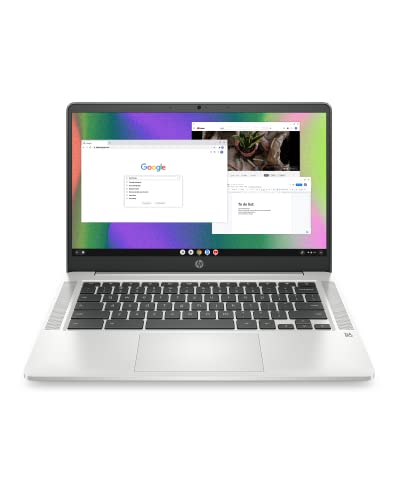

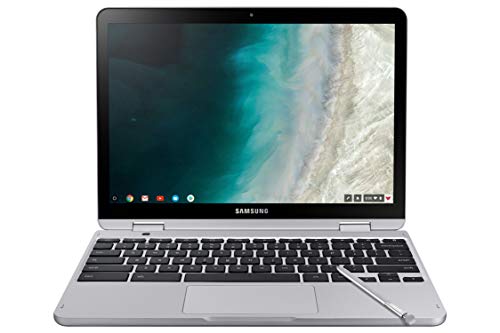

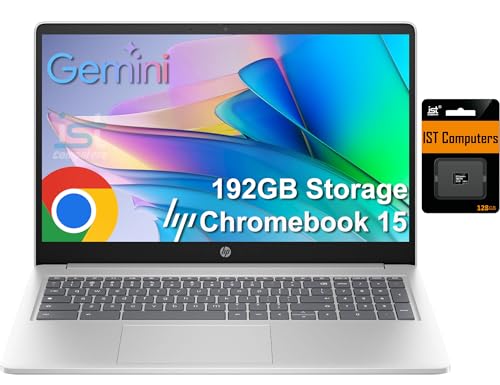
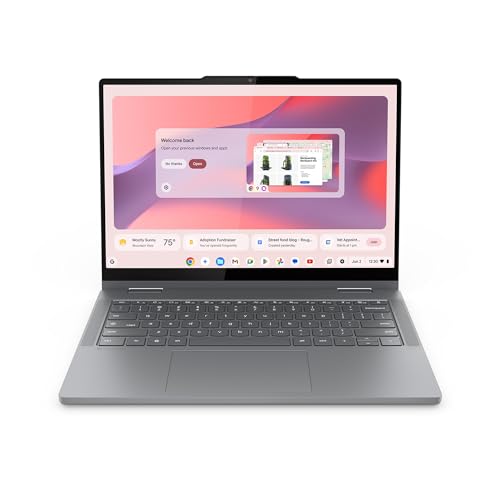
What Counts as an Android Laptop?
True Android laptops that run only Android are rare. The practical options are three: Chromebooks that run ChromeOS and install Android apps from Google Play, Android tablets with a detachable keyboard, and ordinary laptops where Android is added through special software. For most buyers the first route is the simplest and best supported.
Check which system the device actually runs, how apps are installed and how long the maker promises updates. A device with a short update promise may lose app support sooner than you expect.
Who Should Buy an Android Style Laptop?
Students and School Users
Chromebooks suit classroom platforms, documents and research at a low price, with a long battery and simple upkeep. Check that required school software runs on ChromeOS before you buy.
Android Phone Owners
If you live in the Google ecosystem, a laptop that shares your apps, photos and messages feels familiar. Notifications and files follow you between phone and laptop with little setup.
Light Home and Travel Users
Browsing, email, streaming and video calls run well on modest hardware, and a light laptop with a day long battery is easy to carry.
Who Should Skip It
If you need full desktop creative suites, specialist business software or Windows only games, a Windows laptop serves better. Developers building Android apps need a more powerful Windows or Mac laptop; see our guides to the best laptops for android studio and the best laptops for android development for those needs.
Key Features to Compare
Update Support
Chromebooks list an end date for automatic updates. Choose a model with several years remaining, since a cheap device near its end date will stop getting security fixes sooner than you want.
RAM and Storage
Plan on at least 4 GB of RAM for light use and 8 GB if you keep many tabs and Android apps open. Storage of 64 GB suits cloud based work, while 128 GB or more helps if you keep downloads and offline files. Many models accept a memory card for extra space.
Screen, Keyboard and Build
You touch the keyboard and screen constantly, so they deserve priority over small processor differences. Look for a full HD screen, a keyboard with firm travel and a build that survives a school bag. Touchscreens and 2 in 1 hinges help with Android apps designed for touch.
Android App Experience on a Big Screen
Some Android apps scale well to a laptop screen, while others stay phone shaped. Check the apps you use daily: documents, email, video calls and note taking. Keyboard and mouse support matters, since touch only apps feel awkward for long writing sessions.
Battery Life and Ports
Aim for eight hours or more of real use. USB C charging simplifies life if you share chargers with your phone, and a card reader or extra USB port helps with accessories.
How Android Apps Run on a Chromebook
On a Chromebook, Android apps open in their own windows and can be resized, snapped side by side and used with a keyboard and mouse. Most popular apps for streaming, reading, banking, messaging and note taking work well. Some games and camera apps expect a phone, so check reviews for the apps you rely on. Files sync through your Google account, which keeps photos and documents available on both devices.
Performance depends on RAM and storage more than on the processor name. A model with 8 GB of RAM handles several Android apps plus a browser with many tabs, while a 4 GB model may reload apps when you switch between them. Fast eMMC or SSD storage also makes apps open sooner.
Types of Android Style Laptops Compared
Chromebook Clamshells
Traditional laptops with a fixed keyboard, a larger battery and a stable desk setup. They suit students and home users who type a lot.
2 in 1 Convertibles
These fold into a tablet and work well with touch only Android apps. They are slightly heavier and often cost a little more.
Tablets With Keyboard Cases
Android tablets with a keyboard case are light and flexible but can feel cramped for long typing. They suit casual browsing, video and note taking.
What Your Money Gets You
Budget Chromebooks start around $200 and cover browsing and school basics. The $300 to $500 range adds better screens, faster storage and more RAM. Above that, premium models add metal builds and stronger processors. Spend on RAM, screen quality and update length before extras, and add a sleeve and a mouse to your budget.
Common Mistakes to Avoid
- Expecting full Windows software on a ChromeOS device.
- Choosing 4 GB of RAM for heavy multitasking.
- Ignoring the automatic update end date.
- Buying a tiny screen for long writing sessions.
- Forgetting to check whether required school or work apps are supported.
Care and Setup Tips
Keep the system and apps updated, since updates fix security and compatibility issues. Back up documents to cloud storage, avoid filling storage completely, and clean the screen and keyboard gently. Use a padded sleeve for travel, and restart the laptop weekly to clear stuck processes.
Related Guides to Compare
If you are also considering other options, our guide to the best notebook laptops covers mainstream models, the best laptops for android users looks at phone friendly features, and the best android os for laptops explains the software route for older machines.
Frequently Asked Questions
Can an Android laptop replace a Windows laptop?
It depends on your software needs. For browsing, documents, video and Android apps, an Android style laptop can work well. For full desktop software, specialist business apps or heavy creative work, Windows remains necessary. List the apps you must use, then check whether each one runs well before deciding.
Do Android apps work well on a large screen?
Some do, some do not. Well designed apps adapt to larger screens with multi pane layouts, while simpler apps stay phone shaped. Check your most used apps in reviews or demos before buying.
How long will it receive updates?
It varies by maker and model, and it matters more than most specs. Some devices receive updates for several years, while others stop after two. Check the maker's update promise before buying.
Is a Chromebook better than an Android tablet?
For typing and browser based work, a Chromebook is usually better because of the keyboard and larger battery. For reading, drawing and media, a tablet can be more comfortable. Choose by your main task.
What specs matter for Android laptops?
Memory, storage, screen quality, keyboard comfort and battery life matter most. A bright screen and a good keyboard affect daily comfort more than processor speed for typical use.
Final Thoughts
Choosing the best android laptops comes down to fit, update length and total cost, not to the most expensive model. Use the product table above to compare your shortlist, then judge it by how it feels in your normal routine and which apps you need every day.