Best Affordable Office Desks: Every Type Explained Side by Side for 2026
Disclosure: We may earn a commission when you buy through links on this page, at no extra cost to you. As an Amazon Associate I earn from qualifying purchases. Learn more
Compare every desk type side by side to choose the best affordable office desks for your room, work style, and budget without overspending on extras.
Choosing a desk sounds simple until you face straight desks, corner desks, sit stand frames, and compact writing tables that all claim to fit your room. The best affordable office desks are not the ones with the longest feature list. They are the ones that match your space, your chair, and the way you actually work each day.
This guide compares each desk type side by side so you can see the trade offs clearly before you spend. Use the comparison table below to scan sizes and price ranges, then read on for the details that photos never show.






Types of Office Desks Compared
Desk types differ mainly in footprint, storage, and how much adjustability you get for the money. A basic straight desk usually costs around $80 to $180 and suits one monitor and a laptop. Corner and L shaped models run about $150 to $350 and add surface area. Sit stand desks start around $200 and climb past $500, while executive styles with deep drawers often sit between $300 and $600. If you want a broader view of the category before narrowing down, see our guide to the best office desks for how standard sizes and layouts compare.
Budget Models
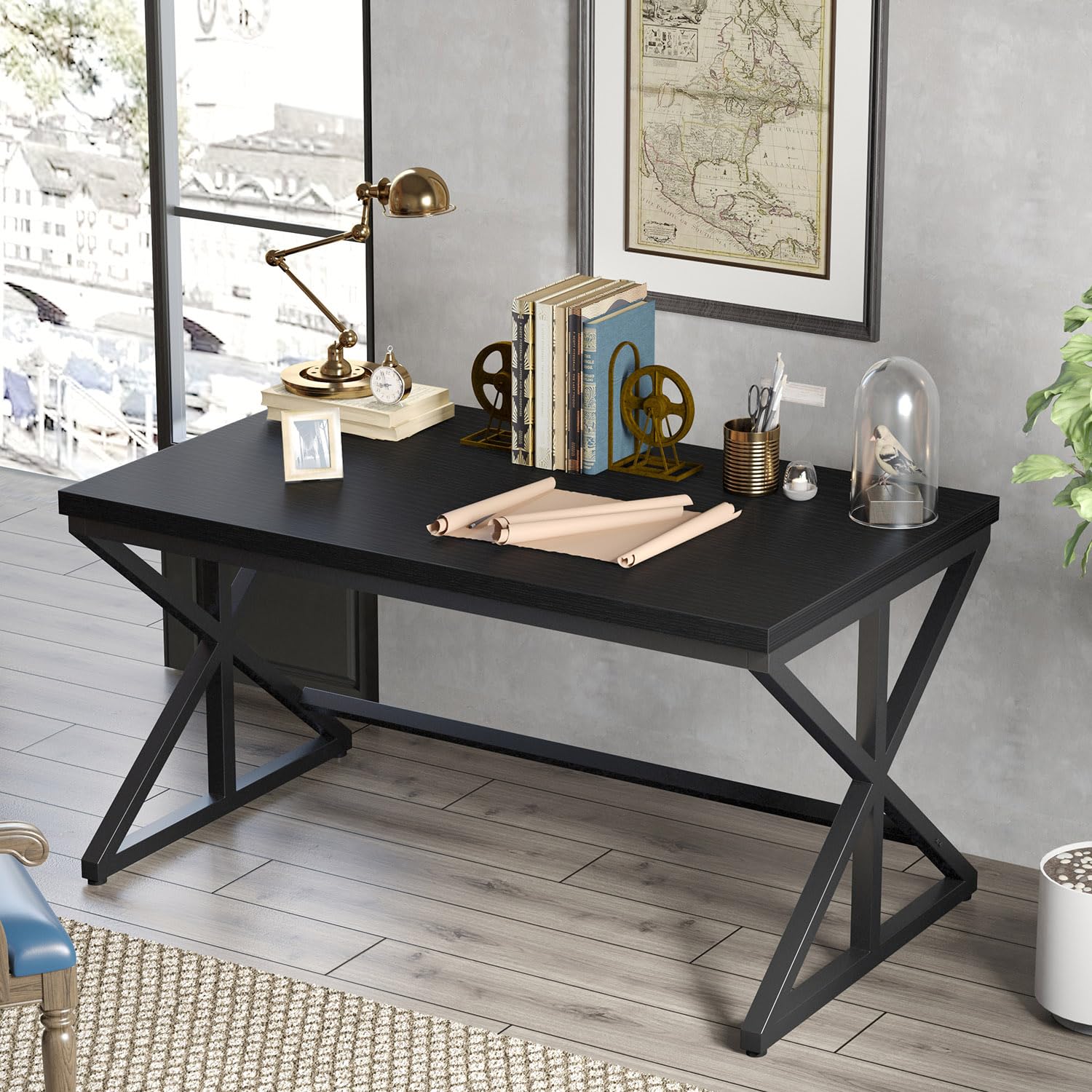
Budget desks are simple straight or writing desks with a flat top, slim legs, and little or no built in storage. They work well for a laptop, one monitor, and a notebook, and they are the easiest type to move or resell later. The savings come from thinner tops, basic edge banding, and lighter steel frames.
Choose a budget model if your setup is light and your room is rented or temporary. Skip it if you run two large monitors, a desktop tower, and a printer, because a thin top can flex under that load. Check the stated weight capacity and look for a crossbar between the legs, which adds real stability for very little money.
Ergonomic Models
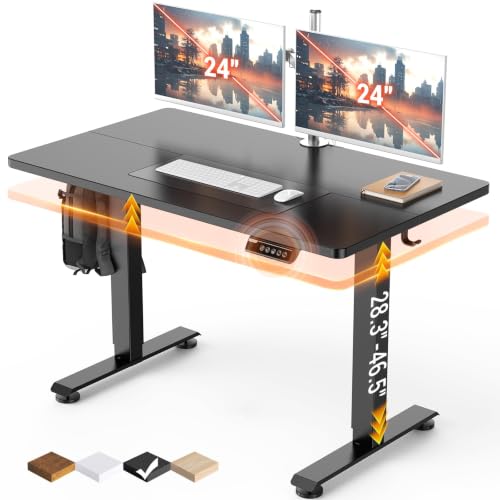
Ergonomic desks focus on posture. The most useful versions are sit stand frames with electric or hand crank height adjustment, so the top can sit low for typing and rise for standing breaks. A depth of about 28 to 30 inches also helps, because it lets you keep your screen at a comfortable viewing distance.
These desks suit anyone who works long hours and notices shoulder or back strain by midday. The downside is cost and weight: motors, control boxes, and thicker tops add both. If a full sit stand frame is out of reach, a standard desk at the correct height plus a separate monitor riser covers much of the same ground for far less.
Compact and Space Saving Models
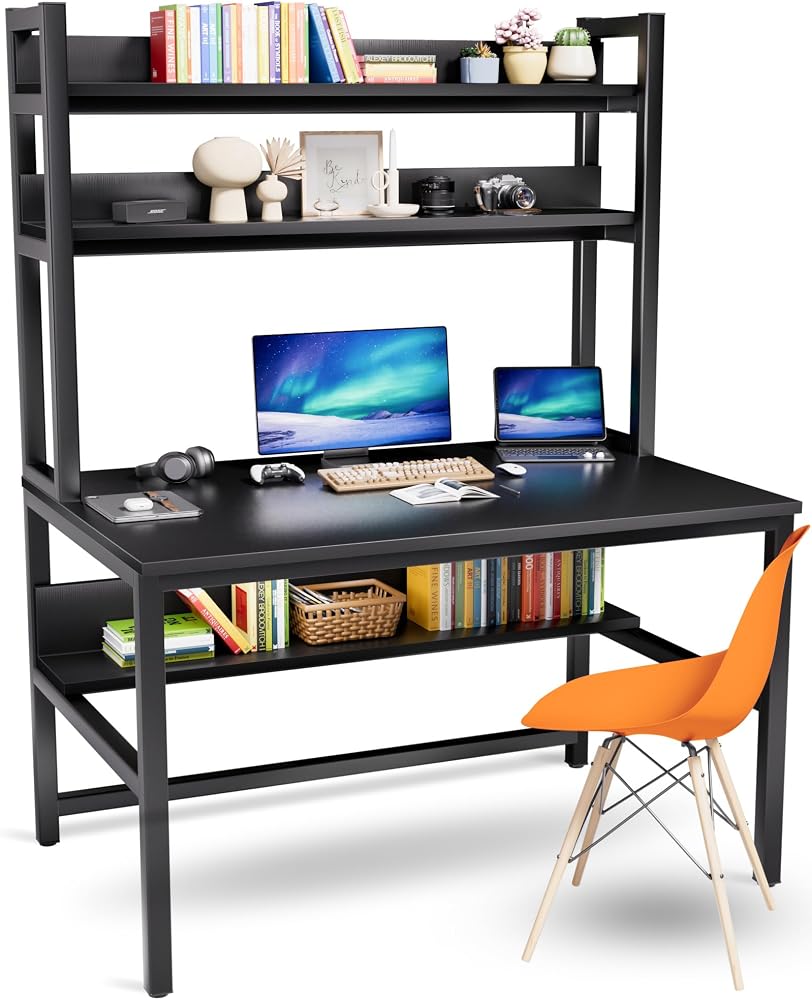
Compact desks are built for small rooms, shared bedrooms, and apartments. Typical widths run from about 36 to 47 inches, and many include a raised shelf for a monitor so the main surface stays clear. Wall mounted folding desks go further and free up floor space entirely when closed.
Pick a compact model when every inch counts, but measure honestly before you buy. Leave room for your chair to roll back, for cables to hang behind the top, and for a door or drawer to open nearby. A desk that fits the wall but traps your knees against a modesty panel is not a bargain at any price.
Premium and Executive Models
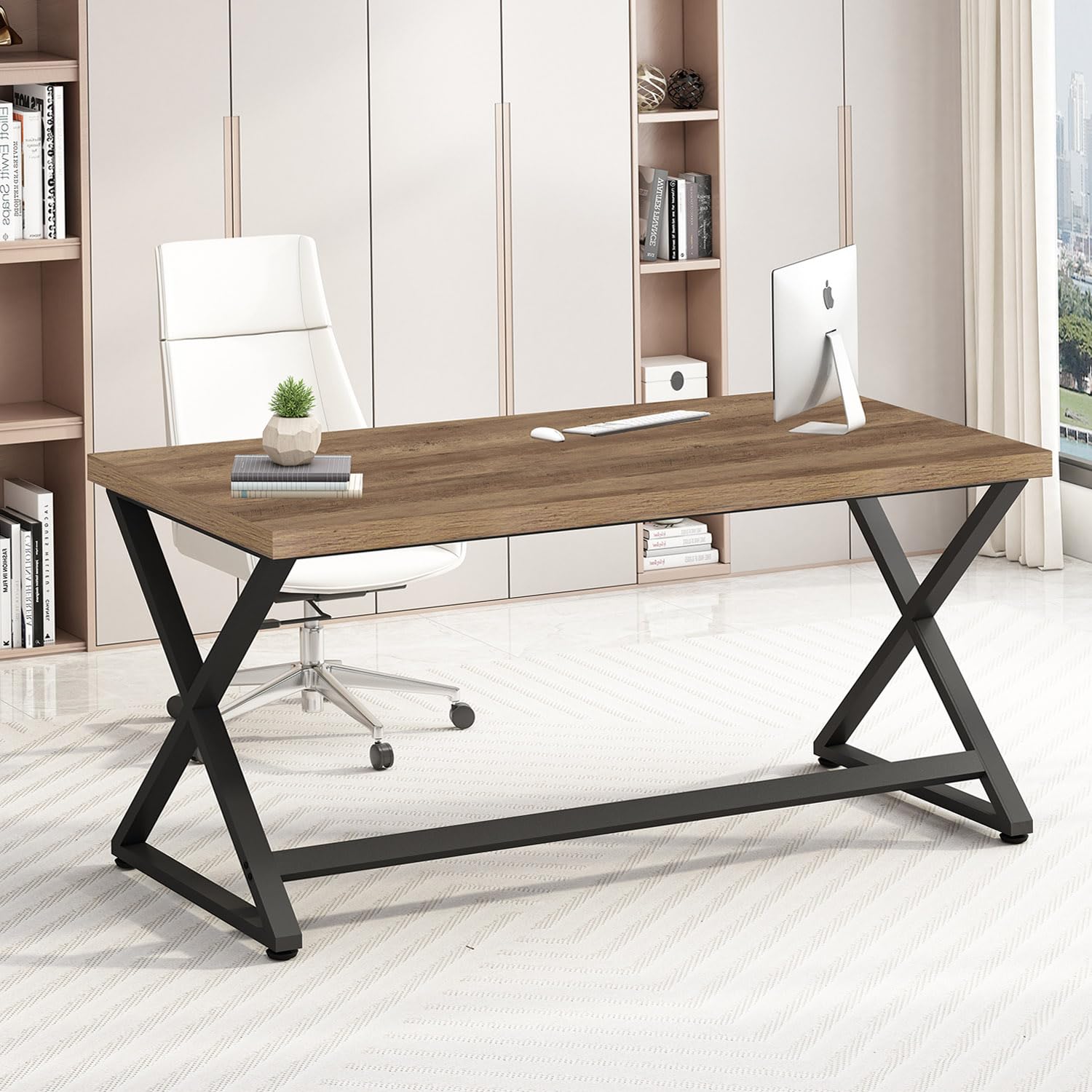
Premium and executive desks offer wider tops, deeper drawers, thicker materials, and finishes that look at home in a client facing office. Many include cable channels, soft closing drawers, and tops around 60 to 71 inches wide that hold two monitors plus paperwork with space to spare.
They make sense if your desk is the center of a dedicated office and you expect to keep it for a decade. They make less sense in a spare room setup that may change next year. At this level you are paying for furniture quality and appearance as much as function, so judge the drawer hardware and finish samples as carefully as the dimensions.
Budget Models vs Ergonomic Models: Which Should You Choose?
Compare these two types on five points. On price, budget desks win easily, often costing half as much. On posture, ergonomic models win, because height adjustment lets the desk fit your body instead of the other way around. On space, budget desks are smaller and lighter. On durability, a well made budget frame can last for years, while motors and electronics add parts that can fail. On resale and moving, simple desks are easier to transport.
Choose the budget route if you work at a desk for a few hours a day and your chair already supports you well. Choose the ergonomic route if you work full days, already feel strain, or plan to keep the same setup for years. Many readers start simple and later explore the best affordable standing desks once they know standing suits them.
How to Choose the Right Office Desk
Comfort and Cushioning
Comfort at a desk starts with height. Your elbows should rest at roughly a right angle with your forearms level, and your feet should sit flat on the floor or on a footrest. A desk that is even one inch too high pushes your shoulders up all day and causes fatigue that no accessory fully fixes.
Cushioning belongs to your chair, but the desk affects it. A top with a sharp front edge can press into your forearms, so look for a slightly rounded or beveled edge. If you are also upgrading seating, our guide to the best office chairs affordable explains how seat depth and support affect long sessions.
Ergonomics and Adjustability
Fixed desks usually stand about 29 to 30 inches tall, which suits many adults but not everyone. Shorter and taller users benefit most from adjustable legs or a sit stand frame. Monitor position matters too: the top of your screen should sit near eye level, about an arm length away, which is easier on a deeper top.
Think about your chair at the same time. Adjustable armrests need clearance under the desktop, and a drawer unit on one side can block a chair from sliding in fully. If you are pairing purchases, the guide to the best affordable desk chairs covers armrest and seat height details that interact with desk choice.
What You Can Realistically Get on a Budget
For around $100 to $250 you can expect a sturdy steel frame, a laminated top about three quarters of an inch thick, and basic cable holes or a small shelf. What usually gets cut is drawer quality, top thickness, and finish durability. Particleboard tops with thin laminate can chip at the edges if you clamp monitor arms tightly.
Do not save money on frame stability. A desk that wobbles when you type is annoying every single day, and no storage add on compensates for it. Spend first on legs and frame, then on surface size, and treat drawers and styling as later upgrades you can add separately.
Warranty and Return Policy
Affordable desks often carry a warranty of one to three years on the frame and top, while sit stand models may cover motors for two to five years. Read what the warranty actually includes, because some cover only manufacturing defects and not surface wear or wobble that develops over time.
Returns matter just as much, since desk size is hard to judge from photos. Check whether return shipping is free, whether you must keep the original box, and how long the trial window runs. A generous return policy is worth real money on a large flat packed item that is costly to send back.
Materials and Upholstery
Most affordable tops are MDF or particleboard with a laminate or melamine finish. These resist stains and wipe clean easily, but they cannot be sanded or repaired like solid wood. Solid wood and wood veneer tops cost more, age better, and can be refinished, which suits a long term office.
Frames are usually powder coated steel, which is strong and resists rust indoors. Desktop finish affects glare as well: a matte surface is easier on your eyes under bright lights than a glossy one. If your work includes video calls, a darker matte top also looks calmer on camera and hides cable shadows.
Tips to Get the Most From Your Office Desk
Set your desk and chair up as a pair on day one: adjust the seat height so your feet rest flat, then position the monitor so you are not leaning toward it. Tighten the bolts on your desk frame every few months, because small movements work fasteners loose and create wobble. Wipe the top weekly and use coasters and a desk pad, since heat rings and scratches are the most common damage on laminate surfaces. Route cables in a tray or clips so they stop pulling against the back edge.
If you are still deciding between a desk only purchase and a full room refresh, browsing the best affordable desks category can help you see how much surface and storage each price band normally includes.
Office Desks: Your Questions Answered
What features matter most for long hours?
The right height, a stable frame, and enough depth for proper screen distance matter most. Height decides your shoulder and wrist posture, stability decides whether typing feels solid, and depth of about 28 to 30 inches keeps your screen far enough away. Add a monitor riser or arm before paying for exotic extras, because screen position causes more strain than most desk features.
How long should a good office desk last?
A good affordable desk should last about five to ten years with normal home use. Steel frames often outlast the top, and a laminated top usually shows edge wear first. You can extend its life by keeping weight within the rated capacity, avoiding standing water on seams, and tightening hardware twice a year. Sit stand motors are typically the first major part to need service.
Is an expensive office desk worth it?
It is worth it when the extra money buys a thicker top, smoother drawers, and a finish you will look at daily for years. It is not worth it when the price only buys styling while the frame and materials match cheaper models. Compare top thickness, drawer slides, and warranty length across prices. Those three specs reveal more than brand positioning or staged photos.
How do I choose the right size?
Start with your equipment, not the room. One laptop needs about 40 inches of width, while two monitors plus a keyboard usually need 55 inches or more. Then measure the room and leave about 36 inches behind the desk for your chair and movement. Finally, check the delivery path: doorways, stairs, and elevator size decide whether a large one piece top can even reach the room.
Final Thoughts
The smartest purchase comes down to three checks: the desk fits your room with space to move, the height suits your body and chair, and the frame feels stable under your real equipment. Match the type to your habits, budget models for light setups, ergonomic models for long days, compact models for tight rooms, and premium models for a permanent office. Compare your shortlist against the product table above, and you will land on the best affordable office desks for the way you work without paying for features you will never use.