Best Affordable Home Office Desks: Buying Guide for 2026
Disclosure: We may earn a commission when you buy through links on this page, at no extra cost to you. As an Amazon Associate I earn from qualifying purchases. Learn more

A plain guide to the best affordable home office desks: size, surface, storage, cable routing, and build quality.
A desk looks simple until the wobble starts, the surface fills up, or your knees hit a drawer every time you sit down. This checklist shows how to judge best affordable home office desks by the things that affect your workday, not by staged photos. Work through each criterion in order and you will spot weak models fast.
Check size first, then surface and frame, storage, and assembly, because a desk that fails an early check cannot be saved by a nice finish. Keep your room measurements, your monitor count, and your chair height beside you as you read. The comparison table below is easier to use once you know your minimum surface size and your budget ceiling.


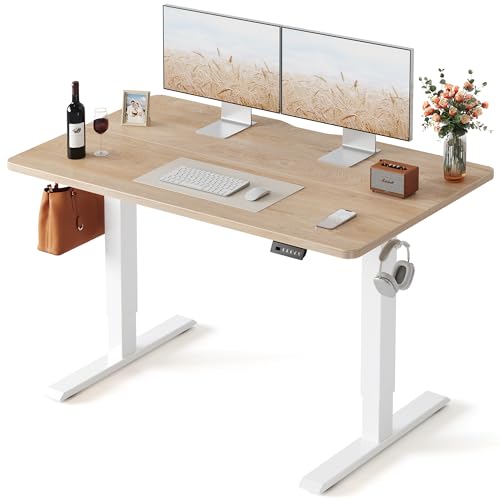
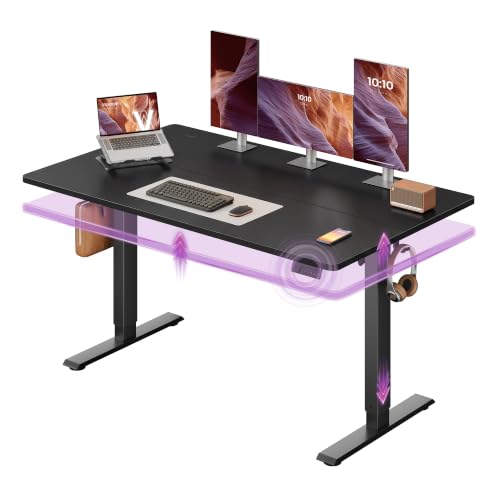
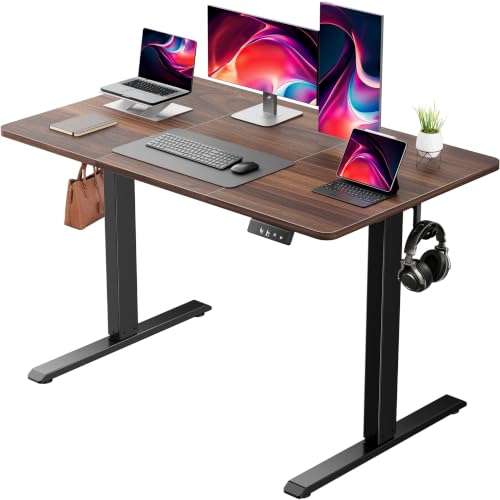
What to Check in Home Office Desks
What You Can Realistically Get on a Budget
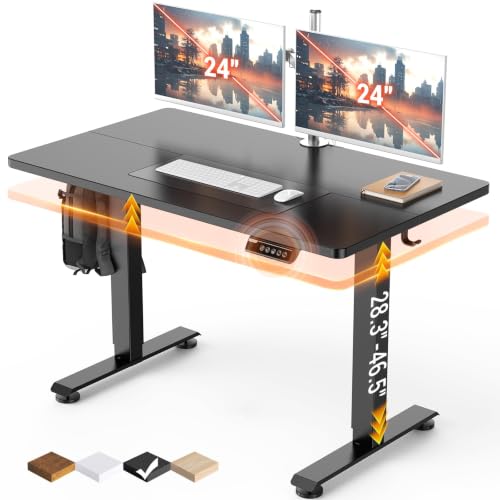
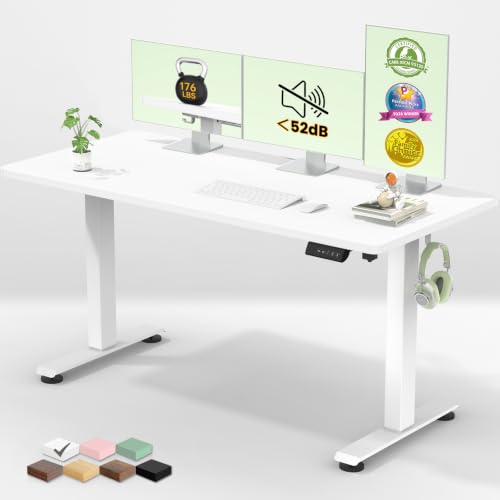
At around $100 to $250, you can expect a laminate top on a steel or engineered wood frame, basic cable routing, and on some models one or two drawers or shelves. Electric height adjustable standing desks now start near $100 to $150 as well, usually with a plain laminate top. Solid wood tops and large corner surfaces usually cost more. Do not save money by accepting a thin top or a frame with a single cross bar. Surface thickness and frame bracing decide whether the desk still feels solid after a year of daily leaning, typing, and monitor weight.
Ergonomics and Adjustability
Standard desk height is about 29 to 30 inches, which suits many adults when the chair height is set so feet rest flat and elbows sit near a right angle. If you are well above or below average height, look for adjustable legs or plan a keyboard tray to close the gap. Knee space matters as much as top height. You want at least about 24 inches of clear height and enough width to turn toward a side table without hitting a modesty panel or drawer unit.
Monitor position finishes the ergonomic picture. Your screen top should sit near eye level and about an arms length away, which often means a monitor stand on a shallow desk. When you compare layouts, our guide to the best computer desks for home office shows how surface depth changes screen distance and speaker placement.
Materials and Finish
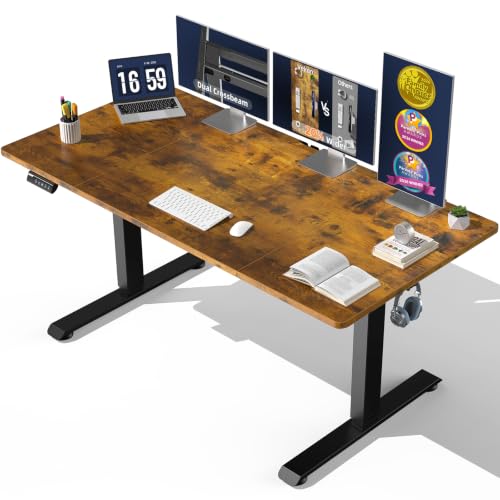
Most budget tops are MDF or particle board under a laminate or melamine finish, and a good finish resists stains and wipes clean without peeling at the edges. Check edge banding closely in photos, because exposed board at the front edge absorbs moisture and swells. Steel tube frames with a powder coat finish resist rust and stay rigid, while all wood frames can flex at the joints over time. A thicker top, around three quarters of an inch or more, sags less between supports than a thin panel.
Comfort at the Desk
Comfort at a desk is about edges, leg room, and surface feel more than padding. A front edge that is slightly rounded or well finished will not dig into your forearms during long typing sessions. The surface should stay cool and smooth, without a sticky finish that grabs your wrists or a rough grain that wears mouse pads quickly. Leave room under the top for your legs to shift during the day. Small posture changes reduce stiffness far better than sitting locked in one perfect pose for eight hours.
Size, Dimensions, and Weight Capacity
Start with the smallest surface that fits your real gear. A single laptop works on about 40 inches of width, while dual monitors usually need 55 to 63 inches plus room for speakers or a notebook. Depth of 24 inches is a workable minimum, and 28 to 30 inches feels better with large monitors. Check the stated weight capacity against your gear total, including monitors, a desktop computer, and books, and keep a margin rather than loading the top to its limit. For tight rooms, our guide to the best small desks for home office covers compact layouts that still protect knee space.
Assembly and Delivery
Most budget desks arrive flat packed and take about 30 to 90 minutes to build with the included tool plus your own screwdriver. Clear instructions, labeled parts, and spare screws are good signs of a maker that supports its buyers. Build the desk in the room where it will live if the doorway is narrow, and keep two people for flipping a large top upright. Tighten frame bolts in stages so the legs pull down evenly, then check for rocking on your actual floor before you load any gear.
What Each Price Tier Delivers
Instead of chasing a single top choice, match the tier to your gear and your hours. Each tier below describes what that money usually buys and what it leaves out, so you can compare any model in the product table above against the right standard.
Entry Tier for Light Laptop Work
Around $80 to $150, expect a compact straight desk with a laminate top, simple steel legs, and little or no storage. This tier suits a laptop, a lamp, and a notebook, and it works well in a bedroom corner or a shared living room. The limits are surface depth and weight capacity, so a second monitor often crowds the space. Choose this tier only when your gear list is short and likely to stay short, and spend the savings on a good chair and a monitor stand.
Mid Tier for Daily Full Time Work
Around $150 to $300, tops get wider and thicker, frames gain cross bracing, and many models add drawers, a side shelf, or a raised monitor ledge. This is the sweet spot for most home workers with one or two monitors and a full day schedule. Cable trays and grommet holes appear more often, which keeps chargers off the floor. If you work full time at home, this tier usually gives the best balance of stability, storage, and price, and it is where careful buyers should start.
Upper Tier for Heavy Gear and Long Hours
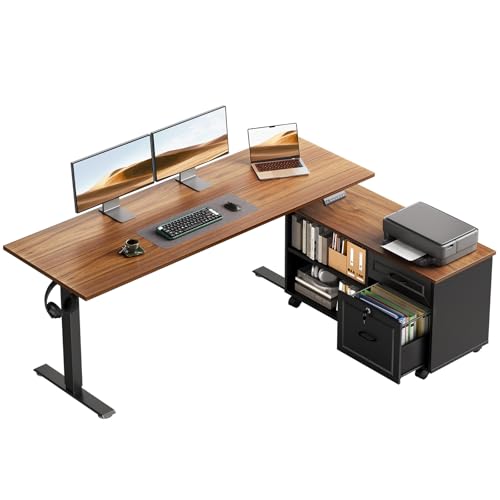
Around $300 to $500, you may find larger corner surfaces, stronger frames rated for heavy desktop setups, and in some cases manual or basic electric height adjustment. The gain is space and load handling, not magic comfort. Buy this tier when your gear truly needs the room or when you share the desk across shifts. Readers who want full height adjustment as the main feature should compare our guide to the best home office standing desks rather than paying extra for a fixed desk with more drawers.
Quick Buyer Checklist
- Does the width fit your monitors, keyboard, and notebook with room to spare?
- Is the depth at least 24 inches so your screen can sit at a healthy distance?
- Does the knee space clear your chair arms and let your legs move freely?
- Is the stated weight capacity well above the total weight of your gear?
- Does the frame have cross bracing so the top will not sway side to side?
- Is there a sensible route for cables that keeps chargers off the floor?
- Will the packed box and the built desk pass through your doors and stairs?
- Does the warranty cover the frame and top for at least one full year?
Your chair and desk work as a pair, so size them together. If you are replacing both, our guide to the best desk chairs for home office explains seat height ranges that pair well with standard desk heights.
Red Flags to Watch For
- No weight capacity listed. A maker that hides load limits gives you no way to judge the frame or top strength.
- Photos with no underside view. Missing shots of bracing and leg joints often hide the weakest part of the design.
- Vague material words. Terms like premium wood with no mention of MDF, particle board, or solid wood tell you nothing about sag or edge life.
- Very short warranty. Coverage under one year on a desk you will load daily signals low confidence from the maker.
- Reviews that praise only looks. A pattern of comments about wobble, peeling edges, or missing parts matters more than praise for color.
Tips to Get the Most From Your Home Office Desk
Set your chair height first so your feet rest flat, then adjust your screen and keyboard to meet your body, not the other way around. Tighten the frame bolts every few months, because daily movement slowly loosens joints and invites wobble. Wipe the surface weekly and use coasters, since rings and heat marks are the most common early damage on laminate tops. A small cable tray under the rear edge keeps the floor clear and makes cleaning far easier.
For a broader shortlist across budgets and room sizes, see our guide to the best home office desks after you finish this checklist.
Frequently Asked Questions
How do I choose the right size?
List every item that must live on the surface, then add about 20 percent extra width for daily clutter like a mug, phone, and notebook. One monitor and a laptop fit most 47 to 55 inch desks, while dual monitors call for 55 inches or more. Also measure the wall, not just the gear. A desk that fits the gear but blocks a door swing or a heating vent will annoy you every single day.
How long should a good home office desk last?
A well built budget desk used daily should last about five to eight years before the finish or joints show real wear. The top usually ages first at the front edge, where arms rest and moisture from drinks collects. You can extend its life by tightening bolts twice a year and keeping liquids in bottles with lids. When a top sags in the middle under normal gear, replacement is safer than adding more weight.
Is an expensive home office desk worth it?
It is worth it only when the extra money buys a thicker top, a stronger frame, or height adjustment you will use daily. Paying more for a fashion finish alone rarely improves your workday. Many full time workers get better value from a mid tier desk plus a quality chair and monitor arm. Decide which upgrade removes a daily annoyance, and fund that one first instead of spreading money thinly across looks.
What features matter most for long hours?
Surface depth, knee space, and a stable frame matter most, because they shape your posture for the whole day. A monitor ledge or arm that raises the screen to eye level comes next, since neck strain builds slowly and quietly. Storage ranks lower than most buyers expect. Drawers you rarely open add cost and steal leg room, while one open shelf for daily items often serves you better across a long shift.
The Bottom Line
Judge by surface size, frame bracing, and knee space first, then by storage and finish. Match the price tier to your gear list and your hours, and confirm the warranty before you order. With those checks done, the best affordable home office desks in the comparison table above become easy to sort, and the right one for your room should stand out clearly.