
Best Affordable Laptops under 1000: Which Type Is Right for You 2026
Disclosure: We may earn a commission when you buy through links on this page, at no extra cost to you. As an Amazon Associate I earn from qualifying purchases. Learn more

Best affordable laptops under 1000: Compare ultraportables, budget machines and gaming models, and learn which specs are worth paying for at this budget.
A budget of $1,000 sounds simple until you start shopping. On one shelf sit feather light travel machines, on another sit bulky gaming models, and tablets with keyboard cases promise to do it all. The best affordable laptops under 1000 are not one kind of device, and picking the right type matters more than picking the right spec.
This guide compares each type honestly, with typical prices, strengths, and limits, and shows how the comparison table below groups them so you can start from the shape that fits your life.
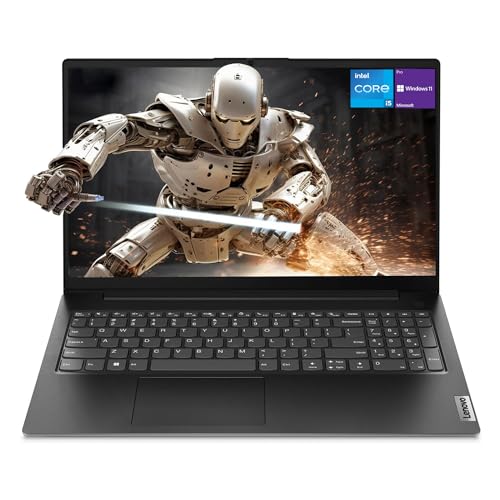
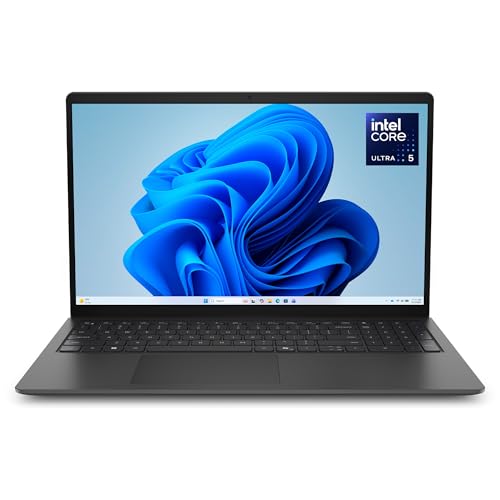
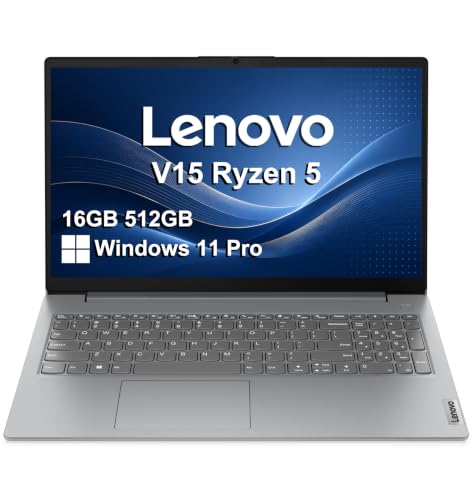


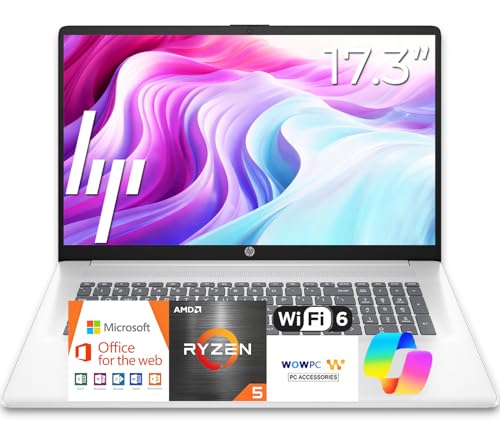

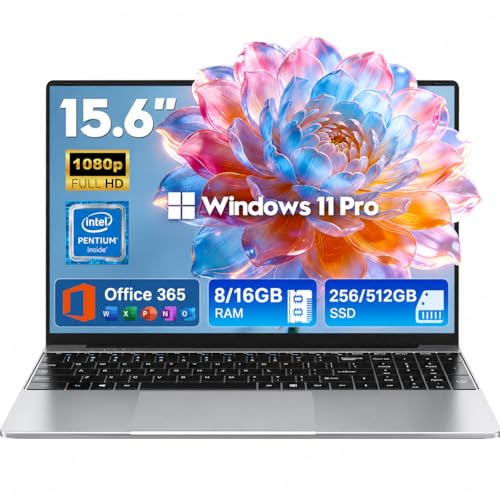
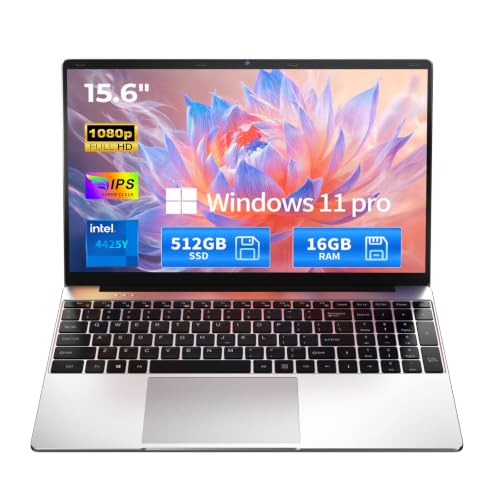
Types of Laptops Compared
Four types dominate this price range. Read each profile, note which daily routine sounds like yours, and then compare models of that type in the product table above rather than across types.
Tablets
A tablet with a detachable keyboard works like a touchscreen first and a laptop second. Prices with a keyboard and stylus included usually run about $400 to $900. The strengths are weight, instant wake, and excellent battery life for reading, notes, and media. The limits are real: laptop style multitasking is weaker, ports are few, and long documents are tiring to edit. Choose a tablet if your work is mostly reading, markup, and short writing, or if you already own a desktop for heavy tasks.
Budget Laptops
A budget laptop is the classic clamshell design priced around $400 to $700. It offers the most storage and RAM per dollar, a full keyboard, and easy connections for printers, monitors, and drives. Build quality and screens are the usual compromises, and most weigh 3.5 to 4.5 lb. This type suits home workers, students, and families who want one dependable machine for documents, browsing, school platforms, and video calls without paying for thin and light engineering.
Ultraportables
Ultraportables trade a little power and a higher price, typically about $700 to $1,000, for thin metal bodies that weigh under 3 lb. They add brighter screens, better keyboards, and longer battery life, which makes them the natural choice for commuters, frequent travelers, and anyone who works in cafes or shared offices. You give up ports and upgrade options, and repairs can cost more. If your laptop leaves the house daily, this is usually the type worth stretching for.
Gaming Laptops
Gaming laptops under $1,000 pair a midrange processor with a dedicated graphics card and a fast refresh rate display, usually around $800 to $1,000 on sale. They are the only type here that plays modern games well or accelerates video rendering. The costs are weight of 5 lb or more, loud fans under load, and battery life that can drop to 3 or 4 hours away from a charger. Choose one if gaming or 3D work is a genuine priority, not a someday idea.
For a second opinion on how these types rank in practice, see our guide to the best reviewed laptops under 1000, which looks at owner feedback across the same price band.
Tablets vs Budget Laptops: Which Should You Choose?
On typing comfort, the budget laptop wins easily, with a stable base and a full size keyboard for long sessions. On portability and battery, the tablet wins, often lasting 10 hours or more and weighing half as much. For software, the laptop runs full desktop programs, while the tablet depends on mobile apps and web tools, which is fine for documents but weak for specialist programs. For total cost, remember the tablet keyboard and stylus are often extras of about $100 to $250.
Choose the tablet if you read, annotate, and travel constantly. Choose the budget laptop if one device must handle every task, including printing, file management, and long writing days. Many households end up happiest with the laptop first and a basic tablet added later.
How to Choose the Best Affordable Laptops under 1000
Processor and Performance Tier
At this budget, aim for a current Intel Core or Core Ultra 5 or 7 class processor, an AMD Ryzen 5 or 7, or an Apple M series chip in machines near the top of the range. These handle office work, dozens of browser tabs, and light creative tasks without strain. Generation matters more than tier: a new midrange chip often beats an older flagship. If you compare listings in our guide to the best laptops under 1000 dollars, sort by processor generation first.
What You Can Realistically Get Under $1000
Under $1,000 you can expect 16 GB of RAM, a 512 GB SSD, a sharp 14 inch display, and an aluminum body on many models. That is a genuinely complete laptop with no serious weakness for everyday work. What still costs extra is a top tier OLED screen, the strongest graphics cards, and 32 GB of RAM. Do not sacrifice the SSD size or RAM to pay for a touchscreen you may rarely use.
Graphics (Integrated vs Dedicated GPU)
Integrated graphics now handle streaming, photo editing, and casual games smoothly, and they sip power. A dedicated GPU is worth paying for if you play demanding games, edit 4K video, or run 3D and CAD software. Expect it to add about $150 to $300 over a similar integrated model, plus weight and fan noise. Buyers focused on office work should skip it and spend the savings on a better screen.
Weight and Portability
Weight shapes how often you actually carry the machine. Under 3 lb feels effortless for students and commuters, while over 4.5 lb tends to stay on a desk. Students crossing campus daily should treat 3 lb as the target, the same advice we give in our guide to the best affordable laptops under 500, where lighter models are rarer and worth hunting for.
Operating system choice often settles the type question too. If you already know you want Windows, our guide to the best windows laptops under 1000 narrows this same budget to Windows models only.
How to Make Your Laptop Last Longer
- Keep the operating system and firmware updated. Updates fix security holes and the battery drain bugs that quietly shorten a machine life.
- Avoid running at 100 percent charge all the time. Desk bound users should enable the built in battery limit, often 80 percent, to slow wear.
- Use a padded sleeve when commuting. Cracks and bent corners almost always happen in transit, not in use.
- Leave room on the SSD. Drives slow down and wear faster when kept nearly full, so keep about 15 percent free.
Frequently Asked Questions
Can you get a good laptop under $1000?
Yes, $1,000 buys a genuinely good laptop with 16 GB of RAM, a fast SSD, a bright screen, and all day battery life. The main things you give up versus pricier models are premium screens, the strongest graphics, and the thinnest designs. For office work, study, and light creative tasks, most people would not feel the difference in daily use.
Should I buy a laptop or a tablet?
Buy a laptop if it will be your only computer. It runs full software, connects to everything, and stays comfortable during long work sessions. A tablet suits readers, note takers, and travelers who value weight and battery above all. If you split the difference, a lightweight laptop plus cloud storage covers both roles better than a tablet straining to be a laptop.
How much RAM do I need?
Sixteen gigabytes is the right target at this price and keeps a laptop fast for years of browser tabs, office apps, and video calls. Eight gigabytes works for light use but leaves little headroom. Creative workers handling large photo libraries or virtual machines should look for 32 GB, accepting that it may push a model close to the top of this budget.
Is a Chromebook enough for school?
For many students, yes. Chromebooks handle web based classes, documents, and video calls well and cost less than Windows laptops of similar build. The catch is specialist software: some science, engineering, and exam programs require Windows or macOS. Check the school software list before buying, because that one requirement decides the question more than any spec does.
Is a dedicated GPU worth it?
It is worth it for gaming, 3D work, and serious video editing, where it can cut render times dramatically. For documents, browsing, and streaming it adds cost, weight, heat, and fan noise while delivering nothing you will notice. A useful test: name the program you will run weekly that needs it. If you cannot, put the money toward RAM or a better display.
How long should a laptop last?
A well chosen laptop under $1,000 should last four to six years for everyday work. Battery wear is usually the first limit, often after three to four years of daily charging. Choosing 16 GB of RAM and a 512 GB SSD from the start delays the slowdowns that make people replace machines early. Business users planning long service lives may prefer the models in our guide to the best business laptops under 1000, which favor durable builds and longer warranties.
Our Verdict
Pick the type first, then the specs. Ultraportables suit daily carriers, budget laptops suit value focused homes, gaming models suit players, and tablets suit readers. Within your type, insist on 16 GB of RAM, a 512 GB SSD, and a screen you enjoy looking at. Compare the shortlist in the product table above, and the best affordable laptops under 1000 for your routine will stand out clearly.


