
Best Affordable Laptops for Working from Home: What to Check Before You Buy 2026
Disclosure: We may earn a commission when you buy through links on this page, at no extra cost to you. As an Amazon Associate I earn from qualifying purchases. Learn more

Best affordable laptops for working from home: Memory, webcam, keyboard and battery checks that keep video calls and long remote workdays comfortable.
Working from home puts a laptop to work for eight hours a day, on video calls, in dozens of browser tabs, and often at a kitchen table. The best affordable laptops for working from home are the ones that handle that load without strain: enough memory, a solid state drive, a clear webcam and microphone, and a keyboard that stays comfortable all day.
This guide explains which specs matter for remote work, how the main laptop types differ, and what a realistic budget buys. Use the product table above to compare specific models, then use the checks below before you order.
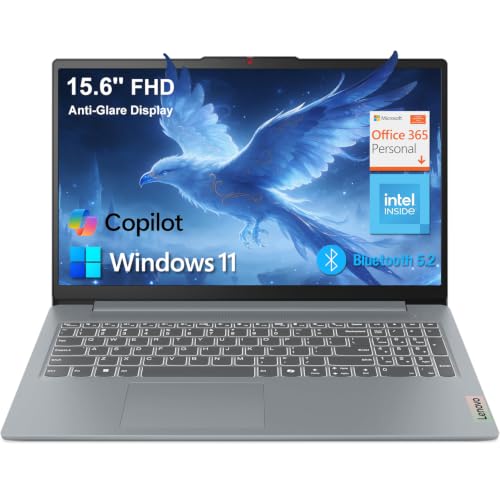
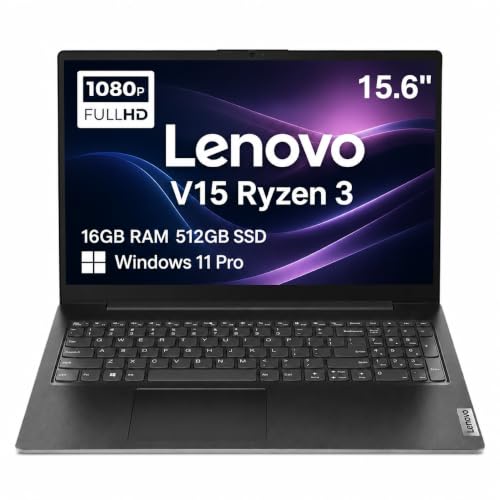

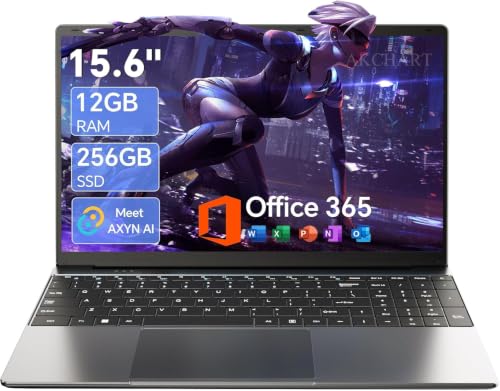
What the Best Affordable Laptops for Working from Home Need
A remote workday asks for steady performance rather than peak speed. Plan on 8 GB of RAM at the minimum and 16 GB if you keep many tabs, chat apps, and a video call open together. An SSD of 256 GB or more keeps start up and file loading quick, and a recent Intel Core, AMD Ryzen, or Apple M series chip handles office software without lag.
Key Features for Remote Work
Webcam, Microphone, and Speakers
Many budget laptops ship with a 720p camera that looks soft in dim rooms. A 1080p camera and a decent microphone make calls clearer, but if your laptop falls short, a separate webcam and headset are a cheap fix. Look for a physical privacy shutter if you share the space with others.
Keyboard and Display
A full size keyboard with good key travel matters more than most other features if you type all day. Choose a full HD display with an anti glare finish for fewer headaches under window light, and 15.6 inches if you work without an external monitor.
Ports and Connectivity
Docks, monitors, and headsets all need connections. A USB C port that supports charging and video output, two USB A ports, HDMI, and WiFi 6 cover most home offices. An Ethernet port on business style models gives the steadiest connection for long calls.
Battery Life
If you move between rooms or work from cafes, aim for a battery that lasts a full work session. Real use usually reaches about two thirds of the maker rating, so choose a rated figure of nine hours or more.
Types of Laptops Compared
The table below compares the main types of laptops for working from home. Use it to narrow your search, then read the details that follow before you decide.
| Type | Best For | Notes |
|---|---|---|
| Standard home office laptops | desk based remote work | Comfortable screen, strong keyboard |
| Portable home office laptops | room to room work | Light weight, long battery |
| 2 in 1 home office laptops | notes and flexible setups | Touch screen, varied modes |
Standard 15.6 inch laptops give the best value and the largest screen, portable 13 to 14 inch models suit people who move around, and 2 in 1 designs add a touchscreen and pen support for notes. Most affordable models cost about $400 to $1,000, and spending more mostly buys a lighter body, a brighter screen, and longer battery life.
Home Office Setup Tips
A laptop alone is a poor desk setup. Raise the screen to eye level with a stand or a stack of books, and use an external keyboard and mouse for long days to protect your wrists and neck. Keep the vents clear, plug in a surge protector, and back up work files to the cloud or an external drive.
Update the operating system and drivers before your first big call, and set up a second display if your work involves spreadsheets or documents side by side.
Mistakes to Avoid
- Buying 4 GB of RAM, which struggles with video calls plus a browser.
- Choosing a hard drive instead of an SSD.
- Ignoring the webcam and microphone until the first meeting.
- Skipping the return terms, which matter if the keyboard or screen disappoints.
- Paying for a gaming graphics card that office work never uses.
Related Guides
For brand focused views, see our guides to the best hp laptops for working from home and the best dell laptops for working from home. You can also compare the wider best laptops for working from home, the best pc laptops for working from home, and the best affordable work from home laptops.
Frequently Asked Questions
How much RAM do I need to work from home?
Eight gigabytes is the workable minimum. Sixteen gigabytes gives more room for video calls, many browser tabs, and office apps running together.
What should I budget for a work from home laptop?
Plan on about $400 to $1,000. Spend toward the middle of that range if your laptop is your main work computer, and prioritize memory and storage over extras.
Do I need a laptop with a good webcam?
If you spend hours on video calls, yes. If the built in camera is weak, an external webcam is an inexpensive upgrade.
How long should a work laptop last?
With care, four to five years of daily use is realistic, although the battery usually fades first. Keep software updated and back up your files regularly.
Should I choose a Chromebook for remote work?
Only if your work lives in a browser. If you need installed desktop programs or a company VPN client, choose a Windows laptop.
Final Thoughts
Match memory, storage, and keyboard comfort to your workday, and treat the webcam and ports as the next priority. Compare your shortlist in the product table above, and you can choose among the best affordable laptops for working from home with confidence.


