
Best Affordable Laptops for Teachers: A 2026 Checklist and Smart Buying Guide
Disclosure: We may earn a commission when you buy through links on this page, at no extra cost to you. As an Amazon Associate I earn from qualifying purchases. Learn more

Use this clear checklist to choose the best affordable laptops for teachers, covering battery life, keyboards, ports, displays, and classroom value.
Teachers ask a lot of one laptop. It runs a learning platform all day, drives a classroom display, handles grading and lesson planning at night, and travels between rooms or schools in between. This checklist helps you judge best affordable laptops for teachers by classroom needs first, so you spend on what you will actually feel.
Set your minimums with the criteria below, then use the product table below to check your shortlist. Many readers searching for the best laptops for teachers are really asking one question: what will still feel fast and reliable in year three?

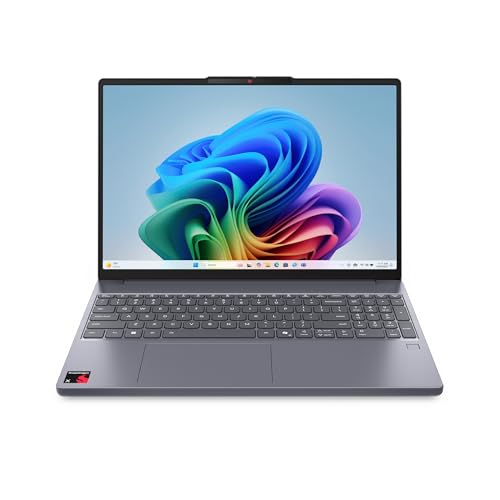

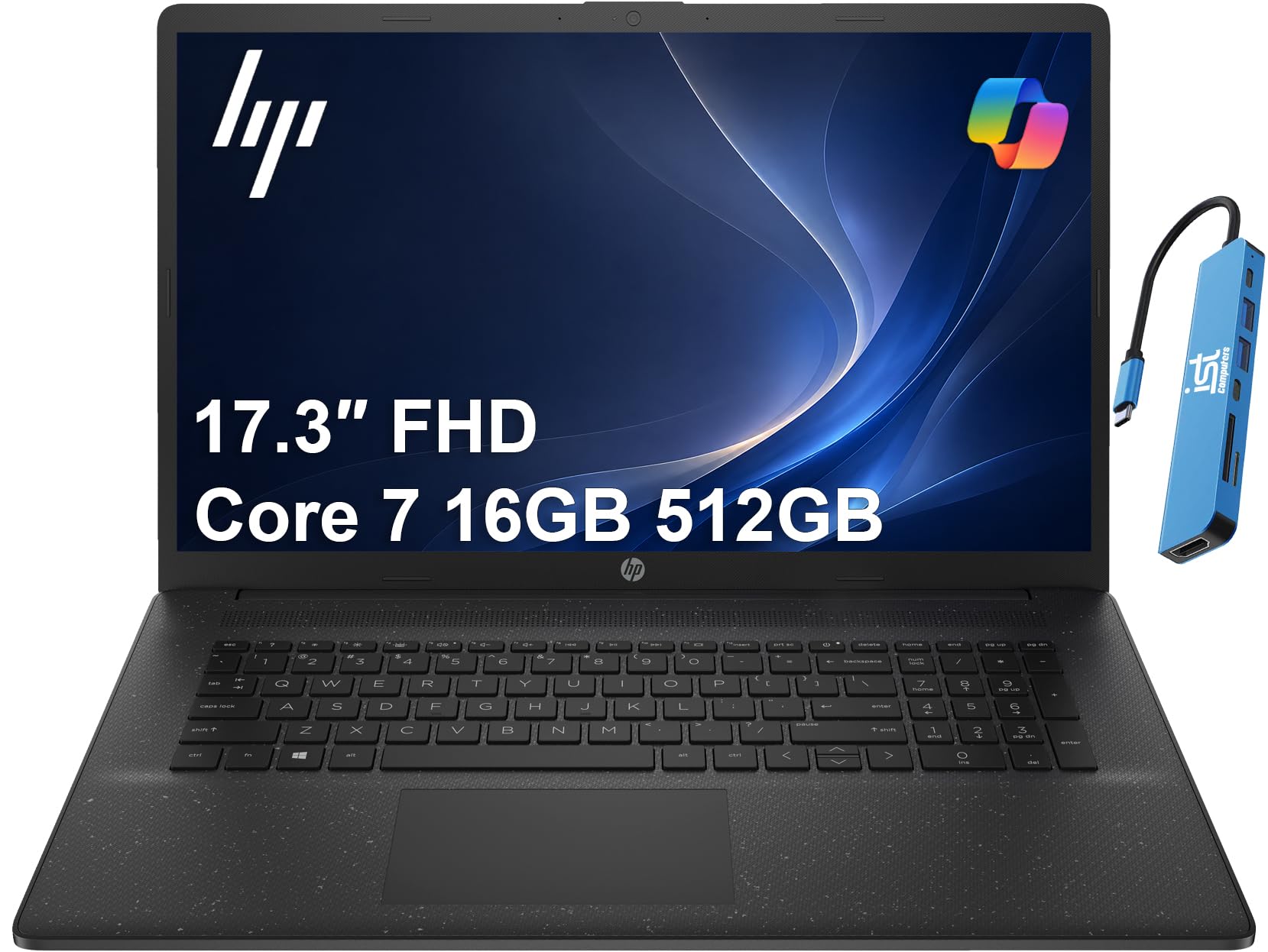
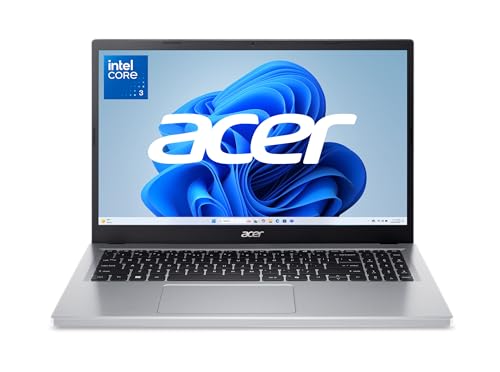


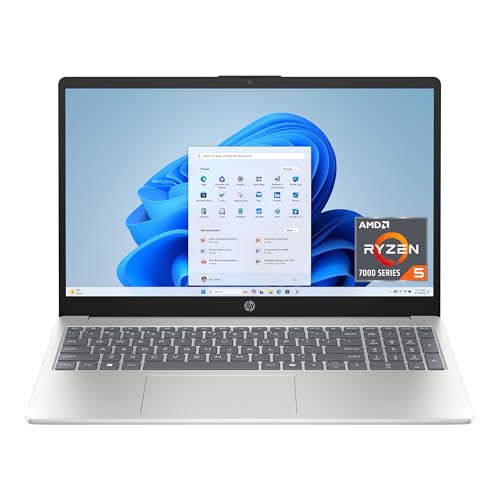

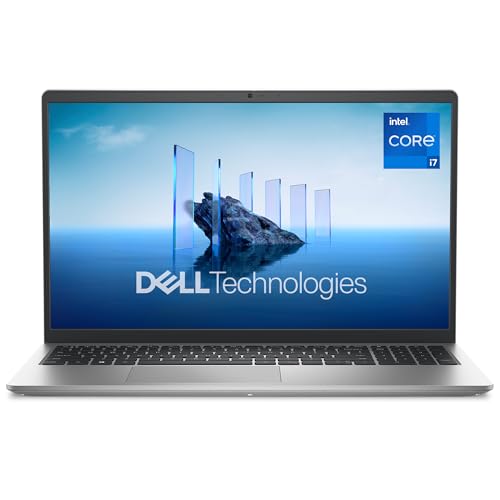
How to Evaluate Laptops
What You Can Realistically Get on a Budget
Around $500 to $800 is a realistic budget for a dependable teacher laptop. At that level you can expect a solid state drive, a full HD screen, and enough speed for browsing, documents, video calls, and classroom software. You will usually give up the thinnest metal case, an OLED screen, and the longest battery life, which is a fair trade for most classrooms.
Features That Matter for Teachers
Teachers switch tasks constantly. You present slides, take attendance, answer parent email, join a video meeting, and grade in the same hour, often with twenty tabs open. That pattern rewards 16 GB of RAM, fast storage, and strong WiFi. A clear webcam and microphone matter for remote lessons and family meetings, and an HDMI port saves stress when a classroom display uses older connections.
Processor and Performance Tier
A current midrange processor is enough for nearly all teaching work. Intel Core Ultra, AMD Ryzen, and Apple M series chips in the middle tiers handle documents, browsers, video calls, and learning platforms easily. Step up only if you edit video for lessons, run design tools, or teach coding or media classes. Otherwise, put the savings toward RAM, storage, or a second charger for your classroom.
Keyboard, Trackpad, and Build
Grading and feedback mean hours of typing, so a firm keyboard with a clear layout is essential. Backlit keys help when you work in a dim classroom or at home at night. Look for a case that resists daily flex in a bag, hinges that feel solid, and a trackpad large enough for precise work when no mouse is nearby. Spill resistant keyboards, where offered, are a sensible classroom bonus.
Weight and Portability
Weight shapes your day more than most specs. A laptop under about 3.5 pounds is easy to carry between classrooms, to meetings, and home for evening grading. A 13 or 14 inch model fits crowded teacher desks and small bags well. Larger screens help with spreadsheets and split screen grading, but weigh the benefit against the daily carry before you choose a 16 inch model.
RAM and Storage
Aim for 16 GB of RAM and a 512 GB solid state drive if your budget allows. That pairing keeps a learning platform, gradebook, email, and presentation tools open together without slowdowns. Eight GB and 256 GB can work for light use, especially with cloud storage from your school, but they leave less room as files and software grow over a few school years.
Display Size, Resolution, and Brightness
Choose full HD resolution at minimum, with brightness around 300 nits or more for rooms with big windows. A 14 inch screen balances readability with portability for most teachers. If you grade long essays on screen, consider a model that drives an external monitor well, so you can add a larger display at your desk later. Touchscreens and 2 in 1 convertibles help for marking up work, but they are optional.
What a Laptop That Passes This Checklist Looks Like
Balanced Profile
The best overall profile for a teacher pairs a midrange processor with 16 GB of RAM, a 512 GB drive, a bright 14 inch screen, and battery life that covers a school day. It includes HDMI and USB C ports, a good webcam, and a backlit keyboard. Around $700 to $900 on sale is a fair range for that balance, and it should stay useful for four or more school years.
Budget Profile
The best value profile keeps 16 GB of RAM if possible, accepts a standard full HD screen and a plastic or partly metal case, and uses a slightly older processor generation. That mix often lands around $500 to $650 and still handles classroom work well. If you must cut one thing, cut screen extras before RAM. Our guide to the best and affordable laptops shows similar value trade offs across categories.
Compact Profile
The best compact profile suits teachers who move rooms often or travel between schools. It uses a 13 inch screen, weighs under about 3 pounds, and favors battery life and USB C charging over extra ports. Expect around $650 to $950.
Carry a small adapter for HDMI, and you lose little else. Readers who like this size can also browse our guide to the best notebook laptops.
Quick Buyer Checklist for the Best Affordable Laptops for Teachers
- Does it have 16 GB of RAM, or at least 8 GB with light classroom software only?
- Is storage a solid state drive of 512 GB, or 256 GB with school cloud storage you trust?
- Will the battery last a full school day of classes, meetings, and grading?
- Does it have HDMI and USB C ports for your classroom display and accessories?
- Is the webcam and microphone clear enough for remote lessons and family meetings?
- Can you type comfortably on the keyboard for a full grading session?
- Is it light enough to carry between rooms and home every day?
- Does your school require a specific operating system or management software?
If your school issues software centrally, confirm requirements with your technology coordinator before you buy. Students preparing to teach may also compare our guide to the best affordable laptops for students for lower budget starting points.
Red Flags to Watch For
- Only 128 GB of storage. Lesson files, photos, and offline materials will fill it quickly, even with cloud help.
- A dim or low resolution screen. Reading student work on a poor screen causes real eye strain over a school year.
- No HDMI or display output. Classroom projectors and panels vary, and a missing port can mean a failed first period.
- Battery claims with no real hours listed. Vague promises often hide a small battery that will not cover a school day.
- Unclear warranty or return terms. A work tool for school needs support during term time, not a long repair wait.
Gaming power is a common false economy here. If a listing leads with graphics, compare it with our guide to the best gaming laptops affordable to see how much of the price is power a classroom rarely uses.
Setup and Care Tips
Keep the operating system and firmware updated, and set up school email, your learning platform, and cloud storage before the first week of term. Try the laptop with your actual classroom display and clicker on a quiet afternoon, not five minutes before students arrive.
Avoid running at 100 percent charge all the time if the laptop stays plugged in at your desk, and use a padded sleeve when commuting. Back up lesson plans and grade exports to your school cloud weekly, so a lost laptop never means lost records.
FAQs
What features matter most in laptops for teachers?
Battery life, RAM, keyboard comfort, and display connections matter most for teachers. Sixteen GB of RAM keeps platforms and gradebooks responsive, while HDMI and USB C ports connect you to almost any classroom screen. When people compare the best laptops for teacher use on a budget, those four points separate a calm school day from daily friction.
Should I buy a laptop or a tablet?
Buy a laptop as your main teaching tool. You need a full keyboard for feedback and planning, easy file handling, and reliable connections to classroom displays. A tablet works well as a second device for reading, attendance on the move, or marking up documents. Many of the best laptops for teachers now offer touchscreens, which covers much of that tablet role in one device.
Is a dedicated GPU worth it for teachers?
A dedicated GPU is not worth it for most teachers. Integrated graphics handle slides, video, browsers, and learning platforms easily. Media, design, and gaming teachers are the exception, because their software uses graphics power directly. Everyone else gains more from spending that money on RAM, storage, battery life, or a lighter case for the daily carry between rooms.
How long should a laptop last for a teacher?
A teacher laptop should last four to five years with normal care. Battery wear is the most common reason to upgrade sooner, so models with available replacement batteries or strong service support age better. Buying 16 GB of RAM and a roomy drive at the start is the simplest way to keep the laptop useful across several school years.
How much RAM do I need as a teacher?
Aim for 16 GB of RAM as a teacher. A learning platform, gradebook, email, video calls, and many browser tabs can run at once during a busy day, and 16 GB handles that mix smoothly. Eight GB is workable only for light use with few apps open, and it will feel tighter each year as platforms grow heavier.
Is a Chromebook enough for school teaching?
A Chromebook is enough only if your school runs fully on web based tools and supports Chromebooks for staff. Many schools require specific exam, grading, or management software that needs Windows or macOS. Ask your technology coordinator what staff devices must run before you buy, because the cheapest laptop is expensive if it cannot join your school systems.
The Bottom Line
Prioritize battery life, 16 GB of RAM, a comfortable keyboard, and ports that match your classroom display. Those four points decide whether your laptop helps your teaching or interrupts it, and they matter more than graphics power or a fashion thin case.
Check your shortlist against the product table above, and the best affordable laptops for teachers for your school and budget should stand out. Confirm your school requirements once, buy with time to set up, and start the term ready.


