
Best Affordable Laptops for Programmers: What Actually Matters Before You Buy for 2026
Disclosure: We may earn a commission when you buy through links on this page, at no extra cost to you. As an Amazon Associate I earn from qualifying purchases. Learn more

Use this checklist to choose the best affordable laptops for programmers, covering processors, RAM, storage, keyboards, displays, and value.
A programming laptop can look great on a specification sheet and still be miserable to code on for eight hours a day. This guide gives you a clear checklist first, so you can judge best affordable laptops for programmers by the things that affect compiling, multitasking, and typing, not by marketing labels.
Work through each criterion below, set your minimums, and then use the product table below to see which options clear your bar. When people ask about the best laptops to programmers on a budget, this checklist is the honest way to answer.

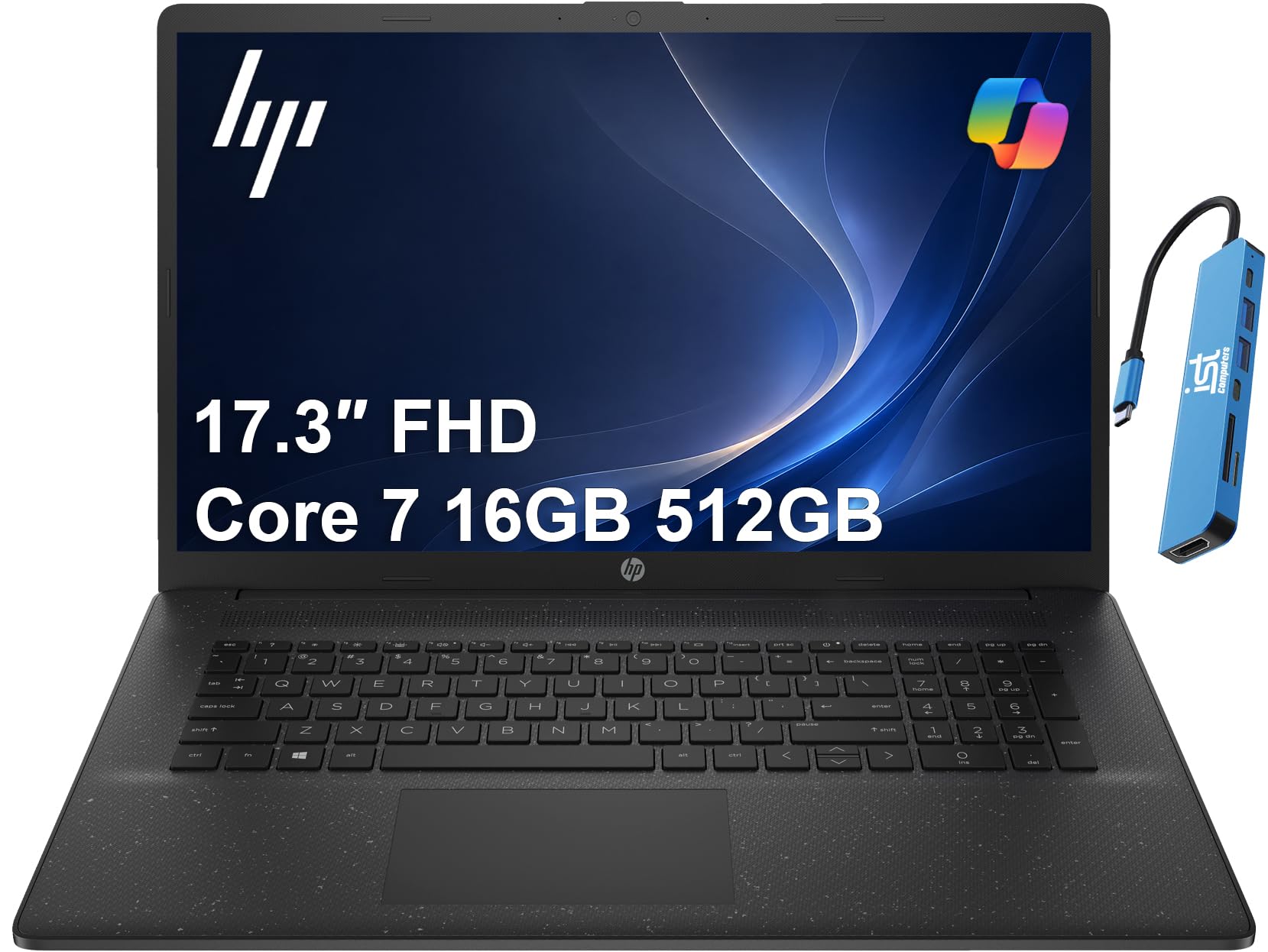

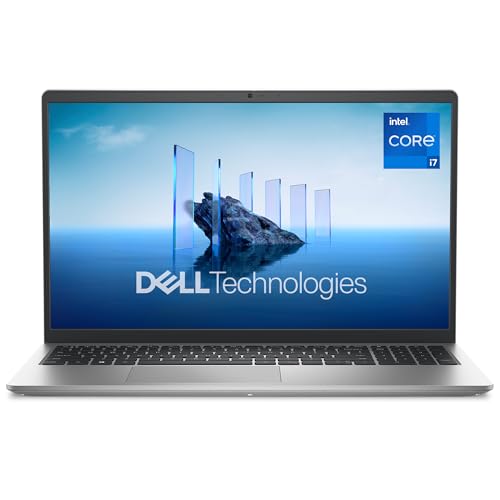

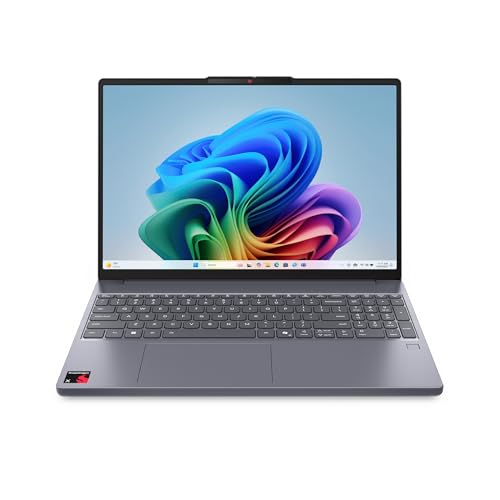



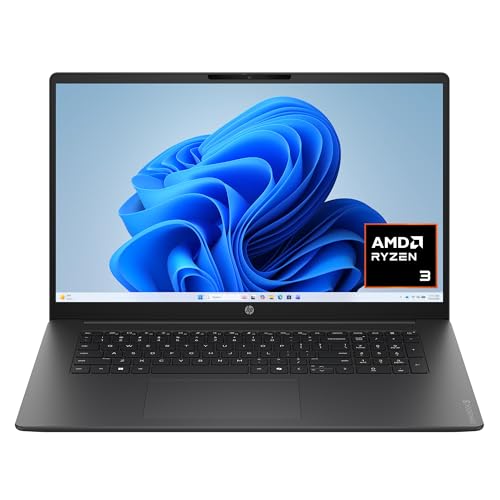
How to Evaluate Laptops
What You Can Realistically Get on a Budget
Around $600 to $900 buys a serious coding laptop if you spend on the right parts. Expect a strong midrange processor, 16 GB of RAM, a 512 GB solid state drive, and a full HD screen or better. You will give up premium metal cases, OLED panels, and dedicated graphics at the lower end, and that trade off is fine for most coding work.
Features That Matter for Programmers
Programmers keep many tools open at once. An editor, a browser with documentation, a terminal, a local server, and sometimes a virtual machine or containers all compete for RAM and processor power. That is why 16 GB of RAM is the practical floor and 32 GB is worth it for heavy container or data work. Fast storage matters every time you open a large project or install packages.
Processor and Performance Tier
Choose a current midrange or upper midrange processor with at least six cores if you compile often or run containers. Intel Core Ultra, AMD Ryzen, and Apple M series chips all perform well, and single core speed still matters for many everyday tasks. Avoid older entry level chips with only two or four weak cores, because build times and multitasking will suffer quickly.
Operating System (Windows, macOS, ChromeOS, Linux)
Pick the operating system your tools and team expect. Windows with its Linux subsystem suits most stacks and offers the widest affordable choice. macOS is required for iOS app work and is popular for web development, but it costs more. Linux gives you a native server like environment.
ChromeOS is too limited for most local development beyond light web based tools.
Keyboard, Trackpad, and Build
You will type all day, so keyboard quality is a performance feature. Look for firm keys with clear feedback, a sensible layout, and no tiny arrow keys if you navigate code by keyboard. A large, accurate trackpad helps when you work away from a desk. An aluminum or sturdy partly metal case resists flex, and a hinge that opens smoothly with one hand is a small daily pleasure.
Display Size, Resolution, and Brightness
A 14 inch screen at a resolution above full HD gives code more room and sharper text, which reduces eye strain. If you work at a desk with a monitor, a 13 or 14 inch laptop is easy to carry and still drives an external display well. Look for about 300 nits of brightness or more, and a matte finish if you work near windows. Refresh rate matters little for coding.
Graphics (Integrated vs Dedicated GPU)
Integrated graphics handle editors, browsers, and everyday development easily. A dedicated GPU earns its cost only for game development, 3D work, local machine learning, or GPU accelerated data tasks. It adds price, weight, heat, and fan noise, so skip it unless your projects name it. If gaming is a side goal, compare our guide to the best gaming laptops affordable to see what that step up costs.
What a Laptop That Passes This Checklist Looks Like
Balanced Profile
The best overall profile for most programmers pairs a strong midrange processor with 16 GB of RAM, a 512 GB or larger solid state drive, and a sharp 14 inch screen. It weighs under about 3.5 pounds, offers USB C charging, and has enough ports for a monitor and accessories without a dock. Around $800 to $1,000 is a fair range for this balance on sale.
Budget Profile
The best value profile keeps the same RAM and storage minimums but accepts a plastic case, a standard full HD screen, and last generation processor. That combination often costs around $550 to $750 and still codes very well. Value hunting works best when you protect RAM and storage and let case materials and screen extras go. For a broader view, see our guide to the best and affordable laptops.
Heavy Use Profile
Heavy use means large codebases, many containers, virtual machines, or local data work. That profile wants 32 GB of RAM, a 1 TB drive, and a processor with more cores, plus a cooling system that can sustain speed without loud constant fan noise. Expect around $1,000 to $1,400. If your daily work also includes office travel, our guide to the best affordable laptops for work covers lighter duty trade offs.
Quick Buyer Checklist for the Best Affordable Laptops for Programmers
- Does it have at least 16 GB of RAM, or a clear upgrade path to 16 GB or more?
- Is storage a solid state drive of at least 512 GB, with room for projects and tools?
- Does the processor have at least six modern cores for compiling and containers?
- Is the screen at least full HD, bright enough for your workspace, and easy on your eyes?
- Can you type on the keyboard for an hour without layout quirks slowing you down?
- Does it have USB C, HDMI or a display output, and enough ports for your monitor setup?
- Is battery life at least eight hours of light use for meetings and travel days?
- Does the warranty cover at least one year, with parts available in your country?
Students moving into programming can compare these points with our guide to the best affordable laptops for students, which uses lower minimums for general coursework.
Red Flags to Watch For
- Only 8 GB of RAM with no upgrade option. Modern editors, browsers, and containers will push past that quickly and cause slowdowns.
- A 128 GB or 256 GB drive on a work machine. Development tools, package caches, and containers consume storage faster than most buyers expect.
- Vague processor names. If a listing hides the exact chip model, assume it is an older or weaker part and check before you buy.
- A dim screen below 250 nits. Code is text, and a dim or low resolution screen makes long sessions tiring.
- Very short warranty or unclear seller details. A work tool needs support, and unusually glowing reviews with no detail are a reason to pause.
Readers who prefer a smaller form can also look at our guide to the best notebook laptops and apply the same RAM and storage minimums there.
Setup and Care Tips
Keep the operating system and firmware updated, because updates fix security issues and improve battery and fan behavior. Install your editor, version control, and runtime tools first, then clone one real project and run it before you customize anything else, so you know the base setup works.
Avoid running at 100 percent charge all the time if the laptop lives on a desk, and use any built in charge limit setting. Use a padded sleeve when commuting, back up your code to a remote repository daily, and clean the vents with gentle air every few months to keep cooling effective.
Laptops: Your Questions Answered
What features matter most in laptops for programmers?
RAM, processor cores, fast storage, and keyboard quality matter most for programmers. Sixteen GB of RAM and a solid state drive keep editors, browsers, and local servers responsive together. A sharp screen reduces eye strain during long sessions. For the best laptops to programmers on a tight budget, protect those four points before paying for graphics or style.
Is a Chromebook enough for school or coding?
A Chromebook is enough only for light web based coding and schoolwork in a browser. Most development needs local tools, containers, databases, and offline access that Chromebooks handle poorly or not at all. If your course or job expects standard desktop development tools, choose Windows, macOS, or Linux instead and save yourself a mid semester replacement.
How long should a laptop last?
A programming laptop should last four to six years if you buy enough RAM and storage at the start. Processors age slowly for coding, but memory and storage needs grow as tools and projects expand. A replaceable battery and upgradeable RAM or storage can extend life further, though many thin models now solder those parts in place.
Is a dedicated GPU worth it?
A dedicated GPU is worth it for game development, 3D work, and local machine learning. For web, mobile backend, scripting, and most business software, integrated graphics are fully sufficient. Skipping the GPU saves money, reduces heat and fan noise, and improves battery life, which most programmers will notice far more often than graphics speed.
Should I buy a laptop or a tablet?
Buy a laptop for programming, because you need a real keyboard, a full file system, and desktop development tools. Tablets are fine for reading documentation and watching lectures, but coding on one means workarounds for terminals, compilers, and window management. A laptop plus an external monitor is the most productive affordable setup for most developers.
How much RAM do I need?
Get 16 GB of RAM as your minimum for programming. That covers an editor, browser, terminal, and a local server or a few containers at once. Choose 32 GB if you run multiple virtual machines, large data tools, or many containers daily. Eight GB may start a very light web project, but it will feel tight within a year.
The Verdict
Judge every option by RAM, storage, processor cores, screen sharpness, and keyboard comfort, in that order. Those five points decide whether a coding laptop feels fast and pleasant two years from now, not just on unboxing day.
Use the product table above to check your shortlist against that standard, and the best affordable laptops for programmers for your stack and budget should be clear. Buy the machine that clears your checklist with room to grow.


