
Best Affordable Laptops for Designers: The Buyer Checklist for 2026
Disclosure: We may earn a commission when you buy through links on this page, at no extra cost to you. As an Amazon Associate I earn from qualifying purchases. Learn more

Use this buyer checklist for the best affordable laptops for designers to judge display quality, processor speed, battery life and build before you buy.
Design work exposes every weak point in a laptop. A dull screen changes your colors, a slow drive stalls your files, and a flexing keyboard makes long sessions tiring. This article gives you this checklist to judge best affordable laptops for designers in a clear order, so you can score any model in minutes. You will learn what good looks like for each part, what counts as a warning sign, and where a budget machine can safely save money.
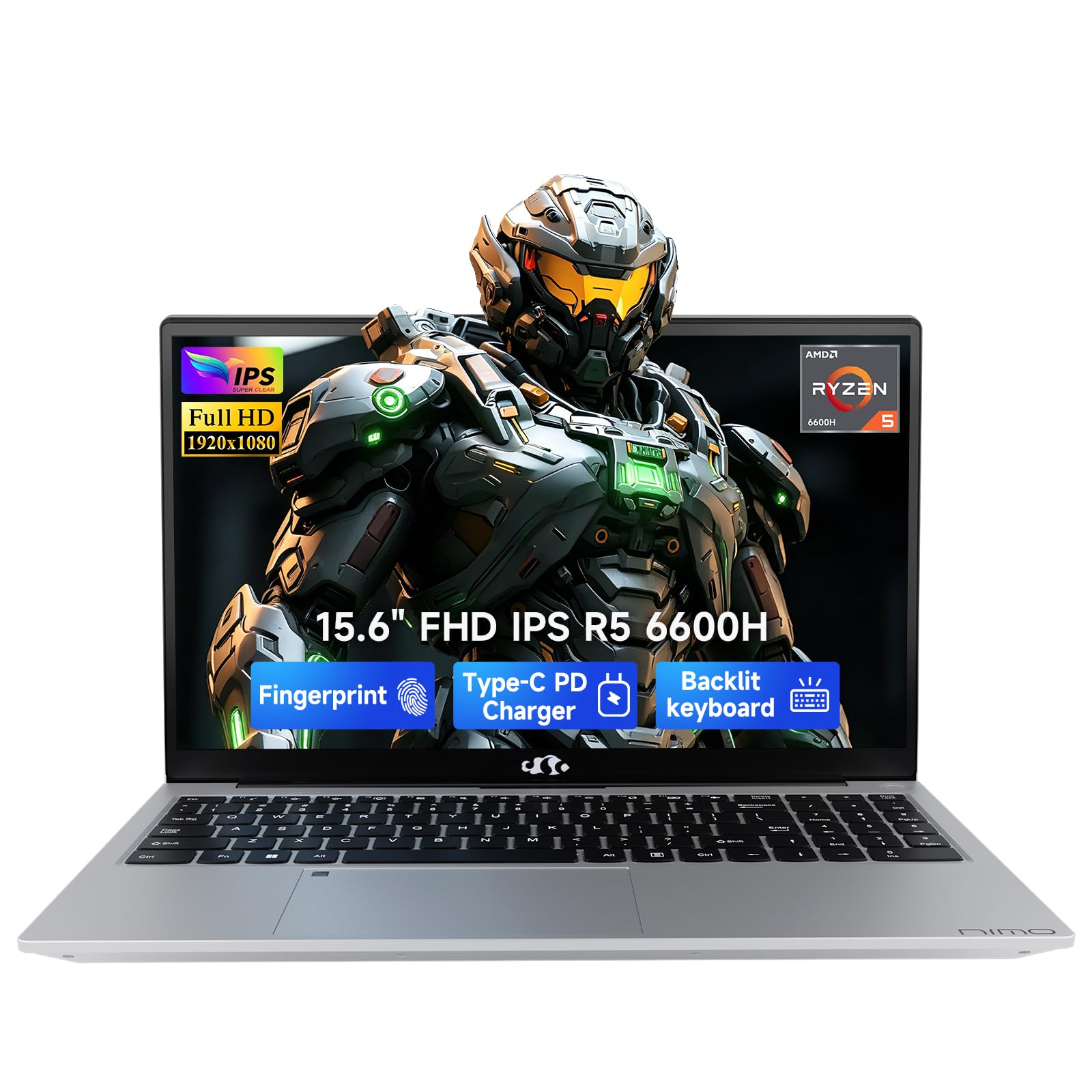
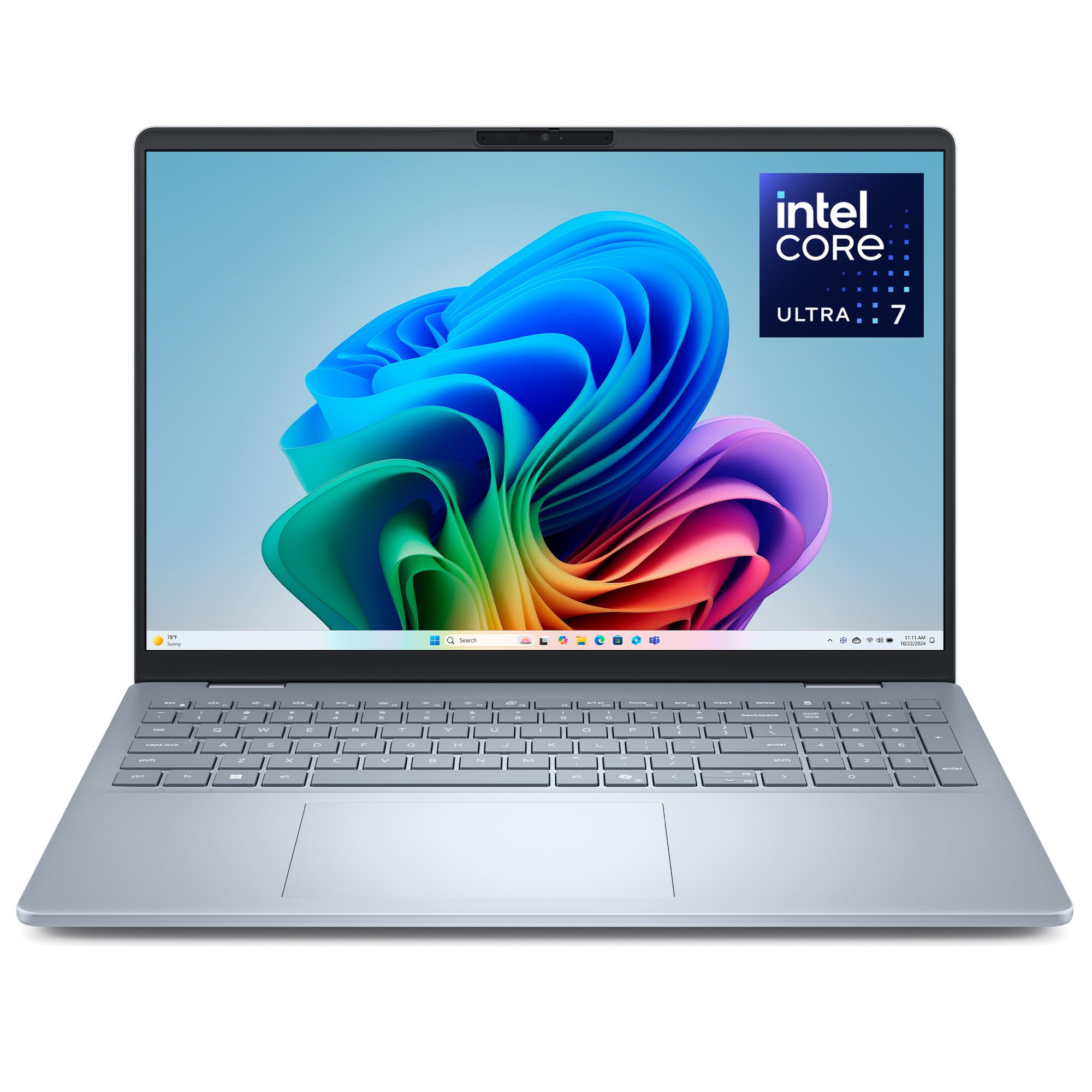
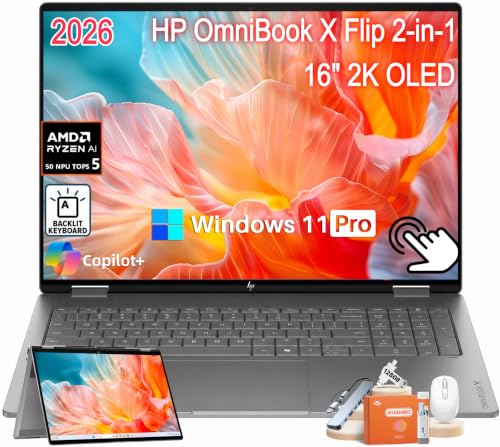
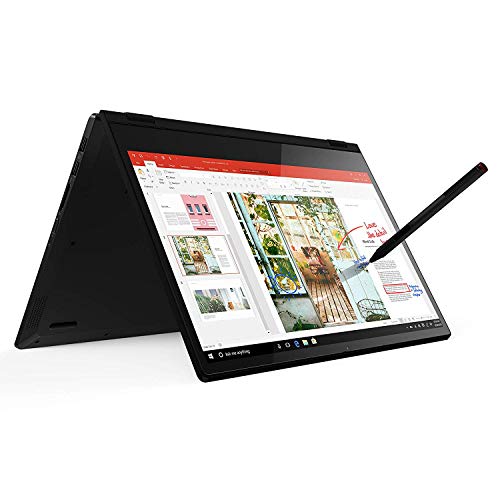
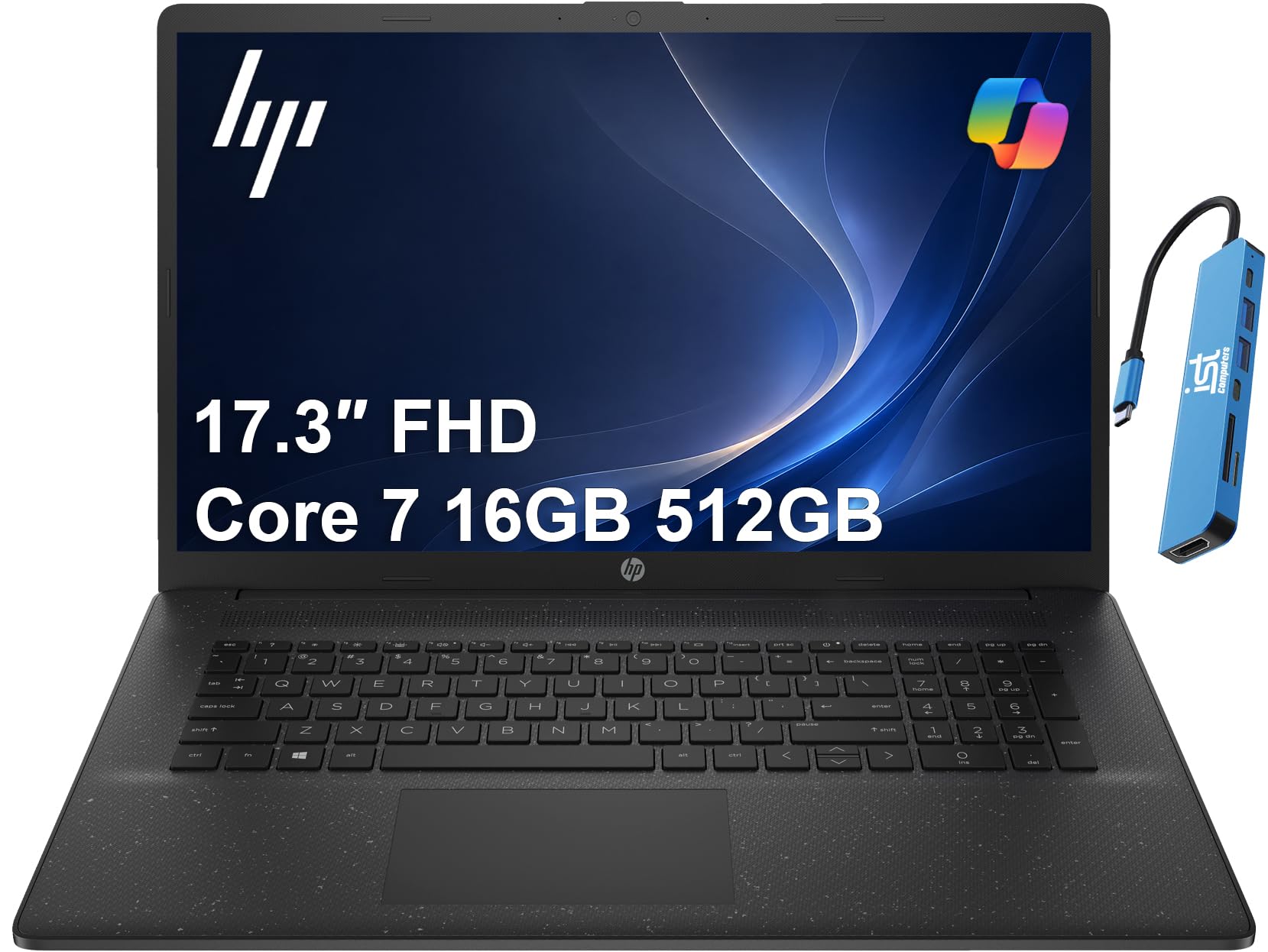
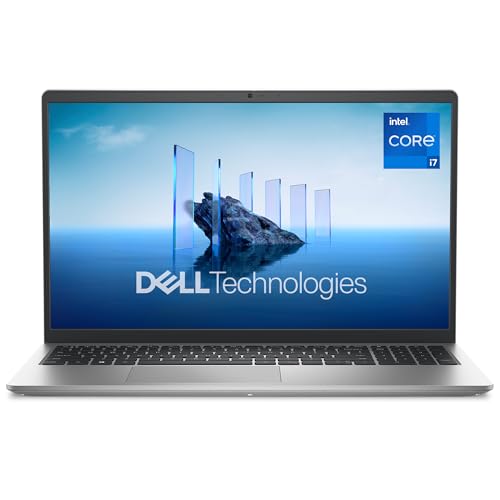
Use the product table below alongside the checklist. Score each model section by section, and let the display and memory results carry the most weight.




How to Evaluate Laptops
What You Can Realistically Get on a Budget
Around $600 to $900, expect a sharp display with decent color, 16 GB of RAM on many models, and a fast solid state drive. That is enough for most print, web, and social design work. You will usually give up the thinnest body, the widest color range, and the fastest graphics.
Set a floor and hold it. Do not accept a low resolution screen or 8 GB of RAM to save a small amount, because you feel those limits every day. Save instead on optional touch input or extra storage you can add later with an external drive.
Features That Matter for Designers
Designers need color they can trust and files that open without delay. Look for full coverage of the sRGB color range as a baseline, and wider coverage if you do photo heavy or print work. A matte screen helps in bright studios and shared offices.
Pen support matters if you sketch or retouch by hand, so check pen compatibility before you buy rather than assuming it works. Fast storage and enough RAM keep layered documents responsive. For a focused look at one branch, see our guide to the best affordable laptops for fashion designers.
Processor and Performance Tier
The processor controls how quickly filters apply, previews update, and files export. Recent Intel Core Ultra, AMD Ryzen, and Apple M series chips at midrange levels all handle design apps well. More cores help most with batch exports and large documents.
Judge the whole package, not the chip name alone. A modern processor paired with slow storage or too little RAM will still feel sluggish. On a budget, a slightly older chip with 16 GB of RAM is usually the smarter buy than a newer chip with only 8 GB.
Display Size, Resolution, and Brightness
Choose 14 inches for a balance of workspace and portability, or 15 to 16 inches if you rarely carry the laptop and want panels and tools visible at once. Resolution should be at least full HD, with sharper panels helping fine detail work.
Brightness around 300 nits or higher keeps colors readable near windows. A standard 60 Hz refresh rate is fine for static design work, while higher rates mainly help video and motion tasks. OLED panels offer deep contrast, but check brightness and color settings for design accuracy.
Battery Life in Real World Use
Maker battery claims assume light tasks, so expect less during design work with a bright screen. A good budget model should still give you a half day of layout and browsing away from an outlet. Video and export work will cut that time a lot.
USB C charging adds flexibility because you can top up from shared chargers and power banks that support laptop charging. Check the charger wattage in the box, since a slow charger can leave you waiting during short breaks between meetings or classes.
Keyboard, Trackpad, and Build
You type and gesture for hours, so comfort is a performance feature. Keys should feel stable with clear travel, and the trackpad should track slowly and precisely for careful selections. A backlit keyboard helps in dim rooms and evening work.
Build quality shows in the lid and base. Aluminum or well made rigid bodies flex less and protect the screen better in a bag. Open and close the lid with one hand if you can in a store, and check that ports feel solid rather than loose.
Ports and Connectivity
Count the ports you use weekly. USB C with display output runs an external monitor, HDMI connects you to meeting rooms, and a card reader speeds up photo imports. At least one older USB A port still helps for drives and dongles.
Fast WiFi, such as WiFi 6E or WiFi 7 where offered, keeps cloud libraries and large uploads moving. If you plan a desk setup, confirm the laptop can drive your monitor at its full resolution before you buy. For general budget context, see our guide to the best and affordable laptops.
Three Profiles That Pass the Checklist
The three profiles below describe tiers that clear the checklist, not single models. Match your work to a profile, then use the product table above to find models that fit it at current prices around the ranges shown.
Balanced Profile
This tier, around $800 to $1,100, suits full time designers who need trusted color and steady speed. It pairs a bright wide color display with 16 GB of RAM, a 512 GB drive, and a recent midrange processor. Build quality is usually stronger here, with less flex and better keyboards.
The limit is cost and, on some models, weight. If design is your income, the extra spend protects your time daily. This profile also holds up best when client files get larger over the next few years.
Budget Profile
This tier, around $600 to $800, suits freelance and student designers with mostly 2D work. You keep a good full HD or sharper screen and enough RAM for layered files, while accepting a plastic body on many models and a smaller battery.
The strength is how much real work it handles per dollar. The limit is color range, which varies widely, so verify display coverage in the specification sheet. A value model with a proven display beats a pricier model with a vague screen description.
Heavy Use Profile
This tier, around $900 to $1,200, suits designers who add video, motion, or very large documents to their week. Look for a stronger processor tier, 16 GB or 32 GB of RAM, and graphics that speed up previews and exports. Cooling matters here, because sustained work can slow a poorly cooled machine.
The trade off is size and noise. Fans run more and the body is thicker, but your longest tasks finish sooner. If you work mostly at a desk, that trade is usually worth it. Our wider guide to the best laptops for designers covers higher budget needs.
Quick Buyer Checklist for the Best Affordable Laptops for Designers
- Does the display cover the sRGB range fully and reach about 300 nits or more?
- Does the laptop have at least 16 GB of RAM, or a clear upgrade path?
- Is storage a solid state drive of 512 GB or more, or do you have an external plan?
- Is the processor from a recent generation rather than several years old?
- Can it charge by USB C and connect to your monitor without extra adapters?
- Does the keyboard feel stable and the trackpad track fine movements well?
- Is the warranty at least one year with clear service options in your country?
- Does the total price leave room for your software, backup drive, and a good sleeve?
Red Flags to Watch For
Watch for vague display claims that list no color coverage or brightness figure, because sellers hide weak screens behind general words. Be careful with very low RAM paired with a fast sounding processor name, since memory limits will slow real work. Short warranties under one year and unclear return terms add risk.
Also question storage listed without type, because a slow drive makes a new laptop feel old. Unusual patterns in user feedback, such as many notes about the same hinge or fan fault, deserve weight even when headline scores look high. If a spec you care about is missing from the listing, treat that as a no until you can confirm it.
Care and Maintenance Tips
Keep the operating system and firmware updated to protect your files and fix bugs. Avoid running at 100 percent charge all the time if a charge limit is available, to slow battery wear. Use a padded sleeve when commuting and keep drinks away from the keyboard.
Back up client work in two places, and clean vents gently so cooling stays effective during long exports. If you like compact traditional designs, our guide to the best notebook laptops is a useful side read.
Laptops: Your Questions Answered
What features matter most in laptops for designers?
Display quality, RAM, and storage speed matter most for designers. Your screen decides whether colors are right, and memory decides whether large files stay smooth. A detail many buyers overlook is viewing angle, because colors that shift when you tilt the screen make team review and client sign off harder than they should be.
Should I buy a laptop or a tablet?
Buy a laptop as your main design machine for full desktop apps, precise file control, and easy multitasking. A tablet works well for sketching and markup as a companion. Add the keyboard and pen to the tablet price before comparing, and check whether your main design app on a tablet lacks tools you use weekly.
Is a Chromebook enough for school?
A Chromebook is enough only if your design courses use browser tools for every project. Most design programs teach desktop apps for layout, photo, and vector work, which need Windows or macOS. Confirm the exact software list for your first year, and ask about lab access, because free lab machines can make a light home laptop more workable.
How long should a laptop last?
A designer laptop should last about four to six years with enough RAM and storage from day one. Software demands grow slowly, so headroom matters more than peak speed. The battery will age first, and fans may need cleaning. A model with serviceable parts and a standard charger is easier and cheaper to keep running.
Is a dedicated GPU worth it?
A dedicated GPU is worth it if you edit video, work in 3D, or use effects that rely on GPU acceleration. For layout, vector, and photo work, integrated graphics are usually sufficient. Put the savings toward the display first, because screen quality affects every project, while GPU speed affects only certain tasks and export moments.
The Verdict
Score the display first, then RAM and storage, then comfort and ports. Use the product table above to check current models against that order. The right best affordable laptops for designers choice is not the cheapest model that runs your apps, but the cheapest model whose screen and memory you will still trust two years from now.


