
Best Affordable Laptops for Coding Made Simple: A Clear Buying Guide for 2026
Disclosure: We may earn a commission when you buy through links on this page, at no extra cost to you. As an Amazon Associate I earn from qualifying purchases. Learn more

A plain language guide to the best affordable laptops for coding, covering RAM, storage, keyboards, and screens, with mistakes to avoid before you buy.
Buying your first laptop for coding feels harder than it should, because every listing throws numbers at you and none of them explain what the numbers change in daily work. The good news is that coding is not the most demanding job a laptop can do, and a modest machine chosen well will serve a learner or a working developer for years. This guide explains the best affordable laptops for coding in plain language, starting with the basics and ending with a calm way to choose.
Read the basics first if the terms are new, then work through the specs in order. The product table below will make much more sense once you know which specs matter for code and which ones mostly serve gamers.

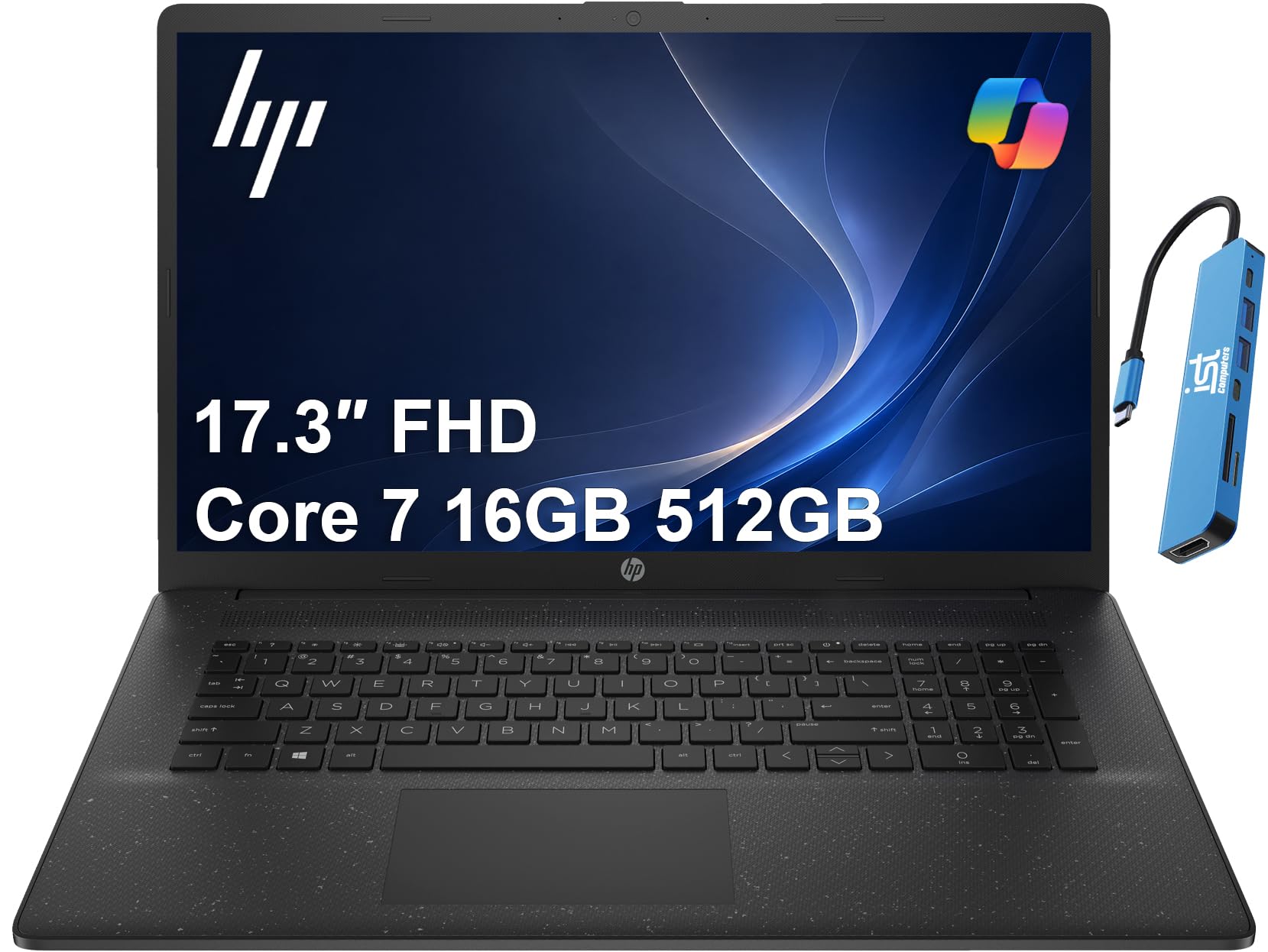

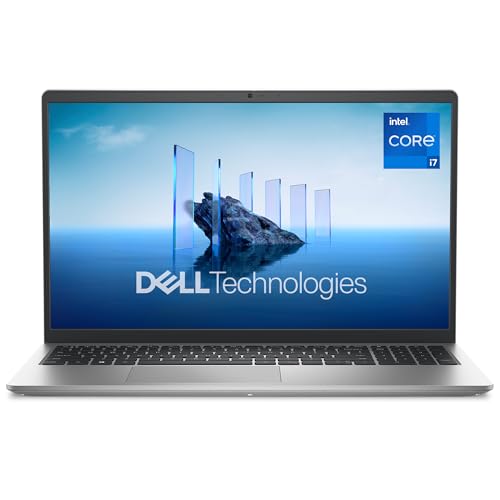

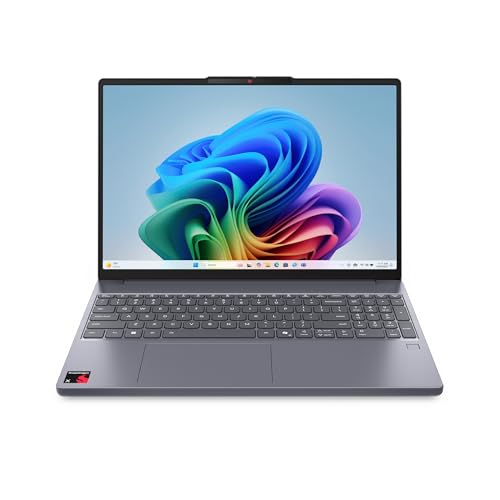



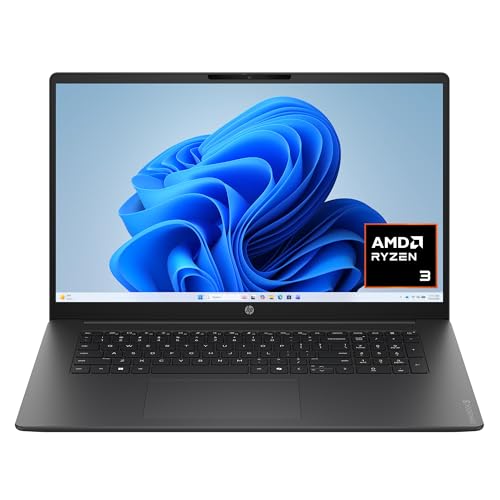
Laptops 101: The Basics
A laptop is a full computer folded into a portable shape, with the processor as its brain, memory called RAM holding the work in progress, and storage called an SSD holding your files and programs when the power is off. Coding means writing text instructions in an editor, then running tools that turn that text into apps, sites, or scripts. Those tools love memory and fast storage, and they care much less about flashy graphics than games do.
Your daily coding setup will usually include an editor, a browser with many tabs, a terminal, and sometimes a local server or a container tool running in the background. Each open program takes a share of RAM, which is why memory sits near the top of the priority list in this guide. Battery life, keyboard comfort, and screen clarity decide how pleasant long study or work sessions feel. Everything else is a bonus that you can weigh after the core specs pass.
Key Specs for the Best Affordable Laptops for Coding
What You Can Realistically Get on a Budget
Around $400 to $700 buys a genuinely capable coding laptop if you spend on the right parts. At this level you can expect a modern mid range processor, 16 GB of RAM on the better options, and a 512 GB SSD, with a clear 1080p or sharper display. What you give up is usually a metal body, a premium screen with wide color range, and very long battery life. Never save money by dropping to 8 GB of RAM or a tiny 256 GB drive if you plan to run container tools, because those limits will frustrate you within the first year.
Features That Matter for Coding
Coding rewards a specific set of features. RAM of 16 GB keeps your editor, browser, and tools open at once without slowdowns. A fast SSD makes projects open quickly and package installs finish in seconds rather than minutes. A keyboard with firm, even keys matters because you will type for hours.
Ports matter too, since an HDMI port and at least two USB ports, including USB C, save you from carrying adapters. Finally, a quiet fan under normal loads helps in shared rooms and libraries. For a wider view of value models, see our guide to the best and affordable laptops.
Processor and Performance Tier
The processor runs your code and your tools, and its tier sets the pace of everything. Current mid range chips from the main processor families handle web development, scripting, data work, and app development with ease. You do not need the fastest chip sold, because most coding time is spent typing and reading, not compiling.
Where a stronger processor helps is large projects, mobile app builds, and running several virtual tools at once. If your budget forces a choice, take the standard processor and put the savings into RAM and storage, which you will feel every day.
Keyboard, Trackpad, and Build
You will judge this laptop by its keyboard more than any benchmark. Look for keys with clear travel, a standard layout with no shrunken keys, and backlighting if you work in dim rooms. A large, smooth trackpad with accurate clicking reduces your need for a mouse when you travel.
Build quality shows in a lid that opens without flexing the base and a body that does not creak when lifted by a corner. Aluminum bodies feel sturdy and shed heat well, while good plastic bodies weigh less and cost less. Try typing in person when you can, even for a few minutes.
Graphics (Integrated vs Dedicated GPU)
Integrated graphics are built into the processor and share its memory, and they are fully enough for coding, office work, and video playback. A dedicated GPU is a separate graphics chip with its own memory, built for gaming, 3D work, and heavy video editing. It adds cost, weight, heat, and fan noise, and it shortens battery life.
Pay for one only if your coding path includes game development, machine learning experiments that run on the GPU, or serious creative work. Most learners and web developers should skip it and enjoy the savings and the quieter machine.
Display Size, Resolution, and Brightness
Screen size from 13 to 16 inches covers nearly every coding need. A 14 inch display is the travel friendly middle ground, while 15 or 16 inch models show more code at once and suit desk based work. Resolution of at least 1920 by 1080 keeps text sharp, and taller screens with a 16 to 10 shape show extra lines of code, which coders love. Brightness of about 300 nits or more keeps the screen readable near windows.
A matte finish cuts glare during long sessions. Refresh rate above 60 Hz matters mostly for gaming, so do not pay extra for it here. Compare coding focused layouts in our guide to the best laptops coding.
Rookie Mistakes to Avoid
- Buying 8 GB of RAM to save money. Modern browsers and coding tools fill 8 GB quickly, and many laptops cannot be upgraded later, so the saving becomes a daily slowdown.
- Choosing by screen size alone. A large dim screen with low resolution tires your eyes faster than a smaller sharp one, and it makes the laptop harder to carry.
- Paying for a gaming GPU you will not use. The money serves you better as extra RAM, a larger SSD, or a longer warranty.
- Ignoring the port selection. Count the ports you need for your monitor, drive, and accessories before you buy, not after the box arrives.
- Skipping the return policy check. Keyboard feel is personal, so buy from a seller whose return window lets you type on the machine at home for a week.
Getting Started: Setup and First Use
Start by running every system update the machine offers, including firmware updates from the maker support app, since fresh updates fix early bugs and improve battery behavior. Install your editor, a modern browser, and a version control tool, then sign in to your accounts and turn on two factor sign in for your code hosting account. Set up an automatic backup habit in the first week, using a cloud drive or an external drive, so a lost laptop never means lost projects.
Avoid running at 100 percent charge all the time if the laptop lives on a desk, because staying full for months ages the battery faster. Many laptops offer a charge limit setting near 80 percent for desk use, and turning it on is a simple win. Learn the keyboard shortcuts for your editor early, keep a small notebook of commands you look up twice, and you will feel at home within a fortnight. Shoppers who prefer very light machines can also browse our guide to the best notebook laptops.
Laptops: Your Questions Answered
What features matter most in laptops for coding?
RAM, storage speed, keyboard quality, and screen clarity matter most, in that order for most coders. Sixteen GB of RAM and a 512 GB SSD form the practical baseline for smooth daily work. A comfortable keyboard protects your hands and speed over long sessions. Processor tier matters, but any current mid range chip clears the bar for mainstream development work.
How much RAM does a coding laptop need?
Sixteen GB is the right target for most people learning or working in coding today. Eight GB survives light scripting and study but struggles once a browser, editor, and local server run together. Thirty two GB helps if you run several containers, large data tools, or virtual machines at once, and it extends the useful life of the laptop.
How long should a coding laptop last?
A well chosen affordable laptop should last about four to six years for coding work. The battery will fade first, often holding noticeably less charge after three years, while the processor stays capable for longer. Choosing 16 GB of RAM and a larger SSD from the start is the main way to keep the machine useful through that full span.
Is a dedicated GPU worth it for coding?
For most coding, no, because editors, compilers, and web tools run on the processor and barely use graphics power. A dedicated GPU earns its cost for game development, GPU based machine learning, and heavy video work. If none of those describe your plans, integrated graphics give you a lighter, quieter laptop with better battery life for less money.
Is a Chromebook enough for school coding?
A Chromebook can be enough for early school coding that runs in a browser, such as intro web classes and online course platforms. It becomes limiting when courses require locally installed tools, specific desktop software, or container based projects. Check your course software list before you buy, and favor a Windows or macOS laptop if any required tool has no browser version.
Should I buy a laptop or a tablet for coding?
Buy a laptop, because coding needs a real keyboard, a full file system, and desktop class tools that tablets still handle poorly. Tablets shine for reading, notes, and media, and they make fine second devices. If your budget allows only one device for a coding course or job, the laptop is the safe and capable choice every time. Students weighing gaming models too can see our guide to the best gaming laptops affordable for contrast.
Final Thoughts
Keep the priorities simple: 16 GB of RAM, a roomy and fast SSD, a keyboard you enjoy, and a sharp screen you can read all day. Let the processor be sensibly mid range, skip the gaming graphics unless your path needs them, and check ports and returns before you pay. Judged that way, the best affordable laptops for coding stop being a maze of numbers and become a short list you can trust. Compare your finalists in the product table above, and for a programming focused shortlist method see our guide to the best laptops for coding and programming.


