
Best Affordable I7 Laptops of 2026: Complete Buying Guide
Disclosure: We may earn a commission when you buy through links on this page, at no extra cost to you. As an Amazon Associate I earn from qualifying purchases. Learn more

Choose the best affordable i7 laptops with this guide to processors, memory, screens, ports, battery life, and what each price tier really delivers.
An Intel Core i7 processor gives you real headroom for busy workdays, large spreadsheets, photo editing, and keeping many browser tabs open at once. The challenge is price, because i7 machines often sit well above a modest budget. This guide shows you how to find best affordable i7 laptops that keep the speed you need while trimming the extras you can live without.
You will learn what each price tier realistically delivers, which specifications matter most, and where cutting corners becomes a false saving. Start with the product table below, then use the sections that follow to match a machine to your daily work.
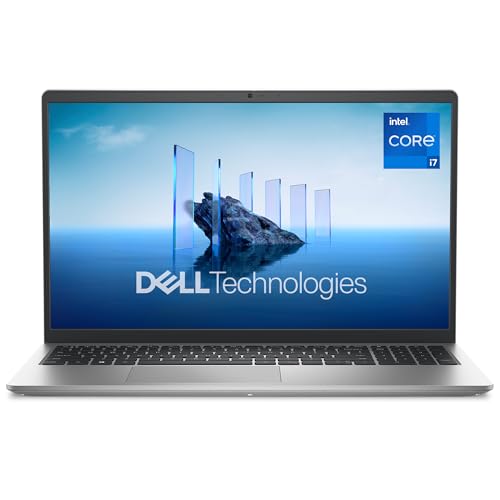


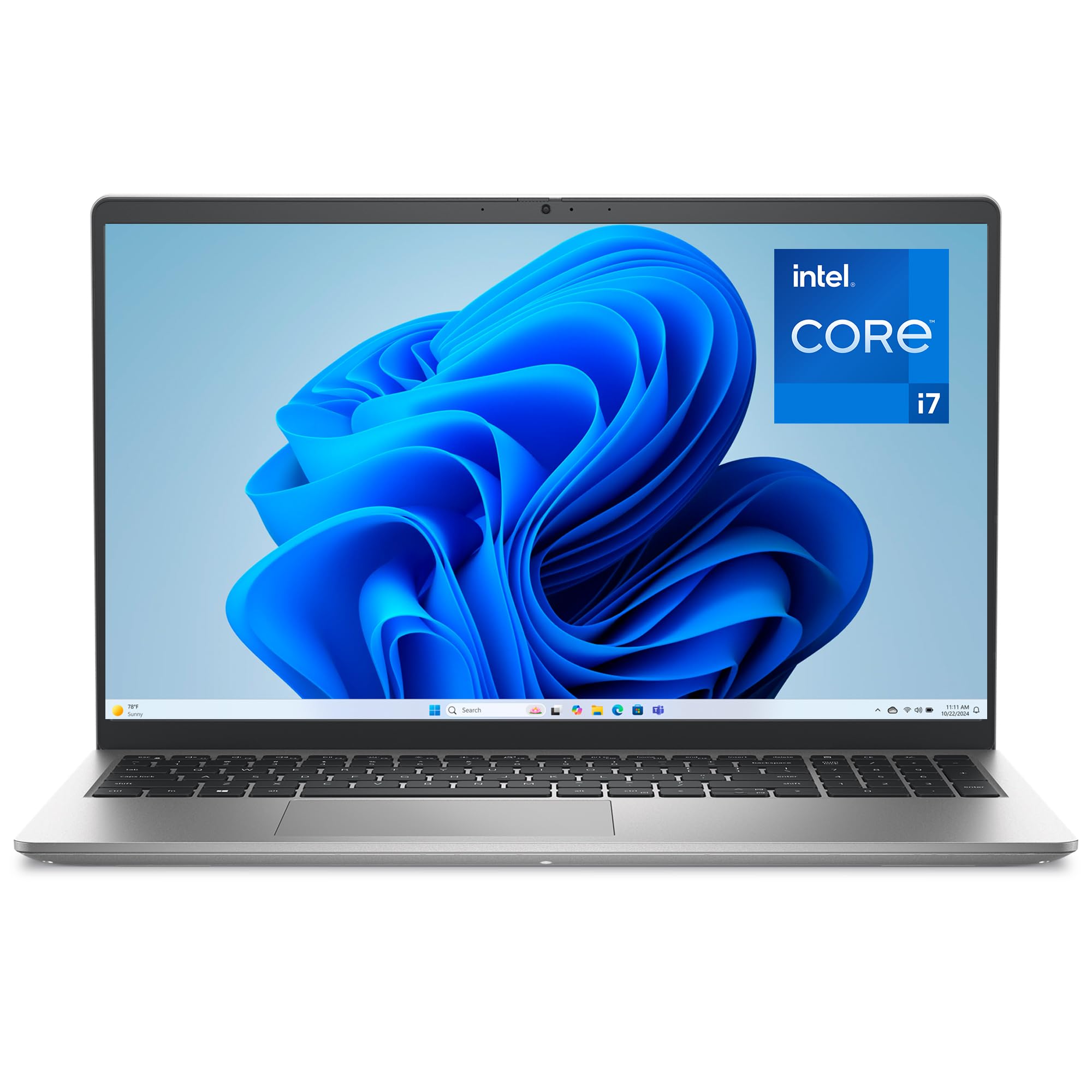



What Your Money Gets You at Each Price Tier
Affordable i7 pricing shifts with sales and seasons, so think in tiers rather than chasing one exact figure. Each tier below describes the processor generation, memory, screen, and build quality you can reasonably expect, plus the compromise you accept. Match the tier to your heaviest weekly task, not your lightest one.
Entry Tier, Around $550 to $750
At this level you usually get an i7 chip from a recent generation, 16 GB of memory on the better listings, and a 512 GB SSD. Screens are typically full HD with modest brightness, fine for indoor work but less comfortable near bright windows. Bodies lean on plastic, hinges feel less solid, and speakers are basic.
This tier suits office work, study, and light photo editing. Avoid listings that pair an i7 with only 8 GB of memory, because that pairing wastes the processor and shortens the useful life of the machine.
Middle Tier, Around $750 to $950
The middle tier is where value usually peaks. Expect a brighter display, often with better color coverage, a metal lid or full metal body, and a larger battery. Ports improve too, with USB C charging and HDMI both present on most models.
Memory of 16 GB and a 512 GB or 1 TB SSD are common. If your budget is flexible, compare this tier against our guide to the best and affordable laptops to see what stepping down to an i5 would save you. For most buyers, this tier balances speed, comfort, and price best.
Upper Affordable Tier, Around $950 to $1,200
Near the top of the affordable range you gain sharper screens, sometimes with a higher refresh rate, plus stronger cooling that lets the i7 hold its speed during long renders or exports. Dedicated graphics appear on some models, and build quality approaches premium machines. Battery life can dip on models with powerful graphics, so check capacity in watt hours.
This tier makes sense for creators and students in technical programs who will keep the laptop for four or more years. Paying for durability here often costs less than replacing a cheaper machine early.
How to Choose the Best Affordable I7 Laptops: Buying Guide
The specifications below decide how an i7 laptop feels after the first month, not just on day one. Read them in order, because a weak link in one area, such as memory or cooling, can hold back an otherwise strong processor. Shoppers comparing best affordable i7 laptops should treat 16 GB of memory and a 512 GB SSD as the practical floor.
What You Can Realistically Get on a Budget
On a budget you can absolutely get genuine i7 speed, a sharp enough screen for office work, and all day battery for light tasks. What you give up is usually the premium finish, the brightest display, and the quietest cooling. Never save money on memory or storage, because many affordable models cannot be upgraded later.
A slightly older i7 generation with 16 GB of memory will serve you better than a newer chip limited to 8 GB. Spend first on the parts you cannot change.
Processor and Performance Tier
Not all i7 chips perform alike. Letters in the model name hint at power use, with H series chips built for sustained speed and U series chips built for thin bodies and longer battery life. More cores help with video exports, code builds, and heavy multitasking.
Check the generation as well, since newer generations often add efficiency and better integrated graphics. Our guide to the best laptops with i7 explains the chip families in more depth if you want to compare generations side by side before you buy.
Ports and Connectivity
Count the ports you use weekly before you fall for a thin design. A practical minimum is two USB C ports, one full size USB port, HDMI for an external monitor, and a headphone jack. USB C with Thunderbolt support adds fast docks and single cable desk setups.
WiFi 6E or WiFi 7 keeps speeds strong on crowded home and campus networks. If your work involves presentations or a second screen at a desk, missing HDMI means carrying a dongle every day, which quickly becomes annoying and easy to lose.
Weight and Portability
Weight shapes how often the laptop actually leaves your desk. Under 3 lb feels easy in a backpack all day, while machines near 4 lb suit people who mostly move between home and one office. Screen size drives weight, so a 14 inch model is the sweet spot for commuters.
Readers who travel between classes should also look at our guide to the best notebook laptops for lighter options. Remember to add the charger weight, since some affordable models ship with a heavy power brick that adds another half pound.
Keyboard, Trackpad, and Build
You touch the keyboard and trackpad far more than you admire the specifications sheet. Look for keys with clear travel, a layout without shrunken arrow keys, and backlighting if you type in dim rooms. A large glass topped trackpad tracks more smoothly than small plastic ones.
For build, a metal lid resists flex and protects the screen in a bag. Check that the hinge opens smoothly and that the base does not creak when lifted by one corner. These small details decide whether a budget laptop feels pleasant or tiring by year two.
Battery Life in Real World Use
Manufacturer battery claims assume dim screens and light browsing, so expect less in your own mixed use. A battery of 55 watt hours or more gives most people a full workday of documents and web work. Video calls, high brightness, and gaming drain a battery far faster than writing does.
Fast charging over USB C is worth having, because a short top up during lunch can return several hours of use. Carry the charger on heavy days rather than dimming the screen to unreadable levels and straining your eyes.
Graphics (Integrated vs Dedicated GPU)
Integrated graphics on current i7 chips handle photo editing, casual games, and smooth video playback well. A dedicated GPU matters for serious gaming, 3D work, and faster video exports with effects. It also adds cost, weight, heat, and battery drain, so buy it only for software that truly uses it.
If gaming is a priority, compare your shortlist with our guide to the best gaming laptops affordable to see the trade offs at similar prices. For office and study use, integrated graphics keep the machine cooler, quieter, and cheaper.
Types of I7 Laptops
Form factor shapes price and comfort as much as the processor does. These are the three shapes you will meet most often in the affordable i7 range.
Chromebooks
Chromebooks run ChromeOS instead of Windows and focus on web based work, documents, and classroom apps. True i7 Chromebooks exist but are uncommon, and most buyers in this price range get more flexibility from Windows. A Chromebook suits you if everything you do lives in a browser and your school or employer supports ChromeOS fully. Check software needs carefully first, because specialist Windows programs for engineering, accounting, or design will not run on ChromeOS, and that single limit can rule the whole category out.
Budget Laptops
Standard clamshell budget laptops put most of the money into the processor, memory, and storage, which is exactly where an i7 buyer wants it. You trade away thinness and premium materials, but you gain ports, upgradeable parts on some models, and easy repairs. Students on tight budgets often do best here, and our guide to the best affordable laptops for students covers the wider student market. Choose this type when performance per dollar matters more than looks, and when the laptop will live mostly on desks rather than in a carry on bag.
2 in 1 Convertibles
Convertibles fold the screen back so the laptop works as a tablet for notes, sketches, and reading. The hinge and touchscreen add cost, so an affordable i7 convertible usually trims the screen brightness or battery size elsewhere. A pen friendly model helps if you mark up documents or draw diagrams by hand.
Check the weight in tablet mode before buying if you can, because a 14 inch convertible feels heavy held in one hand for long reading sessions. For typing heavy work, a good clamshell still wins on keyboard comfort and price.
Tips to Get the Most From Your I7 Laptop
- Keep the OS and firmware updated. Updates fix security flaws and often improve battery behavior and fan control, so install them during a quiet hour each month.
- Avoid running at 100% charge all the time. If the laptop lives plugged in at a desk, use the battery care setting in the system tools to cap charging and slow battery wear.
- Use a padded sleeve when commuting. A sleeve guards corners and hinges against the knocks that crack screens, which is the most common costly repair on budget machines.
- Clean vents with compressed air. Dust buildup makes fans louder and forces the processor to slow down, so clear the vents every few months while the laptop is off.
- Back up your files weekly. An external drive or cloud copy protects your work if the SSD fails, and setting it up takes only a few minutes.
I7 Laptops: Your Questions Answered
Should I buy a laptop or a tablet?
Buy the laptop if you type long documents, use full desktop software, or multitask between several programs, because a real keyboard and window management make that work far faster. A tablet wins for reading, sketching, and media on a sofa. Many people start with the laptop and add an inexpensive tablet later. If your budget forces one device, the laptop covers more tasks, and a convertible model borrows some tablet convenience without giving up a proper keyboard.
How long should an i7 laptop last?
A well chosen i7 laptop should stay useful for about five to seven years for office and study work. Longevity depends more on memory, storage, and battery health than on the processor itself. Choosing 16 GB of memory and a 512 GB SSD today prevents the slowdowns that make people replace machines early.
Batteries usually fade first, and many models allow a battery swap. Keeping vents clean and avoiding constant heat also helps the machine reach the longer end of that range.
Is a Chromebook enough for school?
A Chromebook is enough when your school runs on web apps, shared documents, and browser based exams. It falls short when a course requires Windows software, local file work, or specialist tools for science and design. Ask your school for its software list before deciding.
Also consider exam requirements, because some online exam platforms demand specific operating systems. If there is any doubt, a Windows laptop is the safer single purchase, since it runs the browser tools too.
Is a dedicated GPU worth it?
A dedicated GPU is worth it if you game regularly, edit video with effects, or run 3D and CAD software that lists one as a requirement. For writing, browsing, spreadsheets, and photo touch ups, integrated graphics already do the job and leave more money for memory and screen quality. Remember that a GPU also shortens battery life and adds fan noise. Judge by the software you already own or must use for a course, not by games you might try once.
How much RAM do I need?
Sixteen gigabytes is the right target for an i7 laptop, because it keeps many tabs, documents, and chat apps open without slowing down. Eight gigabytes works only for very light use and often cannot be upgraded on affordable models. Thirty two gigabytes helps with large datasets, virtual machines, and heavy creative projects, but most buyers will not feel the difference in daily work. Spend on 16 GB first, then on storage, before paying for extra memory you may never use.
Final Thoughts
Start with memory and storage, then weigh the screen, ports, and battery against your daily routine. The middle price tier suits most people, while creators who keep a machine for years can justify the upper tier. When you are ready, compare your shortlist against the product table above and choose the best affordable i7 laptops option that fits your heaviest task, not just your budget.


