
Best AMD Ryzen Laptops: Everything to Know Before Your First Purchase for 2026
Disclosure: We may earn a commission when you buy through links on this page, at no extra cost to you. As an Amazon Associate I earn from qualifying purchases. Learn more

A first time buyer guide to best amd ryzen laptops covering key specs, battery life, weight and setup steps so you can choose with confidence.
Buying your first laptop can feel confusing because every listing throws numbers at you at once. This guide slows things down and explains the basics in plain language before you compare models. Inside the first pages you will learn what best amd ryzen laptops means in practice, which specs matter for daily work, and which extras you can safely skip.
You do not need to become an expert to buy well. You need a clear sense of how you will use the machine each week, a realistic budget, and a short checklist to test every option against. The comparison table below gathers the current options in one place so you can apply that checklist as you read.


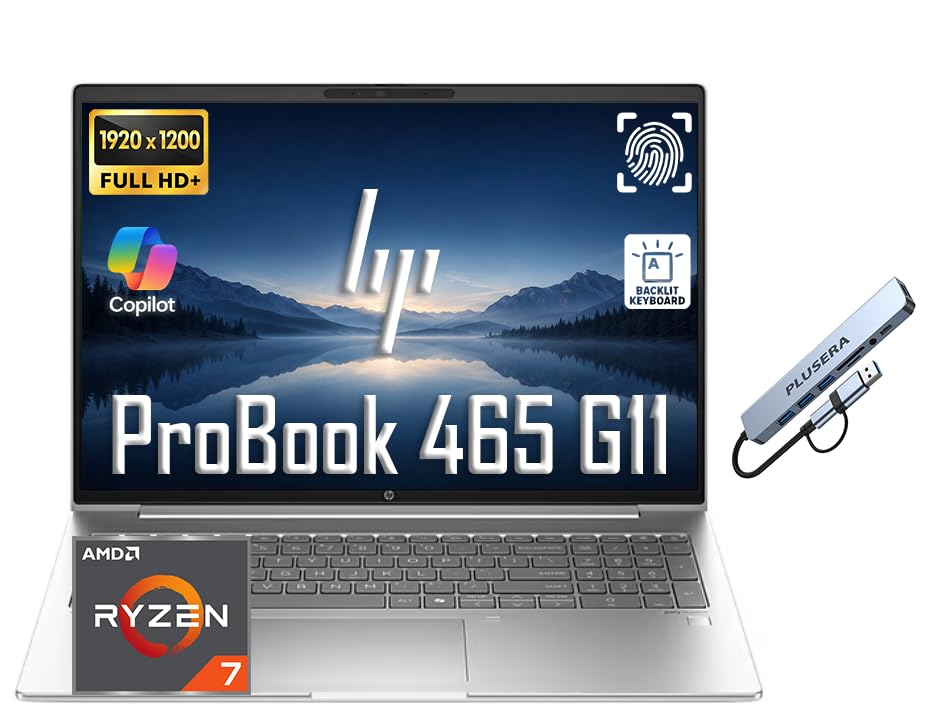


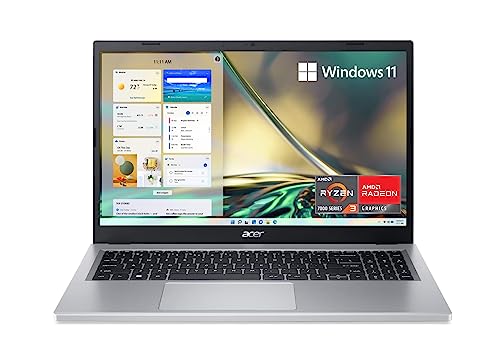

AMD Ryzen Laptops 101: The Basics
An AMD Ryzen laptop is a portable computer that uses a Ryzen processor as its main engine. The processor handles your apps, browser tabs, documents, and video calls, while integrated graphics handle the screen image in most thin models. Think of the processor as the decision maker and the memory and storage as its desk and filing cabinet.
Ryzen chips come in tiers. Lower tiers suit writing, email, and streaming, while higher tiers add speed for photo editing, coding, and light gaming. The tier alone does not decide your experience, because a fast chip paired with too little memory will still feel slow when you keep many tabs open.
Naming can look cryptic at first, but you only need two habits. Check the tier number first, then check how much RAM and storage come with it. If those three points fit your daily tasks, the rest of the spec sheet becomes a matter of comfort, screen quality, and price.
Key Specs Explained in Plain English
Processor and Performance Tier
The processor tier tells you how much demanding work the laptop can handle without slowing down. Ryzen 3 class chips cover basic school and office tasks, while Ryzen 5 class chips give most buyers comfortable headroom for many tabs, spreadsheets, and casual editing. Ryzen 7 class chips suit heavier multitasking and creative work.
If you want to focus on that higher tier, see our guide to the best amd ryzen 7 laptops for how the extra cores help. For everyday budgets, our guide to the best amd ryzen 5 laptops explains why that middle tier is often the smartest value. Match the tier to your hardest weekly task, not to a rare task you may try once a year.
Keyboard, Trackpad, and Build
You touch the keyboard and trackpad every minute you use the laptop, so comfort here matters as much as speed. Good keys have clear travel, meaning they move enough that you can feel each press without bottoming out hard. A spacious trackpad with smooth glass makes scrolling and selecting text far less tiring.
Build materials shape how the machine survives daily carrying. Aluminum lids and decks usually resist flex better than thin plastic, though good plastic can still feel solid. Open display models if you can and press lightly on the keyboard deck. Noticeable flex is a sign to keep looking, especially for a laptop you plan to carry daily.
Display Size, Resolution, and Brightness
Screen size controls both viewing comfort and carrying weight. A 13 or 14 inch screen suits travel and small desks, while a 15 or 16 inch screen gives you more room for split windows and detailed work. Larger screens also make text easier to read without zooming in all day.
Resolution describes how sharp the image looks, and brightness decides whether you can work near windows. For most buyers, a sharp full high definition screen with solid brightness is plenty. OLED panels offer richer contrast and deeper blacks, but they can cost more and may use more power at high brightness. A higher refresh rate makes scrolling feel smoother, though it matters most for gaming.
RAM and Storage
RAM is short term memory that keeps your open apps ready. With 8GB, basic tasks run fine, but heavy tab use can cause slowdowns and reloads. With 16GB, most students and office workers get smooth multitasking for years. Choose 32GB only if you edit large media files, run virtual machines, or keep very large projects open.
Storage holds your system, apps, and files for the long term, and nearly all current models use a fast SSD. A 256GB drive fills quickly if you store photos and video locally, so 512GB is a safer default for most people. You can add cloud storage or an external drive later, but you cannot easily fix a laptop that feels crowded from the first month.
Weight and Portability
Weight decides whether you happily carry the laptop or leave it at home. Models under about 3 lb feel easy in a backpack alongside books and a charger. Models around 4 lb are still portable but you will notice them on a long walk across campus or through an airport.
Thickness and charger size matter too. A slim laptop with a bulky power brick is less convenient than the numbers suggest. If you travel often, favor USB C charging so you can share one compact charger with your phone and tablet. Our guide to the best notebook laptops is helpful if small size and low weight are your top priorities.
Battery Life in Real World Use
Advertised battery life is measured under light conditions, so real use is usually shorter. Video calls, high brightness, and many open tabs drain the battery faster than simple reading or writing. As a practical target, look for models that owners and spec sheets suggest can handle a full school or work day of mixed light use.
Two habits extend your day without any purchase. Lower the brightness a few steps indoors and close apps you are not using, especially video and game launchers running in the background. Fast charging over USB C also helps, because a short top up during lunch can recover several hours of light use on supported models.
Rookie Mistakes to Avoid
- Buying on processor name alone. A higher tier chip cannot rescue too little RAM or a dim screen you dislike every day.
- Ignoring screen brightness. A sharp screen that washes out near windows will frustrate you more than a modest speed difference.
- Choosing the smallest storage to save money. Filling a drive in the first year leads to constant deleting and slower updates.
- Forgetting ports. Check that you have the ports for your monitor, drive, and charger without relying on adapters for everything.
- Skipping the return policy. Keyboard feel and screen comfort are personal, so buy where a fair return window protects you.
Getting Started: Setup and First Use
Start by charging the laptop fully, then run the guided setup with a reliable WiFi connection. Create your account, set a strong sign in method, and turn on device encryption and automatic backups if the setup offers them. Remove trial apps you do not need so the start menu and storage stay clean from day one.
Next, keep the OS and firmware updated before you install your main apps. Updates fix security issues and often improve battery life and fan behavior. Install your browser, office tools, and media apps from official sources only, then test the camera, microphone, speakers, and every port while returns are still easy.
For battery care, avoid running at 100% charge all the time if your model offers a charge limit for desk use. Using a limit around 80% during long plugged in weeks can reduce long term wear. Unplug and use the battery normally when you travel so the system stays calibrated.
AMD Ryzen Laptops: Your Questions Answered
How much RAM do I need?
Most first time buyers should choose 16GB of RAM. It handles school, office work, streaming, and many browser tabs smoothly without forcing reloads. Choose 8GB only for very light use on a tight budget, and choose 32GB only if you edit large video, run virtual machines, or work with big data sets. RAM you never use adds cost without improving your daily experience.
How long should an amd ryzen laptop last?
A well chosen amd ryzen laptop should last about four to six years for everyday tasks. Longevity depends more on RAM, storage size, and build quality than on chasing the fastest chip. A mid tier model with 16GB of RAM and a 512GB SSD usually ages better than a faster model that starts with too little memory or storage for your needs.
Is a Chromebook enough for school?
A Chromebook is enough for school only if all your work lives in a browser and your school supports it fully. Many courses need specific Windows apps, offline tools, or file formats that a Chromebook handles poorly. Check your course software list before you buy. If any required app lacks a full web version, choose a Windows Ryzen laptop instead for fewer surprises.
Is a dedicated GPU worth it?
A dedicated GPU is worth it only if you game often, edit video regularly, or use 3D and design tools that rely on graphics power. For writing, browsing, and office work, integrated Ryzen graphics are sufficient and give you better battery life and lower weight. Paying for graphics power you rarely use also raises cost and fan noise during demanding tasks.
Should I buy a laptop or a tablet?
Buy a laptop if you type long documents, multitask across windows, or need full desktop apps. Buy a tablet if your main uses are reading, handwriting, and media on a couch or train. Tablets with keyboards can handle light work, but trackpads, ports, and file handling still favor a laptop for school and office projects. Our overview of the best ryzen laptops can help you compare full laptop options once you decide.
Our Verdict
For most first time buyers, the winning formula is simple. Choose a Ryzen 5 class or Ryzen 7 class processor, 16GB of RAM, a 512GB SSD, and a bright screen you enjoy looking at. Keep weight in check if you carry the machine daily, and confirm the ports match your desk setup before you order.
Start with the product table above, shortlist two or three models that meet that formula, and then decide on keyboard feel, screen size, and price. If you want a broader view of AMD options, see our guide to the best laptops with amd alongside this one. Chosen this way, the best amd ryzen laptops stop being a confusing spec sheet and become a practical tool that fits your routine.


