
Best Affordable Home Security System with Cameras: Buying Guide for 2026
Disclosure: We may earn a commission when you buy through links on this page, at no extra cost to you. As an Amazon Associate I earn from qualifying purchases. Learn more

A plain guide to the best affordable home security system with cameras: coverage, storage, power, fees, and privacy.
A home security system with cameras lets you see who is at the door, record what happens, and get an alert on your phone. If you are comparing best affordable home security system with cameras, you will find two broad kinds: all in one kits with sensors and a base station, and camera systems with a recorder. This guide explains how they differ, what to check before you buy, and how to read the comparison table below.
Affordable kits cost from about $250 for a starter set to around $500 for a larger system with several cameras. The right choice depends on your home, your internet connection, and how much you want to install yourself.


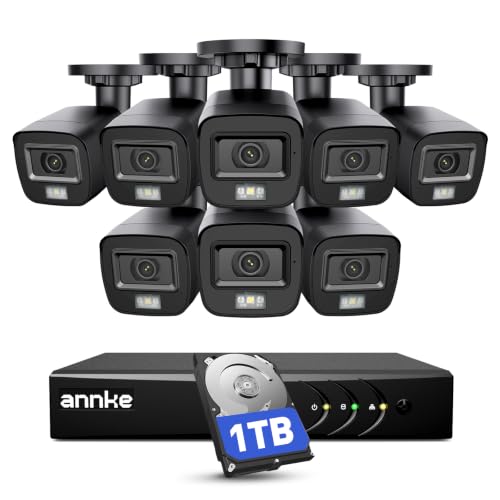

Types of Security Systems with Cameras
Wireless Alarm Kits with a Camera
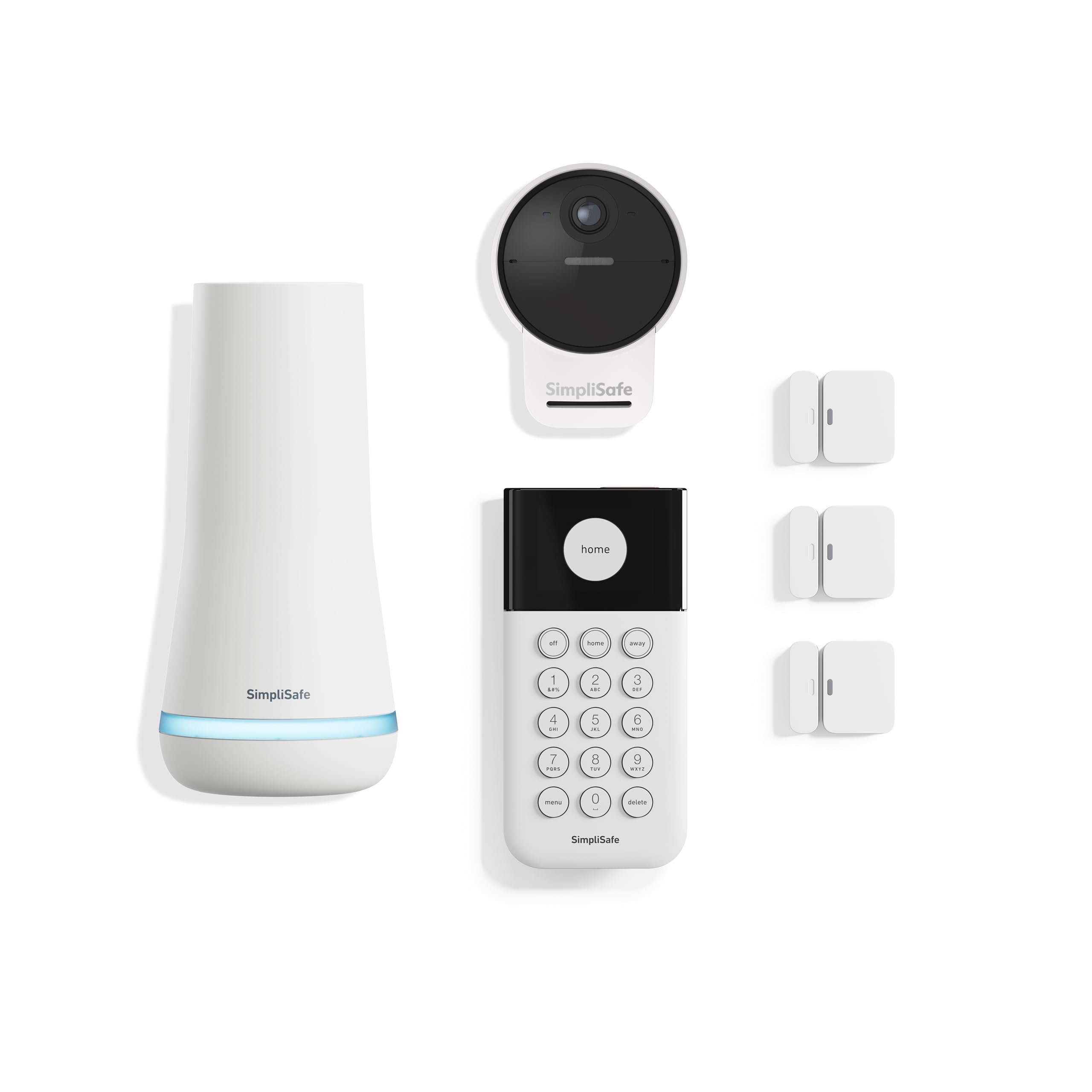
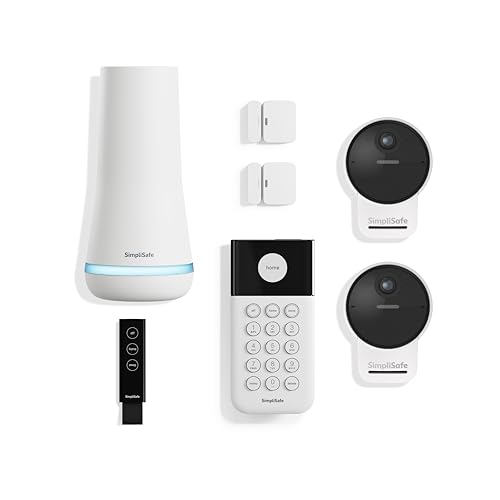
These kits, such as SimpliSafe sets that include an outdoor camera, combine a base station, door and window sensors, a keypad, and one or more cameras. They are easy to install, work well for renters, and can be paired with optional professional monitoring. They suit people who want an alarm as well as video.
Wireless Camera Systems
These bundles include several battery or solar cameras and a hub or receiver. Brands like Hiseeu and ELYSOO sell sets of four to eight cameras. They are quick to place and flexible, but battery cameras need recharging, and Wi-Fi strength matters.
Wired PoE Camera Systems
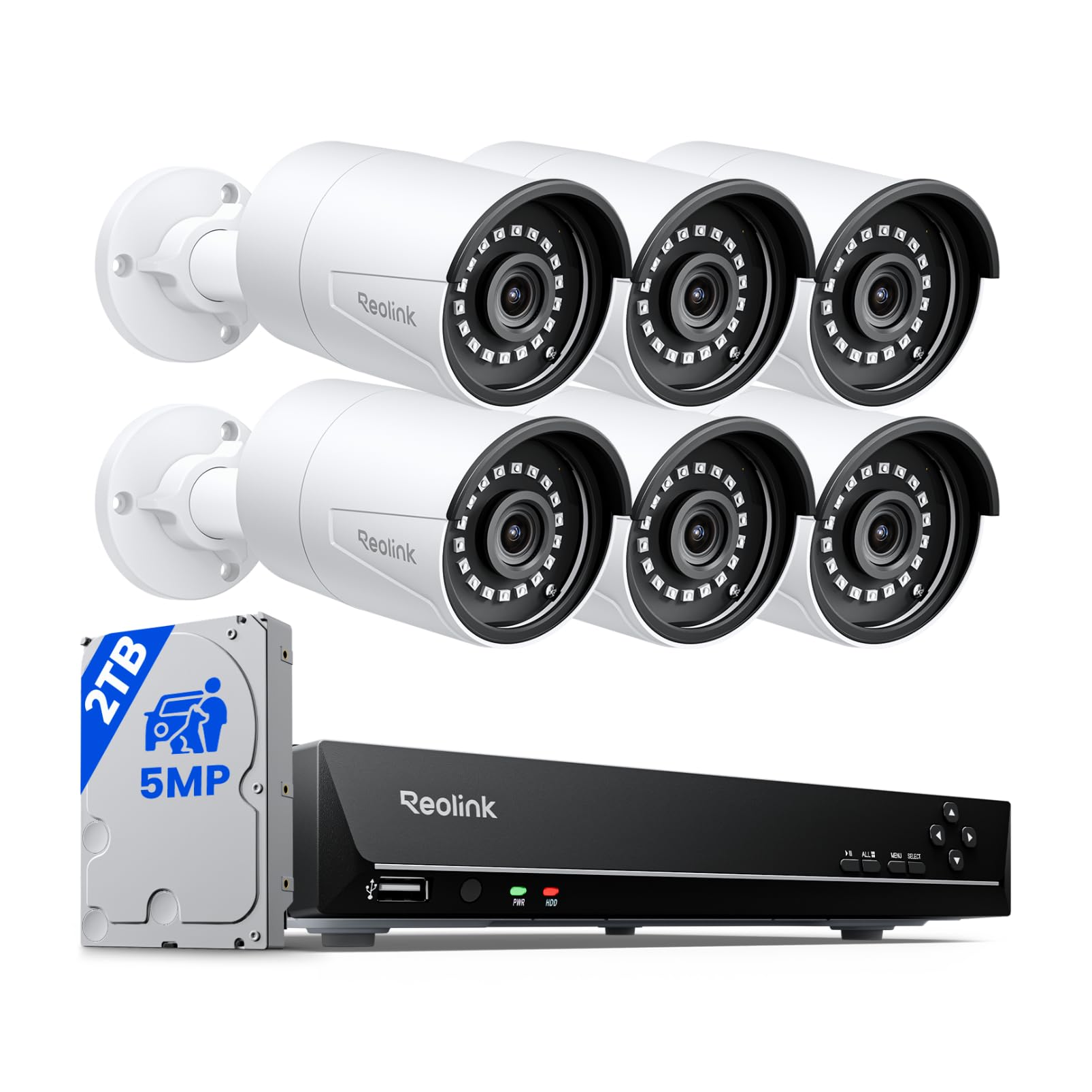
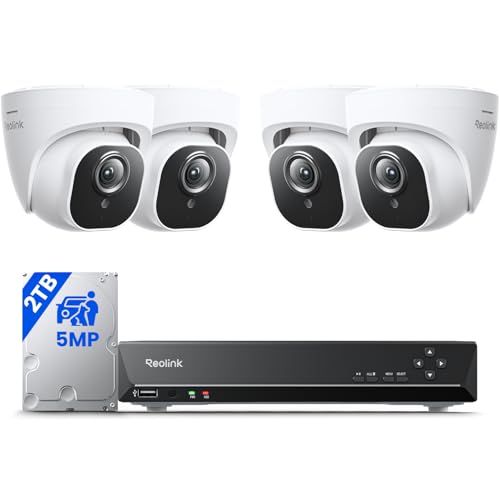
These use network cables to carry both power and video to a recorder, with cameras from brands such as Reolink, ANNKE, and ZOSI. They record continuously, need no batteries, and give the steadiest picture. Installation takes more effort, but there is usually no monthly fee. For wider shopping, see our guide to the best affordable security cameras for home.
Key Features to Compare
Video Quality and Night Vision
Look for at least 2K resolution on outdoor cameras so you can read faces and license plates. Night vision should show a clear image at your driveway or porch distance. Color night vision with a built in light helps identify details.
Storage and Fees
Some systems record to a local drive or memory card with no fee. Others rely on cloud plans, which cost a few dollars per month per camera or per home. Check which features are free before you buy, because motion alerts, person detection, and video history may need a plan.
Power and Weather Resistance
Wired cameras never need charging, battery cameras are easy to place, and solar panels keep batteries topped up where sun reaches. Outdoor cameras should be rated IP65 or better for rain and dust.
Smart Alerts and Integration
Person, vehicle, and package detection reduce false alerts from trees and animals. Voice assistant support lets you view a feed on a smart display. Two way audio lets you speak to visitors through the camera.
What You Can Realistically Get on a Budget
Around $250 to $350 buys an alarm starter kit with one outdoor camera, or a wireless set with four cameras. Around $350 to $500 buys larger camera systems with a recorder and more cameras. Premium extras such as professional monitoring, cellular backup, and smart home hubs are usually paid add ons. Prioritize coverage of your entry points over the number of cameras.
Where to Place Cameras
Start with the front door and the back door, since these are the most common entry points. Add a camera covering the driveway or garage, and one for the side gate if you have one. Mount cameras about 8 to 10 feet high, angled slightly down, and keep them away from direct sun glare. Make sure the signal reaches each spot before drilling.
Common Mistakes to Avoid
- Buying more cameras than you can place well, instead of covering entry points properly.
- Ignoring monthly fees that make a cheap kit expensive over time.
- Placing cameras where Wi-Fi is weak, which causes dropped video.
- Pointing a camera at neighbors' windows or yards, which can raise privacy problems.
- Forgetting to change default passwords and turn on two factor sign in.
Privacy and Setup
Use a strong, unique password and turn on two factor authentication. Keep the firmware updated, and avoid recording audio in areas where it may break local rules. Tell guests if cameras record inside your home. A camera system watches and records, but it does not prevent a break in, so keep good locks and lighting too.
DIY or Professional Monitoring
Most affordable kits are designed for self installation: you stick sensors on doors, plug in the base station, mount the cameras, and connect to the app. Many also offer optional professional monitoring for a monthly fee. A monitoring center can call you and send help if an alarm goes off, while self monitoring sends alerts to your phone and leaves the decision to you. If you are away often or want extra assurance, monitoring may be worth the cost. If you are home most days, self monitoring with a loud siren is a reasonable budget choice.
Choosing the Number of Cameras
Four cameras cover the front door, back door, driveway, and one extra spot for most homes. Larger houses or properties with outbuildings may need six to eight. It is better to place fewer cameras well than many cameras badly. Start small, test the alerts and video, and add cameras if you find gaps. Most systems are expandable, but check that extra cameras work with your existing hub or recorder before you buy.
Before You Buy
Check your Wi-Fi signal where each camera will sit, and look at the list of features that need a subscription. Confirm that the system works with your phone and any smart speaker you own. Read the return policy so you can swap the kit if the picture or alerts are not reliable in your home.
Frequently Asked Questions
Do I need a monthly subscription?
Not always. Many wired systems and some wireless kits record locally with no fee. Cloud history and smart alerts often need a paid plan.
Where should I place security cameras?
Cover front and back doors, the driveway, and any ground floor entry. Mount them high enough to be out of reach and aimed to capture faces.
Are wireless cameras reliable?
Yes, if your Wi-Fi signal is strong at each camera. For the steadiest recording, a wired system is better.
How do I protect camera privacy?
Use unique passwords, two factor sign in, and current firmware. Do not point cameras into private areas of other homes.
Can renters install security cameras?
Yes. Wireless kits with adhesive mounts or shelf placement avoid drilling. Check your lease first.
Final Thoughts
Decide between a wireless kit and a wired system, check what costs extra each month, and plan camera placement before you buy. Use the product table above to compare current kits, and read our guide to the best home cameras for security for more ideas. A thoughtful choice of best affordable home security system with cameras gives you clear video and peace of mind without a big bill.


