
Best Affordable Gaming Routers: Buying Guide for 2026
Disclosure: We may earn a commission when you buy through links on this page, at no extra cost to you. As an Amazon Associate I earn from qualifying purchases. Learn more
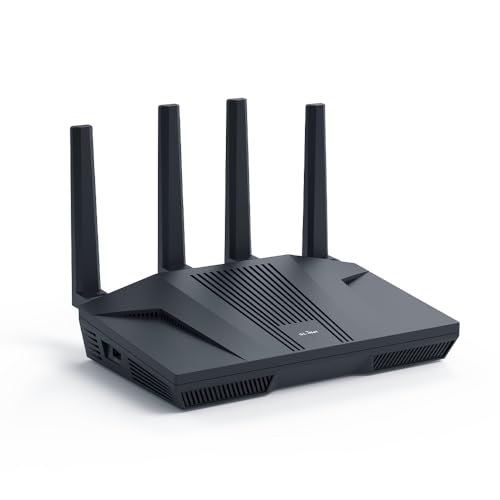
A plain guide to the best affordable gaming routers: Wi-Fi standard, wired ports, latency tools, and coverage.
A gaming router should keep your connection steady when the whole house is online, not just give you a big speed number. If you are comparing best affordable gaming routers, the things that matter are Wi-Fi standard, wired ports, traffic controls, and how well the router covers your home. This guide explains each in plain terms and shows how to read the comparison table below.
Most online games need very little bandwidth. What they need is low and stable latency, which means low delay and few dropped packets. A good router helps by managing busy networks and giving your console or PC a clean path.

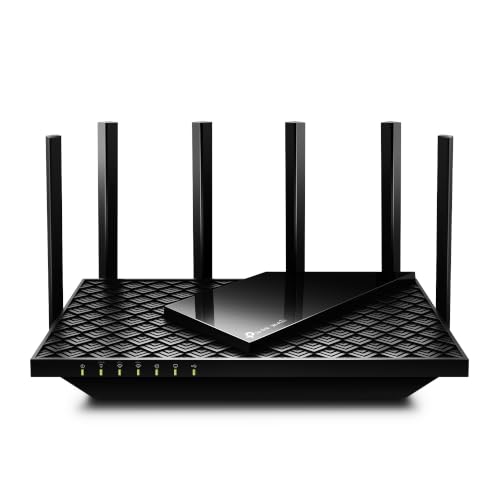


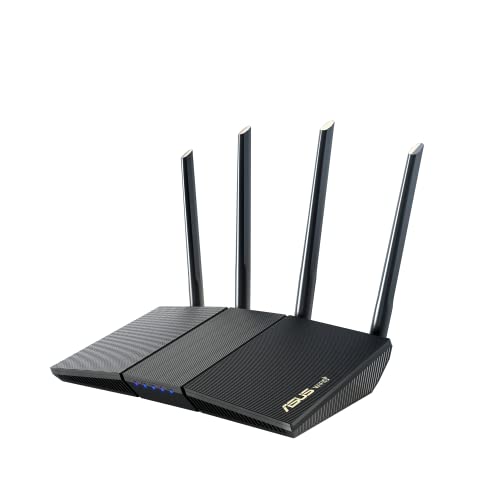

Wi-Fi Standards and Speed
Wi-Fi 6 and Wi-Fi 6E
Wi-Fi 6 is the sweet spot for affordable gaming routers. It handles many devices at once and delivers steady speeds at a fair price. Wi-Fi 6E adds a third band that is less crowded, which helps in apartments and busy neighborhoods.
Wi-Fi 7
Wi-Fi 7 routers offer the newest features and the highest speeds, but they cost more and need Wi-Fi 7 devices to show their full benefit. For most players, a good Wi-Fi 6 router is the better value.
Dual Band and Tri Band
Dual band routers use two bands and suit smaller homes. Tri band routers add a third band that can serve game consoles or a mesh link while other devices use the main bands. They cost more but help busy households.
Key Features for Gaming
Wired Ports
A wired connection is still the best for gaming. Look for several gigabit LAN ports, and a 2.5 gigabit port if you have a fast internet plan. Plug your console or PC straight into the router whenever you can.
Traffic Controls
Quality of service settings let you give gaming traffic priority over streaming and downloads. Some routers have a dedicated gaming mode that does this automatically. It helps when others in the home stream video at the same time.
Coverage
Match the router to your home size. A single router covers a small apartment, while a larger or multi story home may need a mesh ready model or a second unit. Walls and floors reduce range more than the numbers on the box suggest. For wider options, see our guide to the best affordable routers.
Setup and Security
A clear phone app makes setup quick. Make sure the router gets firmware updates, change the default password, and turn on automatic updates if offered.
What You Can Realistically Get on a Budget
Between about $55 and $130 you can get a solid Wi-Fi 6 router with gigabit ports, good for a small or medium home. Between $130 and $250 you start to see Wi-Fi 6E, tri band, 2.5 gigabit ports, and better gaming tools. Above that, prices climb quickly for Wi-Fi 7 and flagship gaming features. A well placed mid price router often beats a pricier one that sits in a closet.
Used or older flagship models can also be good value, but check that they still receive security updates and that the Wi-Fi standard suits your devices. A router that no longer gets firmware updates is a risk, no matter how fast it was when new.
How Much Router Do You Need
Count the devices that use your network at the same time: phones, laptops, televisions, consoles, speakers, and smart home gadgets. A household with fifteen or more connected devices benefits from Wi-Fi 6 or better and from traffic controls, because many devices compete for airtime. A small home with a handful of devices can do very well with a basic Wi-Fi 6 router.
Also match the router to your internet plan. If your plan is under 500 Mbps, an affordable router with gigabit ports will not slow you down. If you have a gigabit or faster plan, look for a 2.5 gigabit WAN or LAN port so the router is not the bottleneck.
Mesh or Single Router
If a single router leaves weak spots, you can add a second unit through a mesh system. Many affordable gaming routers support mesh with the same brand's satellites. Mesh is helpful in multi story homes, but each hop uses some bandwidth, so a wired backhaul with an Ethernet cable between units gives the best results. For a console far from the router, a wired run or a powerline kit may beat wireless altogether.
Common Mistakes to Avoid
- Buying for the largest speed figure instead of stable latency and coverage.
- Placing the router in a cabinet or corner, which blocks the signal.
- Playing on Wi-Fi when a wired cable could reach the console or PC.
- Skipping firmware updates, which fix bugs and security problems.
- Paying for features your internet plan or devices cannot use.
Security and Parental Controls
Many affordable routers include free security tools that block known malicious sites and let you set limits for children. Check whether these features need a monthly subscription, since some brands lock them behind a paid plan. At minimum, change the default login, use a strong Wi-Fi password, and keep the firmware current. A separate guest network keeps visitors away from your gaming PC and smart home devices.
Fixing Lag at Home
If a game lags, test on a wired connection first. If the cable fixes it, the problem is Wi-Fi, so move closer, switch to the 5 GHz band, or change the channel in the router settings. If the problem remains, check whether someone else is downloading or streaming, and use the router's traffic controls to give your console priority. If lag is still there at off peak hours, contact your internet provider, because the issue may be outside your home.
Setup Tips
Put the router in a central, open spot, raised off the floor. Use the 5 GHz band for gaming devices close to the router, and keep the 2.4 GHz band for far away gadgets. Run a wired cable to your main gaming device, and restart the router occasionally if your connection feels sluggish.
Frequently Asked Questions
Do I need a special gaming router?
Not always. A good Wi-Fi 6 router with gigabit ports works well for most players. Gaming routers add priority tools and extra ports that help on busy networks.
Will a faster router lower my ping?
Only partly. Ping depends mostly on your internet provider and the game server. A better router removes local delays caused by Wi-Fi interference and busy networks.
Is Wi-Fi 6 enough for gaming?
Yes. Wi-Fi 6 handles gaming very well for most homes, and wired play is faster still.
Should I choose a mesh system instead?
Choose mesh if your home is large or has many walls and floors. For a small home, one good router is simpler and cheaper.
How often should I replace my router?
Every four to six years is typical. Replace sooner if it stops getting updates or cannot keep up with your devices.
Final Thoughts
Start with the Wi-Fi standard and the number of wired ports, then check coverage and gaming tools. Use the product table above to compare current routers, and match one to your home size and internet plan. With the right choices, best affordable gaming routers deliver a steadier connection without a flagship price.

