
Best Air Cards for Laptops: A Buying Guide for 2026
Disclosure: We may earn a commission when you buy through links on this page, at no extra cost to you. As an Amazon Associate I earn from qualifying purchases. Learn more

The best air cards for laptops compared by coverage, 5G and LTE speed, ports, antennas and data plans.
A laptop is only useful on the road if it can get online, and hotel or cafe WiFi is often slow, crowded or missing. An air card solves that problem by giving the laptop its own cellular connection. When you shop for the best air cards for laptops, you are choosing a modem, a carrier and a data plan, so use the comparison table below to weigh them together.
The name comes from older plug in modem cards, but most models are USB sticks, portable hotspots or modules built into the laptop. This guide explains which form suits your work, which details matter, and how to avoid paying for data you cannot use where you travel.




Who Should Buy an Air Card for a Laptop?
Buy for the place where your connection fails. Each group below weighs coverage, data allowance and portability in a different order.
Remote Workers Who Leave Home WiFi Behind
You work from trains, hotels, client offices and parked cars, and you cannot plan your day around public WiFi. A compact stick or small hotspot keeps one laptop online without draining your phone battery. If you are also choosing the computer, see our guide to the best notebook laptops and pair a light machine with a modem in the same sleeve. Coverage on your usual routes matters more than peak speed.
Field Staff Who Work Between Sites
You move between job sites and customer visits, sending photos, forms and files from a laptop all day. Choose a hotspot or a modem with an external antenna port, which copes better with vehicles and weak signals. If your field work includes editing footage on a powerful machine, see our guide to the best laptops with video cards, and budget extra data, because uploads can consume a monthly allowance within days.
Rural Users and Households That Need a Backup Link
You live where broadband is slow or absent, or your home office cannot lose a day when the wired line fails. An air card on a different network gives you a second path online, so one outage stops nothing. Choose the hotspot form to share the link, and treat the allowance as a backup budget, not an unlimited main supply.
Key Features to Compare
As you compare the best air cards for laptops, work through these five checks. A fast modem on the wrong network is still wrong, so coverage comes first.
Carrier Coverage, Bands and Locked Status
Coverage decides whether an air card works, so check the carrier map for your home, your office and your routes, not just your city. The device must support the bands your carrier uses, listed in the specifications. A locked device works only on the carrier that sold it, while an unlocked device accepts a SIM card from another carrier, which helps when you move or travel. Some models use eSIM profiles instead of a physical card.
4G LTE, 5G and the Speed You Can Expect
Networks set the ceiling, and real results depend on signal strength, tower load and your plan. In good coverage, LTE delivers about 10 to 50 Mbps for downloads, enough for email, documents and video calls. A 5G model can go much faster in covered cities, especially with large downloads. Pay for 5G if your routes are covered and your work moves big files, and choose LTE if your use is lighter.
Laptop Ports, Operating Systems and Drivers
A USB stick only helps if it fits and runs on your machine. Check whether the plug is USB A or USB C, because many slim laptops offer USB C only, and an adapter can leave a stick loose in the port. Windows and macOS support is common, while ChromeOS support is limited, so a hotspot is the safer pick. If you prefer a slim machine, see our guide to the best air laptops and check its port list before you order a stick.
Antennas and Holding a Signal in Weak Areas
An air card has a built in antenna, and placement changes your speed as much as the network does. A hotspot set near a window often beats a unit inside a bag or a metal vehicle. Some modems and hotspots add antenna ports, so you can attach an external antenna on a vehicle or a building where signals are weak. If you work at the edge of coverage, choose a model with those ports and match the connector type before buying.
Data Allowance, Speed Limits and Monthly Cost
The device is the smaller cost. A stick or hotspot may cost about $50 to $300 once, while data plans often run about $30 to $80 a month. Plans can slow your speed sharply after a set amount of data. Count video calls and cloud sync in your estimate, because both use far more data than email.
Types of Air Cards for Laptops Compared
The three forms below differ in how they connect, how they draw power and how many devices can share the line.
USB Modem Sticks That Plug Into the Laptop
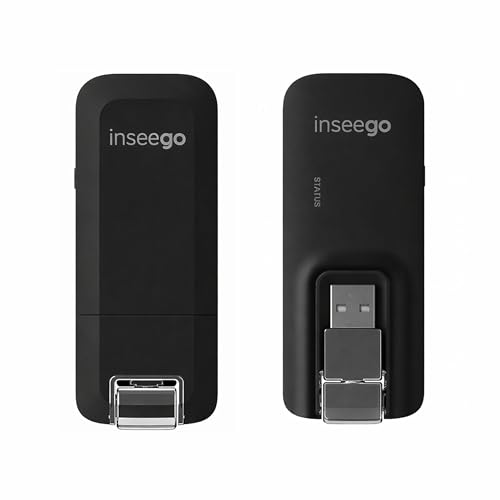
A stick plugs straight into the laptop, draws power from it and connects that one machine only. There is nothing to charge, which suits a single traveler in short sessions. The weak points are physical, since a stick can snap or strain the port if you move the laptop carelessly. Pick this form for simple use with one laptop.
Portable Hotspots That Share One Connection
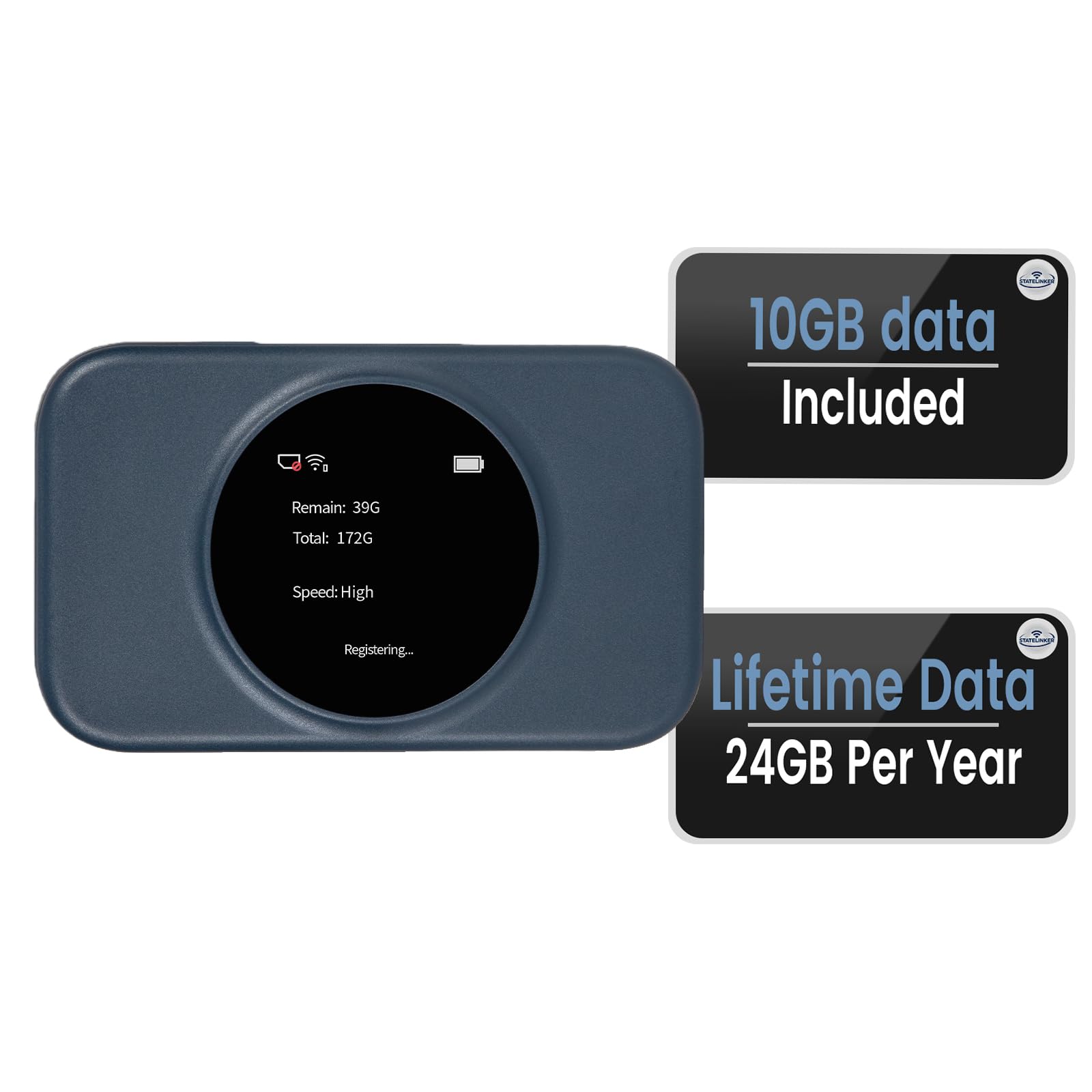
A hotspot is a small pocket router with its own battery, and your laptop joins it over WiFi just as it joins a home network. That means it also works with Chromebooks and with a phone or tablet at the same time. You do have to charge it. Pick this form when several devices or several people share one plan.
Internal Modules Built Into the Laptop
Some business laptops can take an internal cellular module, often called a WWAN card, fitted inside the case with antennas in the lid. Nothing sticks out, nothing gets left behind, and the laptop battery powers it. The module must match your exact laptop model and carrier, and moving it to a new machine is rarely simple. Pick it only if your laptop was built for the module.
Setting Up and Caring for an Air Card
Activate the SIM card and plan before your first trip, then plug in the stick or switch on the hotspot and let the laptop install any driver or maker app. Join the hotspot network or wait for the modem to register, and run one test at your desk and one at a work site. Set a data warning in the carrier app, so the first bill holds no surprises.
Keep the firmware current through the maker app, because updates fix connection faults and security flaws. Protect a USB stick in a small case, keep the plug clean and dry, and never force it into a port at an angle. Store a hotspot away from heat in a parked car, and change its WiFi password after sharing it with a group.
Common Mistakes to Avoid
Most air card regrets come from checks skipped before ordering, not from the hardware itself.
- Buying a modem locked to a carrier with weak coverage at your sites leaves you paying for a plan you can barely use.
- Paying for a 5G model where your routes have only LTE service adds cost without adding speed.
- Choosing a small data allowance for daily video calls leads to reduced speeds or extra charges before the month ends.
- Assuming a USB modem works with every laptop leaves Chromebook and USB C only users with a device they cannot connect.
- Hiding a hotspot inside a metal cabinet or a closed bag weakens the signal and slows every device sharing it.
- Skipping a firmware update after setup can leave known connection faults and security fixes uninstalled.
Air Card Questions for Laptop Users
What does an air card do for a laptop?
An air card connects a laptop to a mobile network, so the laptop works anywhere that network reaches. Unlike phone tethering, it is a separate line with its own number and allowance, so your phone keeps its battery and its own data. Your phone also stays free for calls while the laptop works.
Can an air card for a laptop replace home broadband?
For a light single user, an air card can replace home broadband, but most households will feel the data allowance quickly. Streaming video for a family each evening can pass a typical monthly cap in days, and speeds vary more through the day than on a wired line. Trial it for a month and watch the usage meter before you cancel the wired service.
Does an air card for a laptop work in another country?
An air card works abroad only if your plan includes roaming or the device is unlocked and takes a local SIM card. Band support differs by country, so a model built for one region may connect slowly in another. Check roaming charges before you leave, because foreign data can cost far more than data at home.
Can an air card for a laptop be used with a Chromebook?
Yes, a hotspot works with a Chromebook, because the Chromebook joins its WiFi network. A USB stick is the risky route, since many sticks ship drivers only for Windows and macOS, and a managed Chromebook may block unknown USB devices by policy. Check the maker support list for your exact model before you rely on a stick.
How long does an air card for a laptop usually stay useful?
An air card usually stays useful for several years, and the limit is rarely the hardware itself. Networks retire older generations over time, and a card built for a retired network stops working even if it still powers on. On hotspots, the battery wears out first, so a replaceable battery extends its life.
Wrapping Up
Start your shortlist with a coverage check where you work, then pick the form that fits your laptop and your sharing needs. Weigh the data allowance and monthly cost beside the device price, and keep the product table above open while you compare those details. When coverage, ports and plan line up, the best air cards for laptops for you is the one that connects quietly every time.


