
Best Affordable Game Laptops: Buying Guide for 2026
Disclosure: We may earn a commission when you buy through links on this page, at no extra cost to you. As an Amazon Associate I earn from qualifying purchases. Learn more

A plain guide to the best affordable game laptops: graphics card, cooling, screen, memory, and storage.
A gaming laptop used to mean a four figure price and a bag full of compromises, but today you can play modern titles on a machine that costs far less. If you are comparing best affordable game laptops, the graphics card, the cooling, and the screen matter much more than the badge on the lid. This guide explains which specs to pay for, which to skip, and how to read the comparison table below.
Most affordable gaming laptops sit between about $800 and $1,200. At that price you get a dedicated graphics card, a 144 Hz screen, and enough memory for current games at sensible settings, but you give up thin metal bodies and top end panels. Knowing where the money goes keeps you from paying for looks.


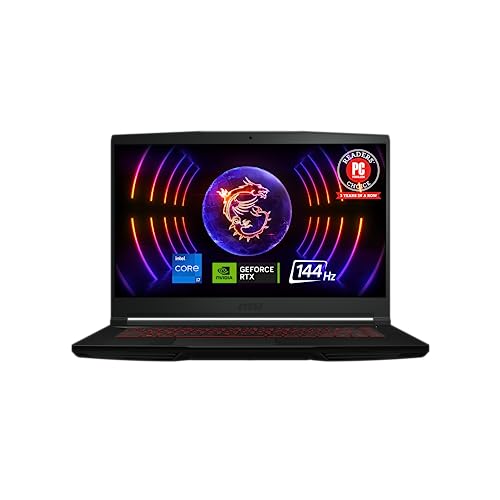

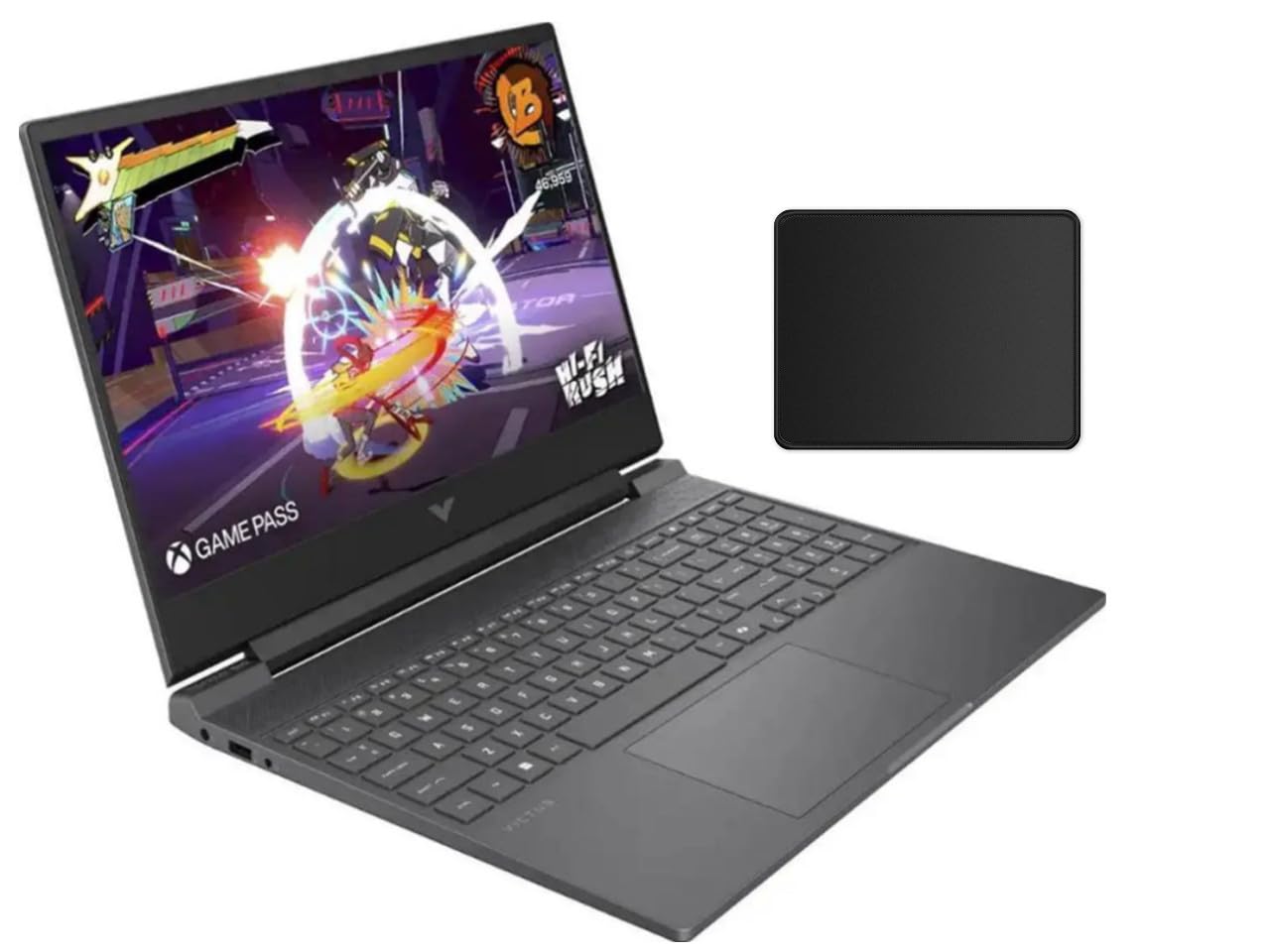


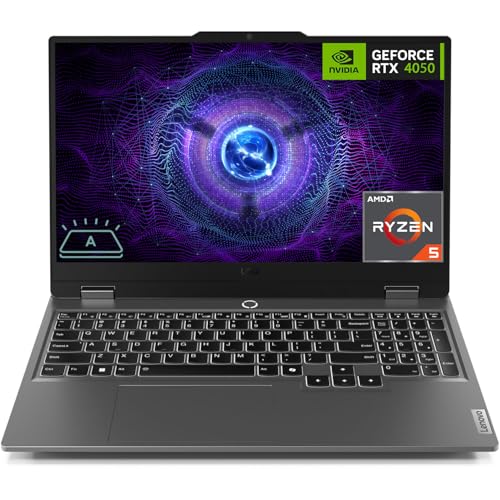
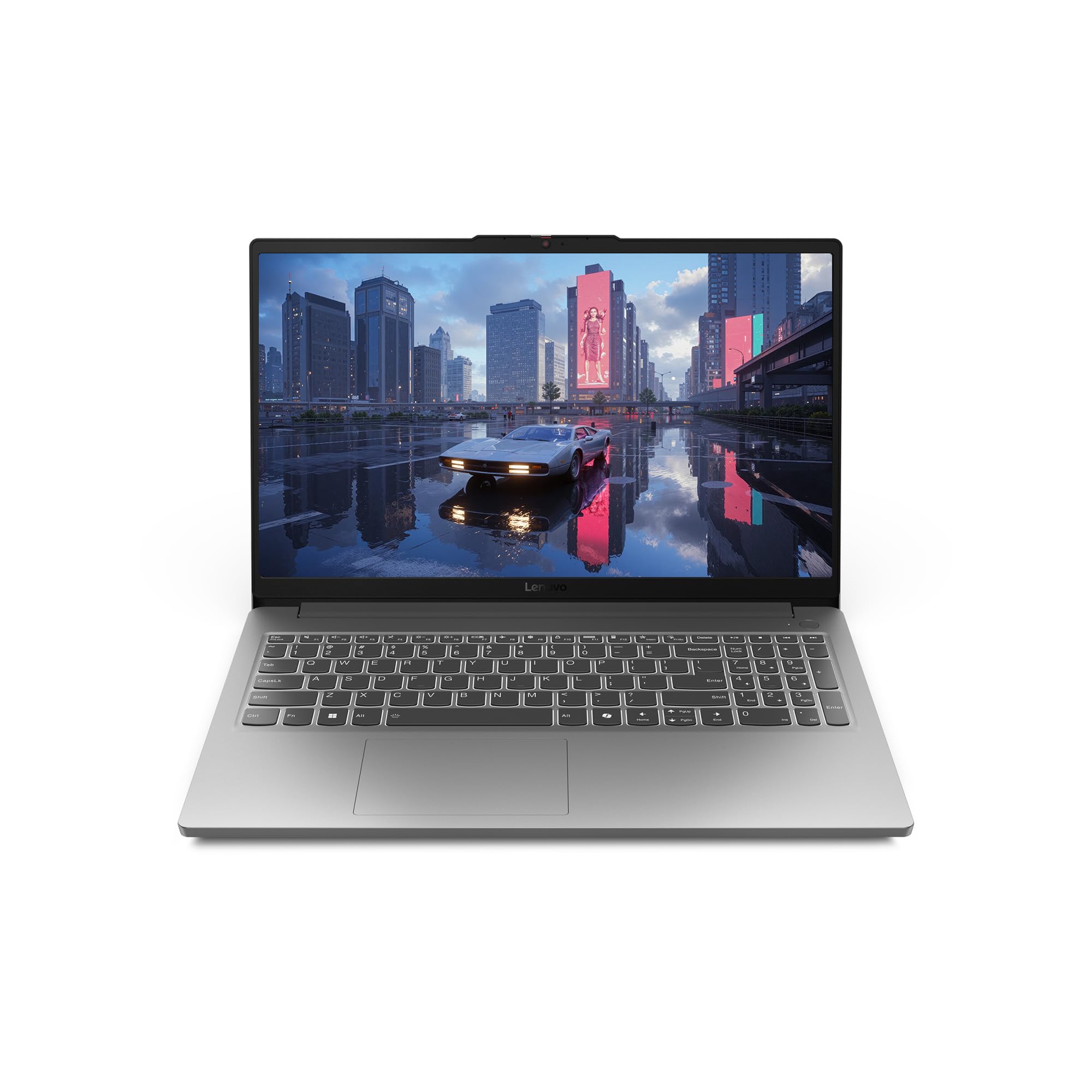
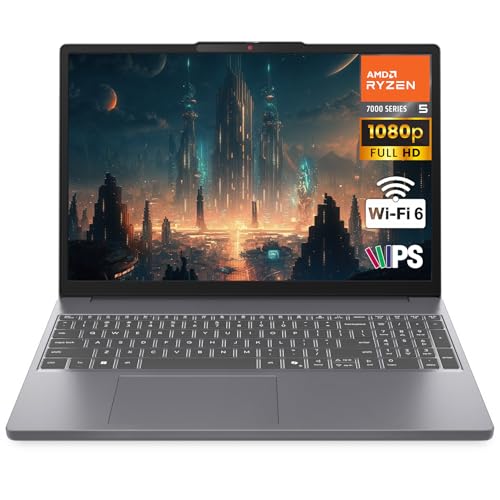
Who Should Buy an Affordable Gaming Laptop
Affordable gaming laptops suit students who want one machine for classes and games, players who move between rooms or dorms, and anyone who cannot fit a desktop tower. They also suit people who want a first gaming computer before deciding how much to invest. They are a weaker fit if you plan to run the newest games at the highest settings, because a mid range graphics card will need lower detail on demanding titles.
Key Specs for Affordable Game Laptops
Graphics Card
The graphics card does most of the work in games. In this price range, look for an entry or mid range dedicated GPU from the recent RTX 3050 to RTX 4060 class. These handle most popular titles at 1080p with medium to high settings. Check the video memory too, since 6 GB or more helps with newer games. A laptop with integrated graphics only is not a gaming laptop, however it is marketed.
Processor and Memory
A recent Intel Core i5 or i7, or an AMD Ryzen 5 or 7, is plenty for gaming. Choose 16 GB of memory as a minimum, because 8 GB leaves little room for the game and Windows together. Memory that can be upgraded later is a bonus, since adding RAM is the cheapest performance boost on a laptop.
Screen Refresh Rate and Size
A 144 Hz screen makes motion look smoother and is now common on affordable models. The panel should be at least 1920 by 1080 pixels. A 15 or 16 inch screen balances comfort and portability, while 17 inch models are larger and heavier. Check brightness and color coverage if you also edit photos, since budget panels can look dim.
Cooling and Noise
Games push the processor and graphics card hard, and a laptop that overheats slows itself down. Look for two fans, several heat pipes, and vents that are not blocked by the keyboard deck. Expect fan noise under load. A cooling stand helps on soft surfaces and costs little.
Storage and Battery
Choose a solid state drive of at least 512 GB, and prefer 1 TB because game files are large. Battery life on gaming laptops is short, often two to four hours of light use and under one hour while gaming, so plan to play plugged in.
Types of Affordable Game Laptops
Value Gaming Laptops
These are the main focus of this guide. They use mid range graphics, plastic or mixed bodies, and 144 Hz screens, and they suit most players. They are heavier than office laptops, usually around 5 to 6 pounds.
Entry Level Gaming Laptops
Entry models use older or lower power graphics cards and cost less. They run older and lighter games well and can handle newer games at low settings. They suit casual players on a tight budget. For a wider view of laptops beyond gaming, see our guide to the best and affordable laptops.
Student Friendly Gaming Laptops
Some gaming laptops balance performance with a lighter body and better battery life, which suits campus use. If study comes first, our guide to the best affordable laptops for students covers machines built for classes.
What You Can Realistically Get on a Budget
Around $800 to $1,000 buys a 15 inch laptop with an RTX 3050 or 4050 class card and 16 GB of memory. Around $1,000 to $1,200 usually adds a faster card, a better screen, or more storage. Expect plastic builds, average speakers, and an ordinary webcam. Spend on the graphics card first and treat everything else as secondary.
Match the Laptop to the Games You Play
Different games ask for different hardware, so list your top three titles before you shop. Esports games such as shooters, battle arenas, and racing titles run well on entry graphics cards and reward a fast screen. Large open world games and newer releases need a stronger graphics card, more video memory, and a fast drive for loading. Older and indie games run on almost anything, which means you can save money if that describes your library.
Also think about where you play. If you game mostly at a desk, screen size and cooling matter more than weight, and you can add a mouse, keyboard, and external monitor. If you carry the laptop to class or friends, weight, charger size, and battery life move up the list. A 15 inch model is the usual compromise.
Upgrades and Accessories Worth Considering
A few cheap accessories improve the experience more than a pricier laptop would. A wired gaming mouse is more accurate than a trackpad, a cooling stand keeps temperatures down, and a pair of headphones with a microphone helps in team games. If the laptop has a free memory slot or a second storage slot, adding memory or a larger solid state drive later costs far less than buying a bigger model now. Check the manufacturer guide before you open the case, because some warranties require a service visit.
Common Mistakes to Avoid
- Buying on the processor name alone while ignoring the graphics card, which matters more for games.
- Choosing 8 GB of memory to save a little, then struggling with newer titles.
- Picking a thin laptop that throttles under load because of weak cooling.
- Ignoring the weight and charger size if you carry the laptop every day.
- Paying extra for RGB lighting instead of a better screen or more storage.
Setup and Care
Update the graphics drivers soon after you unpack the laptop, then check the power plan in Windows so the machine runs at full performance when plugged in. Keep the vents clear, use a hard surface or a cooling stand, and blow dust out of the vents every few months. Avoid running the battery to zero often, and unplug at full charge for long sessions if the laptop offers a battery limit setting.
Frequently Asked Questions
How much should I spend on a gaming laptop?
About $800 to $1,200 is a realistic range for a laptop that plays current games well. Below that you give up performance, and above it you start paying for slimmer bodies and better screens.
Is 8 GB of memory enough for gaming?
Not for new games. Choose 16 GB, which handles the game, the system, and background apps comfortably.
Do I need a 144 Hz screen?
It is not essential, but it makes fast games look smoother and is common on affordable models. It matters more if you play shooters or racing games.
Can a gaming laptop also be used for school or work?
Yes. A gaming laptop is a fully capable computer. The main drawbacks are weight, a bulky charger, and shorter battery life than an office laptop.
How long will an affordable gaming laptop last?
Three to five years is a reasonable expectation for gaming at lower settings as newer games arrive. Upgrading memory and storage extends its life.
Final Thoughts
Put the graphics card first, then memory, cooling, and the screen. A laptop that gets those four right will serve you well, and looks and extras can wait. Use the product table above to compare current models, and pick the one that fits your games and your budget. For more on the topic, see our guides to the best gaming laptops affordable and the best notebook laptops. A careful choice of best affordable game laptops gives you smooth play without a premium price.


