Best A2 Printers in 2026: Which Type Is Right for You?
Disclosure: We may earn a commission when you buy through links on this page, at no extra cost to you. As an Amazon Associate I earn from qualifying purchases. Learn more
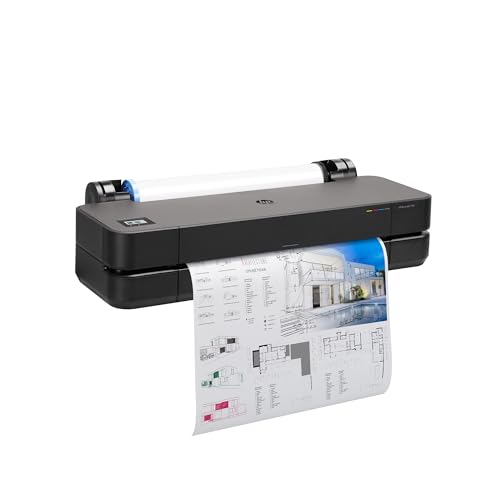
Compare the best a2 printers by type, print quality, running cost, and workspace needs, and learn how to choose the right style for your projects.
A2 is a big step up in paper size, and the shopping gets confusing fast because listings mix true wide format paper printers with tank models and even 3D machines. This guide sorts the best a2 printers by type first, so you can see which category actually produces the posters, plans, and artwork you have in mind.
An A2 sheet measures about 420 mm by 594 mm, roughly four A4 pages, which makes it popular for posters, architectural drawings, teaching charts, and exhibition prints. The comparison table below collects the main contenders in one view. Read the type breakdown first, then use the table to check sizes, costs, and features against your shortlist.


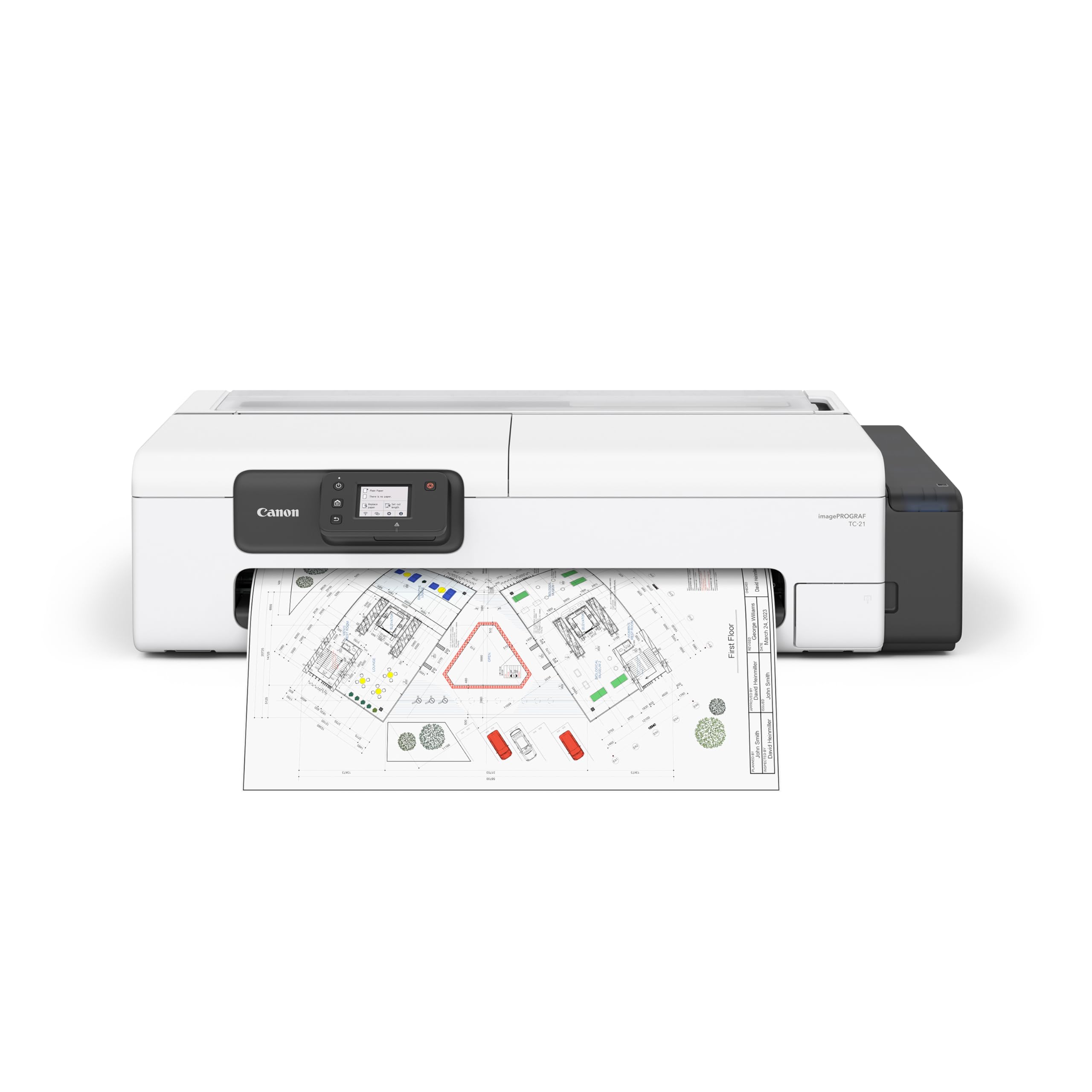
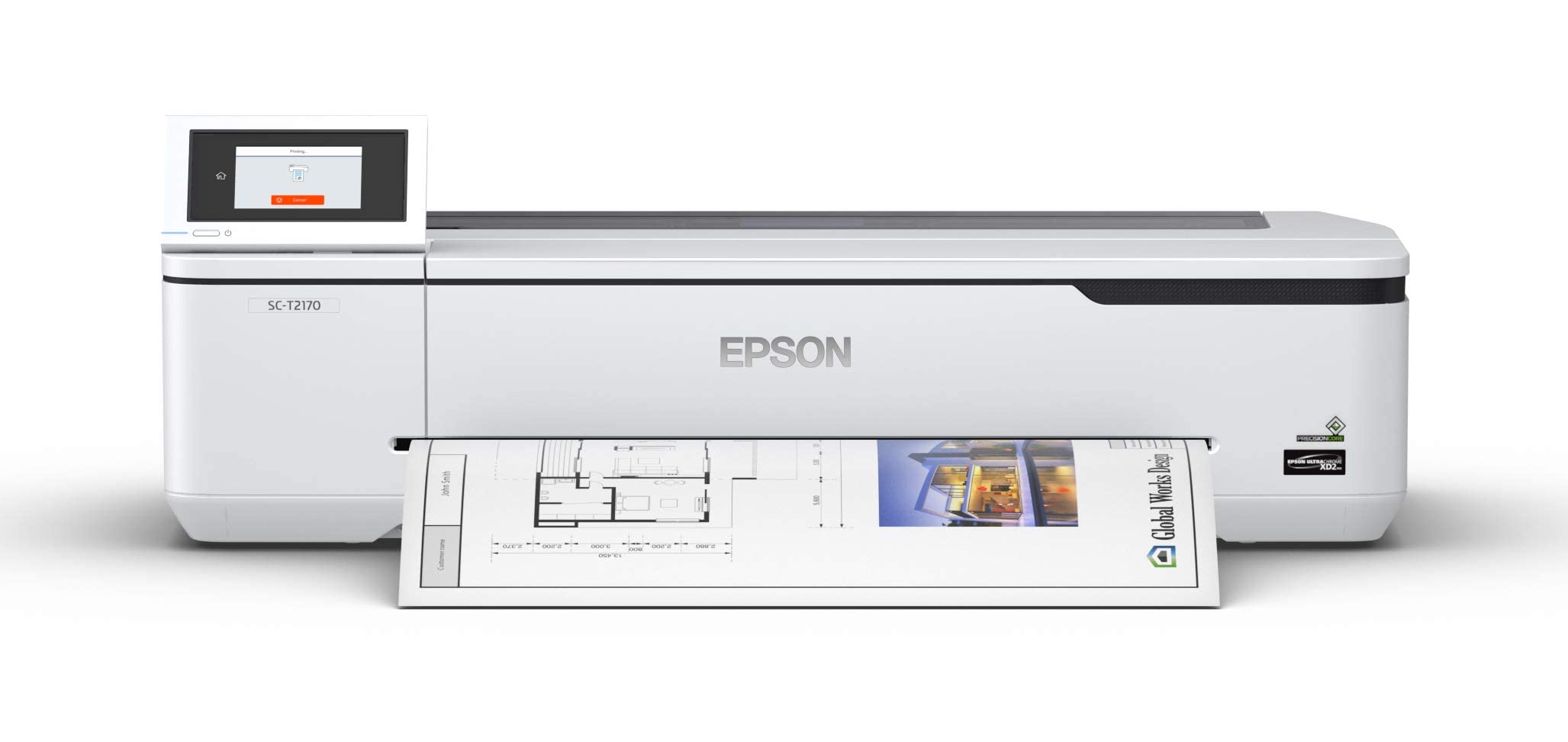
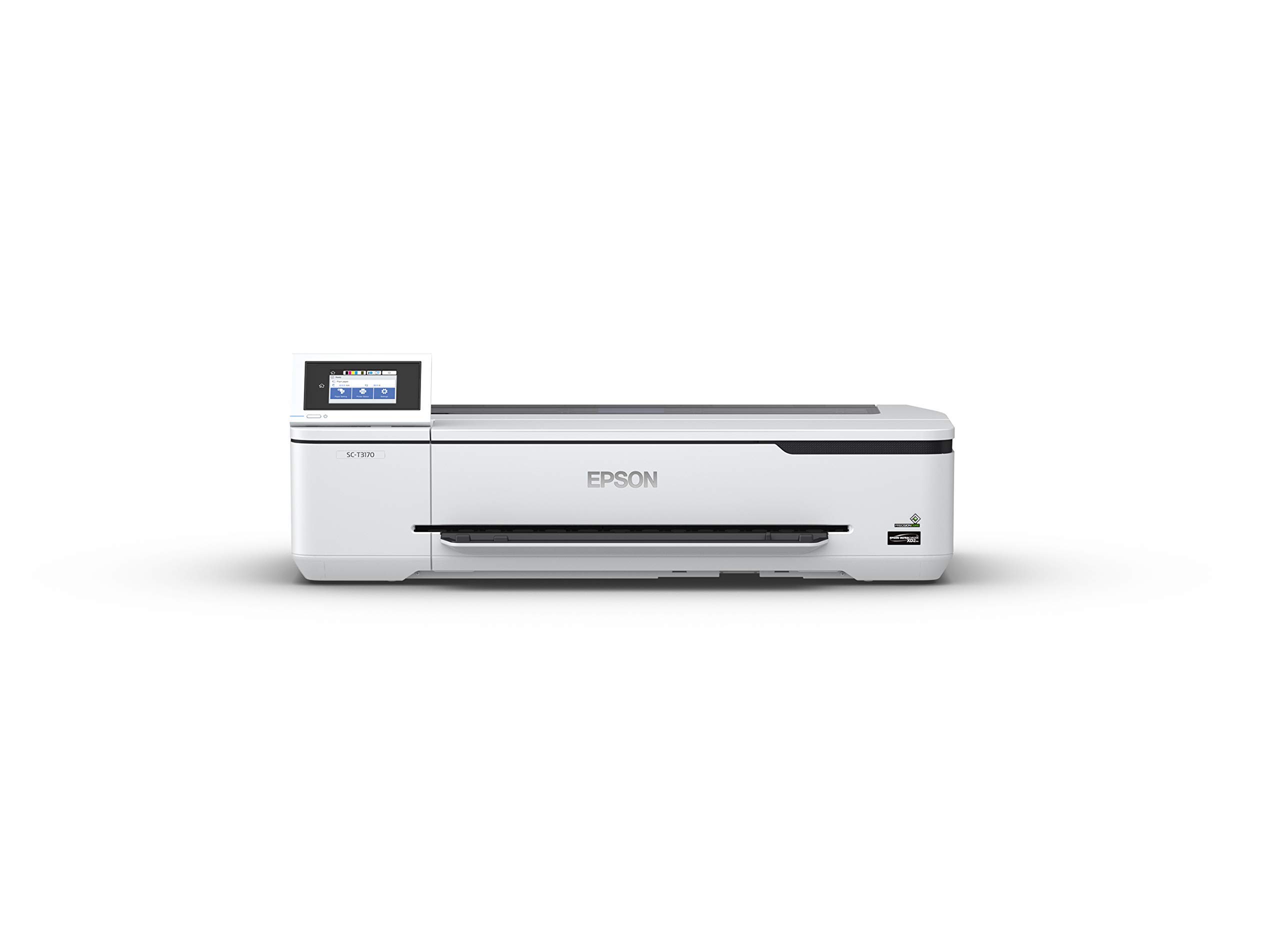
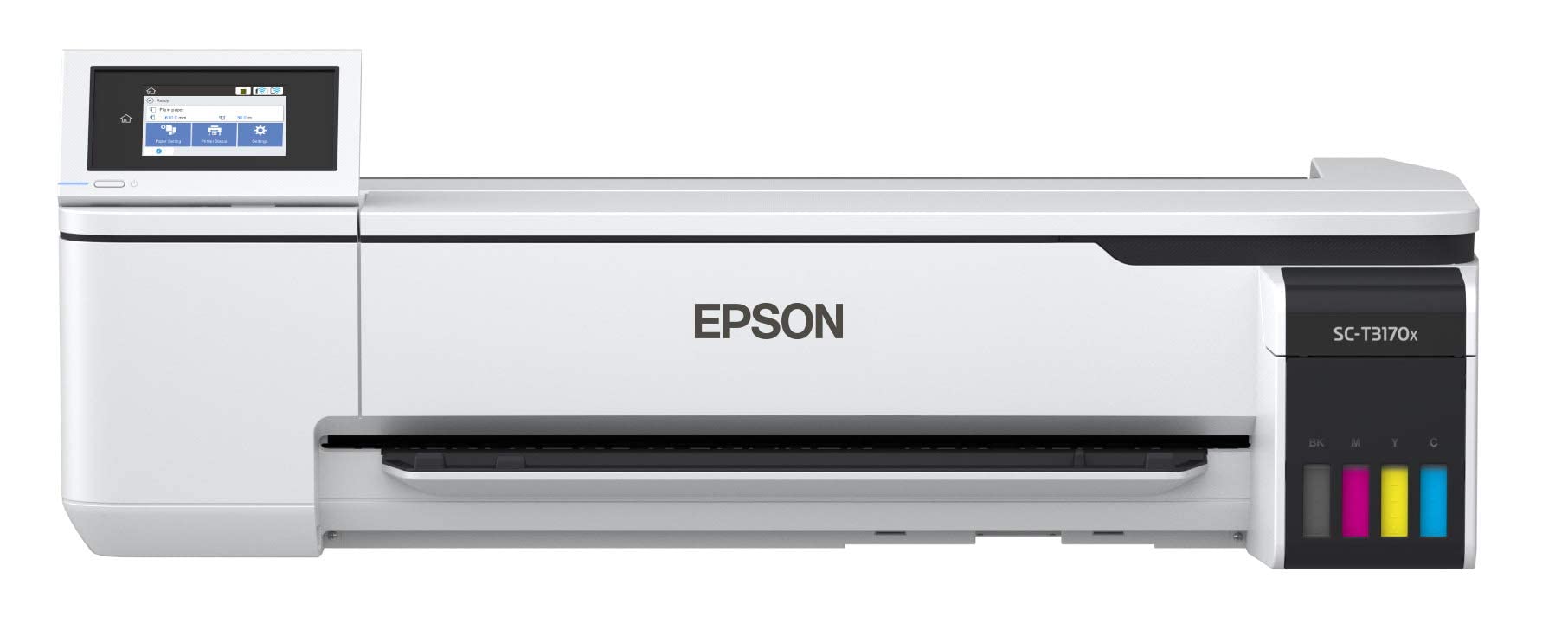
Types of A2 Printers Compared
Think of the field in two families. Paper printers put ink on sheets up to A2 size and differ mainly in how they store ink and feed paper. 3D printers build objects and appear in the same searches because of shared terms like build volume, which is why our guide to the best three d printers exists for that separate hobby. For A2 paper output, prices run from about $400 for entry wide format models to well over $2,000 for professional machines, and running costs matter as much as the sticker.
Resin 3D Printers
A resin printer cures liquid resin with light, layer by layer, to form small detailed objects such as miniatures and dental models. It does not print on paper at all, and its build area is far smaller than an A2 sheet, so it cannot produce a poster or a plan. It belongs in this comparison only so you can rule it out quickly if one appears in your search results. Choose resin when your project is a physical object with fine detail, you have ventilation for fumes, and you accept washing and curing steps after every print. For A2 paper work, skip this type entirely.
Ink Tank (Supertank) Printers
Ink tank models store ink in refillable reservoirs and refill from bottles, which drives cost per page down sharply for color work. In wide format, tank machines suit schools, offices, and studios printing A2 posters and charts every week, because the ink math rewards volume. Print quality is strong for graphics, photos, and line art, though the finest photo models with many ink colors still lead on subtle color. The tradeoffs are a higher purchase price and a larger footprint. If your A2 output is mostly paper and mostly frequent, this is usually the most economical type to own.
FDM 3D Printers
An FDM printer melts a spool of filament, often PLA, and lays it down in layers to build objects. Large FDM machines can approach A2 scale in one dimension, which is why they surface in these searches, but the output is a plastic part, not a print on a sheet. They suit prototypes, jigs, and hobby builds, and they ask for bed leveling, nozzle care, and patience with failed first layers. If your deliverable is a poster, a drawing, or class handouts at A2 size, an FDM machine is the wrong tool no matter how impressive its build volume sounds.
Resin 3D Printers vs Ink Tank (Supertank) Printers: Which Should You Choose?
These two types answer different questions. On output, the ink tank machine produces flat A2 sheets you can frame, mark up, or hand out, while resin produces small solid objects. On running cost, bottled ink is cheap per page, while resin adds consumables such as replacement film, gloves, and washing fluid. On workspace needs, a tank printer wants a wide sturdy desk and ventilation is a nonissue, while resin demands a ventilated area away from living spaces and careful handling of uncured material. On skill, tank printing is close to plug in and go, while resin has a steeper learning curve. Hobbyists weighing object printing can compare notes in our guide to the best hobby 3d printers, but for A2 paper, the ink tank type wins by definition.
How to Choose the Right A2 Printer
Ease of Setup and Calibration
Wide format machines are heavy and awkward, so plan the setup with two people and a clear path to the desk or stand. Good models guide you through ink charging, print head alignment, and paper feed calibration on screen. For paper printers, calibration means accurate color and straight feeding, not the bed leveling that 3D printers need, though auto bed leveling is the feature to want if you ever shop that category. Check whether the maker offers a paper profile library for common media, because correct profiles save hours of trial prints at this expensive sheet size.
Paper Handling and Duplex / Build Volume
Decide how you will feed A2 media before you buy. Cut sheet feeding suits occasional posters, while a roll feed with a built in cutter suits long runs and banners, and switching between them should not require tools. Confirm the thickest media supported if you plan on card, canvas, or fine art paper. Duplex printing is rare and mostly irrelevant at this size, since A2 work is single sided display material. Build volume, again, belongs to 3D machines; the paper equivalent to check is maximum print width and length, including whether borderless A2 is supported.
Connectivity and Mobile Printing
Large files move slowly over weak connections, so wired Ethernet is worth having alongside WiFi for a shared studio or office machine. AirPrint and maker apps help for quick proofs from a phone, but most A2 work starts on a computer where you can control scaling and color. Check driver support for your operating system version, and confirm the printer accepts standard file workflows from design and CAD software. Home users comparing smaller everyday machines alongside a wide format purchase may also like our overview of the best computer printers for home for the household desk.
Print Quality and Resolution
For posters and artwork, look beyond the headline DPI number. Ink count, droplet size, and paper profiles shape real quality more, because small droplets and extra ink colors smooth gradients in skies and skin. For plans and line art, crisp black and accurate scaling matter most, so check that the driver can print at exact size without silent resizing. Readers focused on photographic output should see our guide to the best quality printers for a deeper look at color accuracy, and note that the best printers for pictures share many of the same quality markers at smaller sizes.
Printer Type (Inkjet, Laser, Tank, 3D FDM/Resin)
Pull the threads together by matching type to job. Inkjet is the foundation of nearly all A2 paper printing, handling color graphics and photos that laser cannot match at this size, and laser is effectively absent from the true A2 market. Tank versions of inkjet suit high volume with low running cost, while cartridge versions suit low volume with lower entry price. The 3D types, FDM and resin, make objects and should only enter the decision if your project list genuinely includes physical parts as well as paper prints.
Tips to Get the Most From Your A2 Printer
A few habits protect both quality and budget at this size. Print a small color page weekly to prevent clogs, because a wide format head cleaning wastes far more ink than a desktop model. Use genuine or reputable ink so color stays consistent across a poster run, and store paper flat and dry, since curled A2 sheets feed crooked and waste expensive media. Keep 3D printer beds clean with isopropyl alcohol if you run one alongside, and keep a test file with fine lines, a photo, and color blocks so you can spot quality drift in one sheet instead of across a whole project.
FAQs
Which 3D printer is easiest for beginners?
For object printing, an FDM machine with auto bed leveling and a guided first print routine is the easiest starting point, and even then it is a separate purchase from an A2 paper printer. If your actual goal is A2 posters or plans, the easiest beginner choice is not a 3D printer at all. Pick a wide format inkjet with on screen setup guidance and spend your learning time on paper profiles and scaling instead.
Inkjet or laser: which is cheaper long term?
At A2 size the question mostly answers itself, because true A2 laser machines are rare and costly, while inkjet dominates the category. Among inkjets, tank models usually deliver the lowest cost per page for color work, and cartridge models cost less upfront for light use. Add paper to the math, since one wasted A2 sheet can erase the savings from many pages of careful ink shopping.
What does cost per page mean?
Cost per page is what one finished sheet costs you in ink and paper. Divide a bottle or cartridge price by its page yield, then add the sheet price, remembering that an A2 photo or poster uses far more ink than a page of text. This figure, multiplied by your monthly volume, tells you whether a cheaper machine is actually cheaper to own over two or three years of real use.
Are ink tank printers worth it?
Yes for anyone printing A2 work weekly, because bottled ink cuts the largest running cost and the tanks remove the guesswork about remaining ink. The higher purchase price needs volume to pay back, so a user printing a few posters a year may do better with a cartridge model or a local print shop. Tank machines also favor regular use, since steady ink flow keeps wide format heads clear.
Wrapping Up
Start by separating paper from plastic: A2 posters, plans, and artwork come from wide format inkjet machines, and tank versions reward frequent printing with low running costs. Then check paper handling, exact size accuracy, and connectivity for your workspace. Buyers who settle those points will find the best a2 printers for their projects without paying for capabilities they will never touch. Compare your finalists in the product table above, run the cost per page math at your real volume, and choose the type that fits the work.