
Best 75 Inch Smart TVs in 2026: How to Pick the Right One
Disclosure: We may earn a commission when you buy through links on this page, at no extra cost to you. As an Amazon Associate I earn from qualifying purchases. Learn more

Compare best 75 inch smart tvs by viewing distance, brightness, sound and apps, plus the setup mistakes that lead to returns.
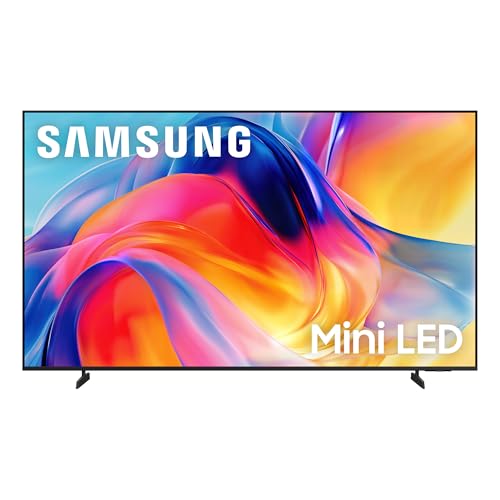
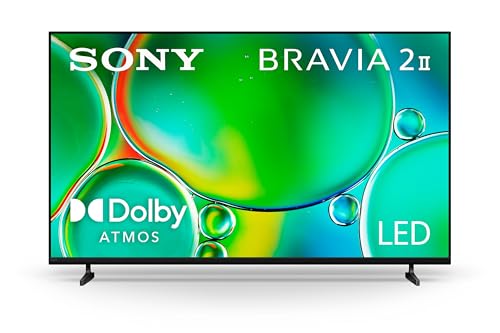
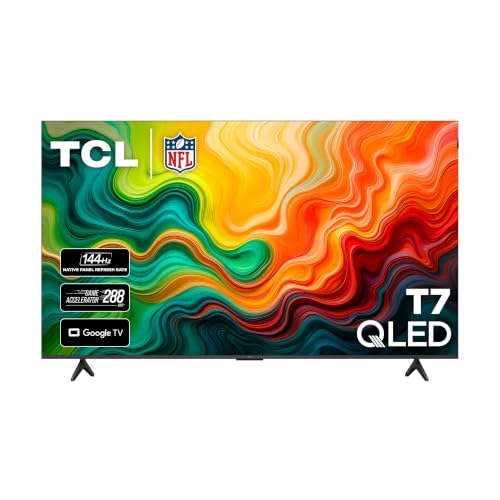
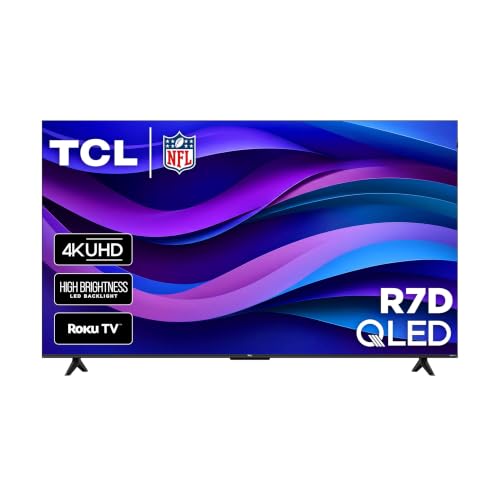
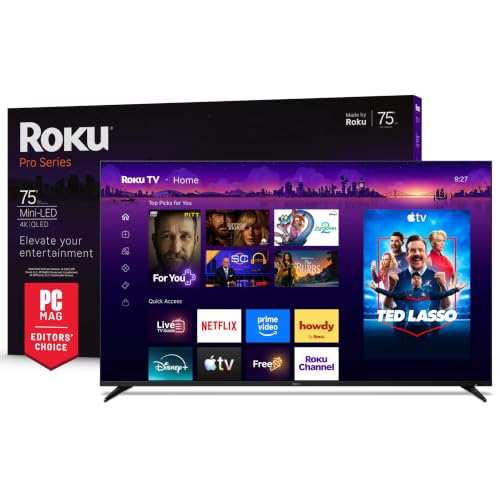
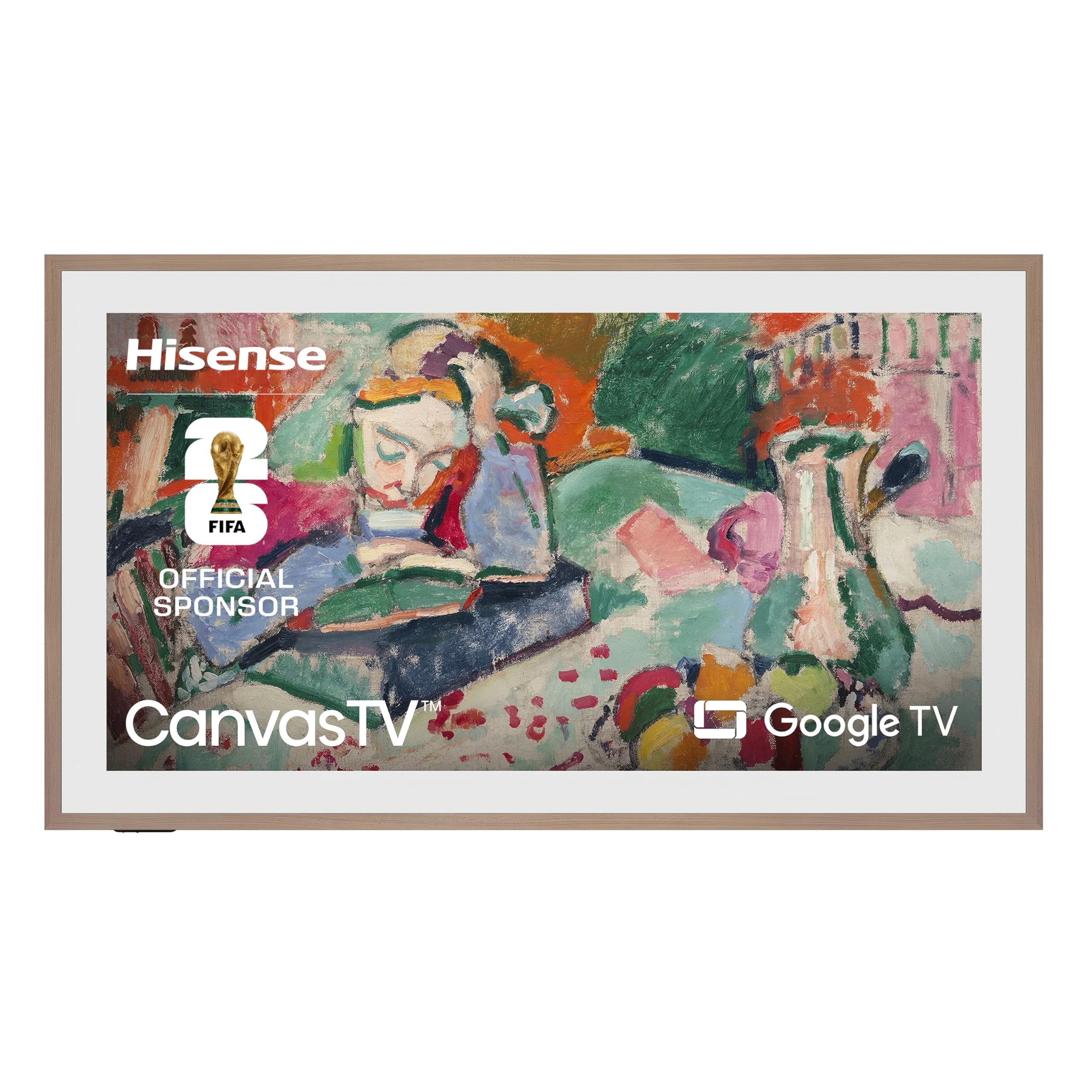
A 75 inch screen changes how a living room feels, but only if the room, the seating and the budget suit it. The best 75 inch smart tvs pair a big, bright 4K panel with a fast, well supported smart platform, so movies, sports and streaming apps all work without fuss. The product table below lines up the main options, and this guide explains which features matter at this size.
It covers who benefits most, how to judge viewing distance, brightness, sound and apps, and the setup mistakes that lead to returns. Use it to shortlist a set that fits your room rather than the biggest number on the box.




Who Should Buy a 75 Inch Smart TV?
This size rewards buyers with enough room and a clear main use. Start with how your household watches, then weight the features below accordingly.
Movie Lovers
If you watch films in the evening with the lights low, contrast and black levels matter most. Dimming zones, HDR support and a calm movie picture mode make dark scenes look deep rather than gray.
Sports Fans
Live sports reward smooth motion and a wide viewing angle, so everyone on the sofa sees the same picture. A higher refresh rate and good motion handling keep fast play clear.
Families
When one television serves everyone, an easy menu, quick app launches and a simple remote count more than a long spec list. Check that the apps your household uses are supported and that parental controls are easy to set.
Key Features Explained
A feature is worth paying for only if you notice it every week. Judge each one by how it changes everyday viewing.
Viewing Distance and Screen Size
A 75 inch screen is about 65 inches wide, so it suits seating roughly 8 to 12 feet away. Closer than that, the picture can feel overwhelming and low quality sources look rough. Measure the wall and the seat before you order, not just the stand.
Brightness and Reflections
A brighter panel holds its contrast when sunlight or lamps hit the screen. An anti glare coating helps, but no coating removes a direct window reflection, so plan the seating angle as well.
Smart Platform and Apps
Google TV, Roku TV, Fire TV and the major brand platforms all cover the big streaming services, but menu speed and update support differ. Choose the platform whose layout you find easiest, and remember that a streaming stick can replace a slow one later.
Sound
Thin cabinets leave little room for speakers, so built in sound is fine for news and thin for movies. Look for an eARC HDMI port if you plan to add a soundbar, and for a Bluetooth or optical output as a fallback.
Ports, Mounting and Delivery
Count HDMI ports for your console, player and soundbar, and look for at least one that supports 4K at 120 frames per second if you game. Large sets are heavy, so check the wall type, the VESA pattern and the delivery route through doors and stairs before the box arrives.
Types of 75 Inch Smart TVs Compared
Large screens come in a few broad flavors. Match the type to your room instead of paying for strengths you will never use.
Bright Room TVs
These use high brightness panels, often QLED or mini LED, and suit sunny living rooms where the television competes with daylight.
Movie Night TVs
Sets with strong local dimming or OLED style contrast give the deepest blacks in a dark room, which suits film fans who watch after sunset.
Gaming TVs
Look for a 120 Hz or 144 Hz panel, low input lag and variable refresh rate support so big screen play feels responsive.
Family and Value TVs
Straightforward 4K sets with an easy platform and a solid warranty cover everyday streaming at the lowest price per inch.
Choosing and Setting Up
Measure the wall, the seating distance and the delivery route, including doors and elevators, before you order. Check the picture from the side seats as well as the center, because some panels fade at an angle. Once the set is up, use separate picture modes for movies, sports and everyday viewing.
Confirm the return terms and keep the packaging until you are sure the set suits the room. A short checklist beats a rushed purchase: size, fit, key features, warranty and delivery.
Related Buying Guides
If a 75 inch screen feels too big for your space, compare the best 55 inch smart tvs or the best 50 inch smart tvs. For a bedroom, kitchen or office, the best 40 inch smart tvs and the best 32 inch smart tvs fit tighter walls and shorter viewing distances.
Care and Upkeep Over Time
Clean the screen with a soft dry microfiber cloth and keep the vents clear of dust. Install software updates when they appear, and review your app subscriptions once a year. Check the mount bolts and cables now and then, since a heavy screen puts steady load on its fasteners.
Mistakes to Avoid
Do not buy a 75 inch set for a small room hoping it will feel cinematic, because sitting too close causes eye strain. Do not mount it on a weak wall or with undersized anchors. Turn off vivid store settings, which waste power and tire your eyes.
Another common mistake is skipping the return terms. Compare two or three serious options, read the warranty, and keep the packaging until you are happy with the picture in your own room light.
Budget and Value Checks
Set a price range for your best 75 inch smart tvs shortlist first and decide which features justify paying more. A higher price should buy brightness, contrast or longer software support that you will notice often, not a small spec gain. Mid priced sets usually give the best balance, with strong core features and no luxury extras.
Check warranty length, return terms and parts availability, because a cheaper set with poor support can cost more over time. Count the soundbar or mount you may need into the total.
Frequently Asked Questions
Is 75 inch too big for my room?
Measure the seating distance: most viewers enjoy 75 inches from about 8 to 12 feet, and movie fans may sit slightly closer. Check the wall width and furniture layout too. A television that dominates a small room feels tiring rather than immersive.
Do large TVs need a soundbar?
Most do, since thin screens limit speaker size. Dialogue clarity improves most, followed by movie impact. Budget for audio from the start if movies, sports or music matter to you.
Which smart platform is best?
The best platform is the one with your apps, fast menus and long update support. Try the remote and menus if you can. A streaming stick can fix a weak platform, but built in simplicity suits shared family use.
How do I mount a 75 inch TV safely?
Use a mount rated well above the television weight and fix it into studs or solid masonry, not drywall alone. Check cable access before mounting. For a heavy screen, professional installation is worth the cost.
Will a 75 inch TV raise my electricity bill?
Large screens use more power than small ones, especially at high brightness. Energy saving and room adaptive brightness settings lower the running cost for everyday viewing, and you can save full brightness for movies.
Final Thoughts
Start from your routine, weight the features that serve it, and use the product table above to compare your shortlist fairly. The right choice among the best 75 inch smart tvs fits your room, runs the apps you use, and stays within a budget you can justify. Take your time and choose the set you will still enjoy months from now.


