
Best 40 Inch Smart TVs: Room Size Guide for 2026
Disclosure: We may earn a commission when you buy through links on this page, at no extra cost to you. As an Amazon Associate I earn from qualifying purchases. Learn more
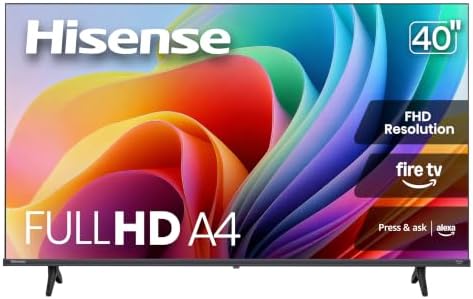
Choose 40 inch smart TVs that fit your room and viewing distance. Compare picture quality, smart features, mounting, and sound. Read before buying.
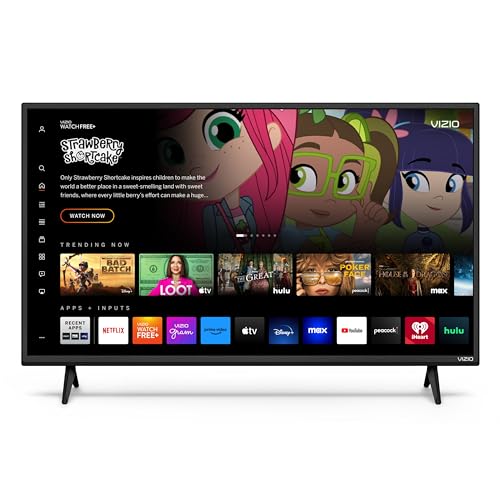
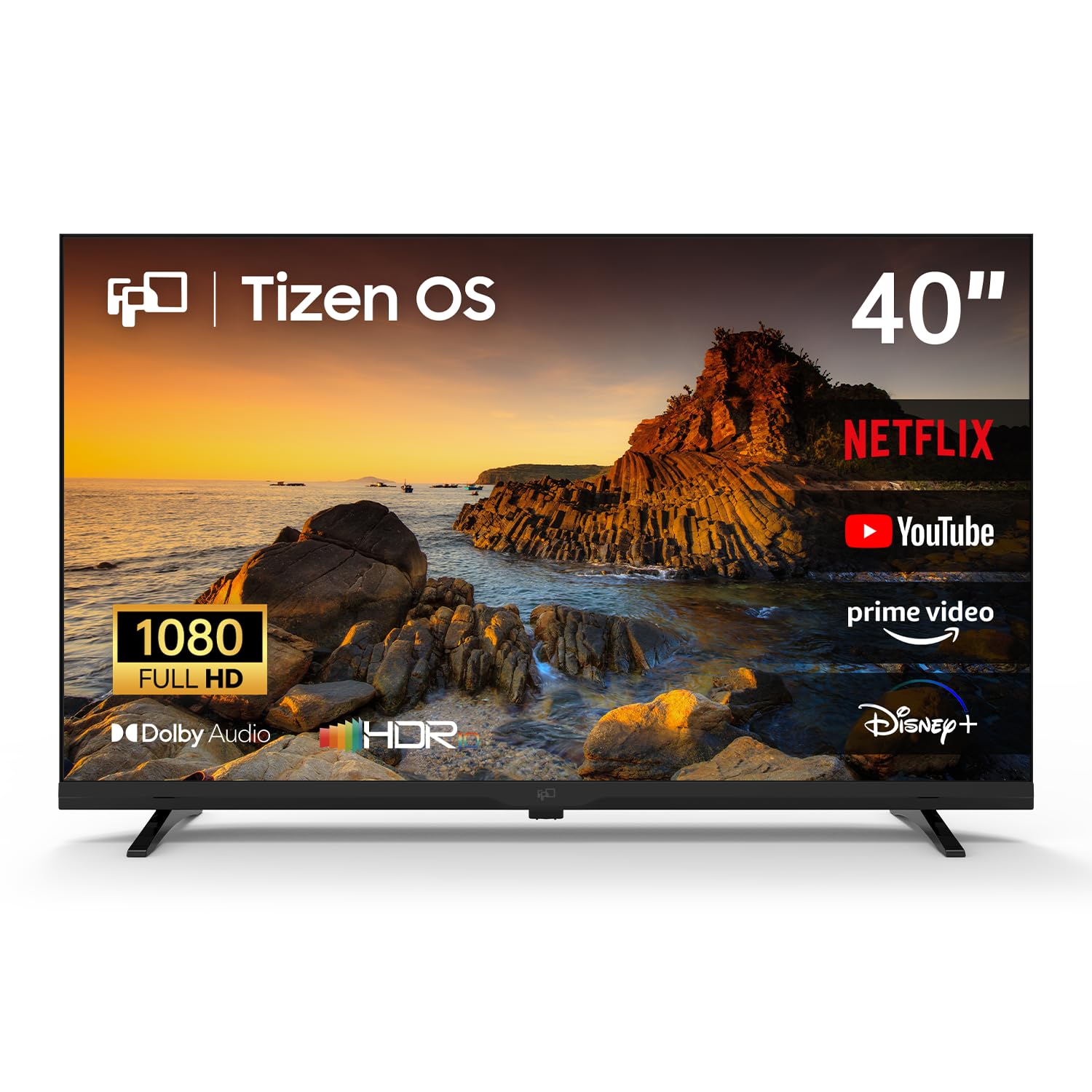
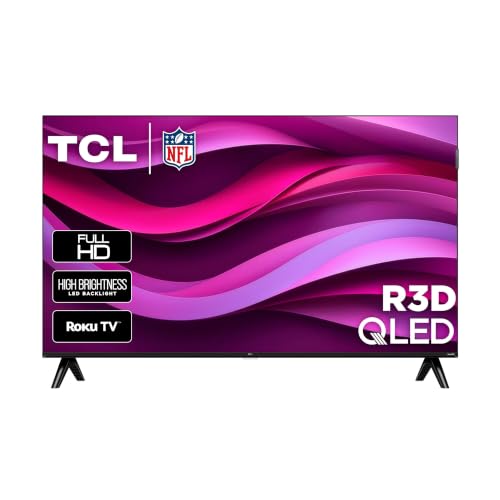
A 40 inch smart TV suits bedrooms, small living rooms, and kitchens where a larger screen would dominate the space. This guide to best 40 inch smart tvs explains picture quality, smart features, and sound in plain terms. The comparison table below shows the main 40 inch categories side by side.
Screen size should match viewing distance: too large a screen in a small room forces constant head movement, while too small a screen wastes detail. Forty inches works well at about 1.5 to 2.5 metres, which suits many bedrooms and compact living rooms. The sections below help you judge picture, smart features, and sound for that space.

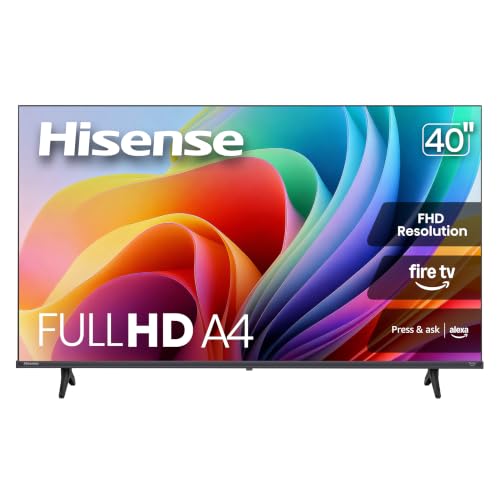
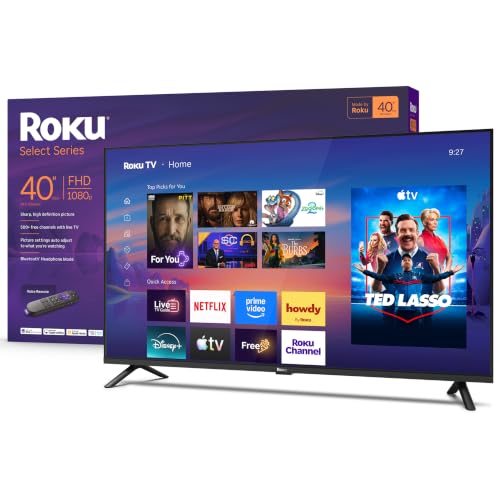
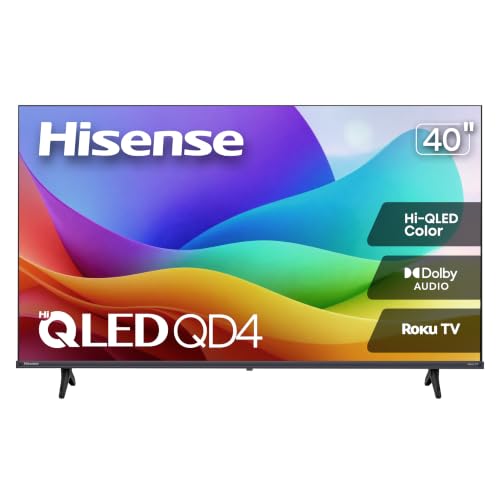



Picture Quality That Matters
Resolution, panel type, and HDR support shape picture quality most. A 4K resolution shows more detail than Full HD, especially on streaming services that offer 4K content. HDR improves contrast and colour when content supports it, though budget HDR varies in impact.
Panel type affects viewing angles and contrast. VA panels offer deeper blacks but narrower viewing angles, while IPS panels offer wider angles with less contrast. If you watch mostly straight on, VA suits well; if viewers sit at wide angles, IPS may serve better. Check panel type in reviews, since makers rarely state it clearly.
Smart Features and Apps
Smart TVs include streaming apps, voice control, and casting from phones. Check that your preferred services are available and run smoothly, since app support varies by platform. A slow smart system frustrates daily use, even if the picture is good.
If the built in system disappoints, an external streaming stick can fix it cheaply, so do not let smart features dominate your decision. Prioritise picture quality and sound first, since streaming devices are easy to add later. Voice control and smart home integration are bonuses, not essentials.
Sound and Room Setup
Thin TVs have limited space for speakers, so built in sound is often thin, especially for dialogue. Check dialogue clarity in reviews, and budget for a soundbar if you watch films or shows with complex sound. A basic soundbar improves dialogue far more than a slightly better TV speaker.
Place the TV at eye level when seated, with the centre of the screen roughly at eye height. Avoid placing it opposite bright windows, which cause glare. A simple wall mount or stand adjustment often improves viewing more than a more expensive screen.
Viewing Distance and Room Size
At 40 inches, a viewing distance of about 1.5 to 2.5 metres suits most viewers. Closer viewing reveals pixels on lower resolution screens, while farther viewing wastes 4K detail. Measure your seating distance before buying, and consider whether a 43 inch screen might suit a slightly larger room better.
Related guides compare nearby sizes and all time favourites, including best tvs of all time, best 55 inch smart tvs, best 40 inch tv sets, best 32 inch smart tvs, and best 50 inch smart tvs. Each guide helps you confirm whether 40 inches is the right size for your room.
Budget Tiers and Value
At about 250 to 400 dollars, expect a solid 4K smart TV with decent picture for bedrooms and small rooms. From 400 to 600 dollars, you gain better HDR, brighter panels, and smoother smart systems. Above that range, improvements suit enthusiasts more than casual viewers.
Spend first on panel quality and viewing angle for your room, then on HDR performance, then on smart features. A streaming stick can fix smart shortcomings cheaply, but it cannot fix a poor panel. Check warranty and return policy, and test the TV in your room lighting if possible.
A Final Check Before You Buy
Before you buy, measure your viewing distance, check your preferred streaming apps, and consider sound. Compare the product table above with your room and habits, and test dialogue clarity if you can. A TV that fits your room and viewing style will satisfy you far longer than a larger screen bought on impulse.
Keep the receipt and test the TV thoroughly in the return window, including your usual apps and viewing positions. Early testing catches panel or sound issues while exchange remains easy.
Mounting Versus Stand
Wall mounting saves floor space and places the screen at eye level, which suits bedrooms and small rooms. Check wall type and mount rating before drilling, since plasterboard needs special fixings. A tilting mount helps reduce glare from windows.
A stand offers flexibility: you can move the TV, adjust height with furniture, and avoid drilling. Stands suit renters and anyone who rearranges rooms often. Ensure the stand is stable and rated for the TV weight, especially in homes with children or pets.
Cable management matters for both options. Plan cable routes before mounting or placing, and use clips or trunking to keep cables tidy. Tidy cables look better and reduce trip hazards, especially in bedrooms and walkways.
Consider viewing angle when choosing: a mount with swivel helps rooms where viewers sit at angles, while a fixed stand suits straight on viewing. Test seating positions before fixing a mount permanently.
Calibrating Picture Settings
Out of the box picture settings often use vivid modes that look striking in shops but oversaturate colours at home. Switch to a movie or cinema mode for more natural colours, then adjust brightness for your room lighting. That single change often improves picture quality greatly.
Turn off motion smoothing for films if it makes movement look unnaturally smooth, a effect many viewers dislike. Keep it on for sports if you prefer sharper motion, since preferences vary. Test both settings with familiar content before deciding.
Adjust backlight rather than brightness for room lighting changes: backlight controls overall light output, while brightness affects black levels. In dark rooms, lower backlight reduces eye strain; in bright rooms, raise it to combat glare.
If your TV offers calibration guides or test patterns, use them to set contrast and colour roughly. Professional calibration suits enthusiasts, but basic adjustments cover most viewers well. Revisit settings after a few weeks, once you know how the TV looks in daily use.
TVs in Bedrooms Versus Living Rooms
Bedroom TVs serve different needs from living room TVs, since viewing distances are shorter, rooms are darker, and viewing is often casual before sleep. A 40 inch TV suits bedrooms well, offering a clear picture without dominating the room or disturbing sleep with excessive brightness. Use a lower brightness setting at night, enable any blue light or night mode if available, and avoid falling asleep with the TV on, since that disrupts sleep quality. Bedroom viewing should be comfortable and calm, not cinematic and intense.
Living room TVs face brighter rooms, wider seating, and more varied content, from films to sport to games. A 40 inch TV can suit small living rooms, but larger rooms may need a bigger screen for comfortable viewing from sofas. Measure your living room seating distance honestly, and consider whether 40 inches truly fills the view from your sofa or whether a 43 or 50 inch screen would serve better. Room size should decide screen size, not habit or a bargain price alone.
Sound needs differ too: bedrooms benefit from quiet, clear dialogue at low volume, while living rooms benefit from fuller sound for films and sport. A soundbar with a night mode helps bedrooms by keeping dialogue clear without loud effects, while living rooms may suit a larger sound system. Match sound to room and neighbours, since thin walls carry TV sound easily at night. Considerate volume settings keep good relations with neighbours and household members alike.
Placement differs as well: bedroom TVs often sit on dressers or wall mounts opposite the bed, while living room TVs anchor a seating arrangement. Check viewing height from your usual position in each room, since a TV placed too high causes neck strain over time. Eye level viewing, comfortable seating, and controlled lighting matter in both rooms, and they improve enjoyment more than a marginal picture upgrade. Room first thinking, applied consistently, leads to satisfying TV choices in any space.
Frequently Asked Questions
What viewing distance suits a 40 inch TV?
About 1.5 to 2.5 metres suits most viewers for a 40 inch TV. Closer viewing can reveal pixels on lower resolution screens, while farther viewing wastes 4K detail. Measure your seating distance before deciding between 40 and 43 inches.
Is 4K worth it on a 40 inch TV?
Yes, if you watch 4K streaming content at a suitable distance, since it shows more detail than Full HD. At farther distances, the difference shrinks. For mainly broadcast and casual viewing, Full HD remains acceptable, but 4K models are now common and affordable.
Do I need a soundbar with a 40 inch TV?
Often yes, since thin TVs have limited speaker space and dialogue can sound thin. A basic soundbar improves dialogue and film sound greatly. If you mainly watch news and light shows, built in speakers may suffice.
Which smart platform is best?
The best platform is the one that runs your preferred apps smoothly and receives updates. Check app availability for your services before buying. If the built in system disappoints, an external streaming stick can replace it cheaply.
Should I choose VA or IPS panel?
VA panels offer deeper blacks but narrower viewing angles, suiting straight on viewing. IPS panels offer wider angles with less contrast, suiting rooms where viewers sit spread out. Choose by your seating layout rather than by specs alone.
Final Thoughts
A 40 inch smart TV works best when size, picture quality, and sound match your room and viewing habits. Measure your distance, prioritise panel quality, and plan for sound if dialogue matters to you. That room first approach makes best 40 inch smart tvs a satisfying fit for bedrooms and compact living rooms.


