Best 75 Inch TVs for 2026: What Actually Matters Before You Buy
Disclosure: We may earn a commission when you buy through links on this page, at no extra cost to you. As an Amazon Associate I earn from qualifying purchases. Learn more

Learn how to choose the best 75 inch TV with a clear checklist covering picture quality, size, sound, ports, and value, plus red flags to avoid.
A 75 inch TV is a serious purchase, and the spec sheets all start to sound alike after a while. Every brand promises stunning picture quality, smart features, and cinema sound, yet the sets that look similar on paper can feel very different once one is sitting in your living room. The gap between a good buy and a regret usually comes down to a handful of checks you can make before you order.
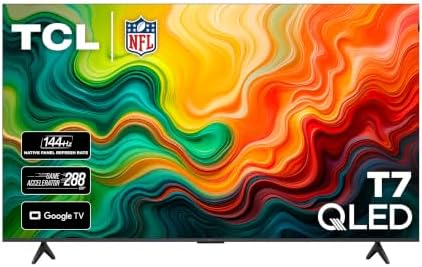
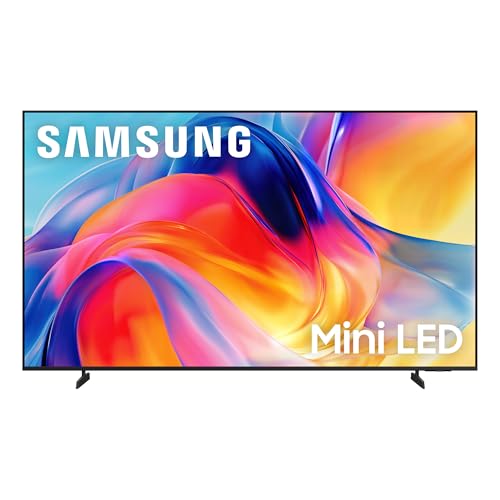
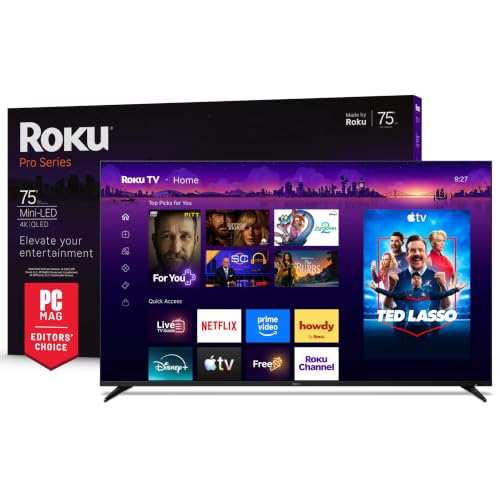
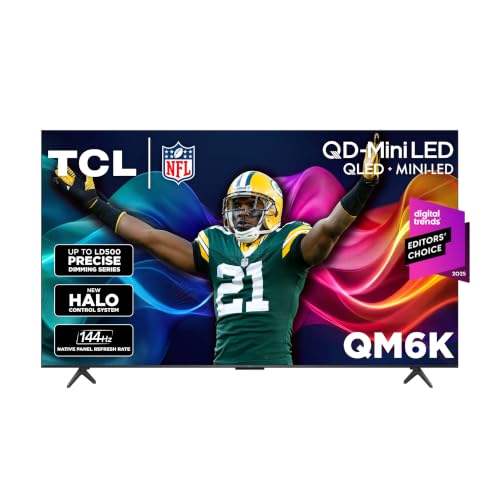
This guide walks you through that checklist step by step, so you can judge any best 75 inch contender on the things that actually affect daily use. Start with the comparison table below, then use the sections that follow to narrow your shortlist with confidence.


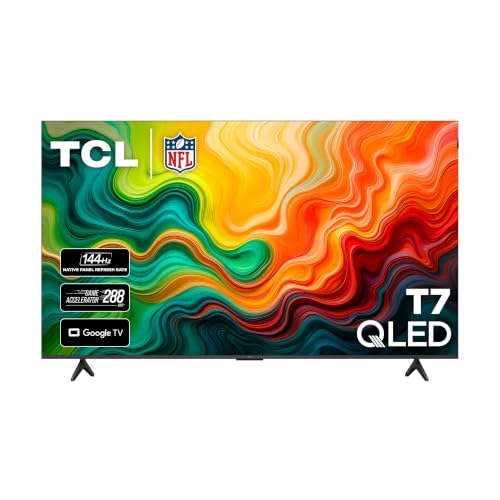
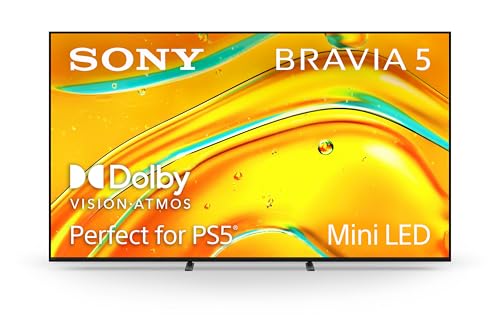
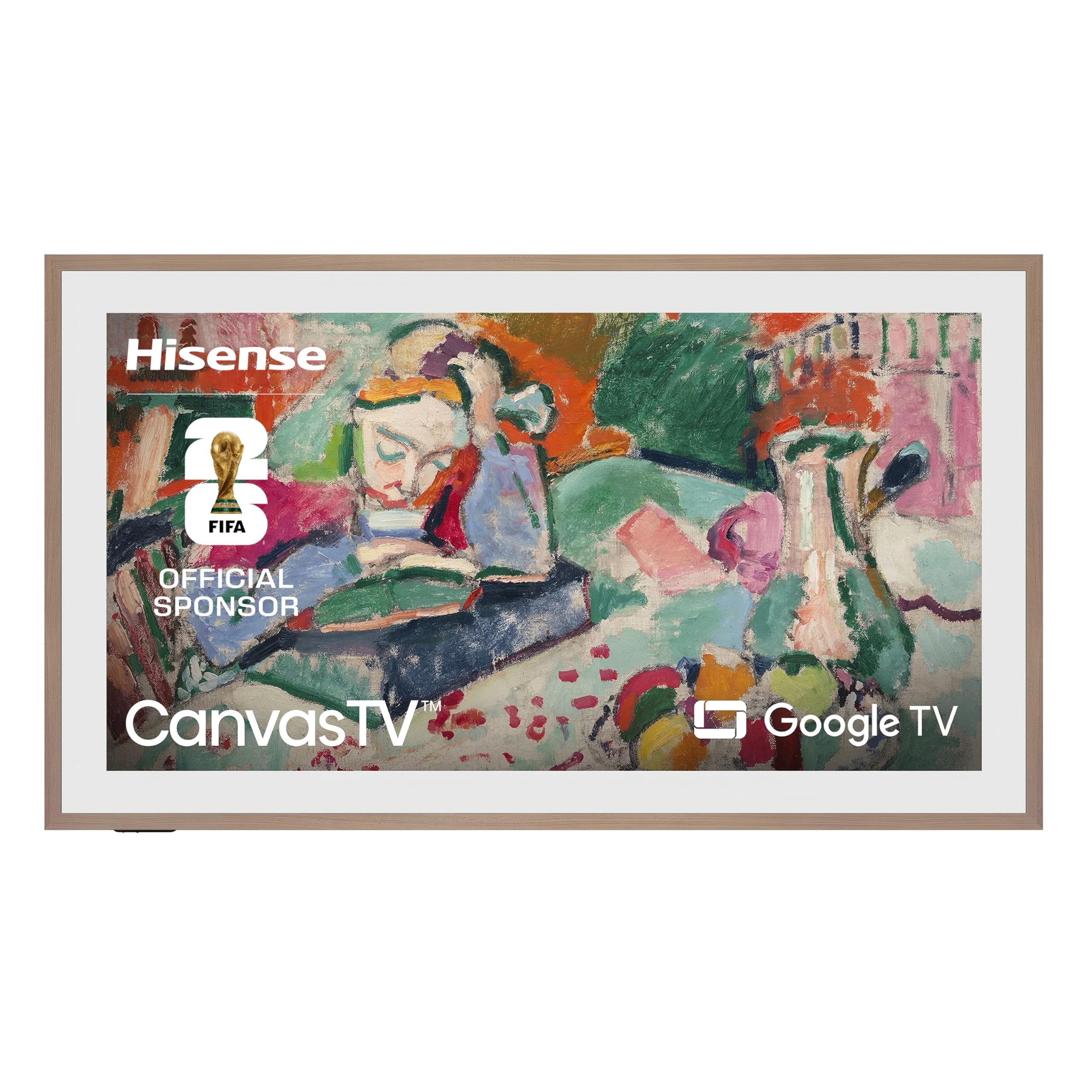


How to Evaluate a 75 Inch TV Before You Buy
Work through the six checks below in order. A TV that passes all six is rarely a bad purchase.
Intended Use and Who the TV Is For
Start by naming your main use, because it decides which specs deserve your money. If movies are the priority, contrast and black levels matter most, since dark scenes reveal weak panels quickly. If sports lead the list, motion handling and a higher refresh rate matter more, because fast pans across a field expose blur and judder.
Gamers should weigh input lag and HDMI 2.1 support heavily, while casual viewers who mostly watch news and streaming shows can safely spend less. A household that mixes everything should rank the most common use first and treat the rest as secondary.
Maintenance and Long Term Costs
The sticker price is only part of what a large TV costs you over its life. Electricity use is modest for most modern LED sets, but a very bright panel running many hours a day will add up over the years. Streaming apps are free at first, yet some platforms push paid add ons, and a separate streaming stick may be needed later if the built in apps slow down.
Other costs are easy to miss. A sturdy wall mount or a wider stand, a soundbar, and longer HDMI cables can add a noticeable amount to the total. Budget for these items up front so the final bill holds no surprises.
Size, Weight, and Fit for Your Space
A 75 inch screen measures about 66 inches wide and 38 inches tall, and most sets weigh between 60 and 80 pounds. Measure your wall or media console before anything else, and check the stand feet spacing too, because many large TVs have feet near the outer edges that need a wide surface.
Viewing distance matters just as much. Sitting roughly 7.5 to 10 feet away suits most viewers at this size, close enough for detail to register and far enough that the picture does not overwhelm the room. If your sofa sits much farther back and the wall allows it, see our guide to the best TVs over 75 inches before you settle on a size.
Warranty and Customer Support
Most 75 inch TVs carry a one year parts and labor warranty, and panel defects are the main thing it protects you against. Read what the warranty actually covers, especially whether in home service is included, because shipping a screen this large back to a service center is a genuine hassle. A brand with local service options saves real effort if something fails.
Support quality shows up in smaller ways too, like regular firmware updates and help pages that actually answer setup questions. Extended coverage can make sense for a premium set you plan to keep for many years, but skip it on a budget model where the plan costs a large share of the TV itself.
Ease of Use and Setup
Daily ease of use comes down to the remote, the menu layout, and how quickly apps open. Voice search is genuinely useful for finding shows across apps, and a remote with a few sensible shortcut buttons beats one crowded with sponsored keys you will never press.
Setup itself is straightforward but physical. Plan on two people to lift the TV, attach the feet or mount on a soft flat surface, and keep the box until you are sure the panel is flawless. If the smart platform is your main concern, see our guide to the best 75 inch smart TVs for a closer look at how the major systems compare.
Key Performance Specs
Resolution is the easy part, since nearly every set at this size is 4K, and the differences show up elsewhere. Panel type drives contrast: sets with full array local dimming control brightness in zones and produce far deeper blacks than edge lit panels. Peak brightness matters if your room gets daylight, because a brighter screen fights glare and keeps HDR highlights convincing.
Refresh rate is the next dividing line. A native 120 Hz panel handles sports and gaming motion more cleanly than a 60 Hz panel with software smoothing. For sound, expect the built in speakers to be the weak point on almost any large flat TV, so if dialogue clarity matters to you, see our guide to the best soundbars for 75 inch TV and factor one into the plan.
Buying Guidance: Matching the TV to Your Room and Habits
With the checklist in hand, the next step is applying it to your own situation. The three angles below replace guesswork with a simple order of decisions: room first, budget second, content third.
Start With Your Room, Not the Spec Sheet
Your room quietly decides several specs for you. A bright room with windows opposite the screen calls for higher peak brightness and a screen finish that resists reflections. A dedicated dark room for movie nights rewards the opposite choice, where contrast and black uniformity matter more than raw brightness, and a mid priced set can look superb.
Seating layout matters as well. If chairs sit well off to the sides, look for a panel with wide viewing angles so colors stay accurate for everyone.
Decide What Your Budget Should Cover
Budget sets at this size often land around $600 to $900, mid range options run about $900 to $1,500, and premium models go well above that. The useful question is not which tier is best, but what each step up actually buys you. Moving from budget to mid range usually gains local dimming, a 120 Hz panel, and better processing, all of which you can see.
Moving from mid range to premium buys refinement: higher brightness, better reflection handling, and more polished build quality. Those gains are real but smaller, so they suit viewers who watch a lot of HDR movies or game on current consoles.
Match the Panel to What You Watch Most
Sports fans should favor motion clarity above almost everything, which means a native 120 Hz panel and processing that keeps a moving ball clean against a detailed background. Movie lovers should favor contrast and accurate color out of the box.
Gamers have the clearest checklist of all: HDMI 2.1 ports, low input lag in game mode, and support for variable refresh rate if your console offers it. Households that mostly stream shows and news can relax nearly all of these demands.
Quick Buyer Checklist
Run through these questions before you order. Every yes means the set fits your life a little better, and any no tells you exactly what to check next in the product table above.
- Does the TV fit your wall or console, with stand feet spacing your furniture can handle?
- Is your seating distance roughly 7.5 to 10 feet from the screen?
- Does the panel brightness suit the light in your room at the time you watch most?
- Are there enough HDMI ports for your console, player, and sound equipment?
- Does at least one port support HDMI 2.1 if you game on a current console?
- Is the warranty at least one year, with in home service available?
- Have you budgeted for a mount, cables, and possibly a soundbar?
- Does the smart platform carry every streaming app your household uses?
Red Flags to Watch For
Most weak sets give themselves away before you ever see the picture. Watch for these warning signs while you compare listings and spec pages.
- Vague brightness claims with no nit rating listed, which usually means the panel is dimmer than rivals at the same price.
- A refresh rate advertised with words like effective or motion rate but no native figure, which hides a basic 60 Hz panel.
- Missing port details, since listings that hide the HDMI count often ship with fewer ports than you expect.
- A warranty shorter than one year or no clear service path, which leaves you exposed on a large and fragile purchase.
- A price far below every comparable set with no clear reason, which often points to an older panel or a stripped down model.
How to Make Your 75 Inch TV Last Longer
Large TVs usually fail from heat, dust, and rough handling rather than old age, so a little care goes a long way. Dust the vents along the back and top edge every few months with a dry cloth, and keep the area behind the TV clear so warm air can escape. A screen that runs cooler keeps its brightness and color longer.
Clean the screen itself with a soft microfiber cloth, lightly dampened with water only if needed. Never spray liquid directly on the panel and never use glass cleaner, because harsh chemicals can damage the coating.
Protect the set from power problems as well. A decent surge protector is cheap insurance against storms and grid spikes. Small habits like these keep a big screen serving you for years.
75 Inch TVs: Your Questions Answered
How long does a 75 inch TV last?
Most 75 inch TVs last about 7 to 10 years of regular use before brightness or components begin to fade. The LED backlight is usually rated far beyond that in hours, so failures more often come from power boards or software support ending. One practical tip: register the warranty within the first month, because a few brands require it before certain coverage applies.
What features matter most when buying a 75 inch TV?
Local dimming, peak brightness, and a native 120 Hz refresh rate matter most, in that order for most rooms. Ports deserve a quick count too, since running out of HDMI inputs is the most common day one annoyance. Also check the weight of the set against your mount rating, a detail spec sheets list but buyers often skip until delivery day.
How do I maintain a 75 inch TV?
Maintain a 75 inch TV by keeping its vents dust free, wiping the screen with a dry microfiber cloth, and installing firmware updates when they appear. Updates occasionally improve app stability and fix small bugs, so enabling automatic updates overnight is a low effort win. Once a year, snug up wall mount bolts by hand to confirm nothing has loosened.
How much should I spend on a 75 inch TV?
Most households land happily in the about $900 to $1,500 range, where local dimming and 120 Hz panels become common. Spending less still gets a perfectly watchable set for news and streaming, while spending more mainly rewards movie and gaming fans.
Is an expensive 75 inch TV worth it?
An expensive 75 inch TV is worth it if you watch HDR movies in a dark room or game daily, because its brightness and contrast advantages show up in exactly those uses. For daytime news and casual streaming, the difference shrinks a lot. A useful test is the return window: buy from a seller whose policy lets you judge the picture at home.
The Bottom Line
Choosing well at this size is mostly about order: confirm the fit, judge the panel on dimming and brightness, then count ports and read the warranty. The product table above pulls those details together so you can compare your finalists side by side without juggling a dozen tabs. Match the set to your room and your habits, and the price tier will usually decide itself.
Do that, and the best 75 inch TV for your home stops being a guess and becomes a short, confident decision. Prices and availability can change, so check the product page before ordering.