
Best 65 Inch Smart TVs 2026: Buying Guide
Disclosure: We may earn a commission when you buy through links on this page, at no extra cost to you. As an Amazon Associate I earn from qualifying purchases. Learn more
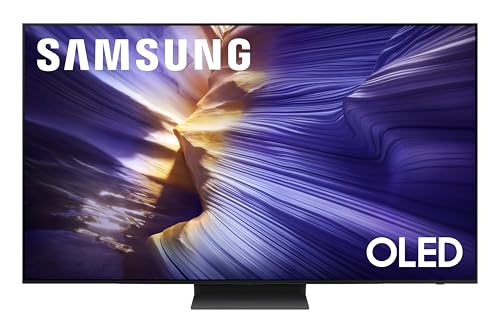
Panel type, smart platform, and seating distance explained to help you choose the best 65 inch smart tvs for films, sport, and gaming.
A 65 inch smart television is the centerpiece of many living rooms, large enough for films and sport yet still manageable on a wall or stand. The best 65 inch smart tvs differ in panel technology, smart platform, and gaming support, and this guide helps you sort those differences by how you actually watch.
The comparison table below shows options side by side, but seating distance comes first: a 65 inch screen suits seats about 8 to 10 feet away. Room light matters next, since bright rooms need a brighter panel. List your main uses, films, sport, news, gaming, and check each candidate against those, not against a generic best list.


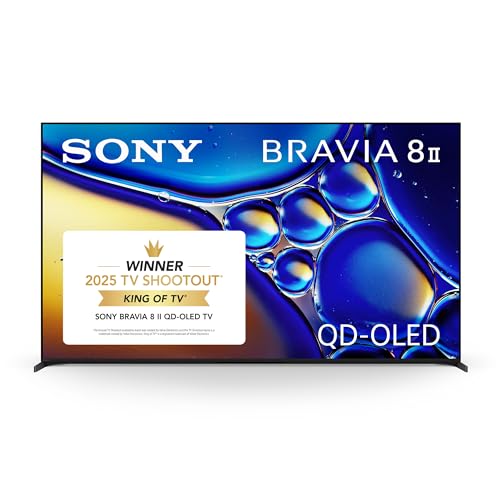
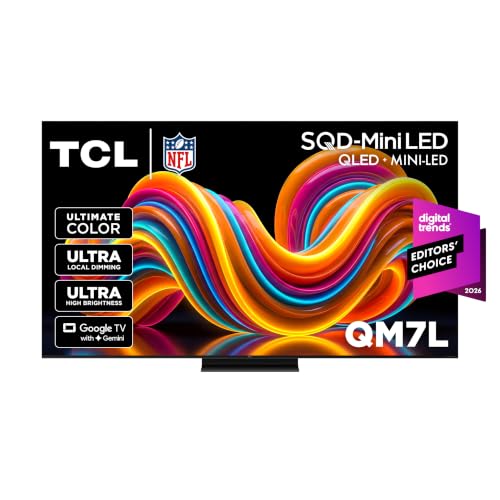
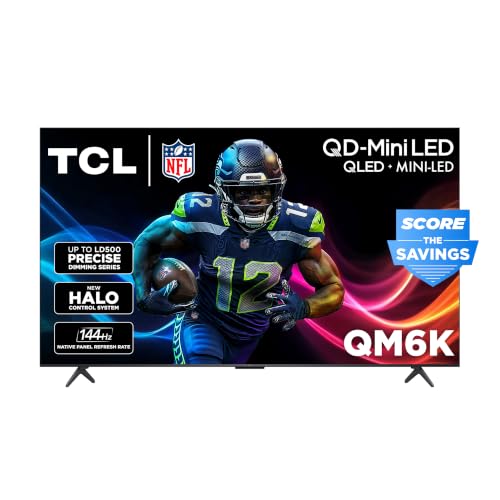


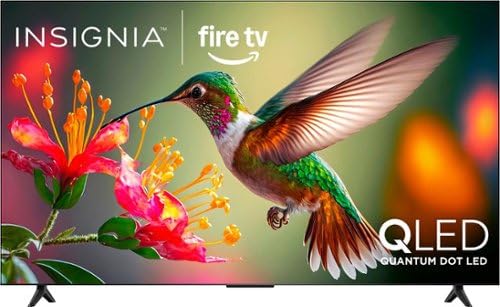
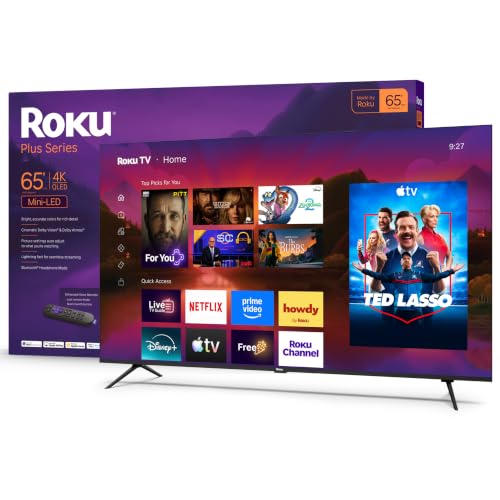
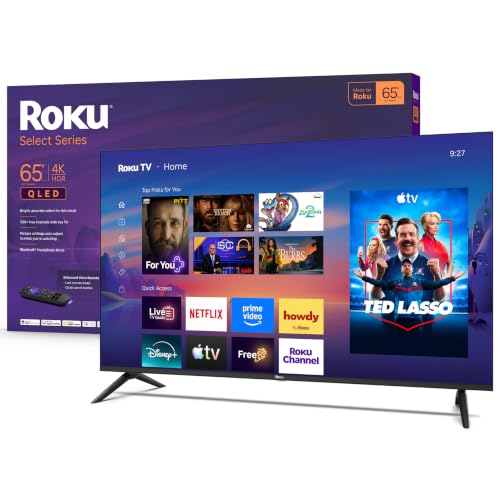

Who Should Buy the Best 65 Inch Smart TVs
A 65 inch smart television suits main living rooms and family rooms where several people watch together. It also suits film lovers who want a cinema feel without a projector, and gamers who want a large, responsive screen. If your main seat is closer than about 6 feet, a smaller screen will feel more comfortable.
- Families watching together in a living room
- Film lovers wanting a cinema feel at home
- Gamers wanting a large screen with low lag
Panel Technology and Picture Quality
LED LCD televisions dominate this size and range from bright, affordable models to high end versions with advanced dimming. OLED models cost more but give the deepest blacks and widest viewing angles, which shine in dark rooms. For bright rooms, a high brightness LED panel often makes more sense than an OLED that cannot compete with sunlight.
Judge picture with real content: skin tones, dark scenes, and fast sport. Motion handling matters for football and action films, and color accuracy matters every day. A television that looks natural in your room beats one that dazzles under shop lights. Check viewing angles from your side seats too, since cheaper panels fade quickly off axis.
Smart Platforms, Voice, and Gaming
Smart platforms differ in app coverage, speed, and remote design. Check that your essential apps are available, that search works well, and that the menu stays responsive after months of use. Voice control and casting help some households, while others prefer a simple remote and a streaming box they already own.
Gamers should check game mode lag, refresh rate, and HDMI features for their console. A 120 Hz panel and variable refresh support smooth fast games, but casual gamers may not notice the difference. Note which HDMI ports carry the newest features, since often only one or two ports do, and plan your connections accordingly.
Common Mistakes to Avoid
The most common mistake is buying a 65 inch television for a room that is too small, then sitting so close that flaws and motion artifacts dominate. Another is ignoring sound: a large screen with thin audio feels unbalanced, so plan for a soundbar if films matter. A third is paying for premium features, like 8K, that your sources cannot yet use.
Measure the wall and stand, including the feet width, which is often wider than expected. Check the weight for wall mounting, and confirm your stand or mount rating. Try the television at home during the return window, in your own light, with your own seats and sources.
Setup and Everyday Use
Mount or place the screen with its center near eye level from your main seat. Start from the film or cinema picture mode, and turn off motion smoothing for films if movement looks too smooth. Calibrate brightness for your room: a screen set for a dark shop may glare at home, and vice versa.
Organize the home screen so your most used apps sit first, and remove clutter. Set up profiles for family members if the platform supports them, and enable automatic updates overnight. For gaming, assign the console to the best HDMI port and enable game mode there, leaving other inputs on standard settings.
Related guides cover nearby sizes and types. See the general 65 inch range in best 65 inch tvs, the all time overview in best tvs of all time, smaller smart models in best 55 inch smart tvs and best 32 inch smart tvs, and mid size smart options in best 50 inch smart tvs.
Living Room Setup for a Big Screen
A 65 inch television rewards thoughtful room setup. Arrange seating so the main seats face the screen directly, with side seats inside a reasonable angle, and avoid placing a bright lamp or window directly behind viewers, which causes reflections. A rug and soft furnishings reduce echo in a room dominated by a large screen and hard surfaces.
Cable management matters more at this size, since a large screen draws the eye to everything around it. Route cables behind furniture or through a trunking channel, and place streaming boxes and consoles where they ventilate properly. A tidy setup looks better and prevents overheating, which shortens the life of electronics.
Plan for everyone who uses the television. Set up profiles so each family member finds their apps quickly, enable parental controls where children watch, and teach everyone the sleep timer and the input switching basics. A big television that the whole household can use confidently becomes a gathering point rather than a source of remote control arguments.
Sharing a Big TV With the Household
A shared television needs simple rules that everyone understands. Agree on a default input and a default app so anyone can turn the television on and watch without navigating menus. Keep the remote in one place, and consider a simple universal remote if the household struggles with several controllers for television, soundbar, and streaming box.
Viewing habits differ, so set up separate profiles where the platform allows them. Children get a profile with appropriate controls, adults get their own recommendations, and guests can use a basic profile without changing anyone's settings. A few minutes of profile setup prevents recommendation chaos and arguments over what appears on the home screen.
Keeping a Smart TV Fast Over Time
Smart televisions slow down as apps accumulate and storage fills, but a few habits keep them responsive. Uninstall apps you never use, clear app caches occasionally through the settings menu, and restart the television fully every week or two rather than leaving it in standby for months. Avoid filling the home screen with widgets and previews you never open, since each one consumes memory. If the interface still lags after tidying, a streaming stick often runs faster than an aging built in platform, giving the television a new lease of life without replacing a screen you otherwise like.
Frequently Asked Questions
How far should I sit from a 65 inch TV?
A 65 inch television generally suits seating about 8 to 10 feet away. This distance lets you take in the whole picture without noticing pixels or motion flaws. If your main seat is much closer, consider a 55 inch screen instead, or try a 65 inch model at home before committing, since room layout varies.
Is OLED worth it at 65 inches?
OLED is worth considering if you watch mostly in a dim room and value deep blacks and wide viewing angles. It costs more than a comparable LED television and is less bright in sunlit rooms. For bright living rooms, a high brightness LED model often gives a better everyday picture, so match the panel to your room, not just to reviews.
Which smart platform is best?
The best smart platform is the one that has your apps, runs smoothly, and feels simple to everyone in the house. App coverage, search quality, and remote design matter more than brand loyalty. If you already use a streaming box or stick you like, the built in platform matters less, since you can keep using your own device.
Do I need 120 Hz for gaming?
A 120 Hz panel helps fast games feel smoother, especially with a current console or gaming PC that supports it. Casual gamers and film viewers may not notice the difference. If gaming matters to you, also check input lag in game mode and whether variable refresh is supported, since those affect responsiveness as much as refresh rate.
Should I wall mount or use a stand?
Both work well if done safely. Wall mounting frees floor space and looks tidy, but needs a mount rated for the television's weight and size, plus a solid wall fixing. A stand is simpler and easier to adjust, but check the feet width against your furniture. Either way, keep the screen center near eye level from your main seat.
Final Thoughts
The product table above narrows the options, but your room and viewing habits decide. The right one of the best 65 inch smart tvs fits your seating distance, handles your light, and runs the apps and games you use. Measure first, try it at home, and let real viewing beat spec sheets.
A well chosen 65 inch television becomes the room's gathering point for years. Choose for your light, your seats, and your sources, and the size will feel like an upgrade, not a compromise.

